
Copilot+ PCs: Get ready, creators! The IFA 2026 announcements are here, and they're bringing some serious upgrades to the world of Copilot+ PCs. If you've been dreaming of faster, smarter AI tools right on your device, your wish is about to come true. We're talking about a significant leap in AI performance and enhanced on-device capabilities that will change how you create. 🚀
This isn't just about speed; it's about putting powerful AI directly into your hands, making your workflows smoother, more private, and incredibly efficient. Let's dive into what these new machines mean for you, from lightning-fast AI to clever new features that will boost your creative projects.
Advertisement
The AI Performance Leap: What's Under the Hood? 🚀
Microsoft is pushing the boundaries with its 2026 Copilot+ PCs. We're looking at a projected 2.5x faster AI performance compared to the 2024 models. That's a massive jump! This isn't just a number; it means your AI-powered tasks, from video editing to complex image generation, will feel snappier and more responsive than ever before. Think less waiting, more creating.
This incredible boost comes from advanced Neural Processing Units (NPUs). These aren't your typical CPUs or GPUs; NPUs are specialized hardware designed specifically for AI tasks. The new Copilot+ PCs will feature NPUs capable of over 40 Trillion Operations per Second (TOPS). This raw power is the engine behind all the cool new AI features you'll get to play with. It's like having a dedicated AI supercomputer built right into your laptop.
Local AI: Your Data, Your Device 🔒
One of the biggest wins with these new Copilot+ PCs is the strong focus on local AI processing. What does that mean for you? It means many AI tasks happen directly on your device, not in the cloud. This has huge benefits: enhanced privacy because your data stays with you, reduced latency for instant results, and the ability to work offline with powerful AI tools.
This shift to on-device AI is a game-changer for creators. Imagine generating images, summarizing documents, or refining your designs without needing a constant internet connection or worrying about your sensitive data traveling to remote servers. It’s about giving you more control and a smoother, more secure creative experience.
Meet the Brains: Phi Silica and Dedicated AI Components 🧠
Underpinning these local AI capabilities are some clever new components. One of the stars is Phi Silica. This isn't just any AI model; it's a Transformer-based small language model (SLM) specifically optimized to run efficiently on your NPU. Phi Silica handles tasks like text understanding, summarization, and content generation, all without needing to connect to the cloud. It's like having a smart assistant built directly into your PC, ready to help you brainstorm ideas or draft content instantly.
But it's not just about text. Copilot+ PCs also include dedicated AI components for image creation and processing. This means you can generate images from text prompts, edit photos with AI assistance, and integrate creative workflows directly on your device. This ensures your visual projects are handled with privacy and lightning-fast performance, giving you more creative freedom.
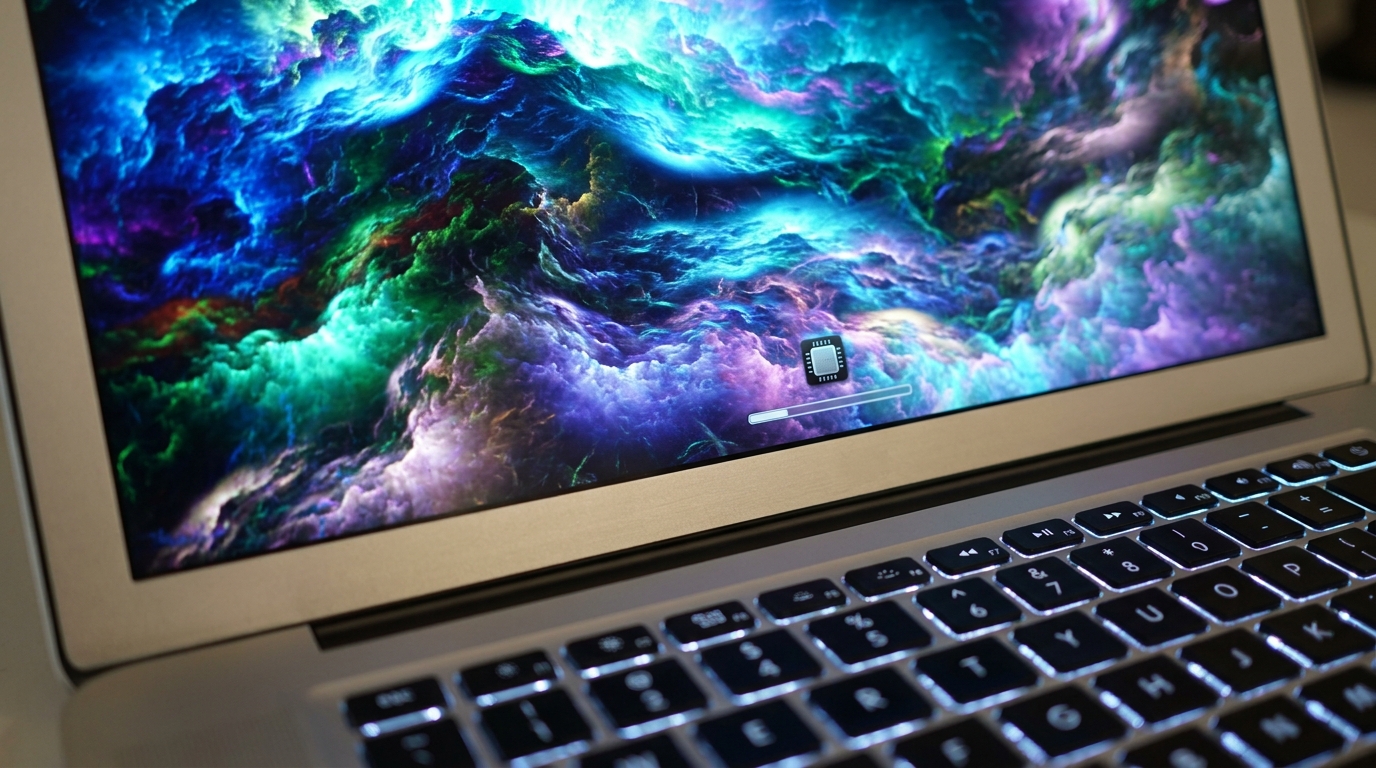
On-device image generation means faster results and greater privacy for your creative projects.
AI-Assisted Workflows: Your New Creative Toolkit 🛠️
Copilot+ PCs aren't just about raw power; they're about practical tools that integrate seamlessly into your daily work. Here are some of the exciting AI-assisted workflows you can expect:
These features are designed to make your life easier, whether you're a student researching a project, a small business owner managing tasks, or a creator bringing new ideas to life. The best part? Much of this processing happens locally, keeping your data secure and your experience fluid.
- Recall (Preview) Imagine being able to instantly find anything you've ever seen or done on your PC. Recall helps you do just that, creating a searchable timeline of your activity. It's like having a super-powered memory for your computer, all processed locally for your privacy.
- Click to Do (Preview) This feature aims to simplify complex tasks. Think of it as a smart assistant that can understand your intent and help you execute multi-step actions with fewer clicks. It learns your habits and anticipates your needs to streamline your workflow.
- Improved Windows Search Your everyday search gets a major AI upgrade. Expect more relevant results, faster indexing, and a more intuitive way to find files, apps, and information on your device, leveraging the NPU for quick, intelligent searches.
Advertisement
Why This Matters for Creators and Tech Enthusiasts ✨
For anyone building, developing, or just passionate about tech, these advancements in Copilot+ PCs are a big deal. It signals a clear shift towards more powerful, private, and integrated on-device AI. The increased AI performance, combined with local processing capabilities from components like Phi Silica and dedicated image AI, opens up a world of new possibilities.
This isn't just about having faster computers; it's about fostering innovation. Developers can now create AI-powered applications that run directly on users' machines, offering faster, more secure, and more responsive experiences. For creators, it means your tools become smarter, more intuitive, and less reliant on cloud services, giving you unparalleled freedom to bring your visions to life.
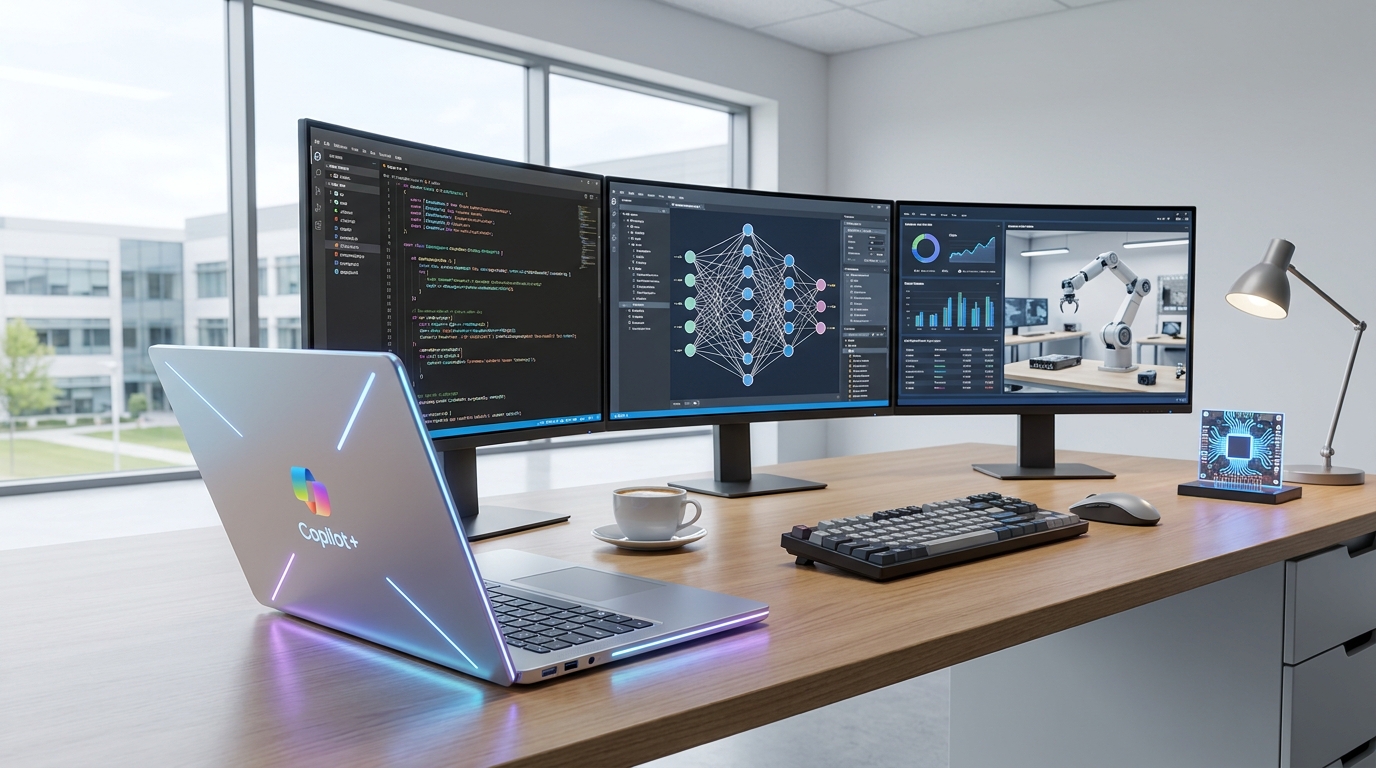
Developers can now build more powerful, private AI applications that run directly on Copilot+ PCs.
Getting Ready for Your Next AI Powerhouse 🔋
So, what does this mean for you when you're looking for your next PC? Keep an eye out for Copilot+ PCs with those high-performance NPUs (40+ TOPS!). These machines are engineered from the ground up to handle the next generation of AI applications and creative workflows. They're designed to give you a significant advantage in speed, privacy, and capability.
The future of computing is here, and it's intelligent, personal, and powerful. Whether you're a graphic designer, a video editor, a writer, or just someone who loves to experiment with the latest tech, Copilot+ PCs are poised to become an indispensable tool in your creative arsenal. Get ready to experience AI like never before, right on your desktop or lap.
💡 Pro Tip: When choosing a Copilot+ PC, look for the NPU's TOPS rating; higher numbers mean more raw AI processing power for your creative tasks!
Key Takeaways
- 2026 Copilot+ PCs offer up to 2.5x faster AI performance than 2024 models, thanks to advanced NPUs.
- These PCs prioritize local AI processing, enhancing privacy, reducing latency, and enabling offline AI workflows.
- Key components like Phi Silica provide on-device language intelligence, while dedicated hardware handles image creation and editing.
- New AI-assisted features like Recall and Click to Do are designed to streamline your daily tasks and creative projects.
- The advancements open new doors for developers and creators, fostering innovation in AI-powered applications directly on the PC.
Related on Tech4SSD 🔗
- Windows 11 Release Preview Builds: Your Guide to New Features & Fixes (2026)
- AI Image Authenticity in 2026: Content Credentials, Disclosure, and Trustworthy Editing 🛡️
📩 Want the freshest AI trends every week?
Subscribe to Tech4SSD — practical AI tools and trends, explained for everyone. Free. Subscribe →
Advertisement
Frequently Asked Questions
What makes Copilot+ PCs different from regular Windows PCs?
Copilot+ PCs are a new category of Windows PCs specifically designed for AI. They feature powerful Neural Processing Units (NPUs) capable of over 40 TOPS, enabling advanced on-device AI experiences that traditional PCs can't match. This means faster AI performance and more local processing for features like Recall and AI image generation.
What is an NPU and why is it important for AI?
An NPU (Neural Processing Unit) is a specialized processor designed to efficiently handle AI and machine learning tasks. Unlike CPUs or GPUs, NPUs are optimized for parallel processing of AI workloads, making them incredibly fast and power-efficient for AI features. For you, this means smoother AI-powered apps, longer battery life, and the ability to run complex AI models directly on your device.
Will my existing software work on Copilot+ PCs?
Yes, Copilot+ PCs run Windows and are fully compatible with your existing Windows applications. The AI enhancements are designed to work alongside your current software, often making them run more efficiently or adding new AI-powered capabilities within your favorite apps. Many developers are also optimizing their software to take full advantage of the NPU for even better performance.
Final Word
The IFA 2026 announcements for Copilot+ PCs mark a pivotal moment for creators and tech enthusiasts. We're moving into an era where powerful AI is not just in the cloud but deeply integrated into our personal devices. This shift promises not only incredible speed boosts but also a new level of privacy and creative freedom.
So, as you plan your next tech upgrade, keep these AI-powered machines in mind. They're not just faster; they're smarter, more secure, and ready to transform the way you work and create. Get ready to unleash your full creative potential with the next generation of Copilot+ PCs! 🌟
Sources & Further Reading
- https://learn.microsoft.com/en-us/windows/deployment/performance-lab/claims-disclosures
- Windows Copilot+ AI components | Microsoft Support
- Copilot+ PCs enhance AI with new features for improved productivity and creativity
- Copilot+ PCs developer guide | Microsoft Learn
- Copilot+ PCs & Windows PCs: Differences? | Microsoft Windows
- Copilot+ PCs for Productivity & Play | Microsoft Windows
- How the NPU is paving the way toward a more intelligent Windows - Source
- https://learn.microsoft.com/en-us/windows/ai/windows-ai-comparison
- Getting Started with Copilot+ PCs | Microsoft Windows
- Shop Copilot+ PCs: Windows AI PCs and Laptop Devices | Microsoft Windows
AI tools and features change fast — verify current options before relying on them. — Tech4SSD Editorial


Discussion
Have a question or something to add?
Join the discussion on Blogger