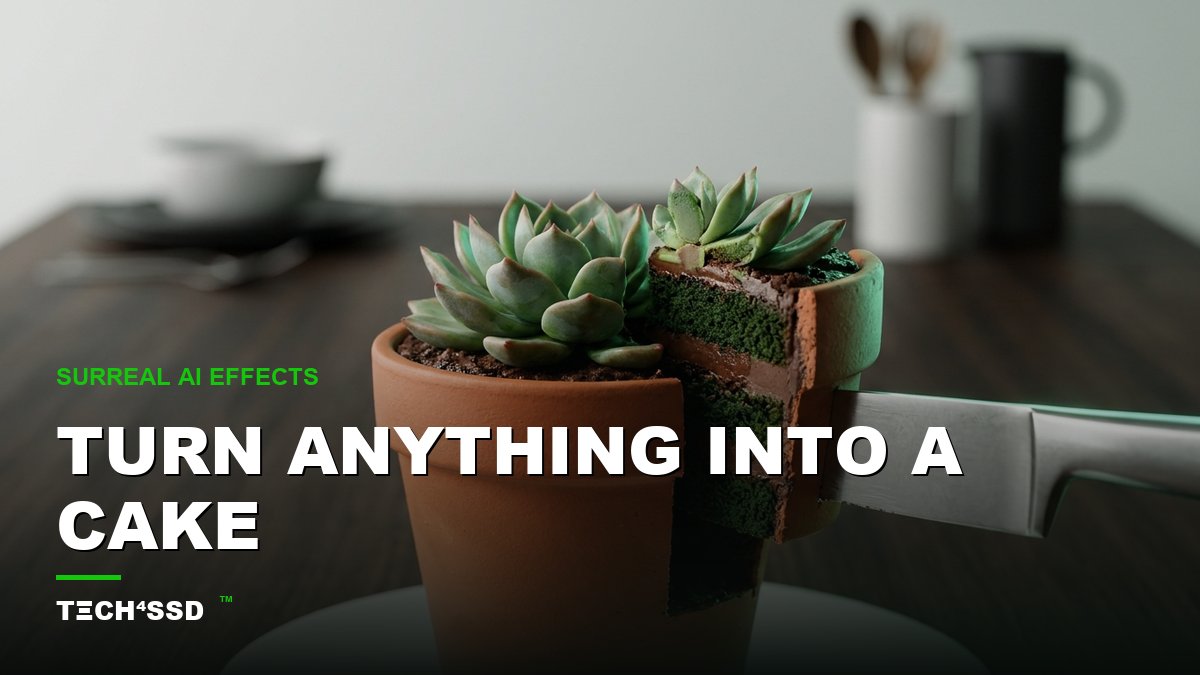
You've seen it: someone slices into what looks like a regular bottle of perfume, a houseplant, even a shoe — and it turns out to be moist, layered cake. 🍰 That's the Cakeify trend, and in 2026 it's everywhere. The wild part? You don't need a baker, a camera, or any editing skill. You upload a single photo, click one button, and AI does the rest.
And Cakeify is just the headliner. It belongs to a whole family of surreal one-click effects — Squish, Melt, Inflate — that are racking up millions of views. Let's break down exactly how to make your own, and which tools make it dead simple.
What You'll Need 🎯
- One clear photo — your pet, your product, your logo, your face. A simple, clearly-shaped subject works best.
- A free AI video tool — a one-click app like FlexClip, or an open "Cakeify" model on Hugging Face. Free tiers are plenty to start.
- About 5 minutes. Seriously. Most of the time is just picking which photo to use.
Step 1: Pick Your Tool 🛠️
You've got two easy lanes. The first is a one-click app like FlexClip, where the effect is built into a menu — you just upload and tap. The second is an open Cakeify space on Hugging Face, which is free to use in your browser, no install needed.
💡 Pro Tip: If you're brand new, start with a one-click app — the interface holds your hand. Comfortable poking around? The Hugging Face spaces give you more control and are often totally free.
Step 2: Upload Your Image 📤
Open your tool, find the upload button, and drop in your photo. The clearer the subject, the more jaw-dropping the reveal. A product on a plain background, a pet sitting still, a crisp logo — these all "read" instantly, which is what makes the cake reveal so satisfying.
Busy backgrounds and tiny details can confuse the effect, so keep it simple. One clear hero subject beats a cluttered scene every time.
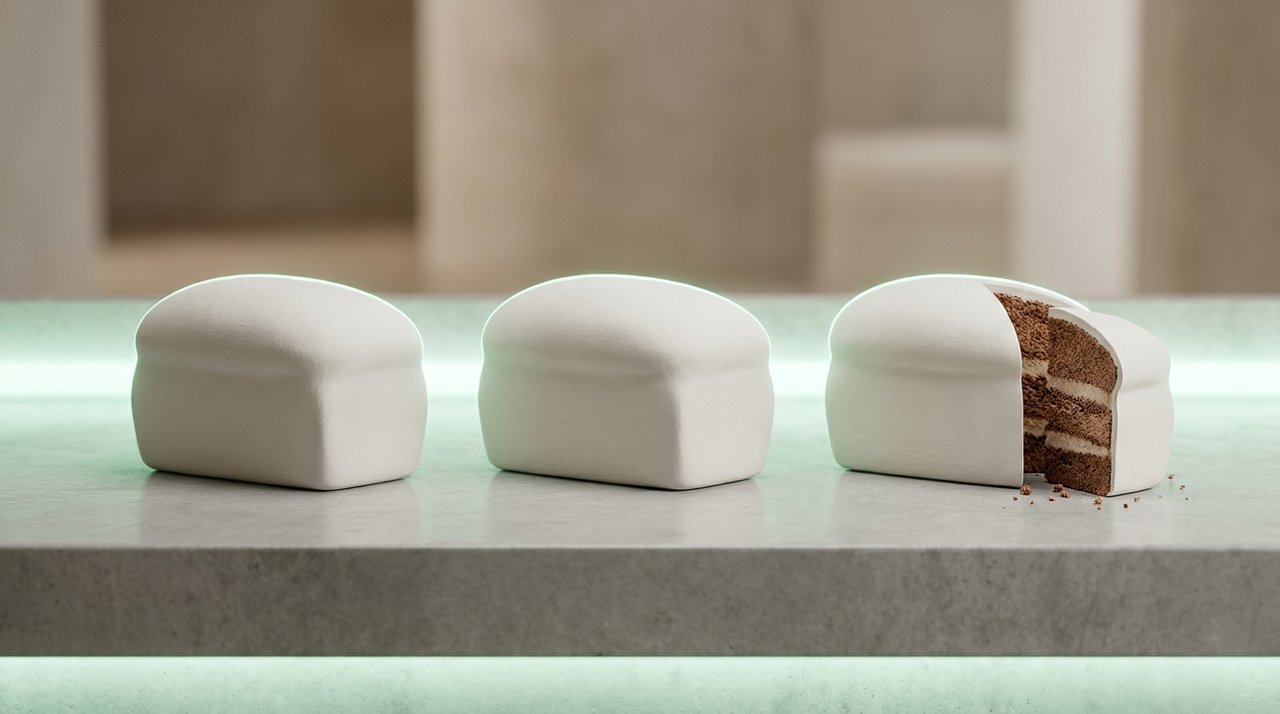
Wait — which one's the cake? That double-take is exactly why the trend works.
Step 3: Choose Your Effect 🍰
This is the fun part. Pick Cakeify for the classic slice-open reveal — AI turns your subject into a hyper-realistic cake, then a knife cuts through to show the sponge layers inside. But don't stop there. The same tools usually offer its surreal siblings:
- Squish — your object gets gently squeezed and bounces back, oddly satisfying.
- Melt — it slowly droops and melts like ice cream in the sun.
- Inflate — your subject puffs up like a balloon until it's round and bouncy.
Some tools just want a simple text prompt to set the vibe. Here's a plug-and-play one for Cakeify:
"Turn the subject in this photo into a hyper-realistic cake, then slice it open with a knife to reveal moist sponge layers inside, satisfying close-up reveal, glossy food-photography lighting."
Step 4: Generate the Video 🎬
Hit generate and wait a few seconds. The AI builds a short clip — usually 3 to 6 seconds — of your subject transforming and getting sliced. Watch it back. If the reveal feels off, regenerate; results vary a little each time, and a second try is often the charm.
💡 Pro Tip: Generate two or three versions and keep the most satisfying one. The best Cakeify clips have a clean, confident knife cut — that's the money moment people rewatch.

The whole effect lives on your phone — upload, tap, post.
Step 5: Download & Post 📲
Download your clip and drop it straight into Reels, TikTok, or Shorts. These effects are built for vertical, fast-scroll feeds, so they shine on mobile. Heads up: free tiers may add a watermark or cap the clip length — totally fine for testing, and worth a small upgrade once you're hooked.
Pair it with trending audio and a short, curious caption ("you won't believe this is cake") and you've got a scroll-stopper.
Use It, Make It Pay, Go Viral 🚀
Here's where a fun trick becomes a genuine tool:
- Small businesses: Cakeify your product or logo as a teaser ad. A "was that real?" reveal stops the scroll better than any static post.
- Pet owners & creators: Cakeify your pet for a guaranteed share-worthy clip your followers will tag their friends in.
- Make it pay: Offer "viral cake reveal" clips as a quick gig for local shops and creators who don't know the trend yet.
Key Takeaways
- Cakeify turns any photo into a hyper-realistic cake that slices open — one upload, one click.
- It's part of a family of surreal effects: try Squish, Melt, and Inflate too.
- One-click apps like FlexClip and free Hugging Face spaces make it trivial — no editing skills needed.
- Simple, clearly-shaped subjects produce the best reveals; pair with trending audio to go viral.
- Free tiers may watermark or limit length — fine for testing, easy to upgrade later.
Frequently Asked Questions
What is the Cakeify trend exactly?
It's a viral AI video effect where you upload a photo of any object — a pet, product, logo, or face — and AI turns it into a hyper-realistic cake that gets sliced open in a satisfying reveal. It blew up across Reels and TikTok in 2026.
Do I need any video editing skills?
None at all. One-click tools like FlexClip and open Hugging Face spaces handle everything — you just upload your image, pick the effect, and generate.
Is it free?
Many tools have free tiers that are enough to try it out. Just know they may add a watermark or limit how long your clip can be. Paid plans remove those caps.
What kind of photo works best?
Simple, clearly-shaped subjects on clean backgrounds. A single product, a sitting pet, or a bold logo gives the AI an easy shape to "cakeify," which makes the reveal far more convincing.
📩 Want the freshest AI trends every week?
Subscribe to Tech4SSD — practical AI tools and trends, explained for everyone. Free. Subscribe →
Final Word
Cakeify is the kind of effect that looks like it took a studio and a pro editor — and actually takes one photo and five minutes. Whether you're teasing a product, spotlighting your pet, or just want a clip your followers can't stop rewatching, it's the easiest viral moment you'll make all week. 🍰
So pick a subject, upload it, and hit that slice. Then go try Squish and Melt while you're at it.
AI tools and features change fast — verify current options before relying on them. — Tech4SSD Editorial
Discussion
Have a question or something to add?
Join the discussion on Blogger