Windows 11 Photos App: Hey there, fellow creator! Ever wish your everyday photo editor could do more than just crop and filter? Well, get ready, because the Windows 11 Photos App is stepping up its game big time, especially for you! Microsoft is rolling out some seriously cool AI-powered features that are going to change how you edit, enhance, and even *create* images right on your PC. 📸
This isn't just a minor update; it's a transformation. We're talking about advanced tools previously found in professional software, now baked right into your native Windows experience. Whether you're a student sprucing up a presentation, a small business owner crafting social media posts, or an aspiring artist exploring new visual styles, these new features are designed to make your creative life easier and more impactful. Let's dive in and see how you can harness this AI magic!
Advertisement
Restyle Your Images with AI Magic ✨
Imagine taking a photo and instantly transforming its entire artistic vibe. That's exactly what Restyle Image does, and it's a game-changer for Copilot+ PC users. This exclusive feature lets you apply AI-generated styles to your existing photos, giving them a fresh, unique look without needing complex editing skills. Think of it as having a personal digital artist at your fingertips.
But it gets even cooler. You're not limited to pre-set styles. You can actually describe the style you want using text, and the AI will generate it! This uses a clever Sketch-to-Image model, turning your words into visual inspiration. It's perfect for experimenting with different aesthetics for your brand, personal projects, or just for fun. You'll be amazed at the creative possibilities this opens up.
Generate Brand New Worlds with Image Creator 🚀
Ever needed a specific image but couldn't find the right stock photo? Or maybe you have a wild idea that doesn't exist yet? For Copilot+ PC owners, the new Image Creator feature within the Photos app is your answer. This powerful tool lets you generate entirely new images from scratch, just by typing a text description.
Powered by a Text-to-Image model, you can conjure up anything from fantastical landscapes to abstract designs, or even specific product mockups. This means less time searching for visuals and more time creating them, perfectly tailored to your vision. It's like having an infinite library of custom images, all generated on demand.

The new AI features in the Windows 11 Photos App put powerful creative tools directly into your hands.
Master the Light with AI Relight 💡
Lighting can make or break a photo, right? But what if you could magically adjust the lighting *after* you've taken the shot? That's the promise of Relight, another fantastic Copilot+ PC exclusive. This AI-powered feature lets you simulate different lighting conditions, giving you unprecedented control over the mood and focus of your images.
You can tweak the direction, color, position, and intensity of artificial light sources within your photographs. Did a shadow fall in the wrong place? Want to add a dramatic spotlight? Relight makes it possible, helping you elevate your photos from good to absolutely stunning. It’s like having a professional lighting crew in your pocket, ready to fix any shot.
Sharpen and Enlarge with Super Resolution 🔎
We've all been there: a great photo, but it's a bit too small or a little blurry. Enter Super Resolution, a Copilot+ PC exclusive that uses advanced AI to enhance and enlarge low-resolution images. It's not just stretching pixels; it's intelligently adding detail to make your photos look sharper and more vibrant.
This tool is a lifesaver for breathing new life into older photos, preparing images for print, or simply ensuring your digital creations look crisp on any screen. The AI works its magic to increase pixel count and sharpen details, transforming what might have been an unusable image into a high-quality asset. Learn more about how it works on Microsoft Support.
Advertisement
Erase Imperfections with Generative Erase 👋
Ever had a perfect shot ruined by an unwanted photobomber or a distracting object in the background? The Generative Erase feature is here to save the day! While not exclusive to Copilot+ PCs, this powerful AI tool is integrated through Microsoft Designer within the Photos app, allowing you to seamlessly remove unwanted areas from your images.
The AI doesn't just cut things out; it intelligently infills the space, making it look like the object was never there. It's incredibly intuitive and effective, helping you clean up your compositions and focus on what truly matters in your photos. This is a huge time-saver for anyone who wants polished, professional-looking images without needing complex software. You can find more details on editing images with Designer.
- Seamless Removal: Identify and remove distracting elements with AI-powered infilling.
- Integrated Workflow: Access this powerful tool directly within your Photos app, thanks to Microsoft Designer.
Beyond AI: Core Enhancements for Every User 🖼️
While the AI features are exciting, the Windows 11 Photos app hasn't forgotten its roots. It continues to offer robust local editing capabilities that are essential for everyday creators. You'll still find familiar tools like cropping, rotating, and a variety of filters to give your photos a quick polish. The automatic enhance feature remains a great one-click solution for improving image quality.
Beyond editing, the app also boasts improved organization features. A new filmstrip view makes browsing large collections a breeze, and the multi-view mode is perfect for comparing different versions of an image side-by-side. Plus, with iCloud integration, you can access your unified photo library directly within the app, making it a central hub for all your visual content. These enhancements ensure that whether you're using AI or traditional tools, your workflow is smooth and efficient.
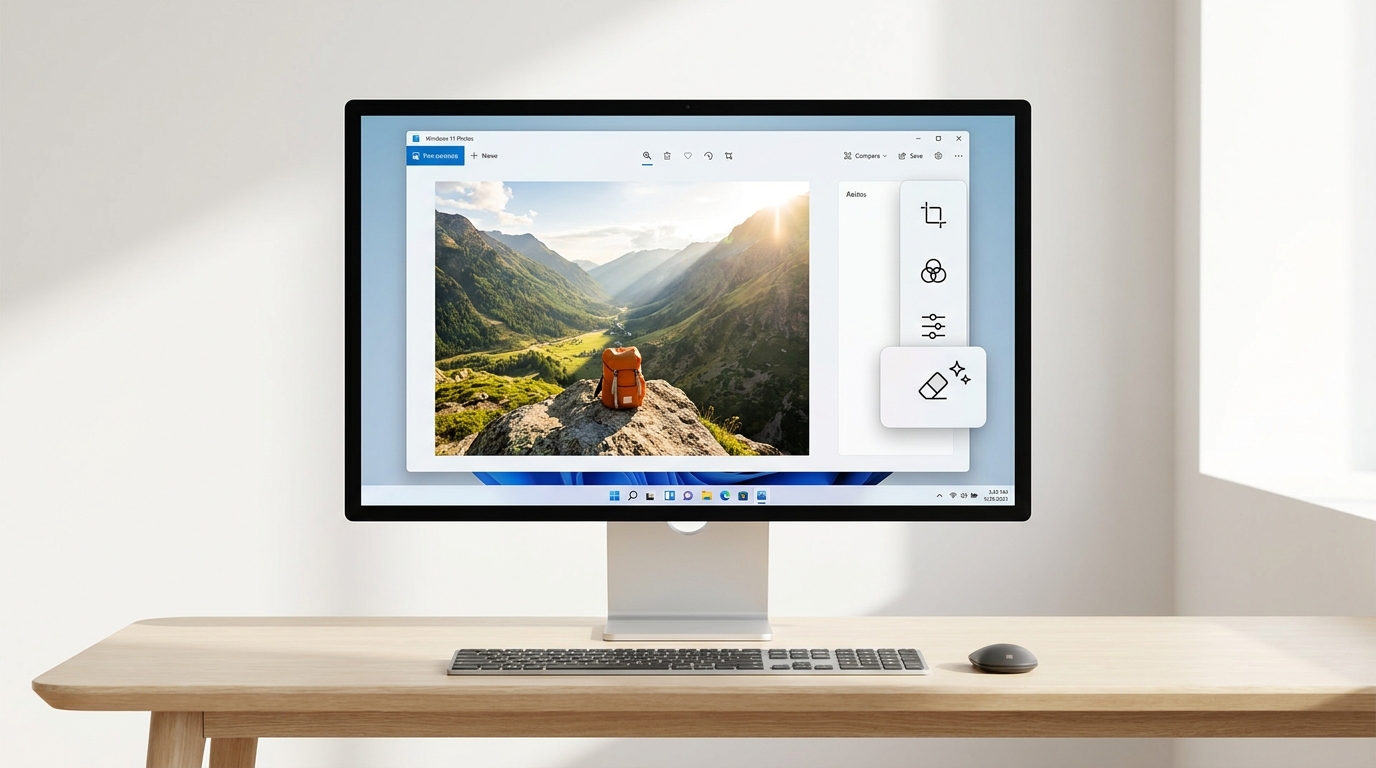
Beyond AI, the Photos app maintains its user-friendly interface for essential editing and organization.
💡 Pro Tip: For the best results with AI features like Restyle Image and Image Creator, start with clear, descriptive text prompts. The more specific you are, the better the AI can understand and execute your vision!
Key Takeaways
- Copilot+ PCs unlock exclusive AI features like Restyle Image, Image Creator, Relight, and Super Resolution in the Windows 11 Photos App.
- Restyle Image allows applying AI-generated styles or creating custom ones from text descriptions.
- Image Creator generates new images from text, perfect for unique visuals.
- Relight lets you adjust lighting direction, color, and intensity in existing photos.
- Super Resolution enhances and enlarges low-resolution images with AI for sharper details.
- Generative Erase (via Microsoft Designer) helps remove unwanted objects from photos, available to all Photos app users.
Related on Tech4SSD 🔗
- Create a Viral Miniature City Tsunami Video With AI Using Luma Labs (2026)
- Create Hyper-Kinetic AI Product Ads From One Image (2026)
📩 Want the freshest AI trends every week?
Subscribe to Tech4SSD — practical AI tools and trends, explained for everyone. Free. Subscribe →
Advertisement
Frequently Asked Questions
Do I need a Copilot+ PC to use all these new Photos app features?
Many of the most advanced AI features, like Restyle Image, Image Creator, Relight, and Super Resolution, are exclusive to Copilot+ PCs due to their specialized NPU (Neural Processing Unit) hardware. However, features like Generative Erase (via Microsoft Designer) and core editing tools are available to all Windows 11 users.
How does Generative Erase work within the Photos app?
Generative Erase is powered by Microsoft Designer and integrated into the Photos app. You select an unwanted object or area in your photo, and the AI intelligently removes it, filling the space with content that matches the surrounding background, making the removal look seamless.
Can I use these AI tools for professional creative work?
Absolutely! While designed for accessibility, the power of these AI tools means you can achieve professional-level results for various creative tasks, from social media content and marketing materials to personal art projects. They streamline workflows and reduce the need for expensive, complex third-party software, especially for quick edits and generative tasks.
Final Word
The updated Windows 11 Photos App is more than just a photo viewer; it's becoming a powerful, accessible creative studio, especially for those with Copilot+ PCs. Microsoft is clearly investing heavily in bringing cutting-edge AI directly to your desktop, making advanced image manipulation and generation easier than ever before. This move empowers everyday creators, students, and small business owners to produce high-quality visual content without a steep learning curve or hefty software subscriptions.
So, whether you're looking to transform old photos, generate new visuals, or simply perfect your shots, the Photos app has got you covered. Dive in, experiment with these new AI tools, and unleash your creative potential. The future of on-device AI editing is here, and it's ready for you! 🌟
Sources & Further Reading
- Microsoft Photos Restyle Image and Image Creator: Responsible AI FAQ | Microsoft Support
- Edit photos and videos in Windows | Microsoft Support
- Windows 11 Photos App and Clipchamp AI Video Editor | Microsoft Windows
- Changes in the new Photos app | Microsoft Support
- Relight in Photos | Microsoft Support
- 写真のリリース ノート - Windows Insider Program | Microsoft Learn
- Super resolution in Photos | Microsoft Support
- Photos App for Creativity | Microsoft Windows
- Paint, Reimagined, for Modern Creators | Microsoft Windows
- Edit images with Designer | Microsoft Support
AI tools and features change fast — verify current options before relying on them. — Tech4SSD Editorial


Discussion
Have a question or something to add?
Join the discussion on Blogger