
GitHub site performance: Ever wonder how the big players keep their websites lightning-fast, even with millions of users and tons of features? GitHub, the coding hub for developers worldwide, just pulled off a massive architectural refactoring that’s a masterclass in web performance. They made a bold move, ditching their old CSS-in-JS setup for something called CSS Modules, and the results are seriously impressive. ✨
This isn't just tech talk for the pros. If you're a creator, a student, or a small business owner relying on your website to connect with your audience, understanding these shifts can give you a real edge. We're breaking down GitHub's journey, what CSS Modules are, why this change matters for your own projects, and how you can apply these lessons to make your digital presence snappier and more user-friendly. Ready to dive into the world of faster web experiences?
Advertisement
The Big Switch: From CSS-in-JS to CSS Modules 🔄
GitHub, a platform we all know and probably use daily, recently completed a huge overhaul of its front-end architecture. Imagine changing the engine of a car while it's still driving at full speed! That's essentially what they did. Their goal? To make the site even faster, more responsive, and a joy to use. They decided to migrate their entire Primer design system and other components away from various CSS-in-JS solutions.
What does that mean for you? Well, CSS-in-JS (like `sx`, `styled-components`, or `styled-system`) is a way developers write CSS code directly within JavaScript. It sounds convenient, right? But for massive applications like GitHub, it started causing some headaches, especially with how quickly pages loaded and how smoothly they rendered. By June 2026, GitHub had completely transitioned to 100% CSS Modules across their platform, marking the end of an era for their CSS-in-JS approach. This wasn't a small tweak; it was a fundamental shift in how styles are managed.
Why the Change? The Performance Pinch Points 📉
So, if CSS-in-JS was so popular, why did GitHub move away from it? The main reason boiled down to performance. When you have a massive application, every millisecond counts. GitHub was facing challenges with client-side style initialization, meaning the browser had to do a lot of work to figure out and apply styles once the page loaded. This led to slower initial page loads and a less snappy user experience.
Another big issue was server-side rendering (SSR) performance. With CSS-in-JS, generating the styles on the server before sending the page to the user could be quite resource-intensive. This added to the overall time it took for a page to become interactive. GitHub's engineering team realized that to truly optimize their site for speed and responsiveness, they needed a more efficient way to deliver and apply styles. This is where CSS Modules stepped in as a game-changer.
The Jaw-Dropping Results: Speed You Can Feel 🚀
The migration to CSS Modules wasn't just a technical exercise; it delivered tangible, impressive results that directly impact how fast GitHub feels to you. We're talking about significant improvements that make navigating the site a much smoother experience.
Here are some of the standout performance gains reported by GitHub:
These numbers aren't just statistics; they represent a faster, more fluid experience for every developer and user on GitHub. Imagine your own website loading 55% faster – that's a huge win for user engagement and satisfaction!
- 55% Reduction in Server-Side Rendering (SSR) Time: This means pages are built and sent to your browser much quicker, leading to faster initial loads.
- 25% Decrease in Component Initialization Time: Individual elements on the page (like buttons, forms, or navigation menus) become ready to use faster, improving interactivity.

GitHub's Octocat celebrates the speed boost from CSS Modules.
Beyond CSS: Optimizing Diff Views with TanStack Virtual 💡
GitHub didn't stop at CSS. They also tackled another major performance bottleneck: rendering large code differences (diffs) in pull requests. If you've ever reviewed a massive pull request, you know how slow and clunky it can get. To fix this, GitHub integrated TanStack Virtual.
TanStack Virtual is a library that helps efficiently render long lists or grids by only rendering the items currently visible in the viewport. This technique, called "virtualization," drastically reduces the number of elements the browser has to manage. For GitHub, this meant a 10x reduction in JavaScript heap usage and DOM nodes for large pull requests. The result? A massive improvement in Interaction to Next Paint (INP), going from a sluggish 275-700+ ms down to a super-fast 40-80 ms. This makes code reviews much smoother and more enjoyable.
- 10x Reduction: Less JavaScript memory usage and fewer DOM elements for large diffs.
- INP Boost: Interaction to Next Paint improved from 275-700+ ms to 40-80 ms, making diffs feel instant.
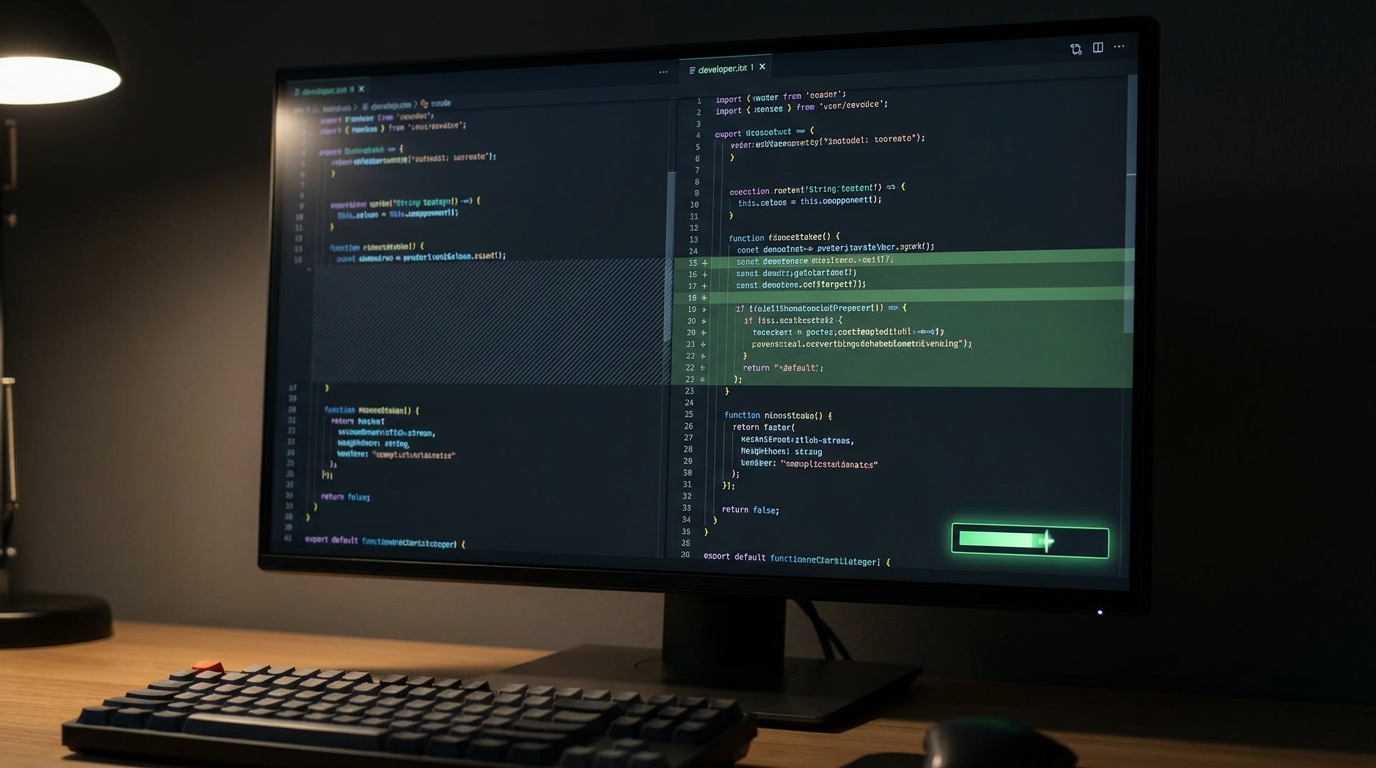
Seamlessly reviewing massive code changes is now a reality on GitHub.
Advertisement
The Method Behind the Madness: How GitHub Pulled It Off 🛠️
Migrating an entire platform as complex as GitHub is no small feat. It requires careful planning, dedicated resources, and a methodical approach. GitHub's team didn't just rip out the old and plug in the new; they used automated migration tools and formed a specialized team to handle the transition. This allowed them to refactor their architecture without causing downtime or breaking the live site.
Their strategy involved a phased rollout, ensuring that each component and section of the site was thoroughly tested before going live with CSS Modules. This systematic approach is a testament to how large-scale architectural changes can be managed effectively, even in a constantly evolving environment. It's a blueprint for any organization looking to make significant, performance-driven changes to their web applications.
What This Means for You: Lessons for Every Creator and Business Owner 🌟
You might be thinking, "This is great for GitHub, but how does it apply to my small business website or my personal blog?" The lessons from GitHub's journey are incredibly valuable, regardless of your scale. They highlight the tangible benefits of making smart architectural decisions in your front-end development.
The move to CSS Modules and the abandonment of CSS-in-JS offers a real-world case study for improving Core Web Vitals, rendering speed, and overall user experience. If your website is sluggish, users will leave. Investing time in fundamental CSS optimization and refactoring, or even just choosing the right tools from the start, can yield substantial performance dividends. This translates to happier users, better search engine rankings, and ultimately, more success for your online presence.
💡 Pro Tip: When choosing styling solutions for your projects, consider the long-term performance implications. While CSS-in-JS offers convenience, for larger, performance-critical applications, traditional CSS approaches like CSS Modules often provide better speed and maintainability.
Key Takeaways
- GitHub successfully migrated its entire platform to CSS Modules by June 2026, ditching CSS-in-JS for better performance.
- This architectural shift resulted in significant gains: 55% faster server-side rendering and 25% quicker component initialization.
- The move highlights that strategic front-end decisions, even for CSS, can dramatically improve Core Web Vitals and user experience.
- GitHub also optimized large code diffs using TanStack Virtual, reducing resource usage and boosting interaction speed.
- Their methodical approach to refactoring, using automation and dedicated teams, offers a blueprint for large-scale web optimization without disruption.
Related on Tech4SSD 🔗
📩 Want the freshest AI trends every week?
Subscribe to Tech4SSD — practical AI tools and trends, explained for everyone. Free. Subscribe →
Advertisement
Frequently Asked Questions
What are CSS Modules?
CSS Modules are a way to write CSS that is locally scoped by default, meaning styles you write for one component won't accidentally affect another. They help prevent style conflicts and make managing CSS in large applications much easier and more performant than some CSS-in-JS solutions.
Why did GitHub move away from CSS-in-JS?
GitHub found that CSS-in-JS solutions were causing performance bottlenecks, particularly with slower server-side rendering and increased client-side style initialization time. They needed a more efficient way to deliver and apply styles to improve overall site speed and user experience.
Can small websites benefit from these changes?
Absolutely! While GitHub operates at a massive scale, the principles of optimizing CSS and using efficient rendering techniques (like virtualization for long lists) apply to all websites. Faster loading times and smoother interactions benefit any user, leading to better engagement and SEO.
Final Word
GitHub's journey from CSS-in-JS to CSS Modules is more than just a technical anecdote; it's a powerful reminder that fundamental architectural choices have a direct impact on user experience and business success. By prioritizing performance and making strategic shifts, even large, complex platforms can achieve remarkable speed and efficiency gains.
So, whether you're building your next big project or just tweaking your personal site, remember GitHub's lesson: investing in robust, efficient front-end architecture pays off. You've got this! 💪
Sources & Further Reading
- Improving site performance by shipping more CSS - The GitHub Blog
- The uphill climb of making diff lines performant - The GitHub Blog
- 66bd82e perf(web): stop over-fetching avatars, and get GitHub's CSS off every page
- From latency to instant: Modernizing GitHub Issues navigation performance - The GitHub Blog
- Effeilo/vite-plugin-critical-css
- Critical v9: a two-engine rewrite for how the web is built in 2026
- layout CSS before scripts, ?critical CSS inlining · bf849a1 · onejs/one
- Rendering huge pull requests in the GitHub Copilot app - The GitHub Blog
- Crafting a better, faster code view - The GitHub Blog
- [DevXP] Improve Linaria pre-build speed · Pull Request #18382 · twentyhq/twenty
AI tools and features change fast — verify current options before relying on them. — Tech4SSD Editorial
Discussion
Have a question or something to add?
Join the discussion on Blogger