
Git 2.56: Ever felt like your Git commands were dragging their feet, especially with massive projects? You're not alone! The latest update, Git 2.56, is here to inject some serious speed and smarts into your version control workflow. This isn't just a minor tweak; it's a significant leap forward, particularly if you're wrangling large codebases or just want a smoother experience. 🚀
In this article, we'll break down the most impactful features of Git 2.56, from blazing-fast performance gains to slick new command-line interface (CLI) tools that'll make your daily coding life a breeze. We’ll demystify how these updates work and show you how they can directly benefit your creative projects, student assignments, or small business operations. Get ready to feel more capable and efficient with Git!
Advertisement
Blazing-Fast Performance: The Need for Speed ⚡
Let's face it: waiting for Git to do its thing can be a real productivity killer. Git 2.56 tackles this head-on with some impressive performance optimizations, especially for those of you working with large repositories, often called 'monorepos.' Think of it as upgrading your car's engine – everything just runs smoother and faster.
The biggest wins come from how Git handles complex operations like finding common ancestors between branches (known as 'merge-base calculations') and how it stores your project's history efficiently ('path-walk repacking'). These aren't just incremental improvements; they're game-changers that can shave significant time off your daily tasks, letting you focus more on building amazing things and less on waiting.
- Merge-Base Magic: Operations that used to crawl can now fly. Some merge-base calculations are seeing speedups of 70 times or more! Imagine going from 167,441 traversal steps down to a mere 3,887 in certain scenarios. That's like reducing a cross-country trip to a quick jaunt around the block. This means faster merges and rebases, especially in complex branching structures.
- Smarter Storage: Path-walk repacking, which helps keep your repository's storage footprint small, is now much more practical for servers. Git 2.56 removes previous restrictions, leading to potentially 71% smaller pack sizes. This not only saves disk space but also makes operations that rely on reading this data much quicker. More efficient storage means faster clones, fetches, and pushes for everyone.
Streamlined CLI Tools: Your Command Center Gets an Upgrade 🛠️
Git's command-line interface is where the magic happens, and Git 2.56 brings some fantastic refinements that make it more intuitive and powerful. These updates are all about simplifying complex tasks and giving you more direct control, without needing to remember obscure flags or workarounds. It's about making Git work *for you*.
Whether you're a seasoned Git pro or just getting comfortable with the command line, these new and improved tools will help you navigate your project history, manage branches, and clean up your workspace with greater ease. Less head-scratching, more coding!

The updated Git CLI makes complex tasks feel more intuitive and efficient.
Enhanced History Manipulation with `git history` 📜
Understanding and modifying your project's history is a core part of version control. Git 2.56 continues to evolve the experimental `git history` command, making it an even more robust tool for those times you need to rewrite, reorder, or remove commits. Think of it as your personal time machine for code.
The new `drop` subcommand is particularly exciting. It allows you to remove specific commits and then intelligently replay all their descendants. This is incredibly powerful for cleaning up messy histories, squashing commits, or removing sensitive information that might have accidentally made its way into your repository. It's a precise scalpel for your commit history, giving you fine-grained control.
🟦 `git history drop` in Action
Let's say you have a commit you want to erase from history. Instead of complex `rebase` commands, you can now use `git history drop
Consolidated Reference Management with `git refs` 🏷️
Git references (like branches and tags) are fundamental to how Git tracks different points in your project's history. Historically, managing these low-level references could sometimes feel a bit scattered. Git 2.56 introduces a new set of consolidated `git refs` commands that bring order to this process, giving you a more direct and consistent way to interact with them.
This update simplifies common tasks and provides a clearer mental model for managing your project's various pointers. Instead of remembering different commands for different types of references, `git refs` centralizes control, making it easier to create, update, delete, and rename your branches and tags.
🟥 New `git refs` Commands
The new `git refs` commands streamline operations:
- `git refs create`: For creating new references with specific values.
- `git refs update`: To change where an existing reference points.
- `git refs delete`: For removing references.
- `git refs rename`: To easily change the name of a reference.
This consolidation means less guesswork and more predictable outcomes when you're managing your repository's structure. It's a subtle but powerful improvement for everyday Git users.
Advertisement
Bulk Branch Deletion: Tidy Up Your Workspace 🧹
If you're anything like us, your local Git repository can quickly become a graveyard of old, merged topic branches. Cleaning these up manually can be tedious and time-consuming. Git 2.56 introduces a fantastic new feature that makes this chore a thing of the past: bulk branch deletion for merged branches. 🎉
This simple yet powerful command allows you to efficiently prune all local branches that have already been integrated into their upstream counterparts. It's a massive quality-of-life improvement that helps keep your local environment clean and focused, reducing clutter and potential confusion.
🟪 `git branch --delete-merged`
To use this, simply run `git branch --delete-merged`. Git will then list and delete all local branches that have been fully merged into your current branch's upstream. It's a safe and effective way to keep your local repository tidy without accidentally removing active work. This command is a lifesaver for anyone who works with many feature branches and wants to maintain a clean development environment. You can learn more about branch management in the Git 2.56 documentation.
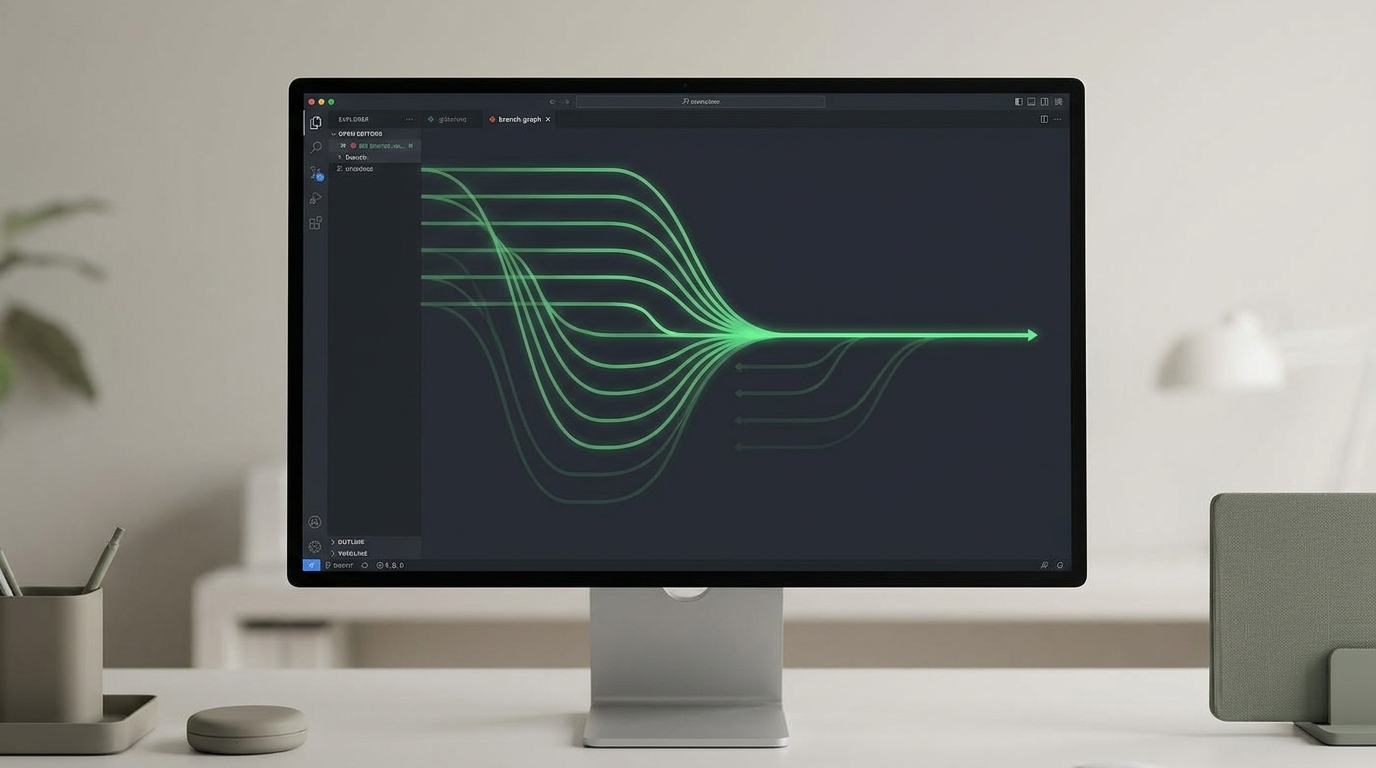
Say goodbye to cluttered local branches with the new bulk deletion feature.
Why Git 2.56 Matters for You (and Your Projects) 🚀
So, why should you care about these updates? For creators, students, and small business owners, the enhancements in Git 2.56 translate directly into tangible benefits. Faster Git operations mean less time waiting and more time creating. If you're managing a growing codebase, those performance gains, especially for large monorepos, can significantly reduce your development cycles and even lower infrastructure costs by making your build and deployment pipelines more efficient.
The refined CLI tools and new features like bulk branch deletion aren't just for advanced users. They simplify complex version control tasks, making Git more accessible and less intimidating. You'll spend less time wrestling with Git and more time focusing on your actual work. This update makes Git an even more powerful and efficient tool for managing your code, your content, and your collaborative projects. It’s about empowering you to do more, faster, and with less friction.
💡 Pro Tip: Always back up your repository or work on a non-critical branch before experimenting with history-rewriting commands like `git history drop`!
Key Takeaways
- Git 2.56 delivers significant performance boosts, especially for large repositories, with merge-base calculations up to 70x faster.
- Path-walk repacking improvements can lead to 71% smaller pack sizes, saving storage and speeding up operations.
- The `git history` command gains a powerful `drop` subcommand for precise commit removal and history rewriting.
- New `git refs` commands (`create`, `update`, `delete`, `rename`) centralize and simplify low-level reference management.
- A new `git branch --delete-merged` feature allows for easy bulk cleanup of local, merged topic branches.
Related on Tech4SSD 🔗
- Optimizing UI Performance for Massive Code Diffs in Developer Workflows (2026)
- Migrating Large Codebases to Rust with AI Agents (2026)
📩 Want the freshest AI trends every week?
Subscribe to Tech4SSD — practical AI tools and trends, explained for everyone. Free. Subscribe →
Advertisement
Frequently Asked Questions
Is Git 2.56 a stable release?
Yes, Git 2.56 is a stable release. While some features like `git history` might still be considered experimental (meaning they could change in future versions), the core performance improvements and CLI enhancements are fully integrated and ready for use. Always check the official Git documentation for the latest status of specific commands.
How do I update to Git 2.56?
The method for updating Git depends on your operating system. On macOS, you might use Homebrew (`brew update && brew upgrade git`). On Linux, you'd typically use your distribution's package manager (e.g., `sudo apt update && sudo apt install git` for Debian/Ubuntu, or `sudo dnf upgrade git` for Fedora). Windows users can download the latest installer from the official Git website (git-scm.com). Always ensure you back up important work before updating.
Will these performance improvements help with small projects too?
Absolutely! While the most dramatic performance gains in Git 2.56 are seen in large monorepos, the underlying optimizations benefit all repositories, regardless of size. You'll still experience faster operations, even if the difference isn't as stark as in projects with hundreds of thousands of commits. The CLI improvements also enhance workflow for projects of any scale.
Final Word
Git 2.56 is more than just another update; it's a testament to the ongoing commitment to making version control faster, more efficient, and more user-friendly. For anyone building, creating, or managing code, these improvements translate directly into saved time, reduced frustration, and a smoother development experience.
Embrace the new features, enjoy the speed boost, and let Git 2.56 empower you to achieve more with your projects. Your workflow just got a whole lot smarter! ✨
Sources & Further Reading
- Highlights from Git 2.56 - The GitHub Blog
- Git - git Documentation
- Highlights from Git 2.55 - The GitHub Blog
- The latest on Git updates
- Highlights from Git 2.52
- This year's most influential open source projects
- Git - git-history Documentation
- Highlights from Git 2.54
- Highlights from Git 2.51 - The GitHub Blog
- Git - BreakingChanges Documentation
AI tools and features change fast — verify current options before relying on them. — Tech4SSD Editorial
Discussion
Have a question or something to add?
Join the discussion on Blogger