Custom AI Tools for Creative Workflows: Ever wondered how the pros manage to churn out amazing visual content without getting bogged down in endless tasks? The secret might just be Custom AI Tools for Creative Workflows. These aren't just fancy gadgets; they're integrated systems designed to supercharge your creative process, from brainstorming to final render. Today, we're diving into how platforms like Google Flow are setting the standard, making complex creative tasks feel… well, flowing! 🌊
In this article, we'll demystify how these tailored AI solutions work, focusing on Google Flow's innovative approach to video and image creation. You'll learn about smart asset organization, iterative design magic, and how an AI assistant can become your best creative buddy. Get ready to feel more capable and less overwhelmed by your next big project!
Advertisement
What Are Custom AI Tools for Creative Workflows? 🤔
Think of custom AI tools not as a single app, but as a personalized creative ecosystem. Instead of juggling a dozen different programs for brainstorming, asset creation, editing, and organization, these tools bring everything under one smart roof. They're built with specific creative needs in mind, understanding that a filmmaker's workflow is different from, say, a graphic designer's.
The goal? To remove friction, automate repetitive tasks, and empower you to focus on the *art* of creation. This means less time wrestling with software and more time bringing your vision to life. It's about making AI a seamless, intuitive part of your daily grind, not just another tech hurdle to jump.
Google Flow: Your New Creative Co-Pilot 🚀
Google Flow is emerging as a prime example of this integrated approach. It's not just another video generator; it's an AI filmmaking tool built with Google's powerful generative models, designed to help you create cinematic clips, scenes, and even full stories. But it goes beyond simple generation.
What makes Google Flow stand out is its comprehensive support for the *entire* creative workflow. From the initial spark of an idea to the final polished product, Flow aims to be your constant companion. It’s about more than just making pretty pictures; it’s about making the *process* of making pretty pictures (and videos!) much, much easier. You can learn more about getting started with Google Flow directly from their help pages.
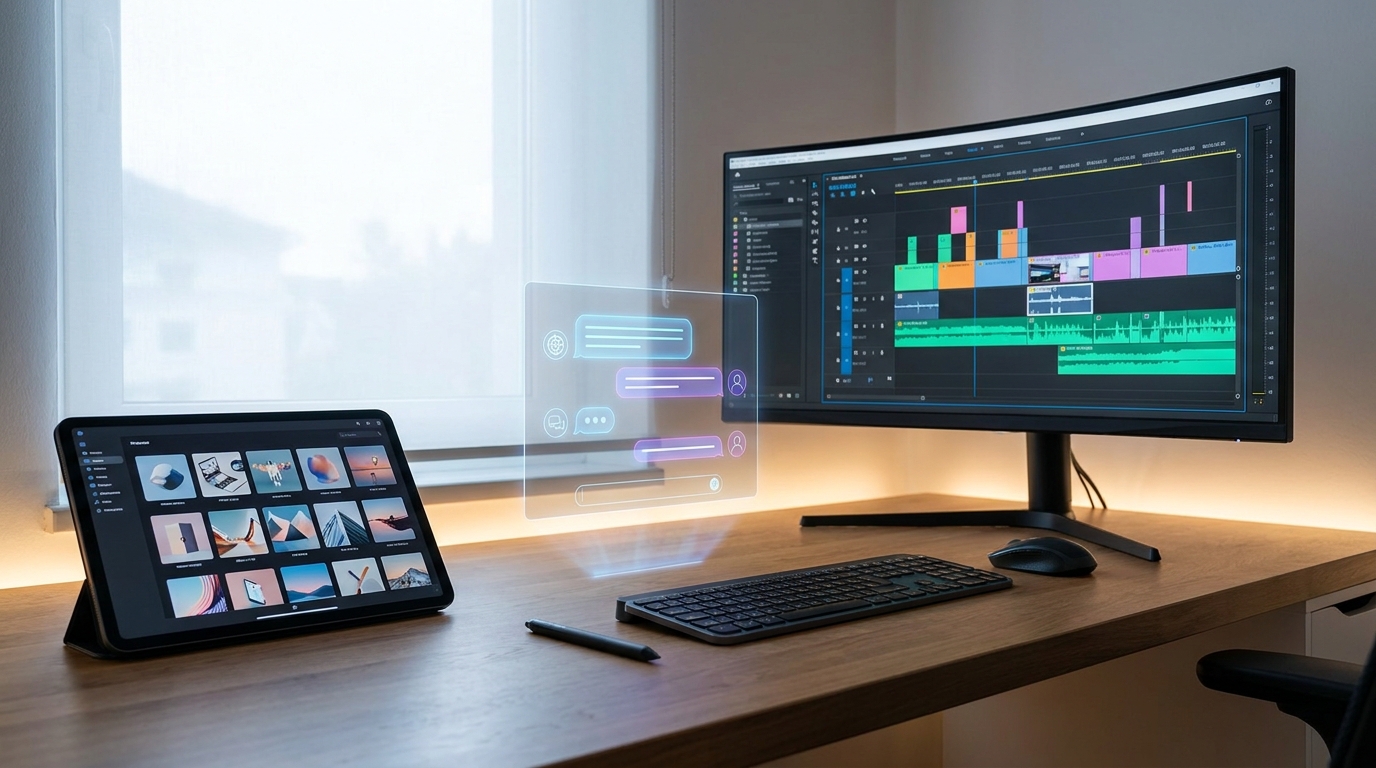
Google Flow integrates various creative stages into one intuitive interface.
Mastering Your Assets with Smart Organization 🗂️
One of the biggest headaches for any visual creator is asset management. Where did that perfect image go? Which version is the latest? Google Flow tackles this head-on with robust organization features. You can arrange your AI-generated content in grid or batch modes, making it easy to visually scan and select what you need.
Even better, you can sort your generations into 'collections,' which are essentially smart folders. This means no more endless scrolling or frantic searching. Your creative assets are right where you need them, when you need them. This level of organization is crucial for maintaining sanity and efficiency in complex projects, as highlighted in Google's own support for managing projects and assets.
- Grid View: Quickly browse and compare multiple generated assets side-by-side.
- Batch Mode: Process and organize groups of assets efficiently, saving you time.
- Collections: Categorize your work into logical groups, just like folders, but smarter.
Your AI Agent: The Ultimate Creative Collaborator 🤝
Imagine having a creative partner who never gets tired, always has ideas, and can generate media on demand. That's the Google Flow Agent. This integrated AI acts as your personal collaborator, ready to assist with a wide range of tasks through natural conversation. It's like having a super-powered assistant at your fingertips.
The Agent can help you brainstorm new concepts, refine your prompts to get exactly the output you envision, and generate both videos and images. It can even assist with editing your assets and organizing your projects. This conversational interface makes interacting with powerful AI models like Gemini Flash & Pro and Imagen 3 feel incredibly intuitive, truly demystifying the tech.
Advertisement
Iterative Design: Refining Your Vision in Real-Time ✨
Creativity isn't a straight line; it's a process of iteration and refinement. Google Flow understands this deeply. It allows you to create and edit images directly within your projects without losing your original versions. This means you can experiment freely, knowing you can always revert or explore different paths.
This real-time refinement capability is a game-changer. You can tweak designs, apply variations, and see the results instantly, accelerating your creative cycles. Google's 'Infinite Fleurs' demo, which showcases the use of models like Gemini Flash & Pro and Imagen 3 for rapid prototyping, perfectly illustrates this iterative power. It's about moving from idea to polished product faster than ever before.
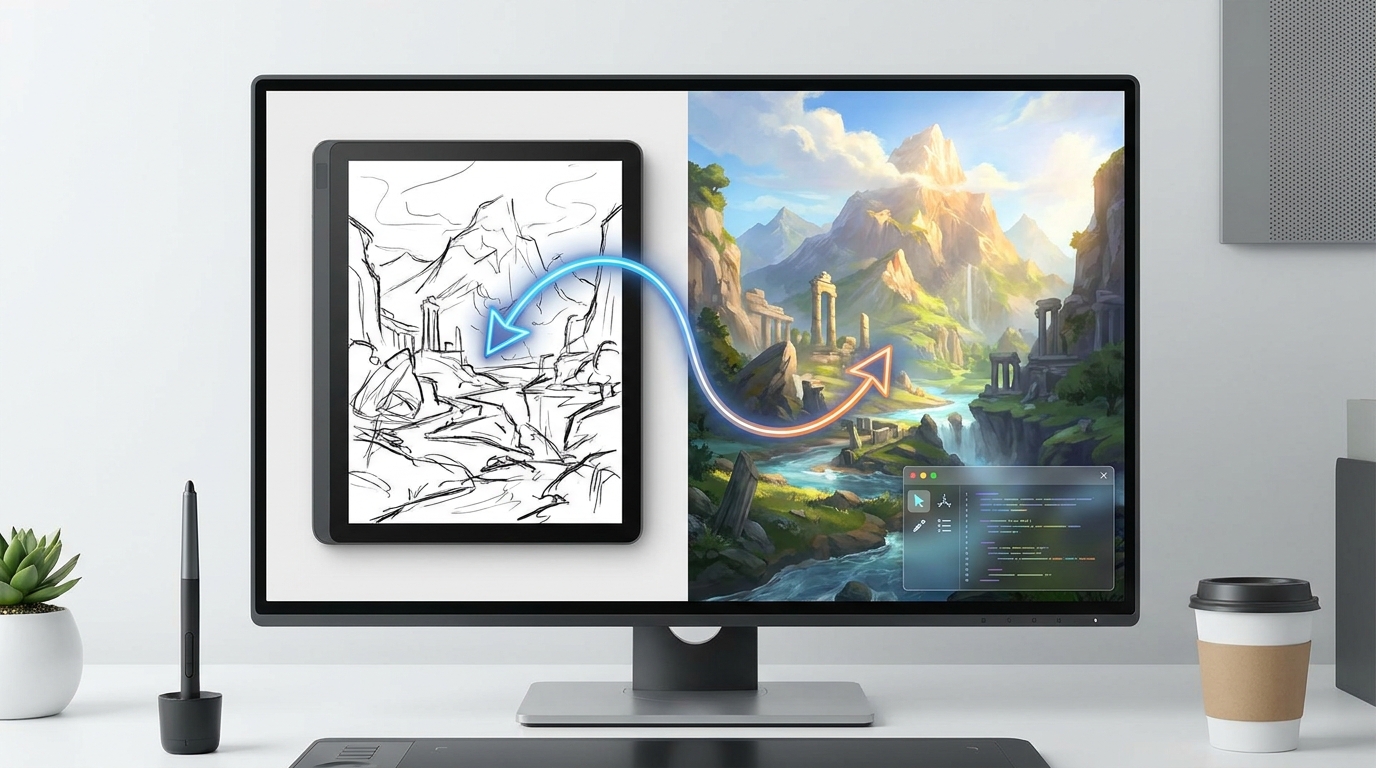
Google Flow enables seamless iteration, letting you refine designs without losing previous versions.
Why This Matters for Everyday Creators and Businesses 💼
For small business owners, students, and creators, Google Flow isn't just a cool new gadget; it's a significant leap forward in efficiency and creative potential. By integrating asset management, iterative design, and AI-powered assistance, it streamlines the entire creative process. This means you can produce high-quality visual content faster, with less effort, and potentially lower costs.
Think about reducing the time spent on mundane tasks, freeing you up to focus on the strategic and artistic elements of your work. This integrated approach can reduce development cycles for creative applications and increase overall efficiency. The power of advanced Google AI models like Gemini Flash & Pro and Imagen 3 is now accessible in a practical, workflow-enhancing tool, proving that generative AI is truly evolving for real-world creative challenges. This kind of innovation is expanding creative potential across industries, as explored by Think with Google.
Key Takeaways
- Google Flow is an all-in-one AI platform for creative professionals, leveraging Google's generative models for video and image creation.
- It offers robust asset organization features, including grid/batch modes and collections, to keep your creative projects tidy and accessible.
- An integrated AI Agent acts as a creative collaborator, assisting with brainstorming, prompt refinement, media generation, and editing through natural conversation.
- Google Flow facilitates iterative design, allowing you to create and edit assets within projects without losing originals, accelerating your creative process.
- This integrated approach streamlines creative workflows, boosting efficiency and making advanced AI accessible for everyday creators and small businesses.
Related on Tech4SSD 🔗
- Google AI for Societal Impact: Practical Tools for Developers (2026)
- Google DevFest 2026: Practical Tools and Workflows for Building Agentic AI
- AI Tools Accelerating Scientific Research Workflows (2026)
📩 Want the freshest AI trends every week?
Subscribe to Tech4SSD — practical AI tools and trends, explained for everyone. Free. Subscribe →
Advertisement
Frequently Asked Questions
What exactly is Google Flow?
Google Flow is an AI-powered platform designed for creative professionals, particularly in filmmaking and visual content creation. It uses Google's generative AI models to help you create, organize, and edit videos and images within a single, integrated workflow.
How does Google Flow help with asset organization?
Google Flow provides features like grid and batch modes for viewing and managing generated content, and 'collections' (smart folders) to help you sort and categorize your assets, making them easy to find and manage for your projects.
Can the Google Flow Agent really help me brainstorm?
Yes! The integrated Google Flow Agent acts as a conversational AI assistant. You can chat with it to brainstorm ideas, refine your creative prompts, generate media (both images and videos), and even get help with editing and organizing your project assets.
Is Google Flow suitable for beginners or just experienced professionals?
While powerful enough for professionals, Google Flow's intuitive, integrated design and conversational AI Agent make it accessible for beginners too. It aims to demystify complex AI tools, allowing everyday creators to leverage advanced capabilities without a steep learning curve.
Final Word
The landscape of creative work is rapidly evolving, and tools like Google Flow are at the forefront of this transformation. By offering a truly integrated, AI-powered workflow, it's not just about generating content; it's about empowering you to be more creative, more efficient, and ultimately, more successful.
So, whether you're a budding filmmaker, a small business owner crafting marketing visuals, or a student working on a passion project, embracing these custom AI tools for creative workflows can unlock new possibilities. The future of creativity is collaborative, intelligent, and incredibly exciting! ✨
Sources & Further Reading
- Manage your Google Flow projects, assets & collections - Computer - Google Flow Help
- Create & edit images in Google Flow - Computer - Google Flow Help
- Infinite Fleurs: Discover AI-assisted creativity in full bloom
- Use the Google Flow Agent - Google Flow Help
- Create videos in Flow - Computer - Google Flow Help
- AI expands marketing and creative potential - Think with Google
- Insights from leaders in AI and creativity - Think with Google
- Get started with Google Flow - Computer - Google Flow Help
- Flow Studio: AI Photo & Design – Apps on Google Play
- Get started with Flow
AI tools and features change fast — verify current options before relying on them. — Tech4SSD Editorial


Discussion
Have a question or something to add?
Join the discussion on Blogger