Ever wished you could create professional-grade videos without the hassle of cameras, studios, or even actors? Good news! Google Vids is supercharging its Google Vids AI avatars, giving you unprecedented control and customization. We're talking avatars that can express emotion, wear your brand, and speak multiple languages. It’s a game-changer for anyone looking to make impactful video content without the traditional headaches. 🎬
In this article, we’ll break down exactly what these new Google Vids AI avatar features mean for you. From steering emotional delivery to global language support and custom branding, you'll discover how to leverage these tools to create stunning, on-brand videos that truly connect with your audience. Get ready to transform your video creation process!
Advertisement
Your AI Avatars, Your Brand, Your Emotions 🤩
Google Vids is rolling out features that put you firmly in the director's chair for your AI avatars. Imagine an avatar that not only looks like your brand but also delivers your message with the perfect tone. Soon, you won't just pick an avatar; you'll *steer* its emotional delivery. This means your product demos can feel enthusiastic, your training videos empathetic, and your presentations confidently professional.
And it's not just about feelings! You can now create custom avatars that truly represent your brand. Think company logos, specific color schemes, and custom backgrounds. This ensures every video you produce is instantly recognizable and reinforces your brand identity, building trust and consistency with your audience.
- Custom Branding: Integrate company logos and custom backgrounds directly onto your AI avatars for consistent on-brand messaging.
- Emotional Control (Coming Soon): Later this month, you'll be able to guide the emotional delivery of your avatars, ensuring your message lands exactly as intended.
Global Reach with Multi-Language Support 🌍
Breaking down language barriers has never been easier. Google Vids now allows you to generate AI avatars and voiceovers from scripts written in a massive 24 languages. This includes diverse languages like Arabic, Hindi, Dutch, and Vietnamese. This means your global audience can consume your content in their native tongue, making your message resonate more deeply.
And it gets better for presentations! For those integrating videos into Google Slides, you'll have 8 languages available for AI voiceovers. This significantly expands your reach and ensures your crucial information is accessible to a wider, more diverse audience, whether it's for internal training or international client pitches.
Directorial Control: Beyond Just Talking Heads 🎬
Forget static talking heads. Google Vids is giving you directorial control that allows your custom avatars to *interact* with their environment. Imagine an avatar walking, picking up an object, or pointing to a specific feature in a product demonstration. This isn't science fiction; it's here.
Powered by advanced models like Veo 3.1 and Lyria 3, these high-fidelity video clips have no duration limits, giving you total freedom to create detailed, engaging content. This is a massive leap for product showcases, allowing you to demonstrate complex functionalities in a clear, dynamic way without needing a film crew or expensive animation software.
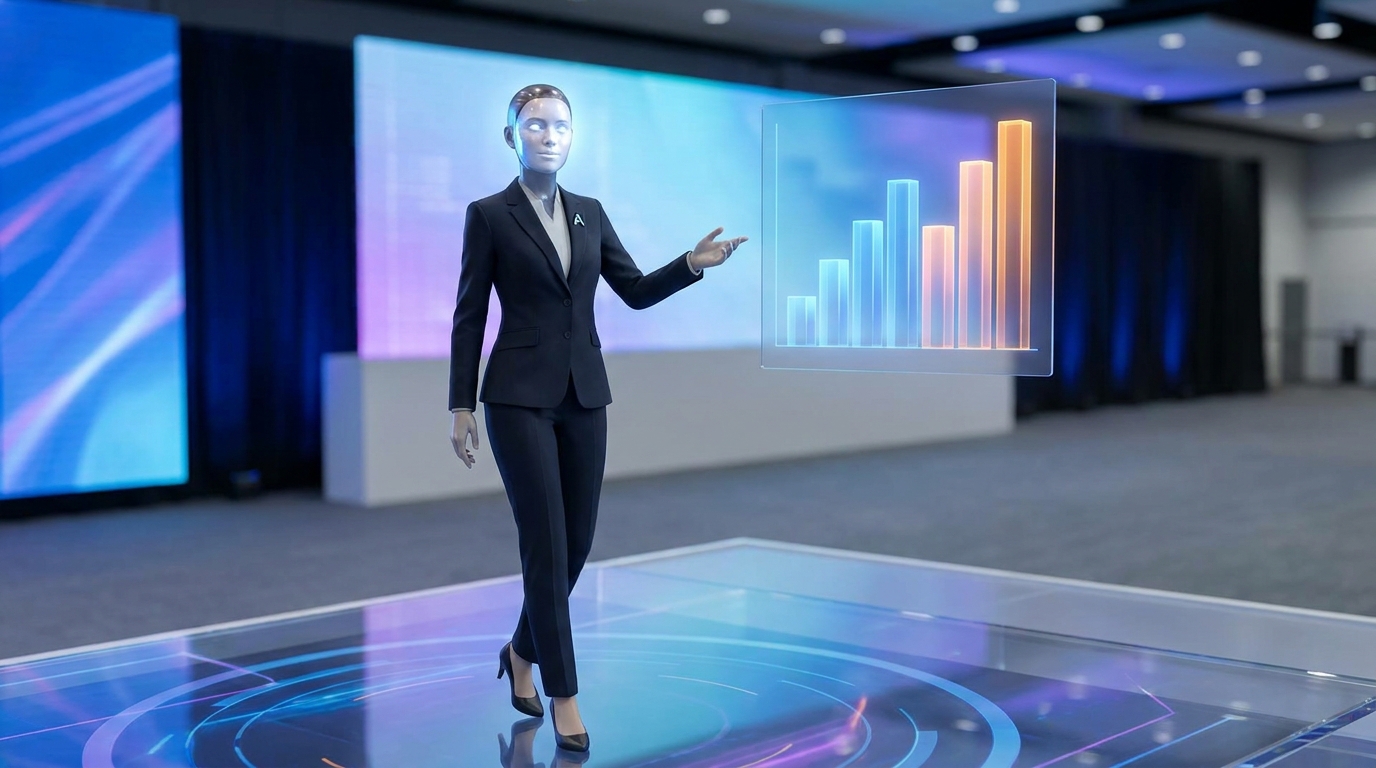
Google Vids avatars can now walk, talk, and interact with objects, bringing your product demos to life.
Creative Freedom: Styles, Music, and Screen Recording 🎨
Google Vids isn't just about realism. It's about giving you creative options! You can now choose between 2D and 3D cartoon-styled avatars, opening up new avenues for engaging and unique video content. This is perfect for explainer videos, educational content, or simply adding a touch of personality that aligns with your brand's aesthetic.
But what's a great video without great audio? Google Vids also introduces custom music generation with Lyria 3 and Lyria 3 Pro. Say goodbye to generic stock music and hello to unique soundtracks tailored to your video's mood and message. Plus, for quick content capture, a handy Screen Recorder Chrome extension lets you grab screen recordings on the fly, making it even easier to integrate live demos or tutorials into your AI-generated videos.
Advertisement
The Power Behind the Scenes: Veo 3.1 and Lyria 3 ✨
These incredible advancements in Google Vids are powered by Google's cutting-edge generative AI models. Veo 3.1 is responsible for the high-fidelity video generation, enabling those realistic movements and interactions we just talked about. It's the engine that brings your avatar's world to life. Meanwhile, Lyria 3 and Lyria 3 Pro are the masterminds behind the custom music generation, ensuring your videos have unique and fitting soundtracks.
These underlying technologies are what make Google Vids so powerful and user-friendly. They handle the complex AI heavy lifting, so you can focus purely on your message and creative vision. You don't need to be an AI expert; you just need to know what story you want to tell.
Accessing Google Vids: Who Can Use It? 🔑
Google Vids has seen explosive growth, with over 1 million monthly active users by August 28, 2025, and more than 7 million users by June 18, 2026. So, how can *you* get your hands on it?
Currently, Vids is available at no cost to anyone with a Google account in the US, with wider regional rollouts planned. For more advanced features, access extends to Business or Enterprise Starter customers, Google AI Pro or Ultra subscribers, and Workspace for Education customers. Even if you're just starting, the basic Vids editor (without Gemini integration) is available to all consumers at no cost, making it incredibly accessible for everyone to dive into AI video creation.
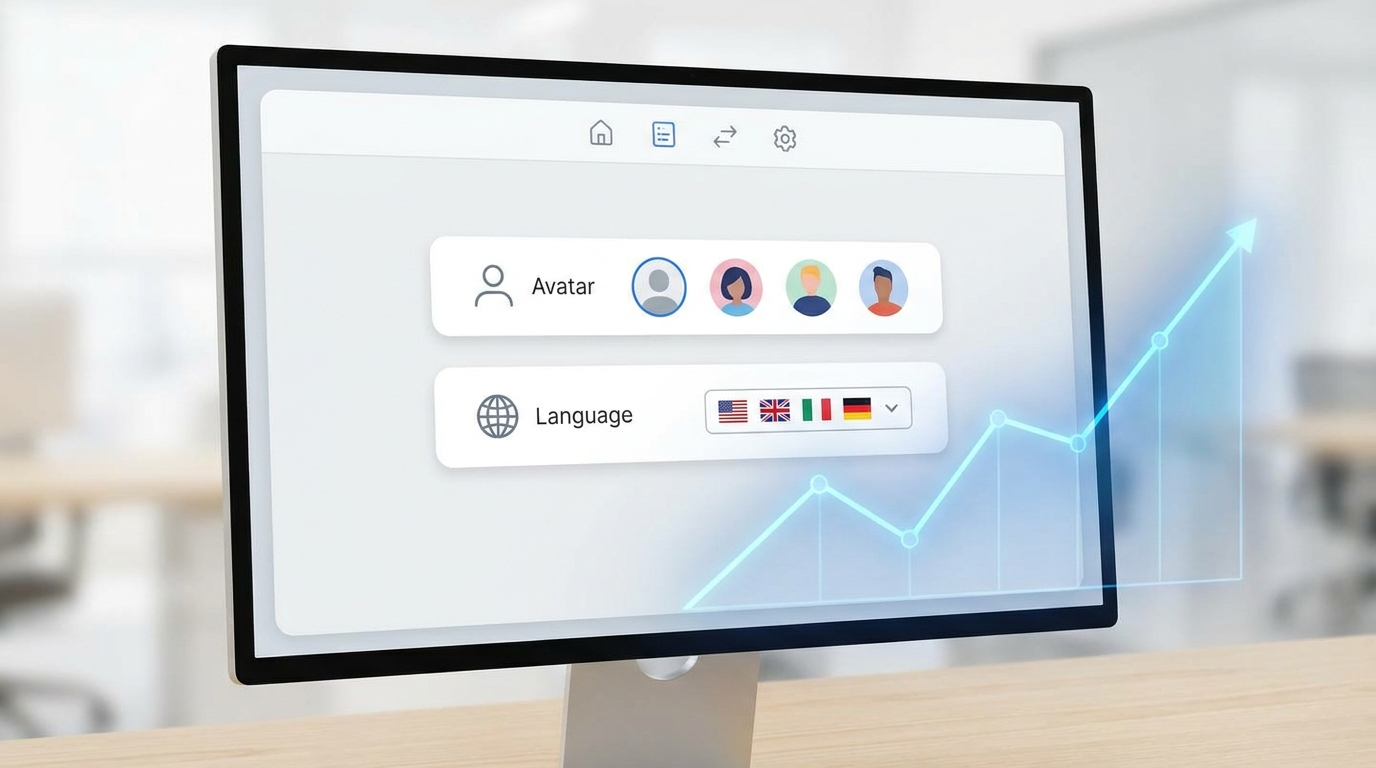
Google Vids is rapidly expanding, making professional AI video creation accessible to more users globally.
💡 Pro Tip: For maximum impact, use the new emotional control features to match your avatar's delivery with the specific mood of your video segment – enthusiasm for new features, calm for tutorials, or confidence for pitches.
Key Takeaways
- Google Vids offers custom AI avatars with brand logos and backgrounds.
- Upcoming features include emotional control for avatar delivery.
- Multi-language support (24 languages for scripts, 8 for Google Slides voiceovers) enables global reach.
- New directorial controls allow avatars to interact with objects and environments.
- Custom music generation and screen recording enhance creative possibilities.
Related on Tech4SSD 🔗
- Gemini Omni Flash: Google's AI Redefines Video Storytelling (2026)
- AI Voice Quality Reaches Human Levels: What It Means for Your Business (2026)
- Freelancers Embrace AI: Your 2026 Guide to Productivity Gains 🚀
📩 Want the freshest AI trends every week?
Subscribe to Tech4SSD — practical AI tools and trends, explained for everyone. Free. Subscribe →
Advertisement
Frequently Asked Questions
Can I really make my AI avatar show emotions?
Yes! Google Vids is launching emotional control for avatars later this month, allowing you to fine-tune their delivery to match your message.
How many languages do Google Vids AI avatars support?
You can generate AI avatars and voiceovers from scripts in 24 languages, with 8 specific languages available for AI voiceovers when integrating with Google Slides.
Is Google Vids free to use?
The basic Vids editor (without Gemini features) is available at no cost to anyone with a Google account in the US. More advanced features are available for Workspace Business/Enterprise, Google AI Pro/Ultra, and Workspace for Education customers.
Can AI avatars interact with objects in my videos?
Absolutely! New directorial controls allow your custom avatars to walk, talk, and interact with objects, enabling more dynamic and engaging product demonstrations or presentations.
Final Word
The evolution of Google Vids AI avatars is a huge win for creators, students, and small business owners. It's democratizing high-quality video production, stripping away the complexities and costs traditionally associated with professional video. You no longer need a massive budget or a specialized team to create compelling, on-brand video content that reaches a global audience.
By putting emotional control, custom branding, and multi-language support directly into your hands, Google Vids empowers you to tell your story more effectively and efficiently than ever before. Dive in and start creating! 🚀
Sources & Further Reading
- Google Vids: create professional videos with AI Avatars | Google Workspace Blog
- New easy ways to create and edit videos with gen AI in Google Vids | Google Workspace Blog
- Workspace Drops: Deliver on-brand videos at scale and work smarter with Gemini | Google Workspace Blog
- Gemini Omni Flash now available in Google Vids | Google Workspace Blog
- 10 more announcements for Workspace at Google Cloud Next 2026 | Google Workspace Blog
- July 2026 Workspace update: Gemini, Meet and more | Google Workspace Blog
AI tools and features change fast — verify current options before relying on them. — Tech4SSD Editorial
Discussion
Have a question or something to add?
Join the discussion on Blogger