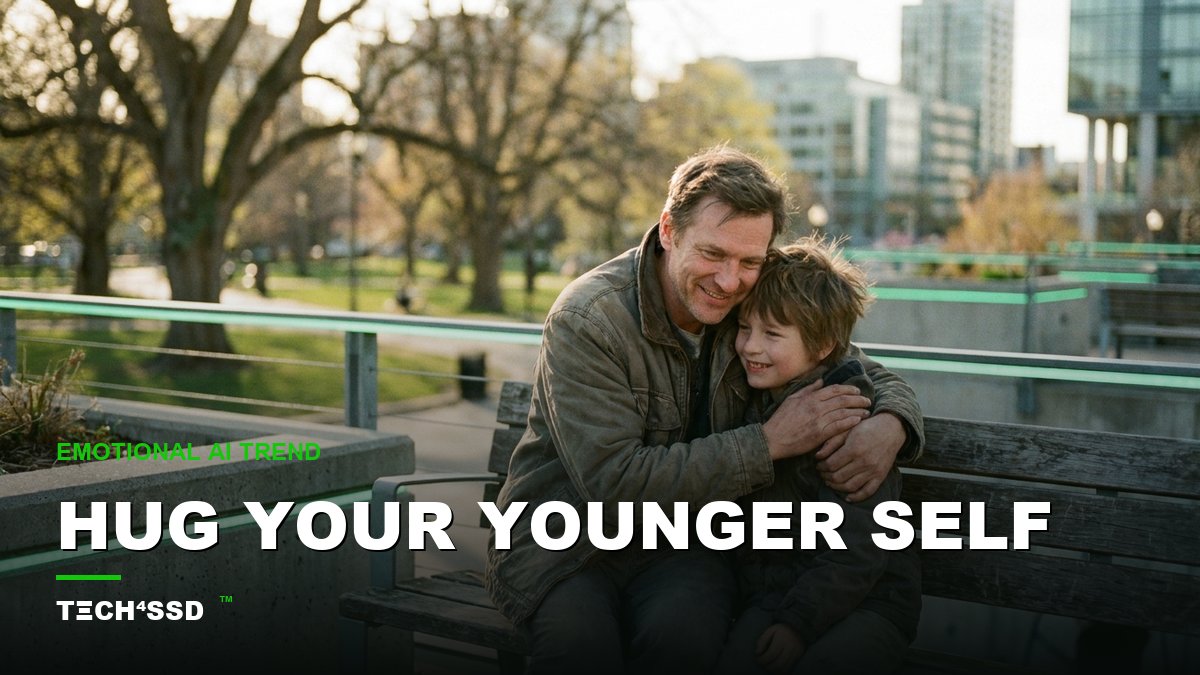
Scroll your feed right now and you'll hit one: a grown adult gently hugging a small, slightly faded version of themselves — the kid from an old photo, brought into the same warm frame. People are tearing up in the comments. 🥹 And the wild part? It's not Photoshop. It's not a designer. It's one Gemini prompt and two photos you already have on your phone.
This is the emotional spin-off of the viral Nano Banana Polaroid trend, and in 2026 it's everywhere — solo "hug your younger self" versions plus family variants like mother-daughter and father-son. It stops the scroll because it's deeply personal. Here's exactly how to make your own, step by step, with the copy-paste prompt included.
What You'll Need 🎯
- A clear current photo of you — face fully visible, decent lighting, no sunglasses.
- A childhood photo — the clearer the face, the better. A scan or a sharp phone snap of the print both work.
- The free Google Gemini app — its image mode ("Nano Banana") handles this beautifully. No paid plan needed to start.
- About 10 minutes. That's it. Zero editing skills required.
Step 1: Pick Your Two Photos 📸
The whole result lives or dies on these two photos, so choose with a little care. For your current shot, you want soft, even light and your face clearly visible. For your childhood shot, pick one where the face is sharp and recognizable — if it's an old print, lay it flat and photograph it in good window light, or scan it.
💡 Pro Tip: Try to match the angle. If both faces are roughly front-facing, the AI blends them into a far more believable hug.
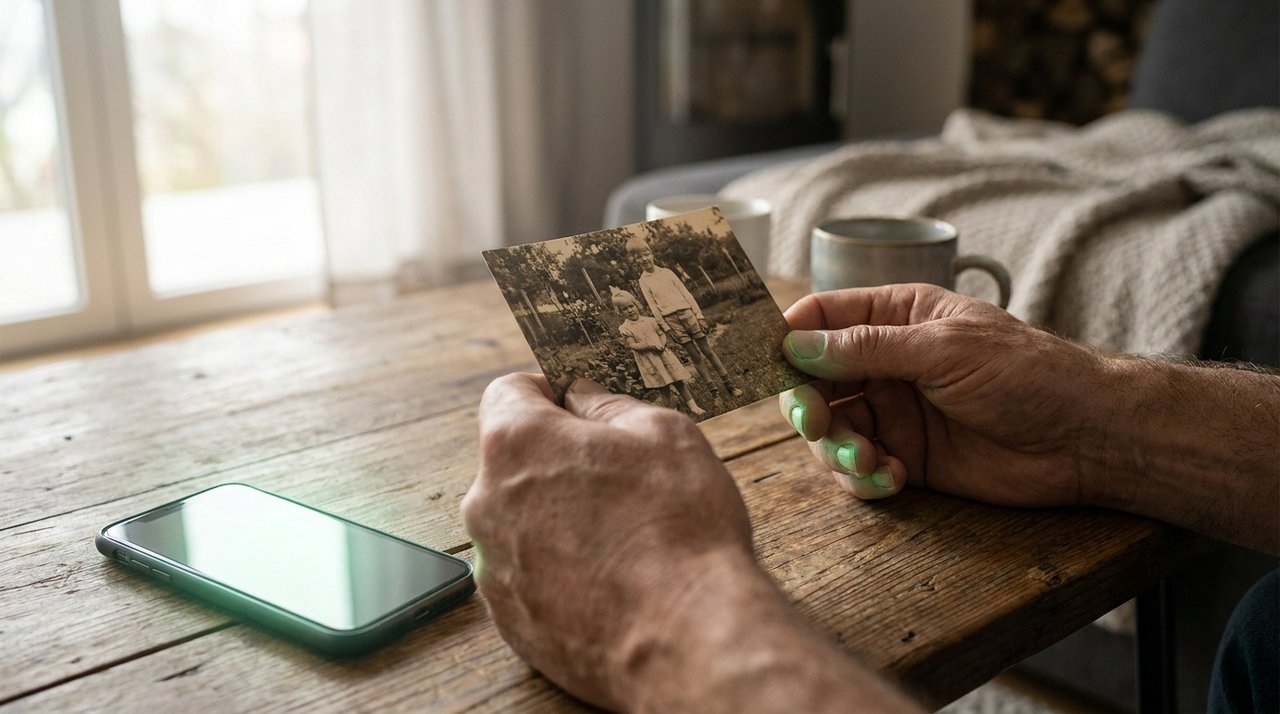
Two photos is all it takes — your face now and your face then.
Step 2: Open Gemini & Upload Both Photos
Open the Gemini app and start a new image. Attach both pictures — your current self and your childhood photo — as references. This tells the AI who the two people in the scene are: present-day you, and little you. Both faces need to be in the chat before you write the prompt.
If you see an "add image" or paperclip icon, that's the one. Add the adult photo first, then the childhood one.
Step 3: Paste the Hug Prompt ✨
This is the moment everything comes together. Keep it simple and emotional — soft lighting words do a lot of the heavy lifting. Here's the plug-and-play prompt:
"Create a warm, realistic Polaroid-style photo of the adult person from the first photo tenderly hugging their younger childhood self from the second photo. Both faces clearly visible, soft natural lighting, gentle film grain, emotional and heartfelt mood."
Want the family version instead? Swap the people — "an adult daughter hugging her younger childhood self" works, and so do mother-daughter or father-son hugs if you upload the right two faces. The structure stays identical.
Step 4: Generate & Pick the Best Blend 🎨
Hit generate. The first result is often great, but don't settle — regenerate two or three times and pick the version where both people clearly look like the same person at two ages. That face-match is what makes viewers feel it instead of just scrolling past.
💡 Pro Tip: If the hug looks stiff, add "natural embrace, arms wrapped softly" to the prompt. If the lighting feels flat, add "golden-hour glow." Tiny tweaks, big emotional payoff.

The moment the hug lands — and the feed stops scrolling.
Step 5: Animate It Into a Video (Optional)
Want the version that really makes the feed stop? Take your finished image and run it through an image-to-video feature — Gemini's video mode or any image-to-video tool — with a prompt like "gentle hug, subtle movement, soft breeze." A two-second clip of the hug coming to life is the format racking up the most views on Reels and TikTok right now.
Use It, Make It Pay, Go Viral 💰
One prompt, three ways to win:
- Use it — make one for yourself or as a heartfelt gift. A "hug your younger self" print for a parent or sibling lands harder than anything store-bought.
- Make it pay — offer it as a $10–$20 gig: people send you two photos, you deliver the hug image (and an animated version as an upsell).
- Go viral — post yours with a short caption about what you'd tell little-you. Emotional, personal posts like this travel far past your usual reach.
Key Takeaways
- Two photos + one Gemini prompt = a tear-jerker "hug your younger self" image in about 10 minutes.
- Clear, similar-angle faces give the most believable hug.
- Soft-lighting words ("natural light, film grain, golden-hour") sell the emotion.
- Regenerate a few times and pick the best face match before posting.
- Animate it into a short clip for maximum reach — and keep it tasteful.
Frequently Asked Questions
Which app do I actually use?
The free Google Gemini app, in its image mode (often called Nano Banana). Upload both photos, paste the prompt, and generate. The free tier is enough to make a great one.
What if both people don't look like me?
That's the most common hiccup. Use clearer, front-facing photos and regenerate a few times — pick the version where the adult and child obviously read as the same person. Sharp input faces fix this almost every time.
Can I do the family version (mom, dad, kid)?
Yes. Upload the two real faces you want in the hug and adjust the prompt to describe them — mother-daughter and father-son hugs are some of the most-shared variants of this trend.
Can I turn it into a video?
Yes — feed your finished image into an image-to-video tool with a gentle-motion prompt. The animated hug is the version getting the most engagement on Reels and TikTok.
📩 Want the freshest AI trends every week?
Subscribe to Tech4SSD — practical AI tools and trends, explained for everyone. Free. Subscribe →
Final Word
Some AI trends are just clever. This one is genuinely moving — a small, kind moment between you-now and you-then that used to be impossible to capture. One prompt, two photos, and suddenly you're hugging the kid you used to be. 🥹
So go find that childhood photo. Make the hug. And maybe write little-you a caption telling them it all turned out okay. 🚀
AI tools and features change fast — verify current options before relying on them. — Tech4SSD Editorial
Discussion
Have a question or something to add?
Join the discussion on Blogger