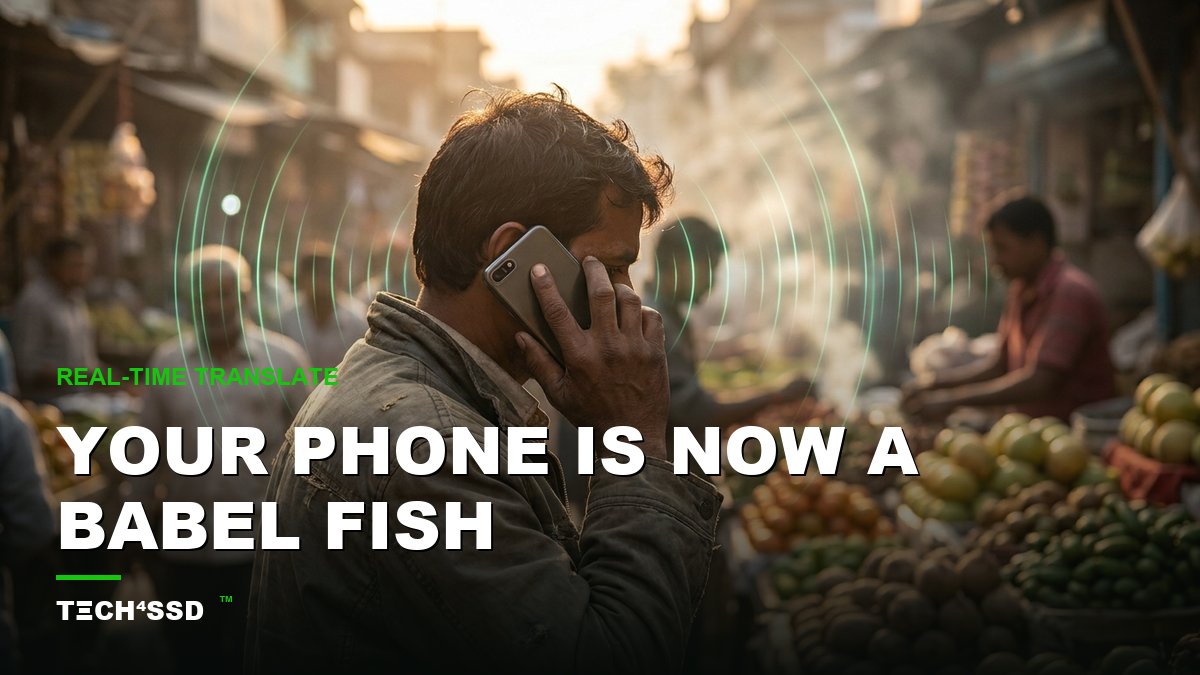
Remember the Babel Fish from The Hitchhiker's Guide to the Galaxy — the little creature you pop in your ear so you instantly understand any language in the universe? 🐟 Google just shipped the real thing. No fish, no earbuds, no awkward pauses. Just the phone already in your pocket.
It's called Gemini 3.5 Live Translate, it landed inside the regular Google Translate app between June 9 and 13, 2026, and it does near real-time speech in 70+ languages. Here's exactly what it is and how to turn it on today — for free.
What Just Happened 🌍
Google rolled out Gemini 3.5 Live Translate globally on both Android and iOS, baked straight into the Google Translate app you might already have. No sign-up, no waitlist, no new download if you've got the app.
The big leap is that it's speech-to-speech and near real-time. Instead of waiting for someone to finish a sentence and then reading a translation, it streams the translation out loud while they're still talking, staying just a few seconds behind the speaker. It even tries to preserve the speaker's tone, pitch and pace, so it sounds like a person — not a robot reading a card.
It also handles messy real-world audio: background noise, a busy room, even people talking over each other. All in, it covers 70+ languages and over 2,000 language combinations.
The Viral Part: Listening Mode 🎧
The clip everyone is sharing is an Android-exclusive trick called Listening Mode. You hold the phone up to your ear like you're taking a normal phone call, and the translation plays back privately through the earpiece speaker — no earbuds required.
So you can stand in a market or a taxi, hold your phone to your ear, and quietly hear what the other person is saying in your own language. That's the moment that made this go viral: it's the Babel Fish, minus the sci-fi.

Lay the phone flat between you and just talk — it streams the translation a couple seconds behind.
How to Turn It On 📱
You don't need to be techy for this. Four steps:
- 1. Update the Google Translate app. Open your app store and make sure it's on the latest version (Android or iOS). The new feature lives inside the app you already know.
- 2. Tap the live / conversation mode. Open Translate and look for the live or conversation option — it's the one built for two people talking back and forth.
- 3. Pick your languages — or use auto-detect. Choose your language and theirs, or let it auto-detect who's speaking which.
- 4. On Android, hold the phone to your ear. That switches on Listening Mode so the translation plays back privately, like a call. On iOS, just keep it between you and listen out loud.
That's it. Start talking and the translation streams back almost immediately.
Where It Actually Helps ✈️
This isn't a party trick — it solves real, stressful moments. A few places it shines:
- Travel: asking for directions, checking into a hotel, haggling at a market without freezing up.
- Ordering food: read a menu out loud, ask what's in a dish, flag an allergy — clearly.
- Doctor visits abroad: explain a symptom and understand the answer when it really matters.
- Family: actually talk with a relative who speaks a different language, instead of smiling and nodding.
💡 Pro Tip: Before a trip, do a quick test run at home with a YouTube clip in your target language. You'll get a feel for the rhythm — talk in short, complete sentences and pause briefly so it can catch up cleanly.
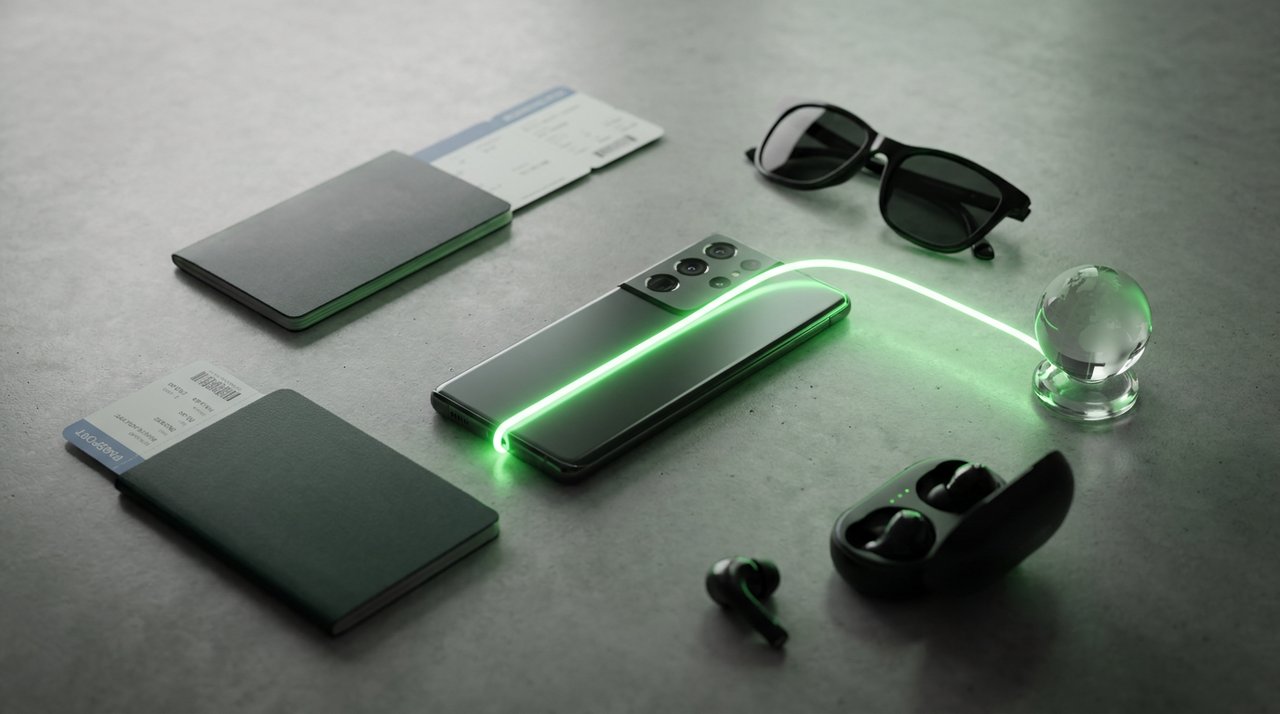
Your new travel kit fits in one hand — passport, boarding pass, and a phone that speaks 70+ languages.
Why It Matters 🚀
Three things make this a genuine milestone, not just another update. It's instantly graspable — anyone gets "hold phone, hear your language" in one sentence. It's already in your pocket — no new app to learn. And it's free, with no sign-up wall.
Google's also pushing the same tech further out: it's rolling into Google Meet for live translated video calls (enterprise), and into the Gemini Live API so developers can build it into their own apps. The language barrier just got a lot quieter — for everyone, not just travelers.
A Few Honest Caveats ⚠️
It's impressive, but it's not magic. Keep these in mind so you're not caught off guard:
- There's still a few-second lag — natural for streaming translation, but it means conversations flow a touch slower than normal.
- It can stumble on heavy slang and strong regional dialects. Plain, clear speech gets the best results.
- It needs a decent connection. Spotty signal means choppy translation, so download offline language packs as a backup before you travel.
None of these are deal-breakers — just set expectations and you'll have a smooth ride.
Try a Quick Prompt 💬
Want to feel it work right now without leaving home? Open Translate, pick a target language, and say something simple and useful out loud:
"Hi! Could you tell me where the nearest train station is, and roughly how long it takes to walk there?"
Hear it stream back in your chosen language, then flip the languages and reply. That little back-and-forth is exactly how a real conversation abroad will feel.
Key Takeaways
- Gemini 3.5 Live Translate is live now inside the free Google Translate app, Android and iOS, no sign-up.
- It does near real-time speech-to-speech in 70+ languages and 2,000+ combinations, preserving tone and pace.
- Android's Listening Mode lets you hold the phone to your ear and hear private translation — no earbuds.
- Update the app, tap live mode, pick languages, and start talking. That's the whole setup.
- Expect a few-second lag and some slang stumbles, and keep a stable connection for the best results.
📩 Want the freshest AI trends every week?
Subscribe to Tech4SSD — practical AI tools and trends, explained for everyone. Free. Subscribe →
Frequently Asked Questions
Is Gemini Live Translate really free?
Yes. It's built into the standard Google Translate app on Android and iOS, with no sign-up or subscription required. Just update the app and you're in.
Do I need earbuds for it to work?
No. On Android you can use Listening Mode — hold the phone to your ear like a call and hear the translation through the earpiece. Earbuds are optional, not required.
How many languages does it support?
Over 70 languages and more than 2,000 language combinations, so most common travel and family languages are covered both ways.
Is the translation instant?
It's near real-time — it streams the translation while the other person is still speaking, staying a few seconds behind. Not literally instant, but close enough for a natural back-and-forth.
Final Word
For decades the language barrier was just a fact of travel — the shrug, the pointing, the hoping. Gemini 3.5 Live Translate quietly turns the phone you already own into the closest thing we've had to a real Babel Fish. 🐟
It's free, it's already in your pocket, and it works today. Open Translate, point it at a different language, and have a conversation you couldn't have had last week.
AI tools and features change fast — verify current options before relying on them. — Tech4SSD Editorial


Discussion
Have a question or something to add?
Join the discussion on Blogger