secret protection: Hey there, fellow creator! 👋 Ever worried about accidentally exposing sensitive data like API keys or passwords in your code? You're not alone. As AI-assisted coding becomes the norm, ensuring robust secret protection in your developer workflows and AI pipelines is more critical than ever. This isn't just about good practice; it's about safeguarding your projects and your business from costly breaches.
In this guide, we're diving deep into how modern tools, especially those from GitHub, are stepping up to help you keep those secrets locked down. We'll demystify concepts like push protection and real-time secret scanning, showing you practical ways to integrate these safeguards into your everyday development. Get ready to feel more confident about your code's security!
Advertisement
The Growing Need for Secret Protection in AI-Assisted Coding 🤖
AI-assisted code generation tools, like GitHub Copilot, are supercharging development. They help you write code faster, smarter, and often with fewer errors. But here's the catch: with great power comes great responsibility… and potential new security challenges. When AI helps you write code, it might inadvertently suggest or even generate snippets that contain sensitive information if not properly managed.
Think about it: an API key, a database credential, or a private token accidentally committed to a public repository can turn into a major headache, fast. Cybercriminals actively scan public repositories for these exact mistakes. This is why automated, proactive secret protection isn't just a nice-to-have; it's a non-negotiable for anyone building with AI.
GitHub's Push Protection: Your Code's Bouncer 🚫
Imagine having a bouncer at the door of your code repository, checking every single piece of code before it gets in. That's essentially what GitHub's push protection does for your secrets! It's a powerful feature designed to prevent sensitive data from ever making it into your repositories in the first place. Instead of finding out about a leaked secret *after* it's already public, push protection stops it dead in its tracks.
How does it work? When you try to push code to a repository, GitHub's secret scanning service automatically scans for known secret patterns (like API keys, tokens, and credentials). If it detects a supported secret, your push is blocked. You get a clear message telling you what was found and where, giving you the chance to remove it before it becomes a problem. This proactive approach saves you a ton of stress and potential damage control.
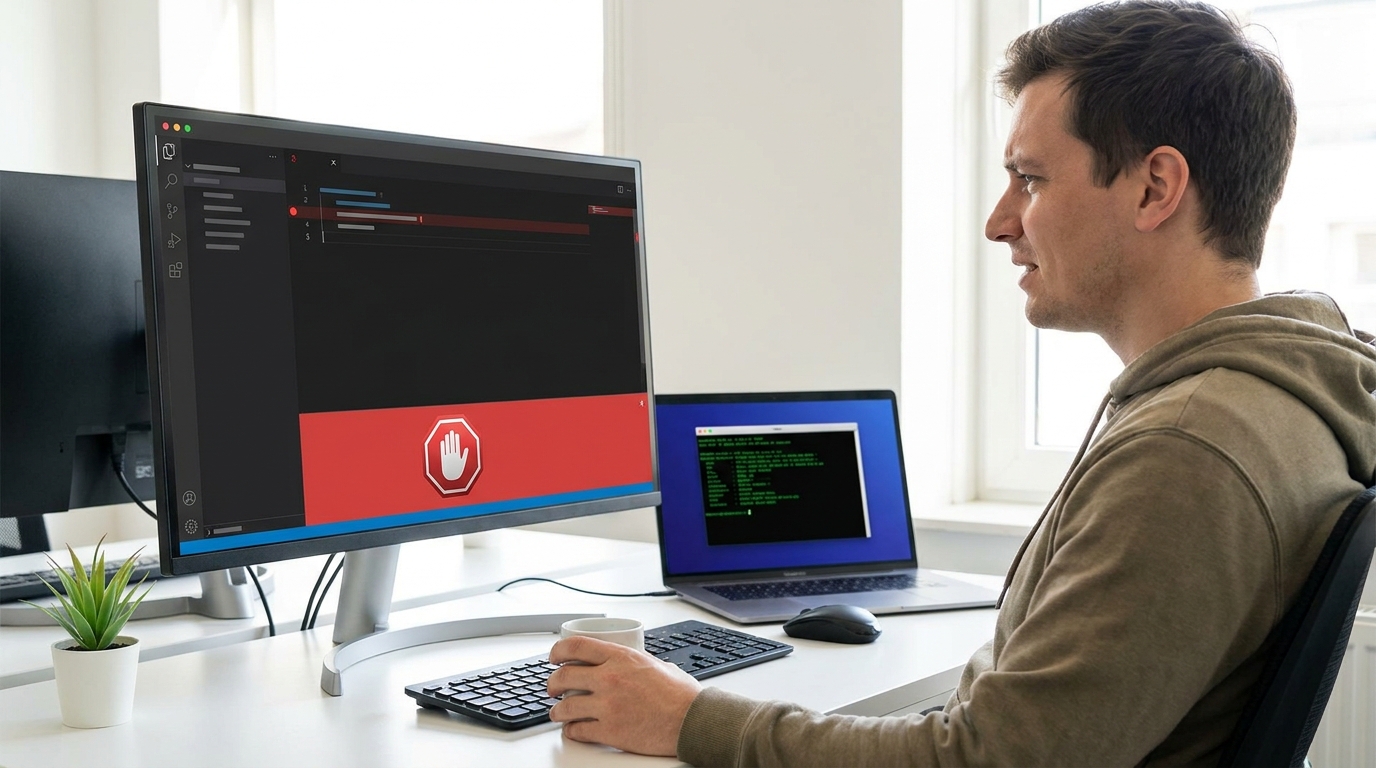
GitHub's push protection acts as a crucial pre-commit safety net, stopping secrets before they reach your repository.
Integrating Push Protection into Your CI/CD Pipeline ⚙️
For those of you using Continuous Integration/Continuous Deployment (CI/CD) pipelines, push protection can be a game-changer. Integrating it into your workflow means that every single code push, whether it's from an individual developer or an automated system, gets scanned for secrets before it can proceed down the pipeline. This adds a critical layer of security right at the source.
This integration ensures consistency and reduces the risk of human error. Even if a developer forgets to check for secrets locally, the CI/CD pipeline acts as a final gatekeeper. It's about building security directly into your DevOps practices, making it a natural, automated part of your development lifecycle rather than an afterthought. For more on scaling secret scanning, check out GitHub's documentation on adopting Advanced Security.
Real-Time Scanning with GitHub Model Context Protocol (MCP) Server ⚡
Here's where things get really smart for AI-assisted development. The GitHub Model Context Protocol (MCP) server allows for real-time secret scanning *during* your AI-assisted coding workflow. Imagine your AI coding agent, like GitHub Copilot, suggesting a piece of code, and simultaneously, the MCP server is checking it for exposed secrets *before you even commit it*.
This is a pre-commit safety check in its truest form. MCP-invoked scans provide ephemeral findings within your current session. This means you get immediate feedback, allowing you to identify and fix exposed keys, tokens, and credentials right then and there, without waiting for a push to be blocked or a later scan to run. It's about empowering you to remediate issues instantly, keeping your workflow smooth and secure. You can learn more about scanning for secrets with GitHub MCP server.
Advertisement
Beyond Secrets: AI-Powered Security Detections on Pull Requests 🛡️
While secret scanning focuses on sensitive credentials, GitHub also offers broader AI-powered security detections. These run automatically on pull requests when you have CodeQL default setup enabled. Unlike secret scanning, these detections offer advisory findings. They won't block your merges, but they provide valuable insights to improve your code's overall security posture.
These AI-powered detections can spot potential vulnerabilities, insecure coding patterns, or common mistakes that could lead to security issues down the line. They act as an intelligent code reviewer, giving you suggestions to strengthen your code without interrupting your flow. It's like having an expert security analyst reviewing your code without the wait!
Best Practices for Securing Your AI-Generated Code 🔒
To truly master secret protection and code security in an AI-driven world, adopting a few best practices is key. These aren't just for large teams; they're valuable for individual creators and small business owners too.
First, always use local pre-commit hooks. These run checks on your code *before* you even try to commit, catching issues even earlier. Second, consider running multiple scanners in parallel on every pull request. Different scanners might catch different types of issues, giving you comprehensive coverage. Third, always pin your hook versions to ensure consistency and prevent unexpected changes. Finally, be strategic about what you block: focus on blocking only high-severity findings to avoid unnecessary friction in your development process. Remember, the goal is to enhance security without hindering productivity.
- Implement Local Pre-Commit Hooks: Catch secrets and other issues before they even reach your repository.
- Run Multiple Scanners: Layer different security tools on pull requests for broader detection.
- Pin Hook Versions: Ensure consistent security checks across your team and projects.
- Strategically Block Findings: Focus on high-severity issues to maintain workflow efficiency while maximizing security.

Layering security measures, from pre-commit hooks to multiple scanners, strengthens your AI-assisted development.
💡 Pro Tip: Always treat any detected secret as critical. Even if it's a test key, assume it could be misused and remove it immediately.
Key Takeaways
- AI-assisted coding increases the risk of accidental secret exposure, making proactive protection essential.
- GitHub's push protection actively blocks pushes containing supported secrets, preventing leaks.
- Integrate secret scanning into your CI/CD pipeline for automated, consistent security checks.
- The GitHub MCP server enables real-time secret scanning during AI-assisted development, offering instant feedback.
- Combine these tools with best practices like pre-commit hooks and multi-scanner approaches for comprehensive security.
Related on Tech4SSD 🔗
- Scaling Git for AI Agent Workloads: GitHub's Blueprint for the Future (2026)
- Building Custom Workflows in GitHub Copilot Workspace Using Canvases (2026)
📩 Want the freshest AI trends every week?
Subscribe to Tech4SSD — practical AI tools and trends, explained for everyone. Free. Subscribe →
Advertisement
Frequently Asked Questions
What is the main difference between secret scanning and AI-powered security detections?
Secret scanning specifically looks for known patterns of sensitive credentials (like API keys) and can block pushes. AI-powered security detections, often powered by CodeQL, identify broader code vulnerabilities and insecure patterns, providing advisory findings without blocking merges.
Can push protection be bypassed?
While push protection is robust, it relies on detecting known secret patterns. Developers should never attempt to bypass it. If a secret is detected, it must be removed from the code and securely managed (e.g., using environment variables or a secret manager) before pushing.
Is GitHub Advanced Security (GHAS) required for these features?
Many advanced security features, including comprehensive secret scanning with push protection and CodeQL-powered AI detections, are part of GitHub Advanced Security. Some basic secret scanning might be available, but GHAS unlocks the full suite of proactive protection for your repositories.
How do I handle secrets in my AI-generated code if I can't commit them?
Never hardcode secrets directly into your code. Instead, use environment variables, dedicated secret management services (like Azure Key Vault, AWS Secrets Manager, or HashiCorp Vault), or secure configuration files that are not committed to your repository. Your AI agent should be trained or configured to recognize and avoid generating hardcoded secrets.
Final Word
The world of AI-assisted development is moving at light speed, and keeping your code secure is paramount. By embracing tools like GitHub's push protection and real-time secret scanning via the MCP server, you're not just reacting to threats; you're building a proactive, resilient security posture right into your workflow. This means less worry for you and more time to focus on creating amazing things.
So go forth, build with confidence, and let these smart tools be your silent guardians. Your secrets are safe, and your projects can flourish! ✨
Sources & Further Reading
- Phase 6: Rollout and scale secret scanning
- About push protection - GitHub Enterprise Server 3.10 Docs
- https://docs.github.com/en/code-security/how-tos/use-ghas-with-ai-coding-agents/scan-for-secrets-with-github-mcp-server?tool=cli
- Configurations
- Application card: GitHub security and quality AI features
- https://docs.github.com/en/code-security/concepts/code-scanning/ai-powered-security-detections
- GitHub Advanced Security · Built-in protection for every ...
- numoru-ia/secure-ai-codegen-template
- openai/codex-security
- Application card: GitHub security and quality AI features
AI tools and features change fast — verify current options before relying on them. — Tech4SSD Editorial
Discussion
Have a question or something to add?
Join the discussion on Blogger