Windows 11 Insider Preview Builds 2026: Hey creators! Ever wonder what's cooking behind the scenes at Microsoft for your favorite operating system? Well, the latest Windows 11 Insider Preview Builds 2026 are here, and they're packed with exciting changes. Think smarter AI, snappier performance, and some serious upgrades for developers. This isn't just about new features; it's about making your daily grind smoother and more powerful. 💪
In this deep dive, we'll break down the most impactful updates from builds like 28020.2818, 28120.2630, and 26340.9482. You'll get a clear picture of how these changes affect everything from your app launch times to how you build your next big project. Ready to feel more capable with your Windows machine? Let's go!
Advertisement
AI Gets Smarter (and You Get More Control) 🧠
Microsoft is seriously leaning into AI, and these new Windows 11 Insider Preview builds show it. We're talking about deeper integration of AI-powered capabilities that will make your PC feel more intuitive. The big news for tech-savvy users and creators is the enhanced visibility into how your system is using AI hardware.
Specifically, Task Manager is getting an upgrade. You'll now see new columns for NPU (Neural Processing Unit) and NPU Engine usage. This means you can finally peek behind the curtain and understand which applications are leveraging your dedicated AI hardware. For creators working with AI-intensive tasks like video editing, image generation, or complex data analysis, this insight is golden. It helps you optimize your workflow and ensure your hardware is pulling its weight.
- NPU Insights Task Manager now shows dedicated NPU and NPU Engine columns, giving you a clear view of AI hardware utilization.
- AI-Powered Apps Expect future applications to tap into these NPU capabilities more effectively, leading to faster, more efficient AI processing directly on your device.
Performance Boosts You Can Actually Feel 🚀
Nobody likes a slow computer, especially when you're in the middle of a creative flow or coding session. Microsoft has heard us! These Insider Preview builds bring a suite of general performance improvements designed to make your Windows 11 experience snappier and more responsive. We're talking about tangible speed increases where it matters most.
You'll notice accelerated app launch times – that means less waiting and more doing. Core shell experiences, like popping open the Start menu, using Search, or interacting with the Action Center, are also getting a significant speed boost. For everyday creators and small business owners, this translates directly into saved time and reduced frustration. A faster OS means you can focus on your work, not on waiting for your computer to catch up.
Unified Updates: Less Rebooting, More Doing 🔄
Let's be honest: Windows updates can sometimes feel like a necessary evil, often requiring multiple reboots at inconvenient times. Microsoft is tackling this head-on with a new unified update experience. This is a game-changer for productivity.
The goal is to coordinate driver, .NET, and firmware updates to align with your monthly quality updates. What does this mean for you? Fewer interruptions! By bundling these updates, the system aims to significantly reduce the number of required reboots. Imagine getting all your critical updates done with just one restart, instead of several. It's a small change that makes a huge difference in maintaining your workflow momentum.

The new unified update experience aims for fewer reboots, letting you stay in your creative flow.
Developer Tools Get a Serious Upgrade 🛠️
For our developer friends and those dabbling in app creation, these builds are a goldmine. Microsoft is introducing several new tools and enhancements specifically designed to streamline the app development process, especially for WinUI. This signals a strong commitment to making Windows a premier platform for building next-generation applications.
These new additions promise to accelerate your development cycles and improve efficiency. Whether you're building a complex enterprise application or a simple utility, these tools are designed to make your life easier and your code better.
🟦 GitHub Copilot & Claude Code Integration
A major highlight is the new WinUI agent plugin for GitHub Copilot and Claude Code. If you're using AI-powered coding assistants, this plugin will supercharge your WinUI development. It provides context-aware suggestions and automation specifically tailored for the WinUI framework, helping you write code faster and with fewer errors. Think of it as having an expert WinUI developer looking over your shoulder, offering real-time advice.
🟥 `dotnet new` WinUI Templates
Getting started with a new project just got simpler. Microsoft is introducing `dotnet new` WinUI templates (preview). These templates provide a solid foundation for your WinUI applications, allowing you to scaffold new projects quickly and consistently. Less boilerplate, more actual coding! This is fantastic for beginners and seasoned developers alike, ensuring best practices from the get-go.
🟪 WinApp VS Code Extension
For those who live in Visual Studio Code, the new WinApp VS Code extension is a welcome addition. This extension enhances cross-framework development, making it easier to build Windows applications regardless of the specific framework you're using. It brings together various tools and functionalities into a single, cohesive experience within VS Code, boosting your productivity.
Advertisement
Better Networking in Recovery & Enhanced Security 🔒
Even the less glamorous but crucial parts of Windows are getting attention. The Windows Recovery Environment (WinRE) is seeing enhancements to its networking capabilities. Now, WinRE can automatically reuse saved Wi-Fi profiles, including those for certificate-based networks. This means if you ever need to troubleshoot or restore your system, you won't be scrambling to re-enter network credentials. It's a small but mighty convenience that can save you a headache.
On the security front, Memory Integrity (HVCI) protection is expanding. This crucial security feature is now being automatically enabled on more eligible devices during updates. HVCI helps protect your system from malicious code injections by ensuring that drivers and other system components are trustworthy. More devices getting this protection means a safer Windows ecosystem for everyone. It's Microsoft's way of making sure your digital fortress is always up to snuff.
Smarter Power Management & Faster File Explorer Search ⚡
Your laptop's battery life and overall responsiveness are getting a boost thanks to updated power management. Adaptive hibernate policy updates are designed to increase instances of instant-on resumes from Modern Standby. This means your PC will wake up faster when you need it, and it will do a better job of preserving battery life when it's asleep. For those on the go, this translates to more uptime and less charging anxiety.
And for anyone who uses File Explorer regularly (which is pretty much everyone!), the search function is getting a much-needed overhaul. Search from This PC in File Explorer is now indexer-based. What's the big deal? It means faster and more consistent search results. No more waiting around for File Explorer to slowly scan your drives; now it leverages the Windows search index for near-instantaneous findings. This is a huge quality-of-life improvement for managing your digital assets.
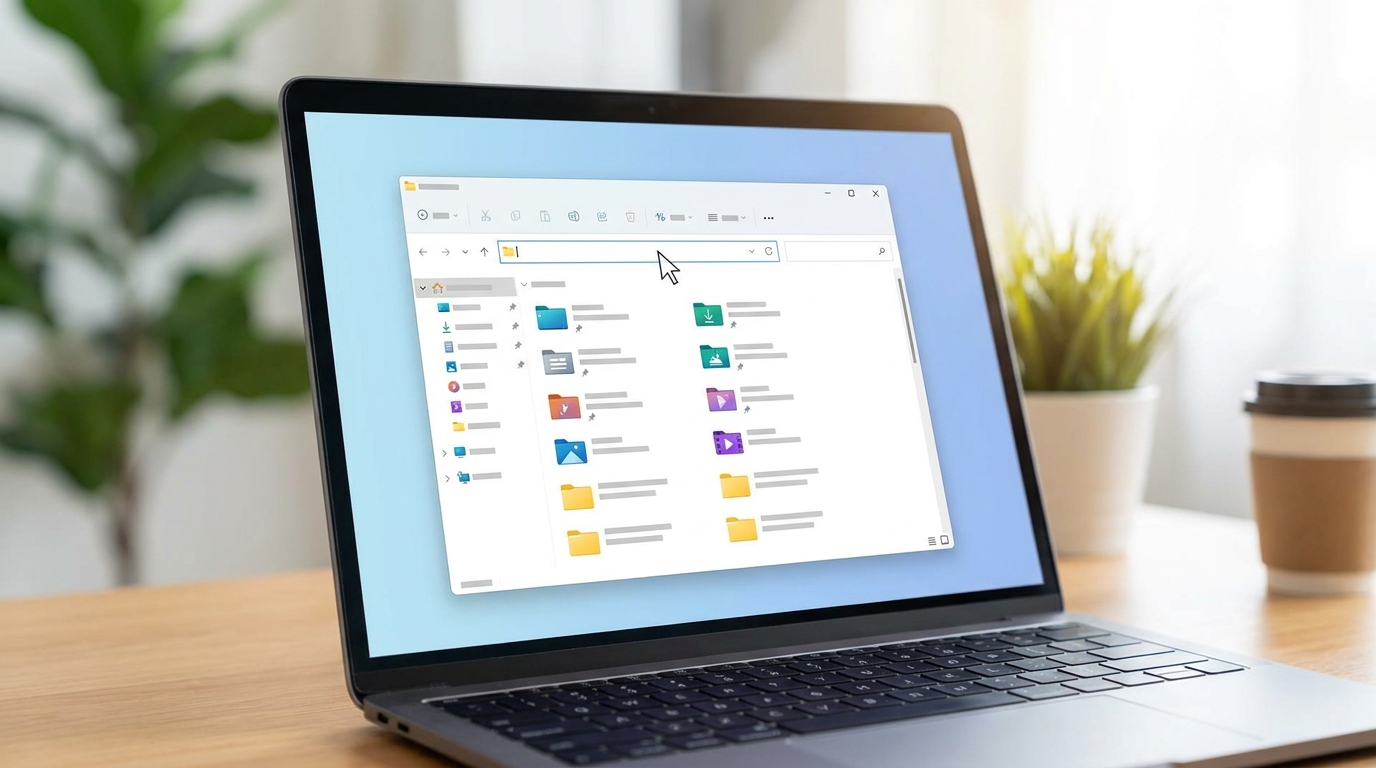
Finding files just got a whole lot faster with indexer-based search in File Explorer.
💡 Pro Tip: If you're a developer or a power user, consider setting up a separate partition or virtual machine to test these Insider Preview builds. This lets you experiment with new features without impacting your primary work environment.
Key Takeaways
- AI Integration: Task Manager now shows NPU usage, giving you insights into AI hardware performance.
- Performance Boosts: Expect faster app launches and snappier core Windows experiences like Start and Search.
- Unified Updates: Fewer reboots are coming thanks to coordinated driver, .NET, and firmware updates.
- Developer Power-Up: New WinUI tools, GitHub Copilot integration, and VS Code extensions streamline app development.
- Enhanced Security: Memory Integrity (HVCI) protection is expanding to more devices automatically.
Related on Tech4SSD 🔗
- Windows 365 Cloud PCs for Developers: Setup, Performance, and Workflow Integration (2026)
- IFA 2026: Copilot+ PCs Supercharge AI for Creators (2026)
📩 Want the freshest AI trends every week?
Subscribe to Tech4SSD — practical AI tools and trends, explained for everyone. Free. Subscribe →
Advertisement
Frequently Asked Questions
Should I install these Windows 11 Insider Preview Builds 2026 on my main PC?
Generally, no. Insider Preview builds are for testing and can be unstable. It's best to install them on a secondary device or a virtual machine if you want to experiment with the new features without risking your primary workflow.
What is an NPU and why should I care about its usage?
An NPU (Neural Processing Unit) is a specialized processor designed to handle AI tasks more efficiently than a traditional CPU or GPU. Knowing its usage helps you understand if your AI-powered applications are leveraging your hardware effectively for better performance and power efficiency.
Will the modernized Print Management experience return?
Yes, Microsoft temporarily removed the modernized Print Management experience from Insider Preview builds for further refinement. It's expected to return once it's ready for prime time.
Final Word
These latest Windows 11 Insider Preview Builds 2026 are a clear signal from Microsoft: they're committed to a future where Windows is not just an operating system, but an intelligent, high-performing platform for everyone. From making your daily tasks snappier to empowering developers with cutting-edge tools, these updates are all about making your digital life easier and more productive.
So, whether you're a creator pushing the boundaries of AI art, a small business owner streamlining operations, or a developer building the next great app, Windows is evolving with you. Keep an eye out for these features as they roll out to the stable channel, and get ready to experience a more capable Windows 11! ✨
Sources & Further Reading
- Windows 11 Insider Beta (26H1) Preview Build 28020.2818 - Windows Insider Program | Microsoft Learn
- August 27, 2026—KB5120996 (OS Build 28000.2804) Preview | Microsoft Support
- https://learn.microsoft.com/en-us/windows-insider/release-notes/release-preview-26h1/build-28000-2333
- https://learn.microsoft.com/en-us/windows-insider/release-notes/release-preview-26h1/build-28000-2796
- https://learn.microsoft.com/en-us/windows-insider/release-notes/experimental-26-h1/preview-build-28120-2630
- https://learn.microsoft.com/en-us/windows-insider/release-notes/release-preview-24h2-25h2/build-26100-9267-26200-9267
- Windows 11 Insider Experimental (26H1) Preview Build 28120.2824 - Windows Insider Program | Microsoft Learn
- Release Preview Build 26300.9278 - Windows Insider Program | Microsoft Learn
- Windows 11 Insider Experimental Preview Build 26340.9482 - Windows Insider Program | Microsoft Learn
- What's new: SDK, WinUI, tools - Windows apps | Microsoft Learn
AI tools and features change fast — verify current options before relying on them. — Tech4SSD Editorial
Discussion
Have a question or something to add?
Join the discussion on Blogger