OpenAI GPT-5.6: Ever felt like powerful AI was just out of reach, either too complex or too expensive for your projects? Well, get ready for a game-changer! OpenAI has just unveiled its GPT-5.6 model family, and it’s a big deal for creators, students, and small business owners like you. This new lineup, featuring Sol, Terra, and Luna, is all about giving you *choices* – balancing bleeding-edge AI performance with real-world inference costs. No more one-size-fits-all headaches! 🤯
In this article, we’re going to break down the GPT-5.6 family, focusing on the powerful Sol and the super-efficient Luna. We’ll explore what makes each model tick, how they stack up against each other, and most importantly, how *you* can pick the perfect AI brain for your specific needs without breaking the bank. Get ready to demystify these new models and unlock their potential for your next big idea!
Advertisement
Meet the GPT-5.6 Family: Sol, Terra, and Luna 🚀
OpenAI isn't just giving us one new model; they're giving us a whole toolbox! The GPT-5.6 family is designed with a tiered approach, meaning you get to pick the right tool for the job. Think of it like choosing a car: you wouldn't use a race car for daily errands, right? Similarly, you can now match AI power to your project's demands.
This new lineup is all about efficiency – not just in how the models perform, but also in how much they cost and how quickly they respond. Whether you need ultimate intelligence, a balanced approach, or lightning-fast, budget-friendly processing, there's a GPT-5.6 model for you. It's about empowering you to build smarter, faster, and more affordably.
- Sol ☀️: The flagship. This is your top-tier, frontier intelligence model. Think maximum reasoning, complex problem-solving, and unparalleled performance for your most demanding tasks. It's the brainiest of the bunch.
- Terra 🌍: The balanced option. Terra offers a fantastic blend of high capability and efficiency. It’s perfect for when you need strong performance without always requiring Sol's absolute peak intelligence or price tag.
- Luna 🌙: The fastest and most affordable. Luna is built for high-volume, cost-sensitive tasks where speed and efficiency are paramount. Don't let its affordability fool you; it still packs a serious punch for many applications.
Sol vs. Luna: Performance That Powers Your Projects 💡
Let's get down to the nitty-gritty: how do Sol and Luna actually perform? This is where OpenAI has really pushed the boundaries. For those complex, multi-step tasks like advanced coding or intricate problem-solving, Sol is your champion. It doesn't just perform well; it *outperforms* competitors at a fraction of the cost and time.
But what about Luna? This model is a true dark horse. While it's designed for efficiency, its performance is incredibly impressive for its price point. It’s not just cheaper; it’s faster and more capable than previous generations and even some higher-tier competitor models. This means you can deploy powerful AI in scenarios where it was previously cost-prohibitive.
| Feature | GPT-5.6 Sol (Flagship) | GPT-5.6 Luna (Efficient) |
|---|---|---|
| Primary Use Case | Frontier intelligence, complex reasoning, advanced coding | High-volume, cost-sensitive tasks, faster inference |
| Reasoning Capability | Configurable (none to max), excels at 'max' | Configurable (none to max), optimized for speed |
| Context Window | ~1.05M tokens | 400K tokens |
| Max Output Tokens | 128K tokens | 128K tokens |
| Coding Agent Index (vs. Claude Fable 5) | Outperforms at < 50% cost & time | N/A (focus on efficiency) |
| Performance (vs. Opus 4.8) | N/A (higher tier) | Outperforms in ~1/3 time & ~1/4 cost |
Cost Efficiency: Making AI Accessible for Everyone 💰
This is perhaps one of the most exciting aspects of the GPT-5.6 family: the pricing. OpenAI is making powerful AI more accessible than ever before. For creators and small businesses, this means you can leverage cutting-edge AI without needing a massive budget. The tiered pricing structure is a game-changer.
Let’s look at the numbers. Sol, the top-tier model, is priced at $5 input / $30 output per 1M tokens. But here’s a bonus: there’s promotional pricing for Sol at $4 input / $20 output per 1M tokens until at least November 21, 2026! Terra sits comfortably in the middle, and then there's Luna. At just $1 input / $6 output per 1M tokens, Luna is an absolute powerhouse for its price, making advanced AI truly affordable. This tiered approach means you only pay for the intelligence you need, optimizing your operational costs significantly. You can find more details on OpenAI's official page.
Imagine the possibilities! You can use Luna for high-volume content generation or quick data analysis, and then bring in Sol for those critical, complex tasks like refining a sophisticated code base or developing a strategic business plan. This flexibility is key to building sustainable AI-powered solutions.
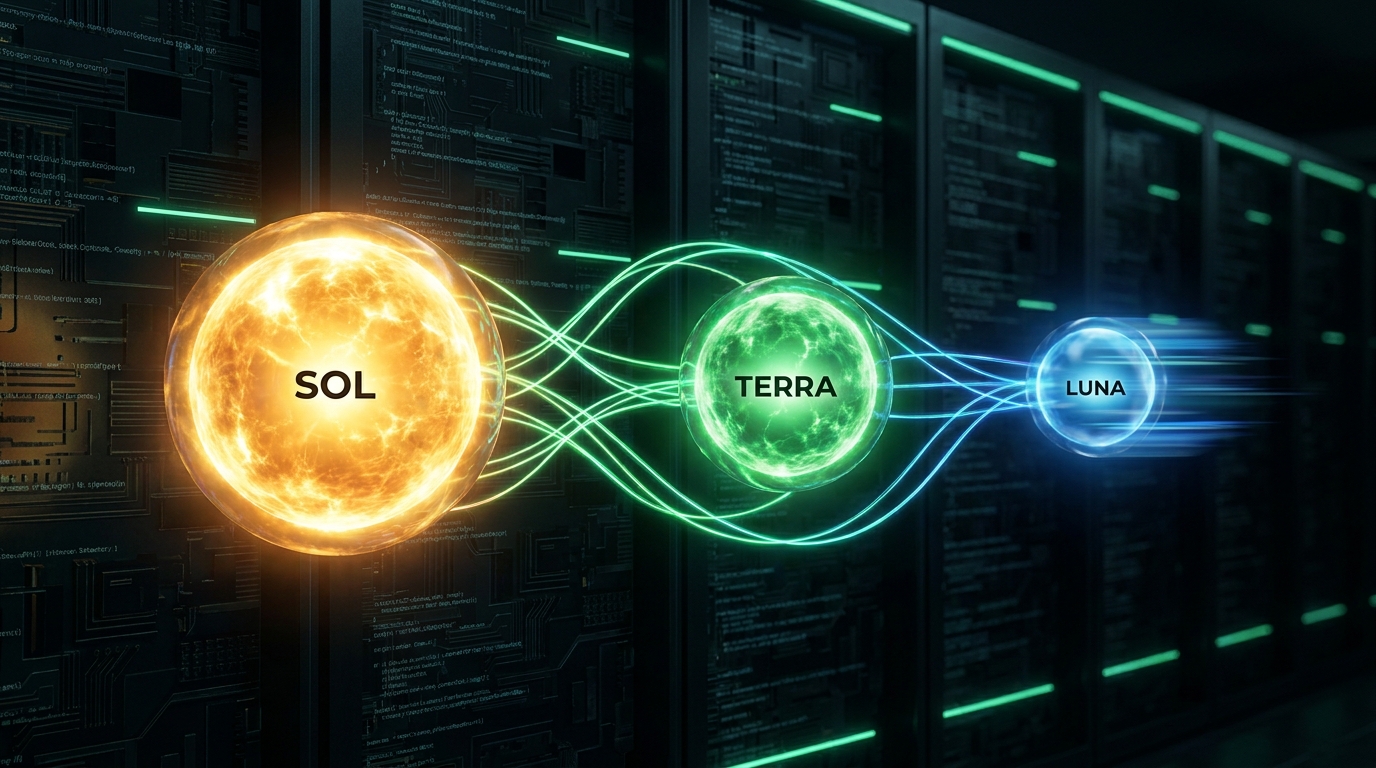
The GPT-5.6 family: Sol, Terra, and Luna, each optimized for different AI workloads and budgets.
Beyond Raw Power: Context and Output Capabilities 🧠
It’s not just about how 'smart' a model is; it’s also about how much information it can process at once (its context window) and how much it can generate in response (max output). These factors are crucial for practical applications. Sol and Terra both boast an impressive ~1.05M context window and a 128K maximum output. This means they can handle incredibly long conversations, extensive documents, or complex codebases without losing their train of thought.
Luna, while more cost-effective, still offers a substantial 400K context window and the same 128K maximum output. For many common tasks, 400K tokens is more than enough to handle significant amounts of text, making Luna a highly capable workhorse. Understanding these capacities helps you choose the right model for your specific data needs.
For developers, this means fewer workarounds and more seamless integration when dealing with large datasets or intricate prompts. Imagine feeding an entire book chapter to Sol for analysis or using Luna to summarize dozens of customer reviews – all within a single interaction. This reduces the need for complex prompt engineering and improves overall workflow efficiency.
Advertisement
Programmatic Tool Calling: Smarter AI Workflows 🛠️
One of the coolest new features across the GPT-5.6 family is Programmatic Tool Calling in the Responses API. What does this mean for you? Essentially, these models can now write and run lightweight programs on their own! This isn't just a fancy trick; it's a massive leap in efficiency for tasks that rely heavily on external tools or multiple steps.
Think about it: instead of you having to break down a complex task into tiny steps and making multiple calls to the AI, the model can now intelligently decide when and how to use tools, reducing token usage and the number of back-and-forth interactions. This translates directly into faster results and lower costs for you. It's like having an AI assistant that can not only understand your request but also figure out the best way to execute it using its own set of tools.
This innovation is particularly impactful for agentic workflows – where AI models act as autonomous agents to complete tasks. By reducing the 'round trips' needed, your AI applications become more responsive and efficient. For more on building with these new capabilities, check out OpenAI's builder's guide.
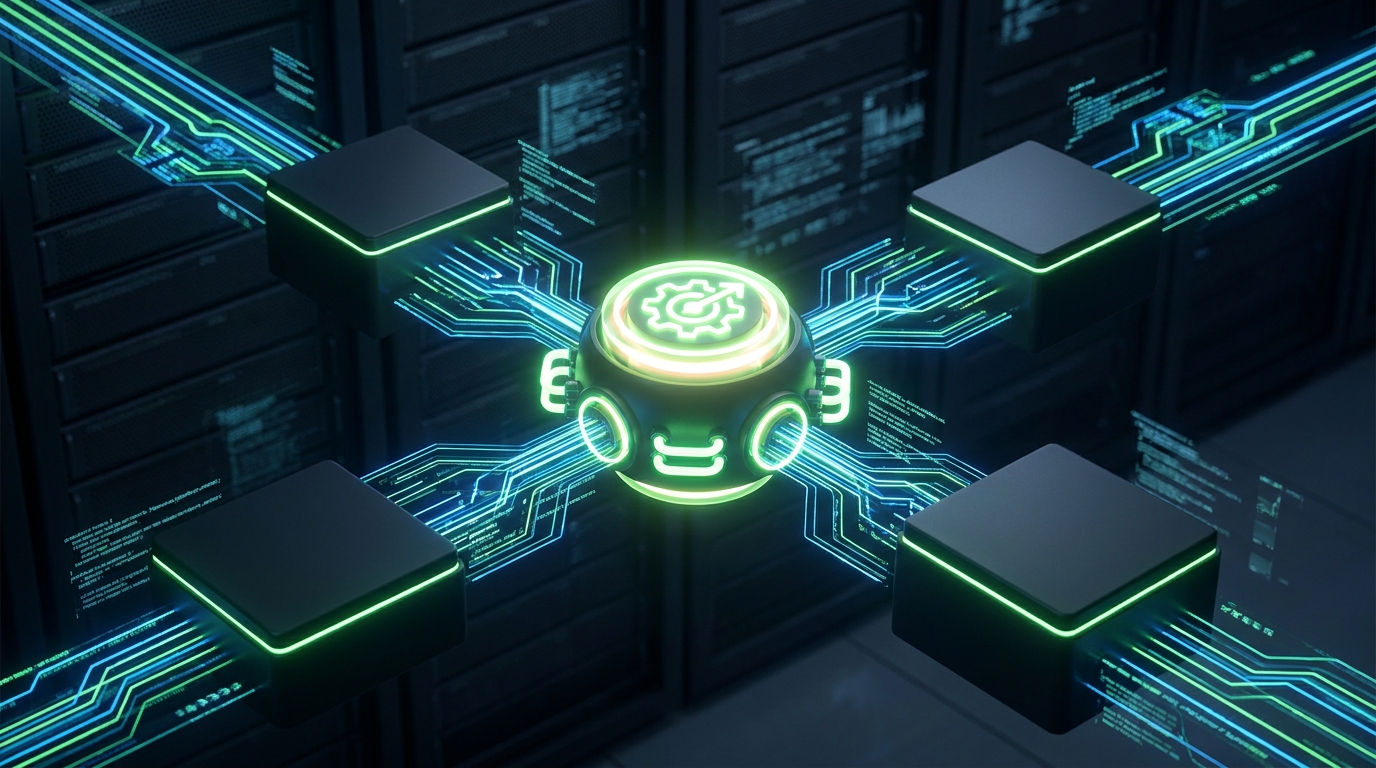
Programmatic Tool Calling allows GPT-5.6 models to intelligently use tools, streamlining complex AI tasks.
Configurable Reasoning Effort: Tailor AI to Your Needs ⚙️
Another powerful new control you get with GPT-5.6 models is configurable reasoning effort. This means you can tell the AI how much 'thinking' time to dedicate to a task. Options range from 'none' (super fast, direct answers) to 'max' (deep planning, multi-step processes).
Why does this matter? Because not every task requires the AI to ponder deeply. For simple questions or quick data extraction, you can set the effort to 'low' or 'none' for lightning-fast responses and minimal token usage. But for critical tasks like debugging complex code or generating a detailed strategic report, you can dial up the effort to 'high' or 'max', giving the model more time to plan and execute, leading to more robust and accurate outputs.
This flexibility is fantastic for optimizing both performance and cost. You can dynamically adjust the reasoning effort based on the complexity and importance of each specific query, ensuring you get the best outcome for your budget and timeline. It's truly about putting you in the driver's seat of your AI applications.
Choosing Your Champion: Sol, Terra, or Luna? 🤔
So, how do you decide which GPT-5.6 model is right for you? It really boils down to your specific needs for capability, speed, and cost. There's no single 'best' model; there's only the best model for *your* project.
If you're building cutting-edge applications that require the absolute highest levels of intelligence, complex reasoning, and are willing to invest a bit more for unparalleled performance, Sol is your go-to. It's for those frontier challenges where every bit of intelligence counts. For more on upgrading to Sol, check out the developer documentation.
For a robust balance of capability and efficiency, Terra offers a sweet spot. It’s excellent for a wide range of general-purpose applications where strong performance is needed without the peak demands of Sol. And if your projects involve high volumes of tasks where speed and cost-effectiveness are paramount, Luna is your champion. It delivers incredible value and surprising performance for its price, making advanced AI accessible for everyday workflows. Think about your project's core requirements and let those guide your choice!
💡 Pro Tip: Don't just pick one model! For truly optimized workflows, consider using a combination of GPT-5.6 models. Use Luna for initial drafts or quick classifications, and then pass more complex tasks to Terra or Sol for refinement and deeper reasoning.
Key Takeaways
- The GPT-5.6 family (Sol, Terra, Luna) offers tiered AI capabilities, allowing you to balance performance, speed, and cost.
- GPT-5.6 Sol is the flagship, excelling in complex reasoning and coding, often outperforming competitors at lower costs.
- GPT-5.6 Luna is the most affordable and fastest, delivering impressive performance for high-volume, cost-sensitive tasks.
- New features like Programmatic Tool Calling and configurable reasoning effort significantly enhance efficiency and reduce costs.
- Understanding each model's context window and output capabilities is crucial for selecting the right AI for your specific project needs.
Related on Tech4SSD 🔗
- Custom AI Tools for Creative Workflows: Lessons from Google Flow (2026)
- Teaching Everyday AI Skills: Practical ChatGPT Workflows for Non-Technical Users (2026)
- OpenAI's Economic Research: Unpacking New AI Workflows in Your Workplace (2026)
📩 Want the freshest AI trends every week?
Subscribe to Tech4SSD — practical AI tools and trends, explained for everyone. Free. Subscribe →
Advertisement
Frequently Asked Questions
What's the main difference between GPT-5.6 Sol and Luna?
Sol is OpenAI's most powerful, flagship model, designed for maximum reasoning and complex tasks, while Luna is optimized for speed and cost-efficiency, making it ideal for high-volume, budget-sensitive applications. Sol has a larger context window and higher per-token cost, whereas Luna offers excellent performance at a significantly lower price point.
Can I use both Sol and Luna in the same project?
Absolutely! In fact, using a combination of models is often the most cost-effective and efficient strategy. You could use Luna for initial data processing or generating quick drafts, and then pass more complex or critical sections to Sol for deeper analysis or refinement. This hybrid approach allows you to leverage the strengths of each model.
What is Programmatic Tool Calling and how does it help?
Programmatic Tool Calling allows GPT-5.6 models to write and execute lightweight programs on their own within the API. This feature significantly reduces the number of interactions (round trips) needed for tool-heavy tasks, leading to faster execution, lower token usage, and ultimately, more efficient and cost-effective AI workflows.
How does configurable reasoning effort save me money?
By adjusting the reasoning effort, you control how much 'thinking' time the AI dedicates to a task. For simple queries, you can set it to 'low' or 'none' for quick, cheap responses. For complex problems, you can increase the effort for better accuracy, knowing you're only paying for that deeper processing when it's truly needed. This prevents overspending on unnecessary computational power.
Final Word
The introduction of OpenAI's GPT-5.6 family marks a pivotal moment for AI accessibility and efficiency. By offering a spectrum of models – Sol for frontier intelligence, Terra for balance, and Luna for speed and affordability – OpenAI is empowering a broader range of users to integrate powerful AI into their daily lives and businesses. No longer is cutting-edge AI a luxury; it's becoming a practical, scalable tool for everyone.
Whether you're a developer building the next big app, a student tackling complex research, or a small business owner looking to automate tasks, the GPT-5.6 family has a solution tailored for you. Dive in, experiment, and start building smarter, not harder. The future of AI is here, and it's more flexible and affordable than ever! ✨
Sources & Further Reading
- https://developers.openai.com/api/docs/guides/upgrading-to-gpt-5p6-sol.md
- How GPT-5.6 fuses frontier intelligence with frontier efficiency | OpenAI
- API deployment checklist - OpenAI Developers
- GPT-5.6: Frontier intelligence that scales with your ambition | OpenAI
- GPT-5.6 and GPT-6 Pro in ChatGPT | OpenAI Help Center
- The builder’s guide to GPT‑5.6 | OpenAI
- Previewing GPT-5.6 Sol: a next-generation model | OpenAI
- GPT-5.6 Preview System Card - OpenAI Deployment Safety Hub
- Model guidance | OpenAI API
- GPT-5.6 Sol Model | OpenAI API
AI tools and features change fast — verify current options before relying on them. — Tech4SSD Editorial
Discussion
Have a question or something to add?
Join the discussion on Blogger