Hey creators! Ready to level up your AI art game? We've got big news: Midjourney V8.1 has officially taken the crown as the default model. 🎉 This isn't just a minor tweak; it's a significant upgrade designed to make your AI image generation faster, sharper, and more aligned with your creative vision. If you've been wondering what's next for your favorite AI art tool, you're in the right place.
Today, we're breaking down everything you need to know about Midjourney V8.1. We'll cover what's new, what's improved, and how it impacts your workflow. Plus, we'll look at why good ol' V7 still has a place in your toolkit. Get ready to generate some truly stunning visuals!
Advertisement
V8.1 Takes Over: The New Default 👑
Mark your calendars! On June 11, 2026, Midjourney officially promoted V8.1 to its default model. This means that every time you type /imagine, V8.1 is what you'll be using unless you specify otherwise. It launched in alpha way back on April 14, 2026, so it's had some time to bake and get super polished.
This shift isn't just about a new version number; it's about a strategic move by Midjourney to give you the best possible experience right out of the gate. They're prioritizing speed, clarity, and overall image quality, especially for popular features you use every day.
Think of it as getting a brand new, souped-up engine for your creative car. You're going to notice the difference immediately in how quickly and beautifully your ideas come to life. And who doesn't love a faster workflow?
Speed, Sharpness, and Quality Unleashed 🚀
So, what exactly makes V8.1 such a big deal? The core improvements are all about performance and visual fidelity. You'll see a noticeable boost in generation speed. That means less waiting and more creating – perfect for when inspiration strikes!
Beyond speed, V8.1 delivers images with incredible sharpness and overall quality. This is especially true for specific aspects of your creations:
- SREFs (Stylize Reference): If you use SREFs to guide your aesthetic, V8.1 will interpret them with greater accuracy and produce more consistent results.
- Moodboards: Your moodboard-driven prompts will render with enhanced detail and a deeper understanding of your desired atmosphere.
- HD Images: Generating high-definition images? V8.1 makes them pop with superior clarity and refined textures, making your creations truly stand out.
The goal here is simple: to give you images that look more professional, more polished, and more exactly what you had in mind. For more in-depth guidance on leveraging prompts, check out this Midjourney guide from Blake Crosley.
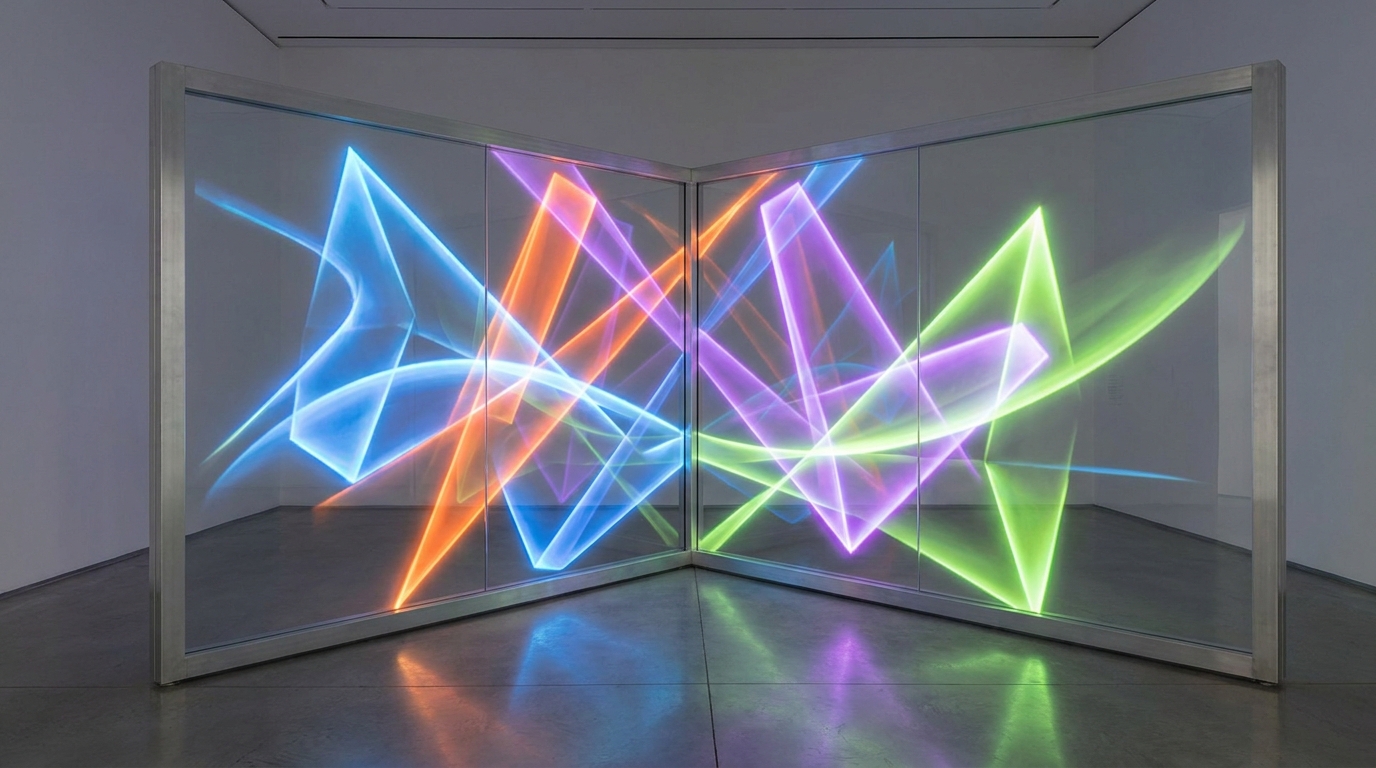
V8.1 brings a new level of detail and clarity to your AI-generated art.
Prompt Adherence and Text Rendering: What's Improved? ✍️
One of the biggest frustrations with AI image generators can be when the tool doesn't quite 'get' your prompt. V8.1 makes significant strides in prompt adherence. This means the model is better at understanding and executing the specific instructions you give it. If you ask for a 'cat wearing a tiny astronaut helmet on the moon,' V8.1 is more likely to give you exactly that, with fewer unexpected elements.
Text rendering has also seen a welcome upgrade. Let's be honest, getting AI to create legible and accurate text within an image has always been a challenge. While it's not perfect (yet!), V8.1 is much better at generating coherent and readable text. This is a huge win for creators who need to incorporate specific words or phrases into their visuals, like for logos or social media graphics.
This improved understanding of your input means less re-rolling and more time spent refining your perfect image. It’s about making the AI a better listener to your creative commands.
Why V7 Still Matters: Niche Features & Flexibility 🧰
So, if V8.1 is so great, why would you ever use V7? Good question! While V8.1 is the shiny new default, Midjourney isn't just ditching its older models. V7 still exists as a selectable option, and for good reason. It retains some specific functionalities that V8.1 currently doesn't prioritize or fully implement.
This 'bifurcated approach' means you have flexibility. You can choose the best tool for the job. Think of it like having different lenses for your camera – each excels in different situations. For certain advanced techniques, V7 might still be your go-to.
It's all about empowering you to control your creative process. Don't feel pressured to use only the newest model if an older one perfectly suits your needs for a particular project.
- Omni Reference (—oref): For users who rely heavily on Omni Reference to maintain character consistency and specific style across multiple images, V7 offers full support. V8.1 handles SREFs wonderfully, but for the comprehensive control of --oref, V7 is still the champ. This is huge for character design and sequential art!
- Quality Values (—q): The granular control over image quality using the
--qparameter is fully present in V7, allowing you to fine-tune render intensity. While V8.1 generally produces high-quality images by default, some creators prefer the explicit control offered by V7's quality settings.
Advertisement
Choosing Your Midjourney Model: V8.1 vs. V7 ⚖️
Knowing when to use V8.1 and when to stick with V7 can make a big difference in your results. Here's a quick guide to help you decide:
When to use Midjourney V8.1:
- You need speed and efficiency.
- You're aiming for sharp, high-quality images for general use, SREFs, moodboards, or HD outputs.
- Your prompts include text you want to be as legible as possible.
- You want better adherence to your initial prompt ideas.
When to use Midjourney V7:
- You're working on a project that requires consistent character generation using Omni Reference (
--oref). - You need precise control over image quality using the
--qparameter. - You've developed a specific workflow or style that performs best on V7.
| Feature/Focus | Midjourney V8.1 (Default) | Midjourney V7 (Selectable) |
|---|---|---|
| Primary Focus | Speed, Sharpness, General Image Quality, Prompt Adherence, Text Rendering | Full Feature Coverage, Specific Parameters |
| Speed | Enhanced | Standard |
| Image Quality | Superior (especially SREFs, Moodboards, HD) | High |
| Prompt Adherence | Improved | Standard |
| Text Rendering | Better | Challenging |
| Omni Reference (--oref) | Limited/Not Prioritized | Full Support |
| Quality Values (--q) | Default Optimized | Full Parameter Control |
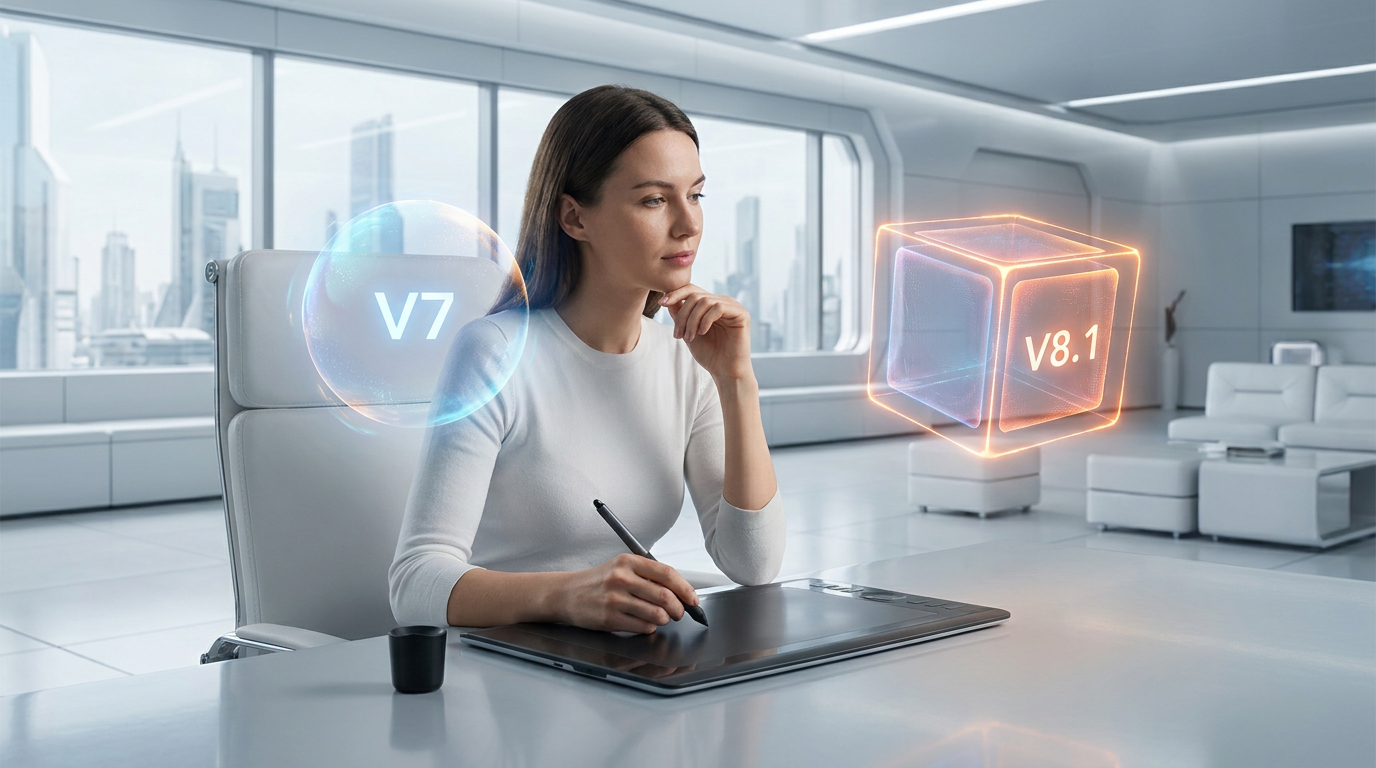
The choice between V8.1 and V7 depends on your project's specific needs.
How This Impacts Your Creative Workflow 💡
This update means you might need to adjust your approach slightly. For most everyday generations, just type your prompt and go – V8.1 will handle it beautifully. You'll likely find your initial results are closer to what you envisioned, saving you time on iterations.
However, if you're working on complex character designs that span multiple images, or if you're a power user who meticulously crafts your --q values, remember to explicitly switch to V7. You can do this by adding --v 7 to your prompt or by selecting it in your settings.
The key takeaway is flexibility. Midjourney isn't forcing you into one box. They're giving you a powerful new default while ensuring specialized tools are still available. This empowers you to get the best results for every unique creative challenge you face. For more on advanced prompting, check out resources like the Kling 3.0 Prompt Guide, which often has transferable concepts.
Looking Ahead: The Future of AI Art Generation 🔮
Midjourney's rapid iterations, like the jump to V8.1, showcase the incredibly fast pace of AI development. Each update brings us closer to truly intelligent and intuitive creative partners. This isn't just about better images; it's about expanding what's possible for everyday creators, students, and small-business owners.
We're seeing a clear trend: AI tools are becoming more sophisticated, more user-friendly, and more capable of understanding nuanced creative commands. This empowers you to bring your wildest ideas to life with less friction and more stunning results. Keep an eye on these developments; the future of AI art is bright and constantly evolving!
For a broader look at the AI image generation landscape, read our post, Nano Banana Pro, Midjourney, Flux Lead Free AI Image 2026.
💡 Pro Tip: Always test your key prompts on both V8.1 and V7 when starting a new project, especially if character consistency or specific quality levels are crucial. You might discover one version works better for your unique style!
Key Takeaways
- Midjourney V8.1 is now the default model as of June 11, 2026, replacing V7.
- V8.1 offers significant improvements in generation speed, image sharpness, and overall quality, particularly for SREFs, Moodboards, and HD images.
- Prompt adherence and text rendering are notably better in V8.1, leading to more accurate and legible outputs.
- Midjourney V7 remains available and is crucial for features like full Omni Reference support (
--oref) and granular Quality value (--q) control. - Users should choose between V8.1 and V7 based on their specific project needs, leveraging the strengths of each model.
Related on Tech4SSD 🔗
📩 Want the freshest AI trends every week?
Subscribe to Tech4SSD — practical AI tools and trends, explained for everyone. Free. Subscribe →
Advertisement
Frequently Asked Questions
How do I switch between Midjourney V8.1 and V7?
You can either add --v 7 (or --v 8.1 if you want to be explicit) to the end of your prompt, or you can use the /settings command in Midjourney to select your preferred model version from the menu.
Will my old V7 prompts still work in V8.1?
Yes, your old V7 prompts will still work. However, because V8.1 has improved prompt adherence and a different rendering engine, the results might look slightly different (and often, better!). You might need to tweak them for optimal V8.1 results.
What is Omni Reference (—oref) and why is it in V7?
Omni Reference (--oref) is a powerful feature in V7 that helps maintain character consistency across multiple images by referencing a source image. V8.1 focuses more on SREFs for stylistic guidance, so if you need strong character consistency, V7 is currently your best bet for --oref functionality.
Is Midjourney V8.1 faster than V7?
Yes, Midjourney V8.1 is designed to be significantly faster than V7, offering quicker image generation times while also boosting overall quality and sharpness.
Final Word
Midjourney V8.1 is a fantastic leap forward for AI art generation. It brings speed, clarity, and precision right to your fingertips, making it easier than ever to create stunning visuals. Whether you're designing marketing materials, illustrating a story, or just having fun, V8.1 empowers you with a more intuitive and powerful tool.
But remember, knowledge is power! Understanding the strengths of both V8.1 and V7 means you're always equipped to choose the right model for your creative journey. So go forth, experiment, and make some incredible art! ✨
AI tools and features change fast — verify current options before relying on them. — Tech4SSD Editorial


Discussion
Have a question or something to add?
Join the discussion on Blogger