Get ready to level up your video game! 🚀 2026 is here, and AI video editing isn't just a buzzword anymore; it's your new superpower. Whether you're a budding creator, a student making presentations, or a small business owner crafting engaging ads, AI is making high-quality video production easier than ever before. Forget hours of manual work; think smart, fast, and stunning visuals.
This guide will demystify the latest in AI video tools, from generating cinematic scenes with just text to integrating powerful AI features into your favorite editing software. We'll show you how these advancements can save you time, boost your creativity, and help you produce professional-grade content without breaking the bank or your brain. Ready to dive in? Let's go! ✨
Advertisement
The Big Leap: Realism from Text to Video 🎬
Remember when AI-generated video looked a bit… well, *weird*? Not anymore! In 2026, AI has mastered realism, bringing your wildest ideas to life with stunning fidelity. We're talking hyper-realistic, cinematic quality direct from a simple text prompt. This is a game-changer for anyone needing custom footage without complex shoots or massive budgets.
The leaders in this space are making waves. Think of it: you type a scene description, and *poof*, a high-quality video clip appears. It’s like having a miniature Hollywood studio in your browser. This isn't just about cool tech; it's about making professional-looking content accessible to everyone. No more compromising on your vision because of resources or skill gaps.
🟦 Google Veo 3.1: Cinematic Powerhouse
Google Veo 3.1 is quickly becoming a favorite for its ability to generate cinematic, high-fidelity video clips. What sets it apart? Its native audio generation. This means the video *and* sound are created together, making for a more cohesive and immersive experience. You can craft incredibly detailed scenes with specific actions, styles, and camera angles, and Veo handles the rest. It's like directing a movie with your keyboard.
🟥 OpenAI Sora 2: The Visual Storyteller
OpenAI Sora 2 continues to push boundaries with its ability to understand complex prompts and produce visually stunning, coherent scenes. While Google Veo might have the edge in native audio, Sora 2 excels at capturing the *narrative* and *style* you describe, making it perfect for storytelling. These tools show that the quality of AI-generated video heavily depends on detailed prompts, so be specific!
Your Editing Suite Just Got Smarter: DaVinci Resolve 21 🧠
Gone are the days when AI was just a separate tool. Now, it's baked right into your favorite professional software. Blackmagic Design's DaVinci Resolve 21, released in June 2026, is a perfect example. This powerhouse post-production suite now integrates AI directly into its core functionalities, making complex tasks feel effortless. If you're already using Resolve, you're in for a treat.
This isn't just about flashy new features; it's about streamlining your entire workflow. Imagine AI handling the tedious parts of editing, freeing you up to focus on the creative vision. It’s no longer about choosing between AI tools *or* traditional software; it's about using them together for a hybrid workflow that's faster and more powerful than ever before. This integration is a huge step forward for both pros and advanced hobbyists.
- AI Photo Editing: Enhance still images within your video project with AI-powered corrections and artistic styles.
- Facial Recognition: Automatically tag and organize clips by person, making it a breeze to find specific shots of actors or interviewees.
- Object Masking: Effortlessly isolate and track objects for effects or color grading, saving hours of manual rotoscoping.
- Automatic Color Matching: Achieve consistent color grades across different clips and cameras with a single click.
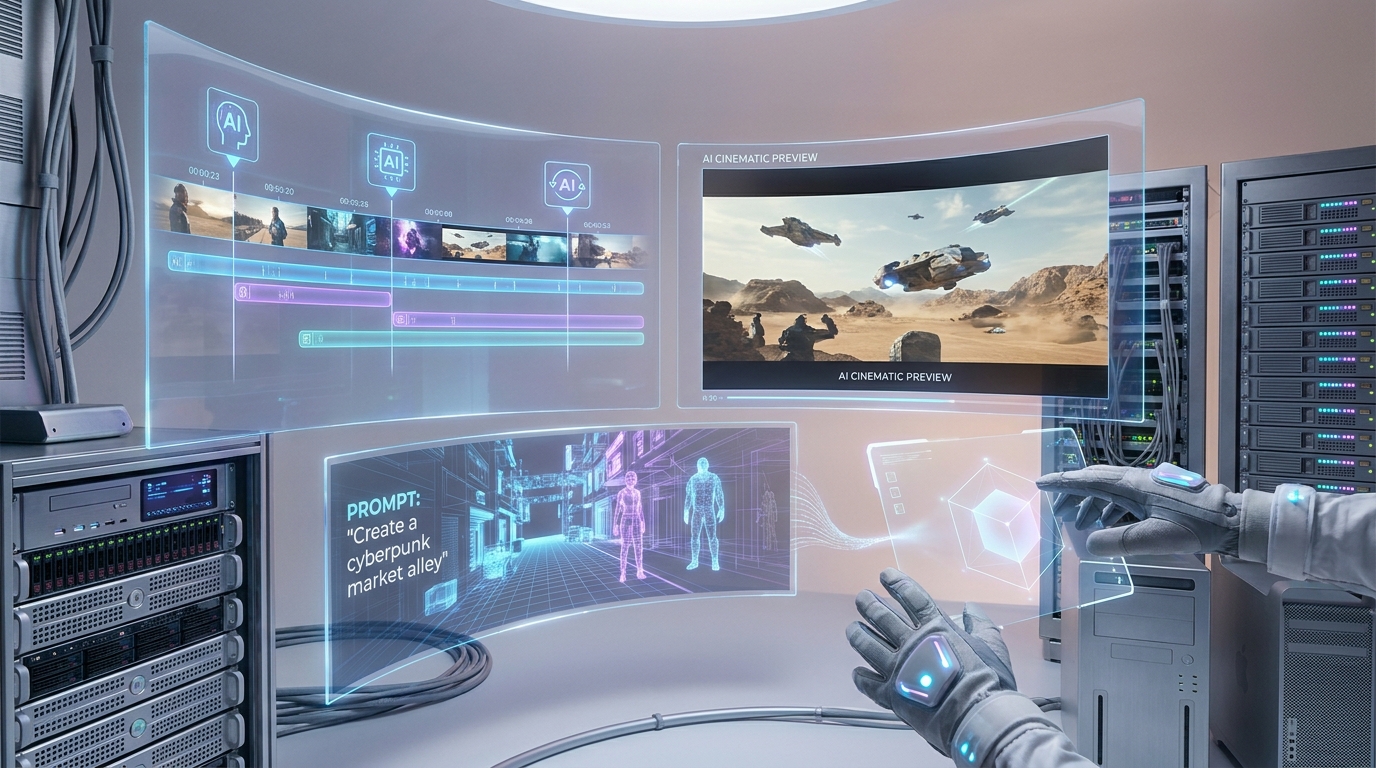
DaVinci Resolve 21's new AI integrations mean less clicking, more creating.
Time-Saving Superpowers: Automation is Key ⏳
Let's be real: editing can be a time suck. But with AI, those days are quickly fading. AI-driven features are designed to automate repetitive and time-consuming tasks, giving you back precious hours. This means less grunt work and more creative exploration. Imagine cutting down your editing time by a whopping 40% – that's what AI is delivering right now! (Source: Digen.ai)
These aren't just minor tweaks; they're substantial improvements to your workflow. From initial rough cuts to final polishing, AI is there to lend a hand. This is particularly valuable for creators juggling multiple projects or small businesses without a dedicated video team. Your productivity is about to skyrocket!
- Auto-Color Grading: AI analyzes your footage and applies professional-grade color corrections, ensuring a consistent look and feel.
- Speech-to-Text: Automatically transcribes dialogue, making it easy to create captions, subtitles, or even search for specific lines in your footage.
- Intelligent Scene Detection: AI automatically identifies scene changes, helping you quickly break down long recordings into manageable clips for editing.
- Frame-Accurate AI Cutting: Some professional tools now offer AI that can make precise cuts based on audio cues or visual changes, saving you from scrubbing through timelines.
Pro-Level Features for Everyone (Literally!) 🌟
The lines between professional and accessible tools are blurring, thanks to AI. Features that were once only available in high-end, expensive software are now making their way into more affordable — and even free — options. This democratizes high-quality video production, empowering more people to create stunning content.
Whether you're a seasoned pro or just starting, you'll find AI tools that cater to your needs. Plugins are also a big deal, letting you bring AI power directly into your existing setup, like Adobe Premiere Pro or DaVinci Resolve. This means you don't have to abandon your familiar workflow to embrace the future of AI video editing.
| Feature | Previously Pro-Only (2025) | Now Widely Available (2026) |
|---|---|---|
| Automated Subtitle Generation | Complex software, manual corrections | 95% accuracy, 30+ languages (even free tools) |
| Basic Object Removal | Advanced VFX suites, skilled artists | Simple click-and-drag in many apps |
| Multi-Camera AI Sync | Manual waveform alignment | Automatic sync based on audio/visuals |
| Vertical Video Optimization | Manual reframing, cropping | AI automatically re-composes for vertical |
Advertisement
Crafting Your Vision: The Power of Prompts ✍️
As amazing as these AI tools are, they're only as good as the instructions you give them. Think of the prompt as your director's brief to an AI film crew. The more detailed and specific you are, the better the output will be. This is where your creative vision truly shines, guiding the AI to produce exactly what you imagine. Don't just say 'a dog', say 'a golden retriever puppy playing in a sun-drenched field with a red ball, filmed with a shallow depth of field, golden hour lighting.'
Learning to write effective prompts is a skill in itself, and it's one of the most valuable you can develop in the age of generative AI. Experiment with different styles, actions, camera angles, and lighting descriptions. The AI wants to understand your vision, so give it all the details! Many tools now offer prompt guides and examples to help you get started. You've got this! ✨
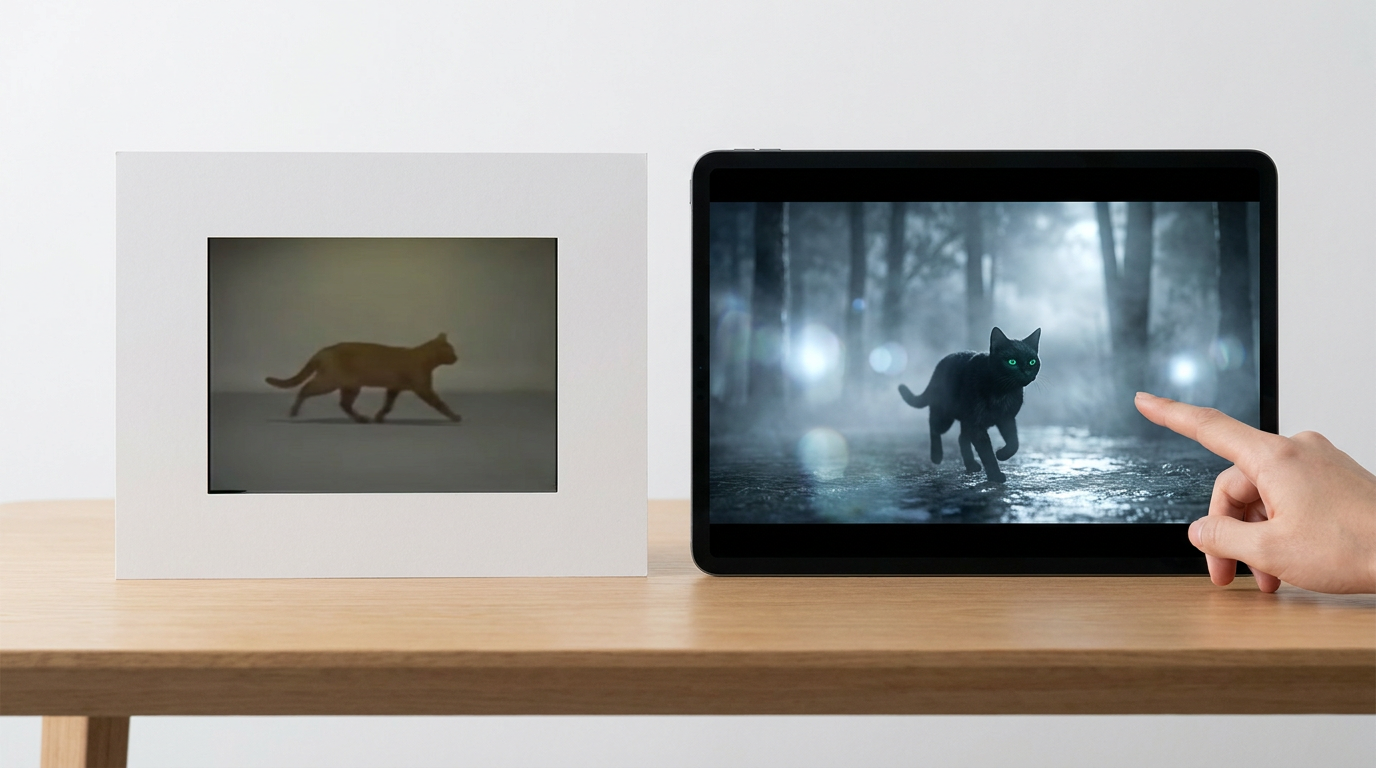
Detail is king! Specific prompts unlock AI's full creative potential.
What This Means for You: Creator, Student, Business Owner 🚀
So, what does all this AI goodness mean for *you*? If you're a creator, you can prototype ideas faster, experiment with advanced visual effects, and generate unique content without breaking the bank. Students can create more engaging presentations and projects. Small businesses can produce high-quality marketing videos, product demos, and social media content that truly stands out, all in-house.
The integration of AI into established software like DaVinci Resolve 21 and Adobe Premiere Pro signals a shift towards hybrid workflows. This means you'll still be in the driver's seat, but with a super-powered co-pilot. Just remember, handling these high-fidelity AI-generated assets and complex editing tasks will demand robust computing resources and efficient storage solutions. Time to check those specs! 💻
💡 Pro Tip: For the best AI video generation results, always start with a clear objective and a highly detailed prompt. Think like a director describing a scene, not just a keyword list! The more context you provide, the closer the AI will get to your vision.
Key Takeaways
- AI video editing in 2026 offers hyper-realistic video generation from text, like Google Veo 3.1 and OpenAI Sora 2.
- Major editing suites, such as DaVinci Resolve 21, now integrate powerful AI features directly into their workflows.
- AI automation (auto-color, speech-to-text, scene detection) can reduce editing time by up to 40%.
- Previously premium AI features like advanced subtitles and object removal are now widely available, even in free tools.
- Detailed and specific prompts are crucial for achieving high-quality, precise AI-generated video content.
Related on Tech4SSD 🔗
- AI Trend Drop (June 2026): The Updates That Just Changed the Game
- Turn Your Boring PDF Into a Narrated Hollywood-Style Explainer With NotebookLM
📩 Want the freshest AI trends every week?
Subscribe to Tech4SSD — practical AI tools and trends, explained for everyone. Free. Subscribe →
Advertisement
Frequently Asked Questions
Do I need a super powerful computer for AI video editing?
For generating hyper-realistic video (like with Veo or Sora), much of the heavy lifting is done in the cloud. However, for editing these high-fidelity files within software like DaVinci Resolve, a robust CPU, a good GPU, and plenty of RAM will give you the smoothest experience. Think of it like editing 4K footage – the better your machine, the happier you'll be!
Are free AI video editing tools any good in 2026?
Absolutely! Free AI tools in 2026 have come a long way. They now offer features like automated subtitle generation (often 95%+ accurate for many languages) and basic object removal, which were premium just a year ago. While they might not have the full suite of professional tools, they're fantastic for getting started and handling many common tasks. Check out sites like Higgsfield.ai for comparisons!
How important are my text prompts for AI video generation?
Crucially important! Think of your prompt as the script and director's notes for your AI. The more detailed, descriptive, and specific your prompt – including subjects, actions, styles, lighting, and camera angles – the more accurately the AI will be able to generate the video you envision. A vague prompt will give you vague results. Be a storyteller!
Can AI replace a human video editor?
Not entirely, but it definitely augments their capabilities! AI excels at automating tedious tasks, generating raw footage, and performing quick enhancements. However, the creative vision, nuanced storytelling, emotional impact, and complex problem-solving still require human intelligence. AI is an incredibly powerful co-pilot, not a full replacement. It makes *you* a more efficient and powerful editor. 💪
Final Word
The landscape of video creation has fundamentally changed. AI video editing in 2026 isn't just about cool new gadgets; it's about empowerment. It’s about democratizing access to high-quality content production, allowing everyone from bedroom creators to small businesses to compete on a level playing field with bigger studios. The tools are more intuitive, more powerful, and more integrated than ever before.
So, stop thinking about video editing as a chore and start seeing it as an exciting canvas for your ideas. Embrace these AI co-pilots, learn the art of the perfect prompt, and unlock a new era of creativity. Your next viral video, impactful presentation, or engaging ad is just a few clicks – and a lot of AI magic – away. Go create something amazing! ✨
AI tools and features change fast — verify current options before relying on them. — Tech4SSD Editorial
Discussion
Have a question or something to add?
Join the discussion on Blogger