Hey creators, students, and small business owners! 👋 Ever wished you could whip up a professional-looking video without breaking the bank or learning complex software? Good news! The world of free AI video generators in 2026 is exploding, offering incredible power right at your fingertips. No more endless editing or pricey subscriptions just to get your ideas moving.
This year, these tools are smarter, faster, and more specialized than ever. We're talking about AI that can turn your concepts into captivating visuals, whether for your next marketing campaign, a school project, or just some fun social media content. But with so many options, how do you pick the right one? We've done the digging for you. In this guide, we'll break down the top contenders, what they're best for, and how you can use them to create awesome videos for free. Let's dive in! 🚀
Advertisement
Why Free AI Video Is a Game-Changer in 2026 ✨
Gone are the days when AI video meant choppy, weird-looking clips. In 2026, free AI video generators have matured significantly. They're not just about basic image quality anymore; they're about specialization. This means you can find a tool perfectly suited for your unique creative or marketing needs, often without spending a dime.
For everyday creators like you, this evolution is huge. It means unprecedented access to sophisticated content creation. You can prototype ideas, generate marketing assets, or experiment with new visual styles efficiently. And the best part? You don't need a massive budget or deep technical skills. The 'free' part usually comes as robust free tiers or generous trial access, making these tools accessible to everyone.
The Big Three: Veo 3.1, Kling 3.0, and Pika 2.5 🏆
When we look at the top free AI video generators making waves in 2026, three names consistently pop up: Google Veo 3.1, Kling 3.0, and Pika 2.5. Each has carved out its niche, offering distinct advantages depending on what you want to create. Think of them as your specialized creative teammates.
While many tools offer free tiers or trial access, these three are frequently cited for their capabilities. They represent the cutting edge of what's available without a significant upfront investment. Understanding their strengths is key to picking your next AI video superstar. Let's break them down.
🟦 Google Veo 3.1: Your Marketing Maestro
Google Veo 3.1 is the go-to for anything that needs to look polished and realistic, especially for marketing concepts. If you're turning an image into a video or need something that feels ready for a product launch, Veo 3.1 is your friend. It's consistently highlighted for its high fidelity and realistic output.
You can often get preview access through the Gemini API, making it a powerful tool for developers and creators who want to integrate cutting-edge AI into their workflows. It's about bringing your static ideas to life with a professional sheen.
🟥 Kling 3.0: The Action Hero
Need dynamic scenes, fast-paced action, or consistent characters across different shots? Kling 3.0 is built for that. This generator excels in handling high motion and maintaining character consistency, which is a common challenge for many AI tools. It's perfect for explainer videos, action sequences, or anything that requires a lot of movement.
Free access to Kling 3.0 can vary by region, so it’s worth checking their site for specifics in your area. But if you can get your hands on it, prepare for some seriously smooth motion.
🟪 Pika 2.5: The Stylized Storyteller
For those who love a unique aesthetic and fast iteration, Pika 2.5 is a dream. It's recommended for stylized content due to its speed and strong artistic consistency. If you're experimenting with different visual styles, animation, or just want something that doesn't look like everyone else's video, Pika is your playground. You usually get monthly free credits to get started.
Pika 2.5 allows you to quickly generate variations and explore creative directions, making it a favorite for artists and content creators who prioritize style and rapid prototyping.
Beyond the Big Three: Other Free & Accessible Tools 🛠️
While Veo, Kling, and Pika lead the pack, the 2026 landscape for free AI video generators is rich with other valuable options. These tools often serve specific niches or offer unique features that can complement your creative toolkit. Don't limit yourself to just one!
Many of these tools also offer generous free tiers or trial periods, making them accessible for experimentation and specific projects. It's all about finding the right tool for the right job.
- PixVerse V6: Great for multi-shot testing and seeing how different prompts perform across a sequence. It helps you get a feel for continuity.
- Luma Dream Machine 2.0: If you're into 3D lighting and more advanced visual effects, Luma offers impressive capabilities, often with a free tier. It's about adding depth and realism to your scenes.
- HeyGen: Perfect for creating talking avatars and presenters. If you need a spokesperson for your video without hiring an actor, HeyGen provides a fantastic solution with free options. PCMag often highlights it for professional use cases.
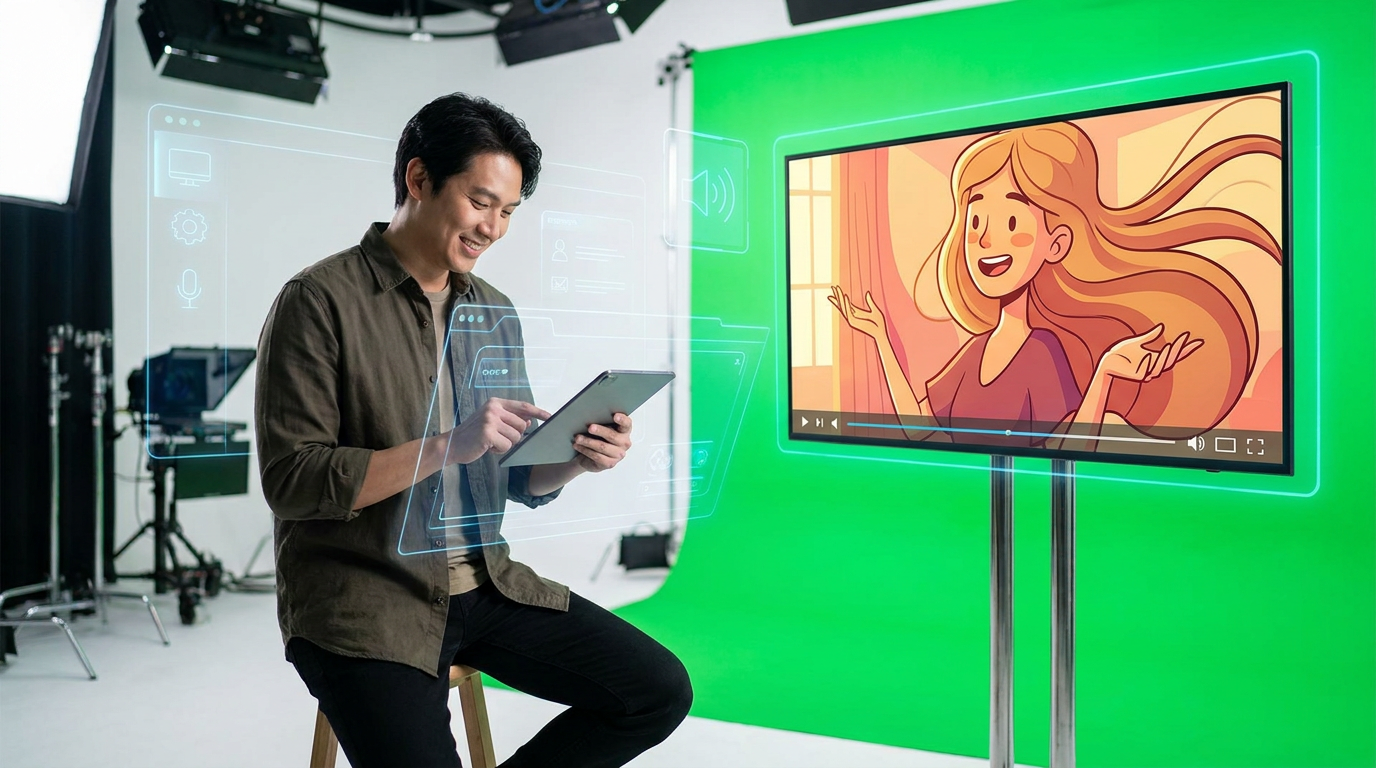
Creating talking avatars and dynamic scenes is easier than ever with free AI tools.
The Current Hurdles: What AI Video Still Struggles With 🚧
Even in 2026, AI video generators aren't perfect. It's important to understand their limitations, especially when relying on free tiers. Knowing these common pain points helps you manage expectations and choose the right tool for your specific needs. Don't expect Hollywood-level perfection every single time.
These challenges are fertile ground for future development, and AI models are improving rapidly. But for now, here's what you might still encounter.
| Challenge | What it Means for Your Video |
|---|---|
| Temporal Consistency | Objects or characters might change appearance slightly from frame to frame, leading to a 'flicker' effect. |
| Motion Consistency | The flow of movement can sometimes be unnatural or jerky, especially in complex actions. |
| Physics & Logic | AI might generate scenes that defy gravity or real-world physics, making them look unrealistic. |
| Face Continuity | Faces can morph or change identity slightly over longer video clips, making character consistency tough. |
| Long-Video Generation | Generating videos beyond a few seconds or a minute is still a significant challenge for quality and consistency. |
| Precise On-Screen Text | AI often struggles with generating accurate, readable text directly within the video frame. |
Advertisement
The 'Kit' Approach: Combining Tools for Best Results 🧩
Think of creating AI video not as a single-tool task, but as building a 'kit.' You'll often get the best results by combining a quality generator with an editor and perhaps a fast 'sketchpad' tool for quick ideas. This approach leverages the strengths of multiple platforms, often using their free tiers strategically.
Many useful free offerings are available on mobile platforms like iOS and Android, making on-the-go creation a reality. Don't be afraid to mix and match! For example, you might generate a core clip with Veo, refine it with a mobile video editor, and add stylized effects with Pika.
Why This Matters for You, The Creator 💡
For builders, developers, and everyday tech enthusiasts, the rapid evolution of free AI video generators means unprecedented access to sophisticated content creation. You no longer need to be a professional videographer or animator to produce compelling visual stories. This democratization of tools empowers you to bring your ideas to life faster and cheaper than ever before.
Understanding the strengths and weaknesses of these specialized platforms allows for more efficient prototyping, marketing asset generation, and creative experimentation, all without significant upfront investment. The ongoing challenges in areas like temporal stability and physics also highlight fertile ground for future development and innovation. You could even be part of the next big AI breakthrough! Many industry experts agree that these tools are changing the game.
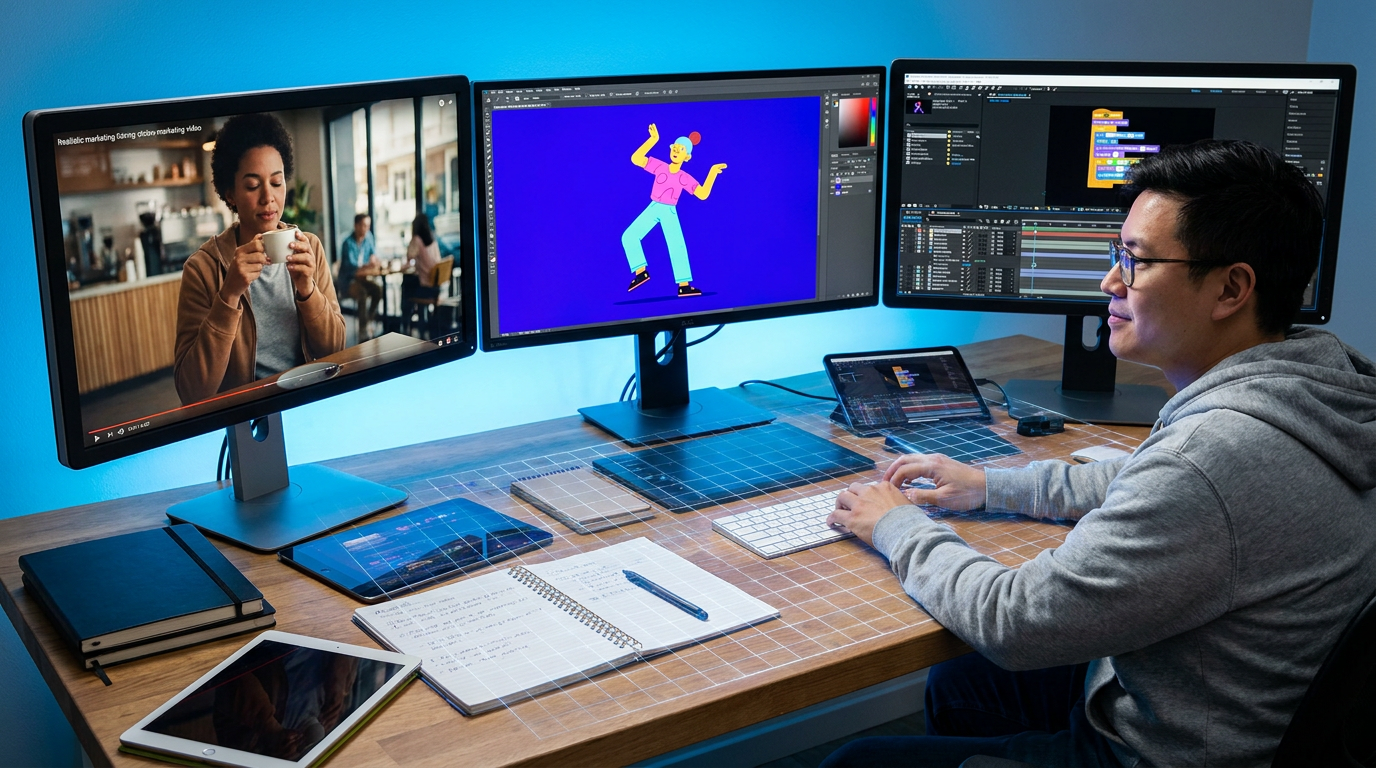
Combining different free AI video tools can unlock incredible creative possibilities.
💡 Pro Tip: Always start with a clear prompt! The more specific you are, the better the AI can understand your vision and deliver closer to what you expect. Experiment with keywords and descriptive language.
Key Takeaways
- Specialization is Key: In 2026, the best free AI video generators excel in specific areas (e.g., realism, motion, style).
- Top Contenders: Google Veo 3.1 (realism/marketing), Kling 3.0 (motion/action), and Pika 2.5 (stylized/fast iteration) are leading the free options.
- Understand Limitations: AI video still struggles with temporal consistency, physics, and long-form content.
- Build Your Kit: Combine multiple free tools (generator + editor + sketchpad) for optimal results.
- Accessibility: Many free tiers and mobile apps make advanced video creation widely available to everyone.
Related on Tech4SSD 🔗
- AI Trend Drop (June 2026): The Updates That Just Changed the Game
- AI Interior Design: Redesign Any Room From a Single Photo (Free, 2026)
📩 Want the freshest AI trends every week?
Subscribe to Tech4SSD — practical AI tools and trends, explained for everyone. Free. Subscribe →
Advertisement
Frequently Asked Questions
Are these AI video generators truly free?
Yes, most of the tools mentioned offer a substantial free tier or a generous trial period. This usually means a certain number of credits, limited video length, or watermarked output. For basic projects and experimentation, these free options are often more than enough.
Can I make long videos with these free tools?
Generally, no. Most free AI video generators are best for short clips (a few seconds to a minute). Generating longer, consistent videos is still a significant challenge for AI and usually requires paid, more advanced versions or extensive post-production editing.
What's the easiest free AI video generator for beginners?
Pika 2.5 is often cited for its user-friendliness and fast iteration, making it great for beginners who want to experiment with stylized content quickly. For simple text-to-video, many platforms have intuitive interfaces. Just jump in and start playing!
Do I need powerful hardware to use these free AI video generators?
Nope! Since these are cloud-based tools, all the heavy lifting happens on the provider's servers. You just need a stable internet connection and a device (computer, tablet, or even smartphone) to access the web interface. That's the beauty of AI in the cloud! ☁️
Final Word
The world of free AI video generators in 2026 is a playground for innovation. You have access to tools that were unimaginable just a few years ago. Whether you're crafting a marketing ad with Veo 3.1, an action sequence with Kling 3.0, or a unique animated piece with Pika 2.5, the power to create is literally at your fingertips. Don't be intimidated by the tech; embrace it!
Remember to leverage the 'kit' approach, understand the current limitations, and most importantly, have fun experimenting. These tools are designed to amplify your creativity, not replace it. So go forth, generate some amazing videos, and show the world what you can build! ✨
AI tools and features change fast — verify current options before relying on them. — Tech4SSD Editorial
Discussion
Have a question or something to add?
Join the discussion on Blogger