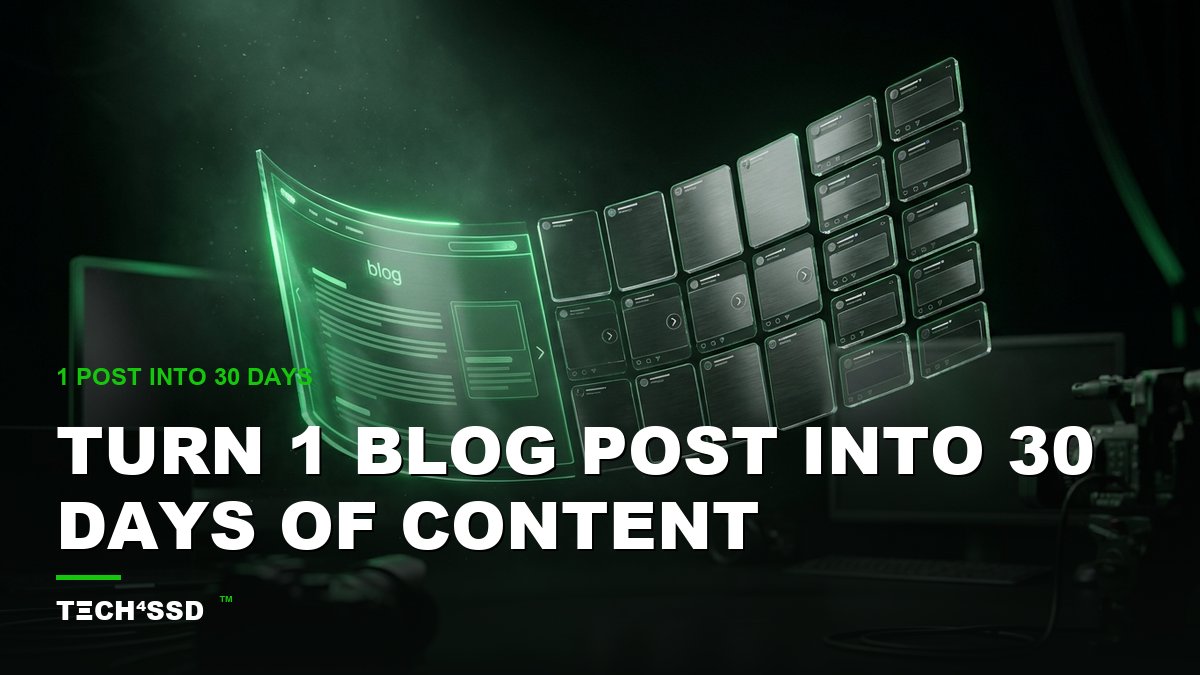
You already did the hardest part. You sat down, you thought it through, and you wrote one good blog post. Here's the secret nobody tells you: that single post isn't one piece of content — it's secretly 30+ pieces of social content just waiting to be sliced out of it. 🔥 And in 2026, AI does the slicing for you in minutes.
No more staring at a blank content calendar wondering what to post today. One post in, a full month of tweets, carousels, reels scripts, and captions out. Let's turn your blog into a content machine.
What You'll Need 🎯
- One solid blog post — or any long-form piece (a newsletter, a script, even a detailed email). The meatier, the better.
- An AI chat tool — ChatGPT, Claude, or Gemini. The free tier handles this easily.
- Your platforms — X, Instagram, LinkedIn, TikTok. Pick the two or three you actually post on.
Step 1: Feed the AI Your Post (and Your Goal) 📥
Open your AI tool, paste in the full blog post, and tell it three things: who you're talking to, what platforms you post on, and what you want from this content. The more context you give, the less generic the output. Think of it as briefing a smart assistant, not a vending machine.
💡 Pro Tip: Add your vibe in one line — "casual and a little funny" or "calm and expert." This is what keeps the posts sounding like you instead of a robot.
Step 2: Pull Out the Core Ideas 💡
Before you make posts, mine the gold. Ask the AI to list every distinct idea, angle, stat, and quotable line buried in your post. One good article usually hides 8–12 separate ideas — and each one can become its own post (or three).
This is the step that makes everything else easy. Once you can see all the angles, the blank-calendar panic disappears.

One article in — a whole month of posts fanning out across every platform.
Step 3: Generate Platform-Specific Posts ✨
Now the fun part. Take those core ideas and ask the AI to reshape them for each platform — because a great tweet and a great LinkedIn post are not the same thing. Here's a plug-and-play prompt:
"Using the ideas above, create: 1 X/Twitter thread (5 tweets), 1 Instagram carousel (6 slides), 2 short-video hooks + scripts for Reels/TikTok, 2 LinkedIn posts, and 3 quote cards. Make each one native to its platform — different hooks, different lengths, no copy-paste repeats."
Run it once and you'll have a stack of ready-to-post content. Don't love a format? Just ask for "5 more variations" — the well never runs dry.
Step 4: Drop Them Into a 30-Day Calendar 🗓️
Ask the AI to organize everything into a simple 30-day posting schedule — one slot per day, spread across your platforms, with the punchiest stuff front-loaded. Tell it your posting days if you don't post daily. Now you've got a real plan, not a pile of orphaned posts.
💡 Pro Tip: Ask for it as a table you can copy into a spreadsheet or Notion. Seeing the whole month laid out is weirdly motivating — and it makes scheduling a breeze.
Step 5: Batch-Create & Schedule
Set aside one focused hour, polish the posts in your own voice, design any carousels or quote cards, then load everything into a free scheduler (Buffer, Metricool, or each platform's native planner). You just turned one afternoon into a month of "always on." Future you is going to be very grateful.
Turn It Into Money 💰
Here's where this skill quietly pays for itself — and then some:

One source post, fully mapped into 30 days of platform-ready content.
- Sell it as a service — coaches, course creators, and small businesses are drowning in content demands. Offer "1 blog post → 30 days of social" as a monthly package.
- Charge per repurpose — a flat $150–$400 to turn a client's existing article or podcast into a full month of posts is an easy yes for busy founders.
- Grow your own audience faster — show up consistently on every platform without burning out, and watch your reach (and inbound) climb.
Key Takeaways
- One good blog post is hiding 30+ pieces of social content — you just have to slice it out.
- Feed the AI your post, your audience, your platforms, and your voice for non-generic results.
- Extract the core ideas first, then reshape each one for the platform it's going on.
- Organize everything into a 30-day calendar, then batch-create and schedule in one sitting.
- It's a sellable skill — content repurposing is a service busy creators happily pay for.
Frequently Asked Questions
Won't 30 posts from one article feel repetitive?
Not if you slice by idea, not by sentence. A solid post has many angles, and a thread, a reel, and a quote card built from different ideas feel like completely different content. Spread them out over the month and your audience never notices the shared source.
Which platforms work best for this?
Start with the one or two where your people already hang out — X and LinkedIn shine for text and threads, Instagram and TikTok for visual and short video. Don't try to be everywhere at once; nail two platforms first.
Do I need different tools for each platform?
No — one AI chat tool can write for all of them. You only need extras for the finishing touches: a design tool like Canva for carousels and quote cards, and a scheduler if you want everything posting on autopilot.
How long does the whole process take?
The AI generation is minutes. Polishing and scheduling a full month is usually one focused hour. Compare that to writing 30 posts from scratch and you can see why this is such a cheat code.
Final Word
The blank content calendar is the thing that quietly kills most creators. But you were never short on ideas — you just hadn't squeezed everything out of the great work you already made. AI is the squeeze. 🚀
Grab your best post, run it through these five steps, and watch a month of content appear. Then go do it again.
📩 Want a fresh AI money-maker like this every week?
Subscribe to Tech4SSD — practical AI tools and creator guides, explained for everyone. Free. Subscribe →
Always edit AI-generated posts for accuracy and your own voice before publishing — Tech4SSD Editorial
Discussion
Have a question or something to add?
Join the discussion on Blogger