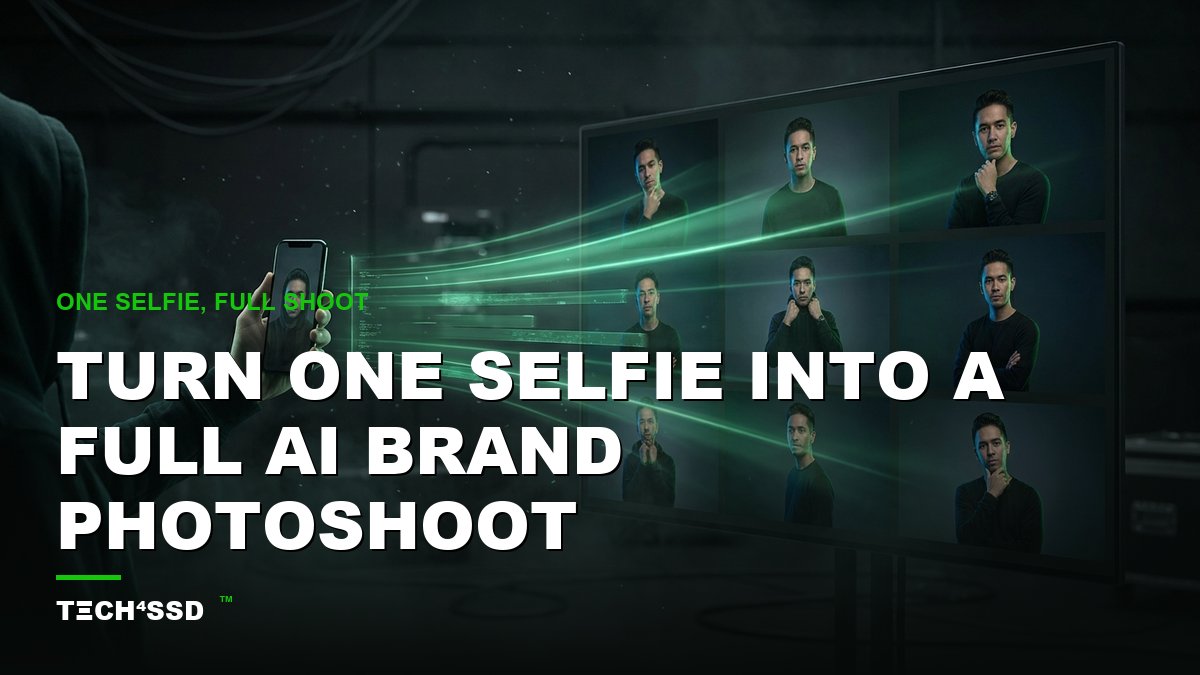
What if one selfie from your phone could become an entire professional brand photoshoot — studio lighting, ten different poses, a few outfit changes, all consistent, all unmistakably you? No photographer. No $500 studio invoice. No awkward "say cheese." Just AI. 🔥 In 2026 this is not only possible, it takes about 15 minutes and can be done for free.
Whether you need polished headshots for LinkedIn, a consistent look for your brand, or a service you can sell to clients, this is the easiest unfair advantage you'll pick up all week. Let's build your shoot.
What You'll Need 🎯
- One clear selfie — good lighting, your face fully visible, no sunglasses.
- A free AI image tool — Google Gemini ("Nano Banana"), or any image model that supports a reference photo. Free tier is plenty.
- 10–15 minutes. That's the whole budget. No editing skills required.
Step 1: Pick Your Best Selfie 📸
The whole shoot is built off this one photo, so choose well. You want soft, even light on your face (a window works great), a neutral expression, and your whole face visible — no hats, no sunglasses, nothing covering it. A sharp, front-facing shot gives the AI the most to work with.
💡 Pro Tip: Take three or four selfies and pick the crispest one. Higher input quality = a more convincing, more consistent shoot.
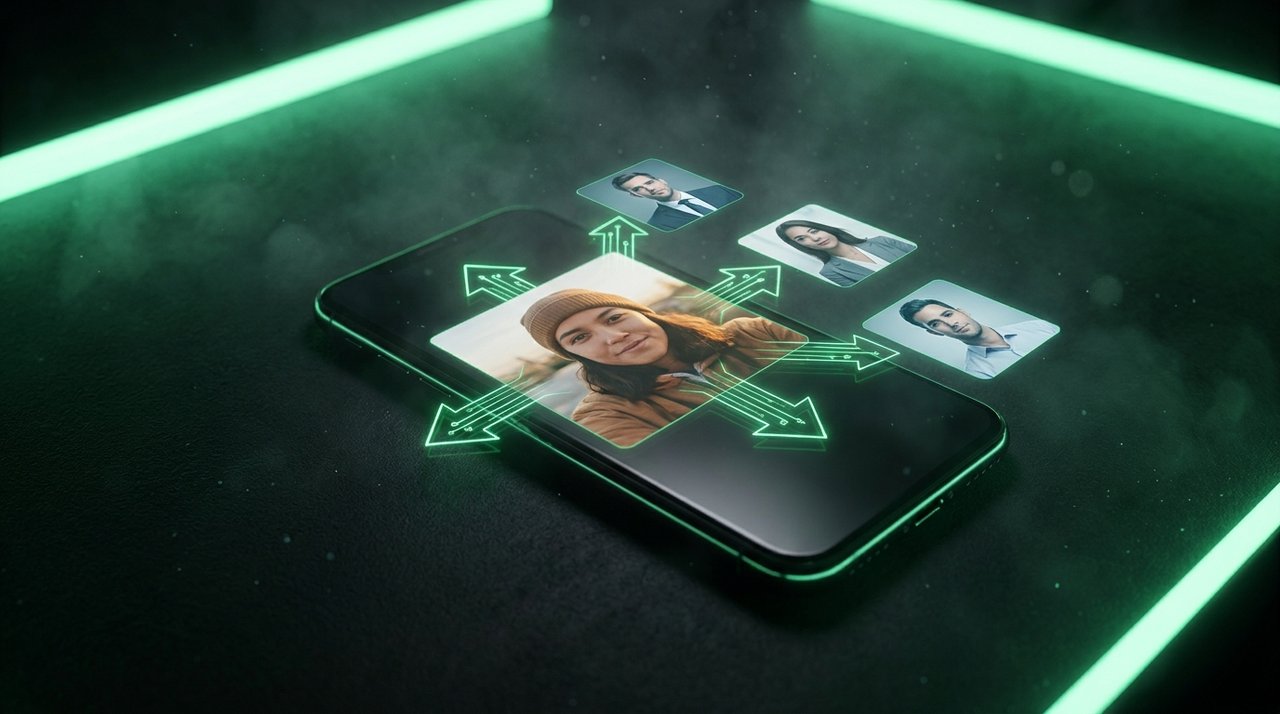
One ordinary selfie in — a full set of polished, on-brand portraits out.
Step 2: Open Your AI Tool & Upload the Photo
Open your image tool (Google Gemini's image mode is free and excellent for this), start a new image, and attach your selfie as a reference. This tells the AI: "keep this face — change everything around it." That reference is what keeps you looking like you across every shot.
If your tool has an "edit with reference" or "use this image" option, that's the one you want.
Step 3: Write the Brand-Shoot Prompt ✨
This is where the magic lives. Describe the shot like you're briefing a photographer — outfit, setting, lighting, framing. Here's a plug-and-play template:
"Professional studio brand portrait of the person in the reference photo, wearing a smart casual outfit, soft window lighting, clean neutral background, shot on an 85mm lens, shallow depth of field, confident relaxed expression, high-end LinkedIn headshot style."
Swap the bolded ideas — outfit, background, lighting, mood — to generate each new "look." Want a coffee-shop vibe? An outdoor golden-hour shot? A bold studio color background? Just change those words and regenerate.
Step 4: Generate Your Variations 🎨
Run the prompt, then keep the reference photo attached and change one thing at a time: outfit, then background, then angle. In a few minutes you'll have a dozen shots that all look like the same person on the same shoot day. That consistency is exactly what makes it read as a real photoshoot instead of random AI images.
💡 Pro Tip: Generate a few "safe" classic headshots first, then get creative — magazine covers, lifestyle shots, themed sets. Volume is free, so explore.
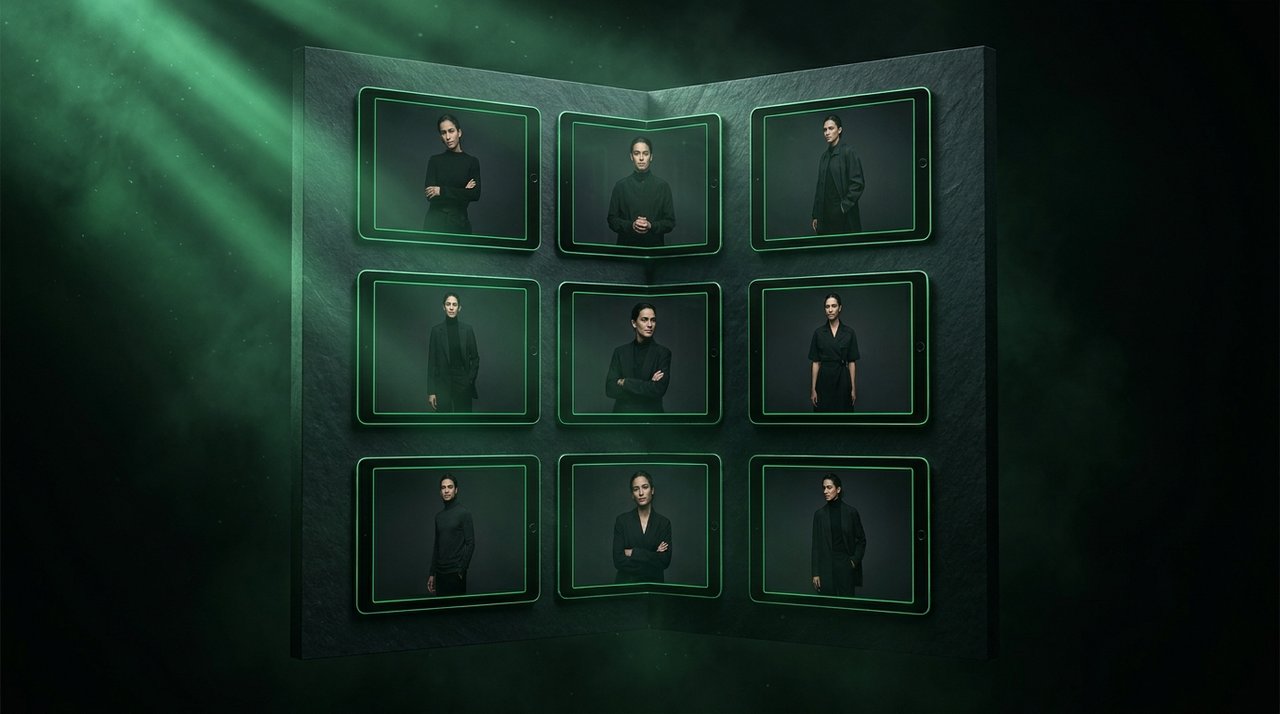
Same face, same person — different outfits, poses and backgrounds. That's a brand shoot.
Step 5: Polish & Upscale
Pick your favorites, run them through a free upscaler for crisp, print-ready resolution, and you're done. Download the set. You now own a brand photoshoot that would've cost hundreds and taken a half-day to schedule.
Turn It Into Money 💰
Here's where it gets fun. The exact skill you just learned is something people pay for:
- Sell AI headshot packs — offer "20 pro headshots from one selfie" as a $25–$75 gig on Fiverr or to your local network.
- Personal-brand packages — coaches, realtors, and founders all need fresh, consistent photos. Charge per set.
- Your own brand — use the shots for your site, socials, and thumbnails so you always look polished and on-brand.
Key Takeaways
- One good selfie + a reference-image AI tool = a full, consistent brand photoshoot in ~15 minutes.
- Keep the reference attached and change one thing at a time (outfit → background → angle) to hold your likeness.
- Prompt like a photographer: outfit, setting, lighting, lens, mood.
- Upscale your favorites for print-ready quality.
- It's a sellable skill — headshot packs and personal-brand sets are in constant demand.
Frequently Asked Questions
Will the AI photos actually look like me?
Yes — as long as you attach your selfie as a reference and keep it attached for each generation. A clear, well-lit input photo is the single biggest factor in how much the results look like you.
Is this really free?
The free tiers of tools like Google Gemini are enough to produce a solid set. Paid plans give you more generations and higher resolution, but you can absolutely start at $0.
Can I use these photos commercially?
Generally yes for your own images, but always check the specific tool's terms for commercial use — they vary by provider and plan.
How do I keep the look consistent across shots?
Reuse the same reference photo and the same base prompt, changing only one variable per image. Consistent input + consistent prompt = a cohesive shoot.
Final Word
A professional brand photoshoot used to mean a budget, a calendar, and a stranger pointing a camera at you. Now it's one selfie and 15 minutes. Whether you use it to level up your own brand or sell it as a service, you just unlocked something genuinely valuable. 🚀
Now it's your turn — go run your first shoot and see how good "you" can look.
📩 Want a fresh AI money-maker like this every week?
Subscribe to Tech4SSD — practical AI tools and creator guides, explained for everyone. Free. Subscribe →
Always review the terms of any AI tool before using generated images commercially. — Tech4SSD Editorial
Discussion
Have a question or something to add?
Join the discussion on Blogger