Scroll any feed right now and you'll see it: photos that look like they were pulled out of a shoebox from 2003. Harsh flash, slightly blurry, a little grainy, with a glowing yellow date stamped in the corner. 📸 The wild part? Most of them were taken last week — on a brand-new phone — and aged backward with AI. This is the viral "old photo" trend, and it's everywhere in June 2026.
Why now? Because nostalgia is having a full-blown moment. Y2K fashion is back, camcorder footage is the aesthetic, and that early-2000s point-and-shoot look feels warmer and more real than today's perfect, over-sharpened photos. The best news: you don't need vintage gear or editing skills. You just need one photo and a free AI tool. Let's make some memories that never happened. 🔥
What You'll Need 🎯
- One photo — a recent selfie, a hangout pic, a pet, a room, anything. Crisp and clear works best; the AI adds the "old" on top.
- A free AI photo tool — ChatGPT's image editing or Google Gemini ("Nano Banana") both do this beautifully. Free tiers are plenty.
- 5 minutes. That's the whole budget. No filters to buy, no presets to install.
Step 1: Pick a Photo That Wants to Be Old 📸
The trend hits hardest when there's a little "memory" energy in the shot — friends crammed into a frame, a candid laugh, a messy room, a night out. Modern, clean photos make the best raw material because the AI gets to add all the grit. Avoid heavily edited or already-filtered images; you want a clean starting point.
💡 Pro Tip: Indoor photos with a flash-y, slightly chaotic vibe convert best. Think "disposable camera at a party," not "golden-hour portrait."
Step 2: Open Your AI Tool & Upload It
Open ChatGPT or Gemini, start a new image, and attach your photo. You're going to edit this image, not generate a new one — that's what keeps the people and the scene exactly the same while only the "era" changes. Look for the "edit this image" or "use this photo" option.
This is the whole trick: same photo, aged with a prompt. The faces stay yours, the moment stays real, and the camera magically becomes 20 years older.
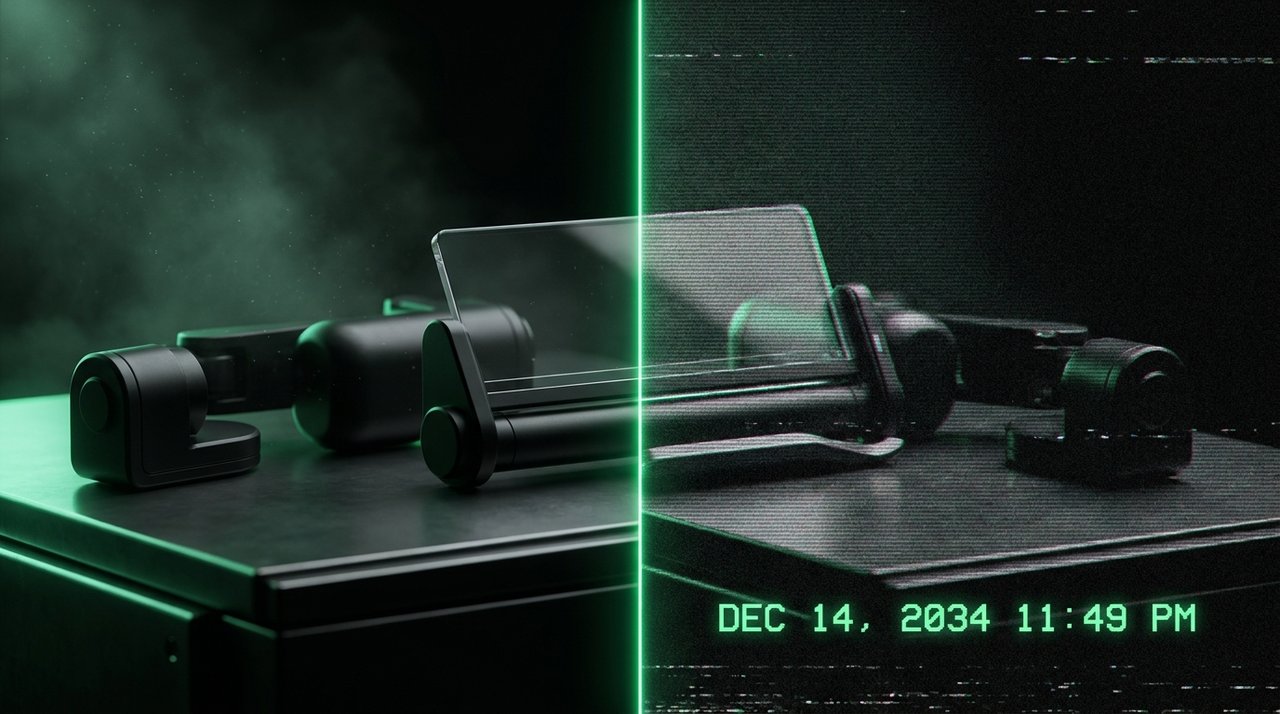
Left: a clean phone photo. Right: the same shot aged into a 2003 point-and-shoot snapshot.
Step 3: Write the "Old Photo" Prompt ✨
Here's where the years melt away. Describe the look like you're handing the AI an old camera. This plug-and-play prompt nails the trend on the first try:
"Make this photo look like an early-2000s point-and-shoot snapshot: harsh on-camera flash, slight motion blur, film grain, light leaks, low resolution, slightly washed colors, and a yellow date timestamp in the bottom-right corner that reads 08 14 2003."
Run it, and watch a 2026 photo turn into a "found memory." Don't love the first result? Just say "more grain," "stronger flash," or "make the timestamp brighter" and regenerate.
Step 4: Dial In the Details 🎨
The little things sell the illusion. Tweak any of these one at a time until it feels authentically old:
- Flash: "harsh direct flash, blown-out highlights, dark corners" = instant disposable-camera energy.
- Timestamp: ask for a "glowing orange-yellow date in the corner" and pick a real-feeling date.
- Texture: "heavy film grain, scratches, dust, light leaks" for that worn, scanned-from-a-print look.
- Camcorder mode: want a VHS or DV vibe? Add "CRT scan lines, slight color bleed, low-res camcorder still, on-screen REC and timecode."
💡 Pro Tip: Less is more on the colors. Early-2000s photos were a little flat and yellow-green, not heavily saturated. Ask the AI to "slightly desaturate and add a warm yellow cast" for the real thing.
Step 5: Make a Matching Set
One photo is fun — a whole "roll" is the trend. Reuse the exact same prompt on three or four more photos so they all share the same grain, flash and timestamp. Now it reads like a real disposable camera you got developed, not a one-off filter.
Keep the date close (same day or same week) across the set, and the story instantly feels believable. That cohesion is what makes people stop scrolling.
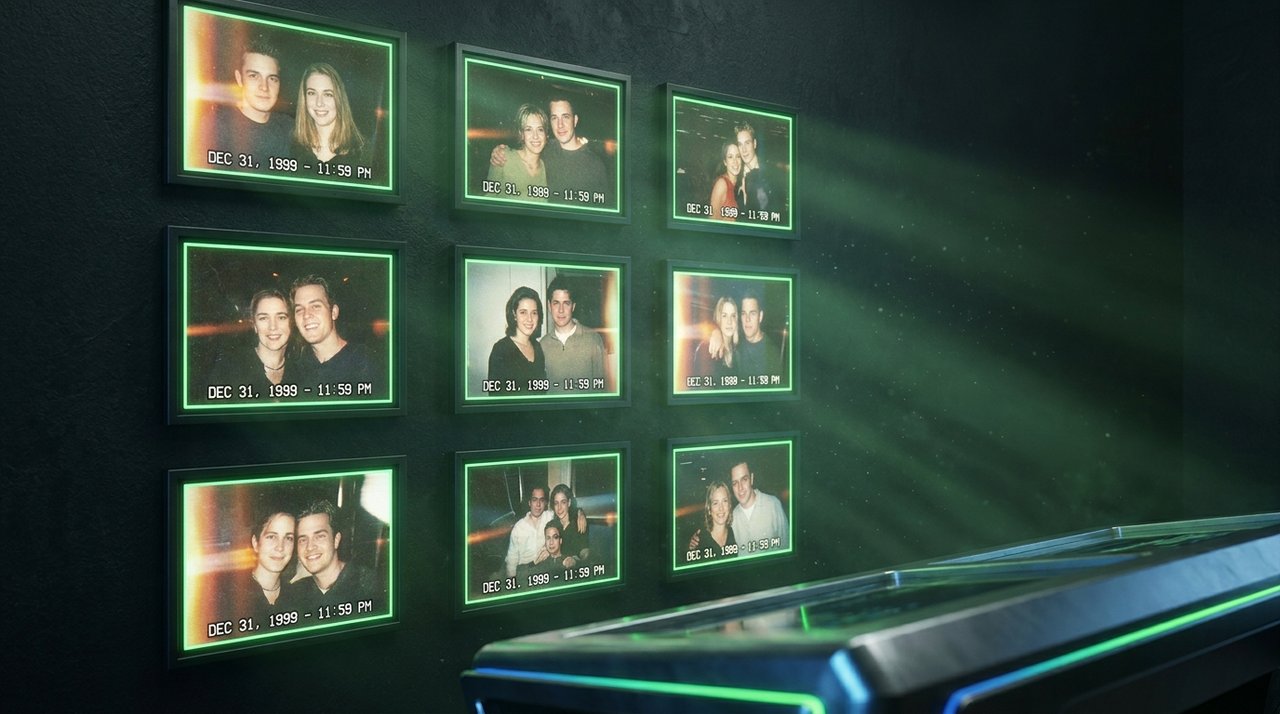
Same prompt, several photos — a matching "camera roll" sells the throwback far better than one image.
Make It Yours 💛
Once you've got the look down, this trend bends to whatever you're making:
- Throwback posts — drop a "2003 dump" on your feed or stories and watch the comments roll in. Nostalgia is pure engagement bait.
- Themed feeds — give your whole grid a consistent Y2K, VHS, or film-camera aesthetic for a standout brand look.
- Album & playlist covers — the grainy, flash-lit look is perfect cover art for lo-fi, indie, and bedroom-pop vibes.
Key Takeaways
- The "old photo" trend ages a fresh photo into an early-2000s snapshot — flash, grain, light leaks, timestamp.
- Edit your real photo (don't generate a new one) so the people and moment stay exactly the same.
- One prompt does the heavy lifting; tweak flash, grain, color cast and the date to taste.
- Run the same prompt across several photos for a believable matching "camera roll."
- It's endlessly reusable — throwback posts, themed feeds, and lo-fi cover art.
Frequently Asked Questions
Which AI tool works best for the old photo trend?
ChatGPT's image editing and Google Gemini ("Nano Banana") both nail it. The key is using the "edit this image" feature so your original photo stays intact and only the vintage effect is added on top.
Why does my AI photo still look too modern?
It usually means the prompt is too gentle. Push it: ask for "harsh flash, heavy grain, low resolution, washed-out colors." Real 2003 photos were imperfect, so lean into the flaws rather than keeping things clean.
Can I add a fake date that looks real?
Yes — just tell the AI the exact date you want in the corner, like "yellow timestamp reading 08 14 2003 in the bottom-right." Specifying the format and color makes it look like a genuine camera stamp.
Is this free to do?
The free tiers of ChatGPT and Gemini are enough to create plenty of these. Paid plans just give you more edits per day and higher resolution, but you can absolutely start at $0.
Final Word
There's something magic about a photo that looks like a real memory — a little blurry, a little grainy, frozen in a year that already feels far away. The old photo trend lets you bottle that feeling in five minutes, from photos you took yesterday. 🚀
Now go raid your camera roll, pick the most "memory-coded" shot you've got, and send it back to 2003. Your feed is about to feel a whole lot warmer.
📩 Want a fresh AI win like this every week?
Subscribe to Tech4SSD — practical AI tools and creator guides, explained for everyone. Free. Subscribe →
Check each AI tool's terms before using generated images commercially. — Tech4SSD Editorial
Discussion
Have a question or something to add?
Join the discussion on Blogger