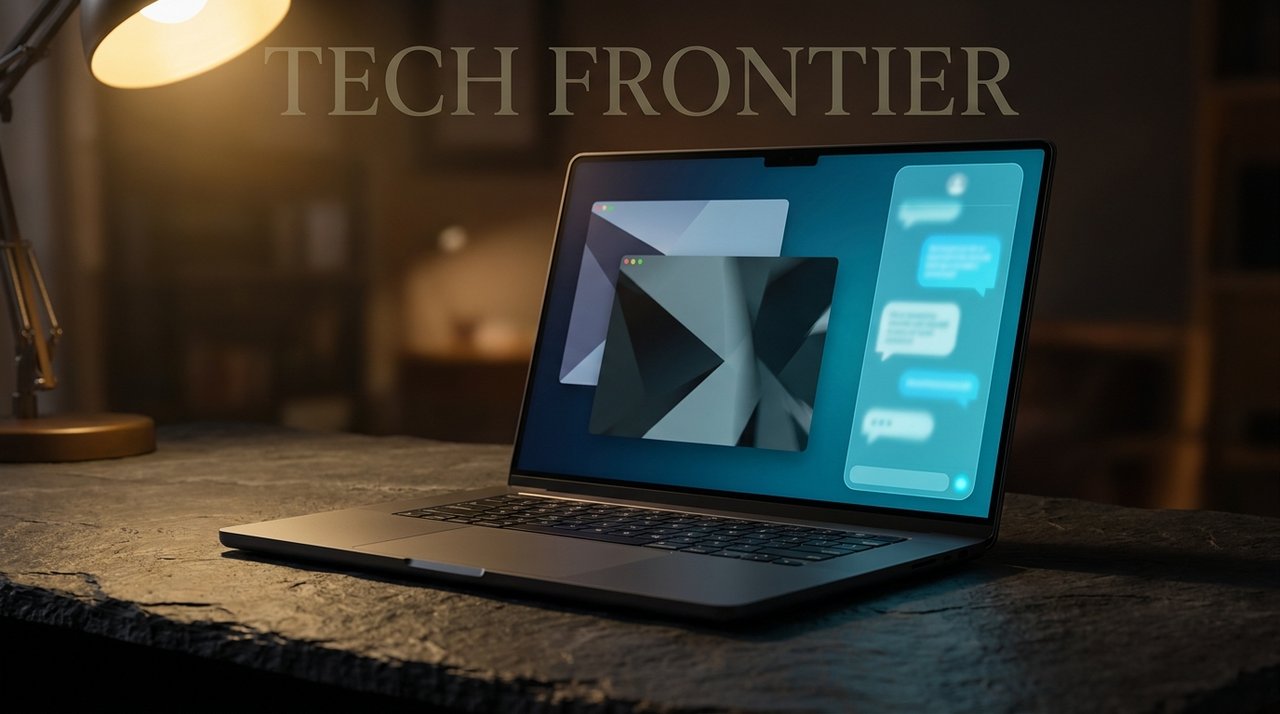
Ten hours ago, Windows Latest dropped one of the most consequential Windows updates of 2026: Microsoft is testing a docked Copilot sidebar in Windows 11 that pins the AI assistant to the right edge of your screen and pushes your open apps aside to make room. It's the cleanest "AI lives in your OS" execution Microsoft has shipped — and it comes just three days after the company publicly admitted that previous Copilot designs (the floating button in Office, mandatory in-app placement) were mistakes.
Fortune's headline from earlier this week was bleak: "Microsoft lost its way in the AI race. Can Copilot get it back on course?" The new docked sidebar is Microsoft's actual answer to that question. Here's what it does, why it might work where previous Copilot designs failed, and what it means for the daily Windows user.
What's New in the Docked Sidebar
Per Windows Latest, Windows Forum, and Let's Data Science coverage (May 22, 2026):
- Pinned to the right edge of the screen — not a floating window, not an overlay.
- Resizes the desktop — your open apps automatically shrink to fit the remaining space.
- Persistent state — stays open across tasks, retains conversation history per-session.
- Optional left-or-right docking — early build allows choosing the edge.
- System-aware — can perform Windows tasks (open settings, find files, change wallpaper) without user clicking through dialogs.
- Currently in Windows Insider preview — Microsoft testing with select rings before broader rollout.
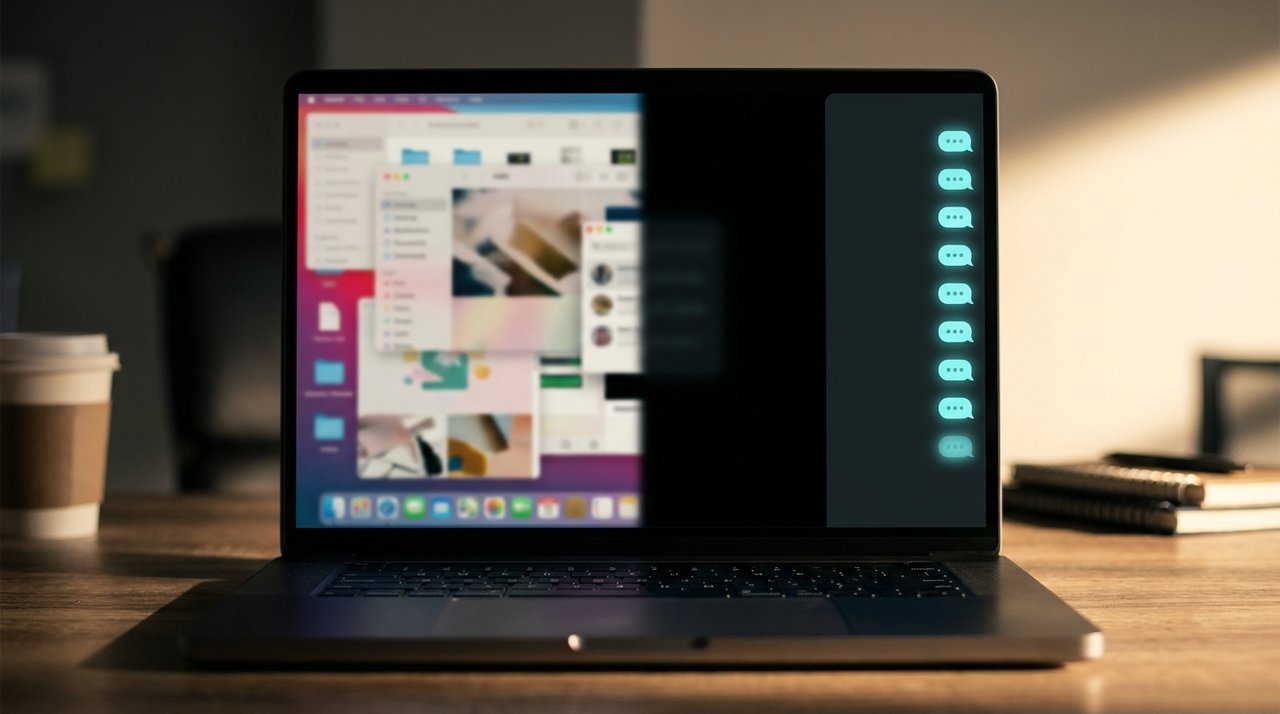
Old Copilot: floating window. New Copilot: docked sidebar that respects window management.
Why This Might Actually Work
Microsoft's track record with Copilot in 2024-2025 was rough. Three specific mistakes the company is now correcting:
- The floating button. The persistent floating Copilot button in Word, Excel, and PowerPoint was widely disliked. Microsoft admitted (May 19, 2026, per Windows Central): "forcing the floating Copilot button on Office users was a mistake." That button is being removed.
- The Snipping Tool toggle and other small "AI everywhere" gimmicks are being scaled back, per Windows Latest.
- The floating window approach — pre-2026 Copilot opened as a separate floating window that interfered with normal window management. The new docked design respects how Windows actually works.
In short: Microsoft is treating Copilot less like a forced feature and more like a tool you choose to dock — the way you'd dock a chat client or notification center. This is a meaningful philosophical shift.
How It Compares to macOS Apple Intelligence and Google Chrome AI
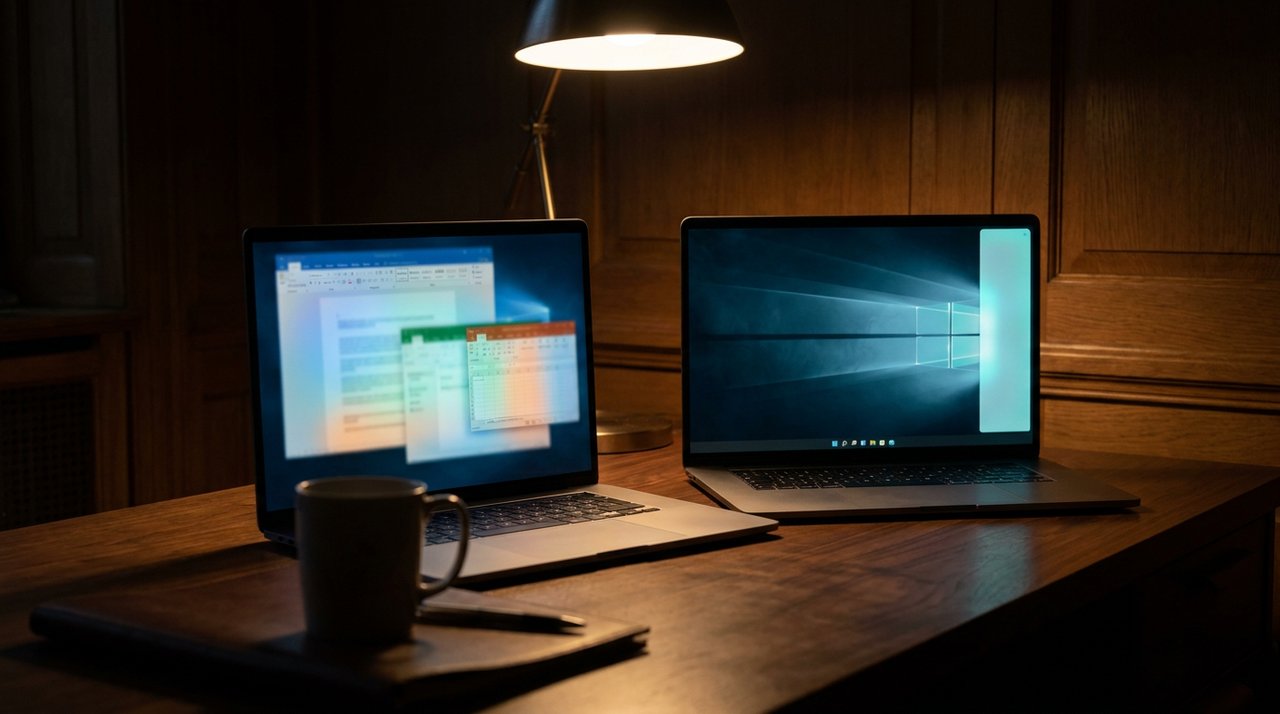
Microsoft is finally separating Copilot in Office from Copilot in Windows — different products for different jobs.
| OS | AI integration | UX pattern |
|---|---|---|
| Windows 11 (new) | Copilot docked sidebar | Right-edge dock, resizes desktop |
| macOS Sequoia / Tahoe | Apple Intelligence + Siri redesign | Spotlight-style + voice |
| Chrome OS / ChromeOS Flex | Gemini integration in launcher | Native to URL bar + side panel |
The pattern is clear: every major OS in 2026 is racing to put AI in the panel where you don't have to leave your workflow. Microsoft's docked sidebar might be the cleanest implementation if it ships polished.
When You'll See It
- Windows Insider Dev channel: Available now to select testers, per Windows Latest.
- Beta channel: Expected within 3-4 weeks based on Microsoft's usual cadence.
- General release: Likely Windows 11 25H2 feature update — late summer 2026.
- Pre-requisites: Windows 11 23H2 or newer, an active Microsoft account, English UI at first (other languages rolling out).
FAQ
How do I get the docked Copilot sidebar?
Join the Windows Insider Dev channel (Settings → Windows Update → Windows Insider Program). The new docked Copilot is rolling out via A/B test, so even Insiders may not see it immediately. Watch for an updated Copilot version in the Microsoft Store.
Does the docked Copilot work without a Microsoft 365 subscription?
Yes. The Windows Copilot sidebar is free, the same way the current Copilot is. Microsoft 365 Copilot is a separate paid product specifically for Office productivity.
Will the sidebar work with my laptop's limited screen space?
Early Insider feedback notes the sidebar is usable down to 13-inch laptop screens, though tight on 11-inch and below. Microsoft is reportedly working on a "compact mode" for smaller screens.
Will my data be sent to Microsoft's servers?
Yes — Copilot processing happens in the cloud, the same as the existing Copilot. Microsoft's privacy controls apply. For fully on-device AI, look at Windows 11's local Phi-class models in Copilot+ PCs.
Final Word
Microsoft is doing the unglamorous work of fixing what previous Copilot designs got wrong. Removing the floating Office button, scaling back forced placements, and re-introducing Copilot as a proper docked tool rather than a constant interruption. That's exactly the discipline the AI race needs in 2026.
Whether Microsoft can win back the developer mindshare it lost to Anthropic and OpenAI is a longer fight. But fixing Copilot's everyday UX is step one — and the docked sidebar looks like the right step.
📩 Every Windows + Microsoft AI update covered.
Subscribe to Tech4SSD. Free. Sign up →
Sources: Windows Latest, Windows Forum, Let's Data Science, Windows Central, Fortune. Reporting accurate as of May 22, 2026.
Discussion
Have a question or something to add?
Join the discussion on Blogger