Generated with AI by Tech4SSD
If you are a game developer, indie studio founder, digital artist, or designer who needs consistent, high-quality visual assets without paying for expensive stock libraries or spending hours in Photoshop, Leonardo AI is the tool you have been waiting for. It is free, it is genuinely powerful, and it produces output that professional studios are actually shipping inside real, commercial games in 2026.
While Midjourney dominates the artistic photography space and DALL-E owns the general-purpose market, Leonardo has quietly become the industry standard for game assets, character design, environment art, and concept illustration. The reason is simple: ControlNet, fine-tuned game-focused models, and a free tier that does not cripple the output. No other free tool gives you this level of precise control over what the AI generates — and that matters when your game has 400 enemy sprites that all need to share a visual style.
ControlNet: Why Precise Control Matters

Generated with AI by Tech4SSD
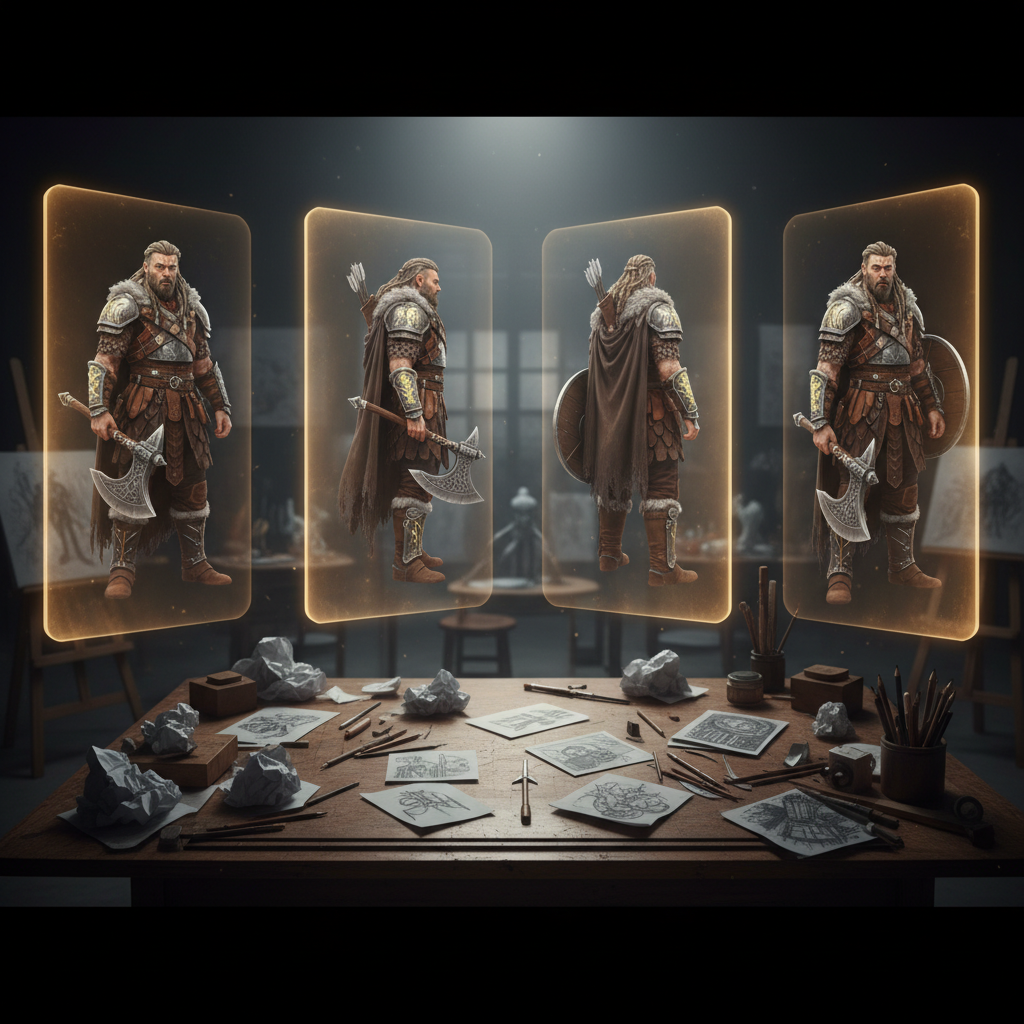
When you are building a game, you cannot have your main character look different in every generated image. You need consistency — the same face, the same outfit, the same proportions, the same style — across dozens or hundreds of assets. ControlNet solves this by letting you define the pose, composition, and structural elements of your image before the AI fills in the visual details.
Upload a rough sketch of a character pose and Leonardo transforms it into a fully rendered illustration while preserving your exact composition. Upload a depth map and get a scene with precise spatial relationships. Upload a reference image and get variations that maintain the same style, color palette, and visual language. This level of control is what separates a useful production tool from a fun toy — and it is the single biggest reason indie devs ship Leonardo assets into Steam-grade titles.
The Free Tier Is Production-Ready
Leonardo gives you 150 daily tokens on the free plan — enough to generate roughly 30 to 60 full-resolution images per day depending on the model. Critically, the output quality is identical to the paid version. You are not getting a watermarked, low-resolution preview. You are getting full-quality, commercially-licensed assets you can ship inside paid products.
Here is how the tiers compare in practice:
Free Tier
- 150 daily tokens (resets each day)
- All models, all resolutions
- Commercial use allowed
- Public gallery (your generations are visible)
- Standard generation speed
Apprentice → Maestro ($12–60/mo)
- 1,500–60,000 monthly tokens
- Private generation (no public gallery)
- Priority queue, faster gen times
- Custom model training
- Higher upload limits for ControlNet
Multiple fine-tuned models cover different art styles: photorealistic for product visualization, anime for character design, 3D Animation Style for Pixar-grade game assets, pixel art for retro games, RPG 4.0 for fantasy concept art, and watercolor for illustration projects. Each model is optimized for its specific domain rather than being a one-size-fits-all generator.
Build games faster with free AI tools
Daily AI breakdowns + tool reviews from Tech4SSD. Free.
5 Game Asset Use Cases (With Prompts)
Here are five real production use cases indie studios are running through Leonardo right now, along with the prompt patterns that consistently produce ship-ready output.
1. Character Sprites
Front, side, and back-facing character turnarounds for 2D RPGs and platformers. Use the RPG 4.0 or 3D Animation Style model and lock the character with image-to-image guidance.
"full body character turnaround sheet, female ranger, leather armor, green cloak, longbow, neutral pose, front view side view back view, white background, RPG game asset, consistent lighting, sharp edges, 4k"
2. Weapons & Item Icons
Inventory icons that need to read clearly at 64x64px. Pair the 3D Animation Style model with a transparent background prompt and the Alchemy refiner.
"ornate fantasy greatsword, glowing blue runes on blade, gold-trimmed hilt, item icon, 3/4 view, isolated on transparent background, centered, dramatic rim light, video game inventory asset"
3. Environment Tiles & Backgrounds
Parallax backgrounds for 2D side-scrollers, or top-down tilesets for ARPGs. Combine a depth-map ControlNet with the Environment preset.
"misty enchanted forest, ancient ruins, glowing mushrooms, side scroller parallax background, painterly style, 16:9, depth layers, foreground midground background separation, fantasy game art"
4. UI & HUD Elements
Button frames, dialogue panels, health bars, and menu backgrounds. Use the Leonardo Vision XL model with explicit "no text" prompting.
"ornate fantasy UI panel, weathered parchment background, gold filigree borders, four empty rounded slots, no text, top-down view, game menu frame, isolated on transparent"
5. Seamless Textures & Materials
Stone, wood, metal, fabric — for 3D models or 2D tilemaps. Use the Tile generation setting to guarantee seamless edges.
"seamless tileable medieval cobblestone texture, top-down, photo-real, even lighting, no shadows, 1024x1024, PBR material, weathered stone"
Leonardo vs Midjourney vs Stable Diffusion for Game Assets
All three tools generate great images, but for game-asset production they serve different jobs:
| Feature | Leonardo AI | Midjourney v7 | Stable Diffusion |
|---|---|---|---|
| Free tier | Yes (150/day) | No | Yes (self-host) |
| ControlNet | Built-in, easy | Limited | Yes (technical) |
| Character consistency | Strong | Excellent (–cref) | Strong (LoRA) |
| Transparent BG | Native | Manual | Plugin |
| Learning curve | Easy | Easy | Steep |
| Best for | Game assets, icons, sprites | Concept art, marketing | Custom pipelines |
Midjourney still wins for hero key art and trailer shots. Stable Diffusion wins if you have the time to build custom LoRAs. But for the daily grind of producing 50 items, 20 sprites, and a parallax background before lunch, Leonardo is the most productive free option in 2026. For a side-by-side comparison of the latest image models, see our Nano Banana Pro vs Midjourney v7 breakdown.
Popular Game-Asset Prompt Patterns
After analysing thousands of community generations, four prompt patterns consistently produce ship-ready Leonardo output:
The Asset Sheet Pattern
[subject], [3-4 variations], grid layout, isolated on white, consistent style, game asset sheet — perfect for batching items, enemies, or props.
The Icon Pattern
[object], item icon, 3/4 view, centered, dramatic rim lighting, transparent background, no text — the workhorse prompt for inventory art.
The Concept Frame Pattern
cinematic [scene], wide shot, dramatic lighting, [mood], concept art, [studio reference] — for environment moodboards and pitch decks.
The Sprite Pattern
pixel art [character], 32x32, side view, walk cycle pose, limited palette, transparent background — the go-to for retro and indie 2D.
Negative prompts matter just as much. For game assets, always exclude: blurry, low quality, text, watermark, signature, multiple subjects, deformed hands, extra limbs, jpeg artifacts. If you are new to AI image generation more broadly, our guide to the 7 best free AI image generators in 2026 walks through prompt fundamentals across every major tool.
Leonardo AI proves that free AI tools are not just 'good enough' — they are production-ready for professional creative work. If you make games or visual content for any purpose, this belongs in your core toolkit.
FAQ
Can I use Leonardo AI images commercially in my game?
Yes. Both free and paid plans grant a commercial license to images you generate, with one caveat: free-tier generations are placed in a public gallery. Paid plans get private generation.
Is Leonardo AI better than Midjourney for game assets?
For asset production, yes — Leonardo's ControlNet, transparent background output, and game-tuned models (RPG 4.0, 3D Animation Style) are purpose-built for the job. Midjourney still wins for hero key art and stylized marketing visuals.
How many images can I generate for free per day?
You get 150 tokens that reset daily. A standard image costs 1 to 8 tokens depending on resolution and model, so expect 30 to 60 full-quality generations per day on the free plan.
Do I need to know prompt engineering to get good results?
No. Leonardo's Prompt Magic and built-in style presets handle most of the heavy lifting. Drop in a basic description, pick a model, and you will get usable output. Prompt refinement only matters when you need a very specific look.
Want more AI insights?
Follow Tech4SSD for daily tutorials. Subscribe at tech4ssd.beehiiv.com


Discussion
Have a question or something to add?
Join the discussion on Blogger