Generated with AI by Tech4SSD
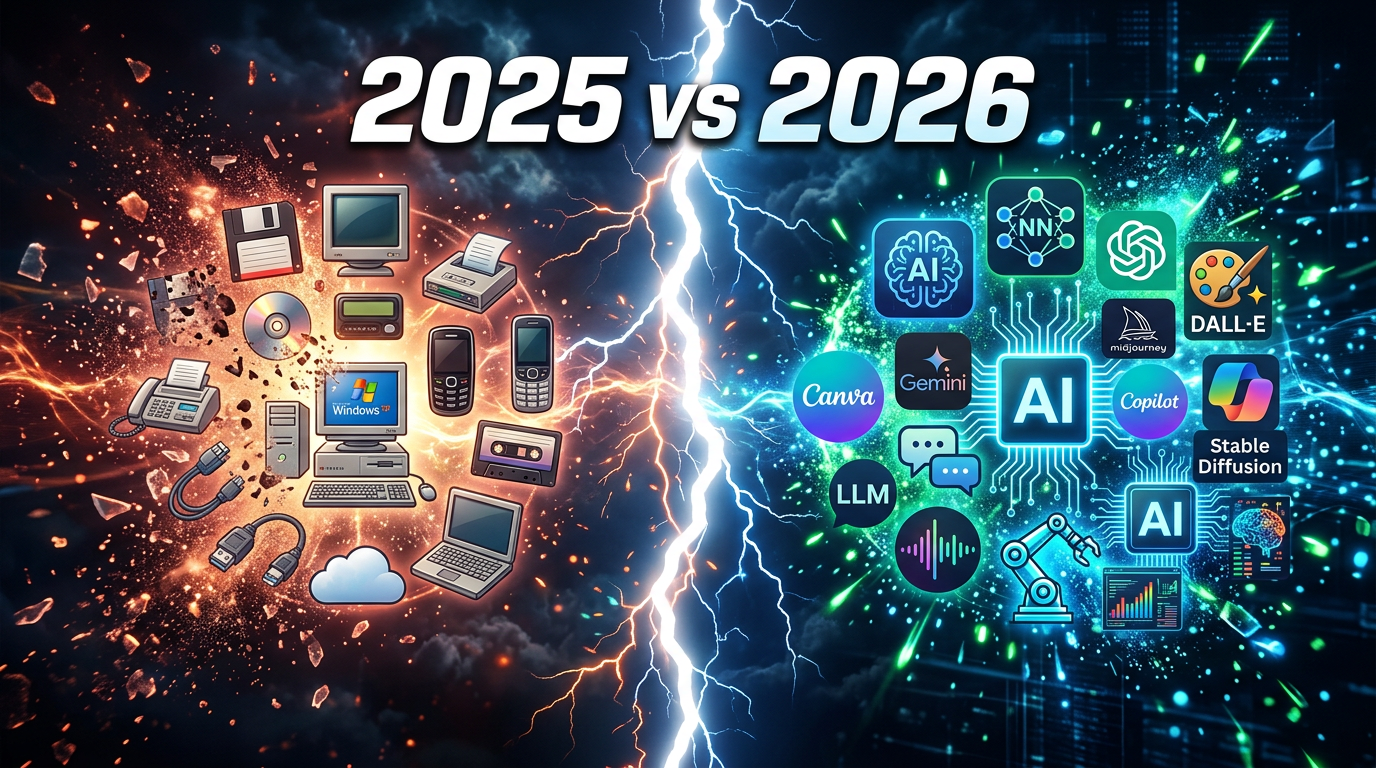
If you are still using the same AI tools from 2025, you are falling behind. The AI landscape shifted dramatically over the past 12 months, and every single category now has a better — often completely free — alternative that simply did not exist before. This is not incremental improvement. These are wholesale replacements.
We tested the top tools in 8 categories and found that every 2026 replacement outperforms its 2025 predecessor in measurable ways. More importantly, most of them cost nothing. Here is the complete upgrade guide with side-by-side comparisons, so you can switch today.
1. ChatGPT → Claude (AI Chat)
Generated with AI by Tech4SSD
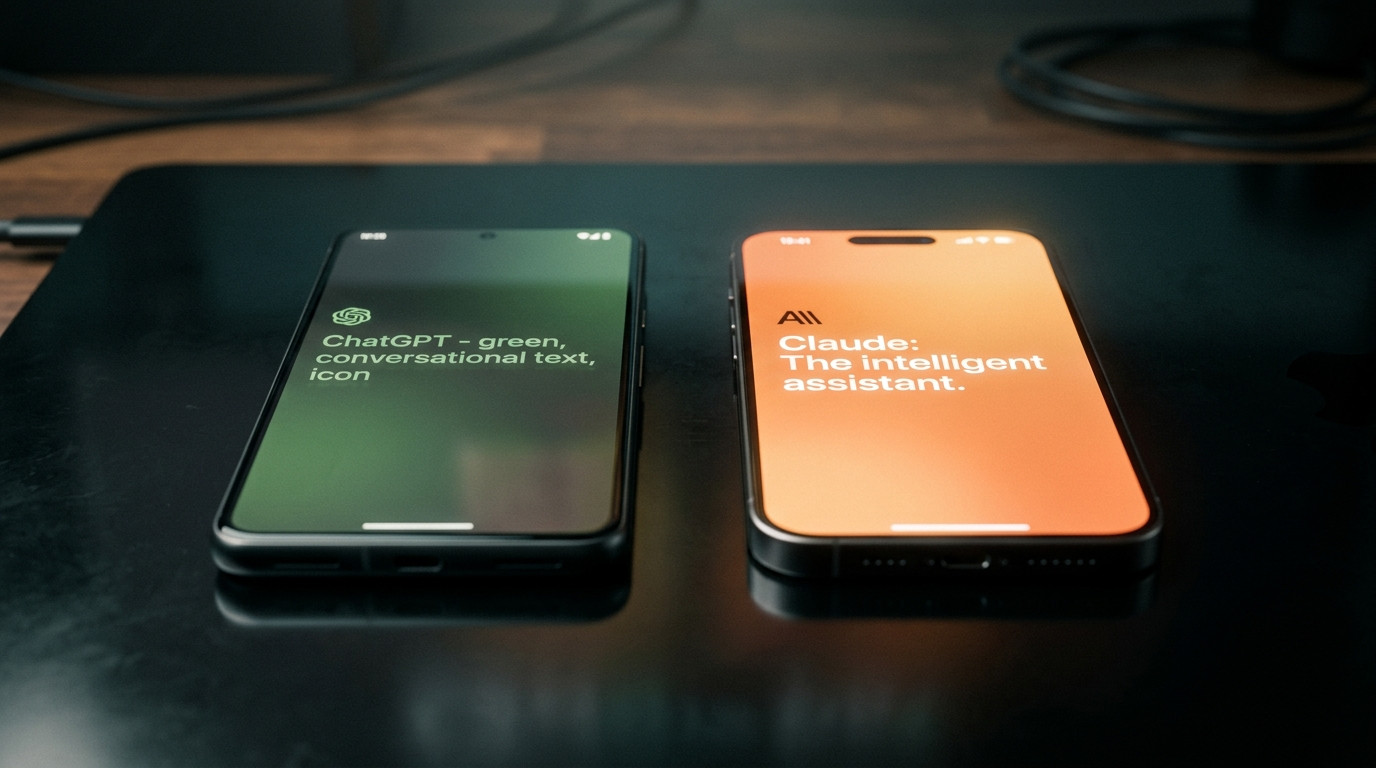
2025: ChatGPT
The GPT-4 era pioneer. Web browsing, plugins, and a massive ecosystem. Reliable but outputs became increasingly generic and corporate-sounding. Templates and patterns started feeling repetitive across users.
2026: Claude
Claude 4.6 Opus leads writing quality benchmarks across every major test. 1M token context window processes entire codebases. 75.6% on SWE-bench for coding. The most natural, human-sounding AI text available. Artifacts workspace lets you build and preview code in real-time.
Why? Claude produces writing that genuinely sounds human — no robotic hedging, no corporate blandness. The 1M context window means you never have to chunk documents or lose context mid-conversation.
2. Google Search → Grok (Search & Research)
2025: Google Search
The undisputed search king for 25 years. But by 2025, results were cluttered with ads, SEO-optimized junk, and AI Overviews that answered your query before you could evaluate sources yourself.
2026: Grok
Real-time integration with X/Twitter gives Grok access to breaking news and live public discourse. Unfiltered answers without corporate hedging. Witty, direct, and always current on trending topics.
Why? For breaking news, trending topics, and unfiltered opinions, Grok delivers answers that Google intentionally sanitizes. The real-time social data integration is something no traditional search engine can match.
3. Keyboard App → Wispr (Voice Input)

Generated with AI by Tech4SSD
2025: Standard Keyboard
Basic phone keyboard with autocomplete that has barely evolved since 2015. No AI understanding, no context awareness, no intelligent formatting. You type every single word manually.
2026: Wispr
AI-powered voice-to-text that works system-wide across every app on your phone. Three times faster than typing. Wispr learns your vocabulary, writing style, and formatting preferences over time. Dictate an email and it formats it properly — no editing needed.
Why? Wispr transforms your voice into perfectly formatted text anywhere on your device — emails, messages, documents, social media. It understands context ('send that to my boss' vs 'send that to my friend') and adapts accordingly.
💡 Enjoying this?
Get more daily. Subscribe to Tech4SSD →
4. Ideogram → Nano Banana (Image Generation)

Generated with AI by Tech4SSD
2025: Ideogram
Emerged as a strong competitor for text-in-image generation. Good quality but limited style range, slower generation times, and occasional inconsistencies in photorealism. Required credits or subscription for heavy use.
2026: Nano Banana
Google's completely free image generation powerhouse integrated directly into Gemini. Produces photorealistic images with accurate text rendering in seconds. No credits system, no waitlist, no subscription needed. The quality rivals Midjourney at zero cost.
Why? The word 'free' is doing heavy lifting here. Nano Banana produces professional-quality images that would have cost $20-50 on stock photo sites or required a $30/month Midjourney subscription. Zero cost changes the economics of content creation entirely.
5. PowerPoint → Gamma AI (Presentations)

Generated with AI by Tech4SSD
2025: Microsoft PowerPoint
The 37-year-old presentation software that every professional knows and tolerates. Manual design, template-dependent, and every presentation still starts with a blank slide and hours of formatting work.
2026: Gamma AI
Describe your presentation topic in one prompt and Gamma generates a complete, professionally designed slide deck with proper hierarchy, consistent visuals, and logical flow. Want changes? Just describe them. Gamma redesigns on command.
Why? Gamma eliminates the design bottleneck entirely. A presentation that took 4 hours in PowerPoint takes 4 minutes in Gamma. The output looks more professional than most human-designed decks because it follows proven design principles consistently.
6. Google Scholar → NotebookLM (Research)
Generated with AI by Tech4SSD
2025: Google Scholar
Academic paper search engine that returns walls of dense text. No summaries, no synthesis, no connections between papers. You find papers, then spend hours reading them manually to extract insights.
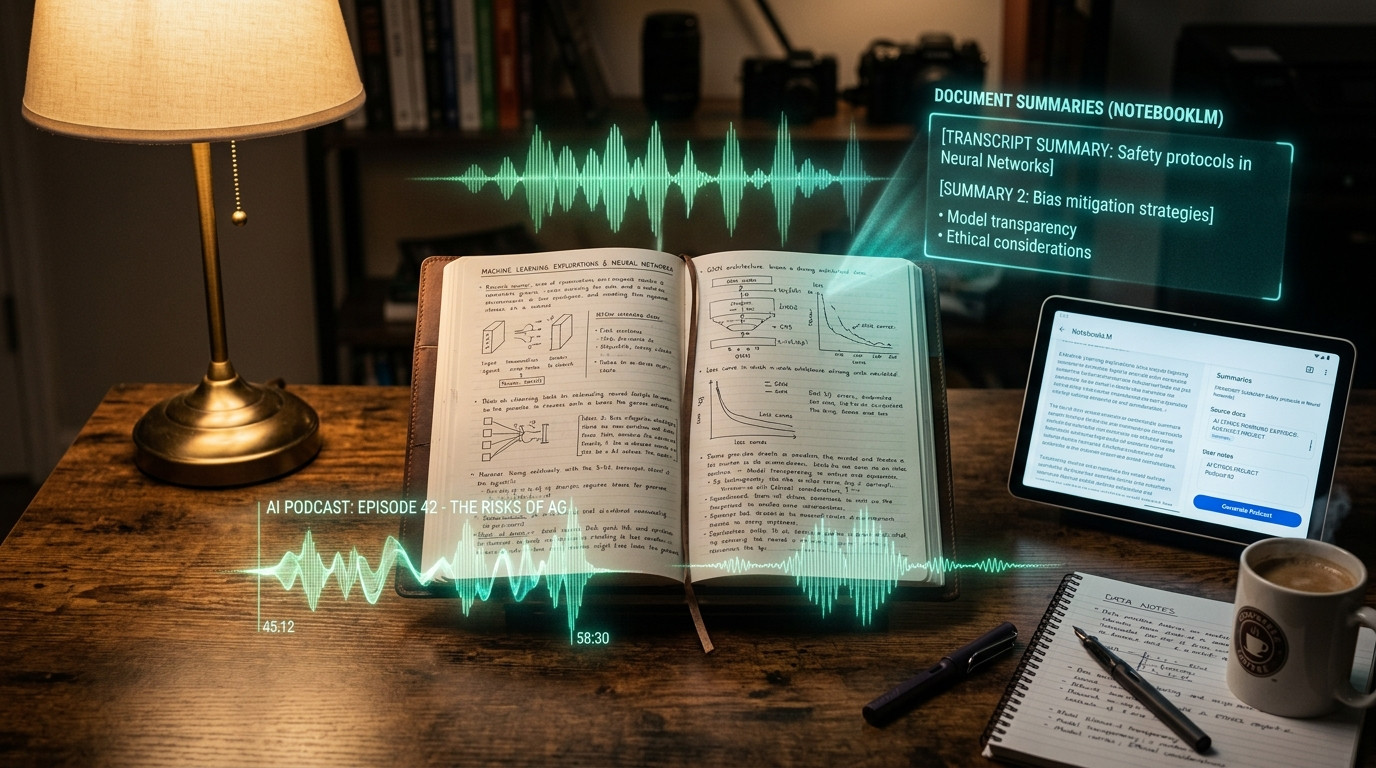
2026: NotebookLM
Upload any documents and NotebookLM creates a custom AI expert trained exclusively on your specific data. Ask questions, get cited answers. The Audio Overview feature transforms dry research into engaging podcast-style discussions automatically. 100 notebooks, 50 sources each, 500K words — all free.
Why? NotebookLM does not just find papers — it reads them for you, synthesizes insights across multiple sources, identifies contradictions, and can literally generate a podcast episode discussing your research materials. It is like having a PhD research assistant who works 24/7 for free.
7. Adobe Premiere → OpusClip (Video Editing)
Generated with AI by Tech4SSD
2025: Adobe Premiere Pro
The industry-standard professional video editor at $22/month. Powerful but has a notoriously steep learning curve, requires a fast computer, and even simple edits can take hours of timeline scrubbing and manual cuts.
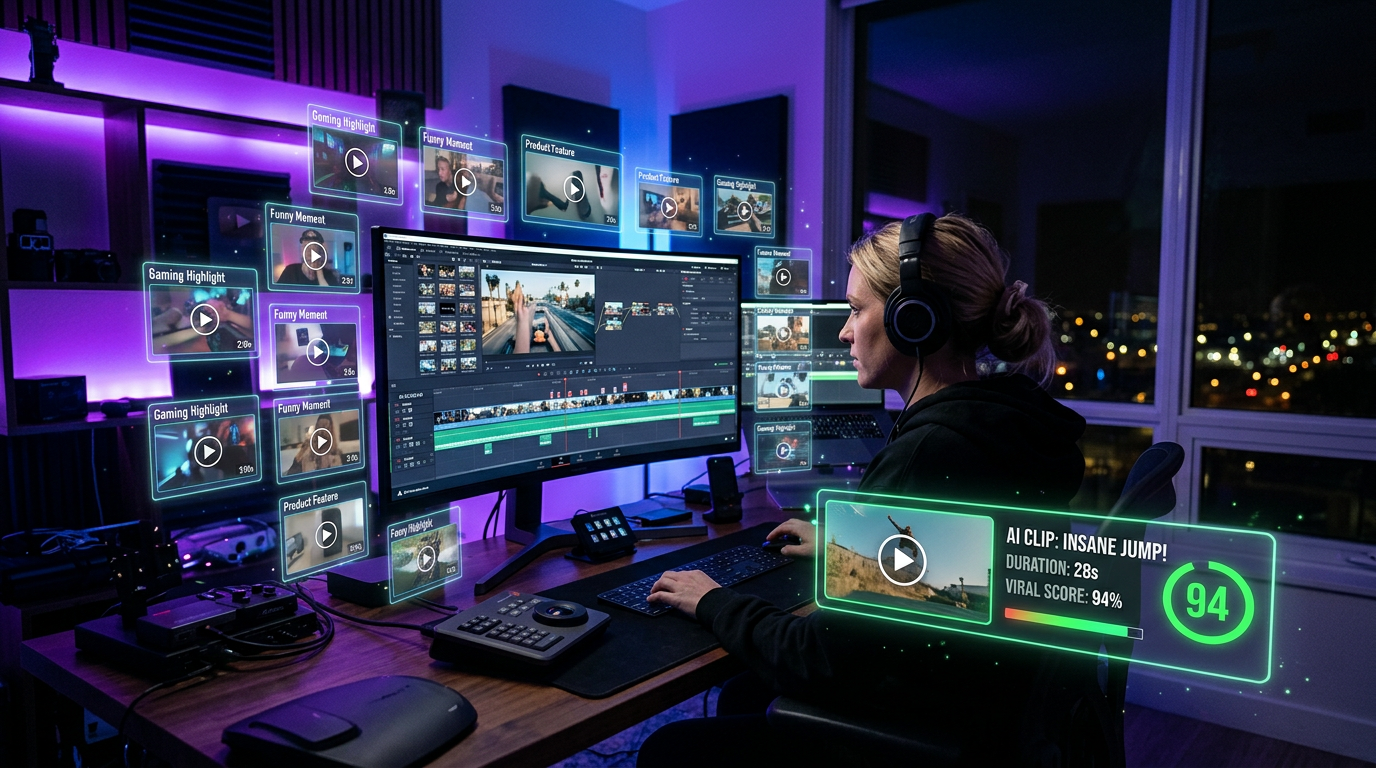
2026: OpusClip
AI automatically watches your long-form video, identifies the most engaging and viral-worthy moments, clips them into standalone short-form videos, adds accurate captions, and formats everything for TikTok, Reels, Shorts, and LinkedIn — all in one click.
Why? For content creators who shoot long-form video and need short-form clips, OpusClip replaces roughly 80% of what they used Premiere for at a fraction of the cost and time. It finds the compelling moments that humans often miss.
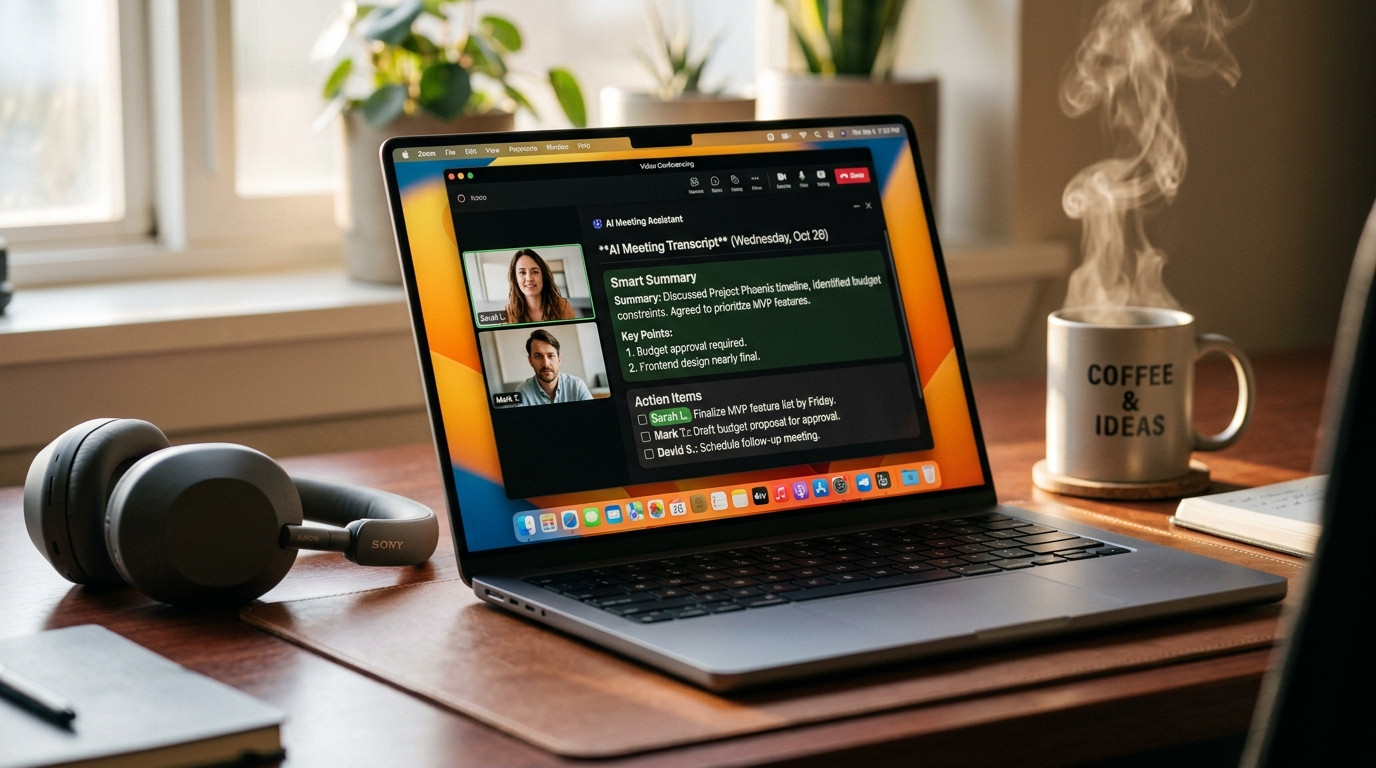
8. Otter AI → Granola (Meeting Notes)
Generated with AI by Tech4SSD
2025: Otter AI
Basic meeting transcription service with simple automated summaries. The transcripts were often useful but the AI insight layer was limited — it told you what was said, not what mattered or what to do next.
2026: Granola
Full AI meeting copilot that goes far beyond transcription. Real-time smart notes that capture decisions, not just dialogue. Automatic action items extracted and assigned. Follow-up email drafts generated. Contextual intelligence that remembers previous meetings with the same people and tracks commitments across your entire meeting history.
Why? Granola understands the difference between casual conversation and important decisions. It tracks commitments ('I will send the report by Friday'), flags unresolved questions, and builds institutional memory across every meeting you have. The follow-up drafts alone save 20+ minutes per meeting.
📊 Quick Reference Table
The Bottom Line
Every single 2026 replacement on this list is either completely free or has a generous free tier that covers most professional needs. The barrier to upgrading your entire AI toolkit is literally zero dollars. The only cost is the few minutes it takes to try each one and discover how much better your workflow becomes.
Start with the category where you spend the most time. If you write for hours daily, try Claude. If you make presentations weekly, try Gamma. If you edit video regularly, try OpusClip. One tool at a time, upgrade your entire workflow — and wonder how you ever tolerated the old way.
Which 2026 tool are you switching to first? Drop a comment below! 🔥
FREE NEWSLETTER
Want to Stay Ahead of AI?
Daily AI tools, tutorials, and tips.
Subscribe →No spam. Unsubscribe anytime.
Discussion
Have a question or something to add?
Join the discussion on Blogger