AI gas station trend: Ever scrolled through your feed and seen those super cool AI gas station trend videos? You know, the ones with a sleek car, a dramatic reveal, and maybe even a digital pet? What if we told you that you can create your own version, featuring you, your dream car, and even your furry friend, all without owning a single prop or even stepping outside? 🤯
That's right! The latest advancements in AI video and image generation tools like Seedance 2.5 and Nano Banana are making complex video trends accessible to everyone. Forget expensive equipment or elaborate film sets. We're going to break down exactly how you can put yourself right into the action, shot for shot, with just a few clever AI tricks.
Advertisement
What's the AI Gas Station Trend Anyway? ⛽
The AI gas station trend is all about generating realistic, cinematic video clips set at a gas station. Think dramatic camera moves, cool cars, and often a surprise element like glowing cards or unique characters. It's gone viral because it looks incredibly polished and professional, but traditionally, it would require a whole production crew.
The magic now? AI tools can replicate that high-production feel. You can dictate the car, the location, the lighting, and even the specific actions, making it a playground for creative storytelling without the usual headaches. It's about bringing your wildest visual ideas to life, virtually.
Meet Your AI Dream Team: Seedance 2.5 & Nano Banana 🚀
To pull off this trend, we're relying on two powerhouse AI tools. They work together to give you ultimate control over your virtual video production.
First up, we have Seedance 2.5. This is your video generation maestro. It's all about creating longer, more coherent video sequences with impressive control. Think seamless transitions and even native audio that syncs perfectly. Then there's Nano Banana, your go-to for crafting perfect, high-quality images from scratch or refining existing ones. It's like having a professional photographer and a video editor rolled into one AI-powered package.
Seedance 2.5: Your Video Director 🎬
Seedance 2.5, powered by ByteDance and often found on platforms like Luma AI, is a game-changer for video creators. It lets you generate up to 30-second videos in a single pass. No more tedious stitching together short clips! This means smoother, more natural-looking motion.
What truly sets it apart is its control. You can feed it up to 50 different reference inputs – images, videos, audio, and even style guides. This level of detail means you can precisely dictate your characters, scene elements, and pacing. Plus, it co-generates audio and video, so lip-syncing (if you have characters speaking) happens automatically, boosting realism big time. Check out Luma's Seedance 2.5 Complete Guide for more details.
Nano Banana: Your Image Perfector 🍌
While Seedance handles the video, Nano Banana 2 is your secret weapon for getting those perfect visual elements. It's an AI image generator that can transform your text prompts into stunning, professional-quality visuals. Need a specific car model in a clean studio shot? Nano Banana can whip it up.
It's also fantastic for image-to-image transformations. This means you can take an existing photo, say of a car with a busy background, and have Nano Banana clean it up or place it on a plain backdrop while preserving its core composition. This gives Seedance 2.5 the clearest possible reference images to work with. You can explore its capabilities on the Nano Banana 2 website.
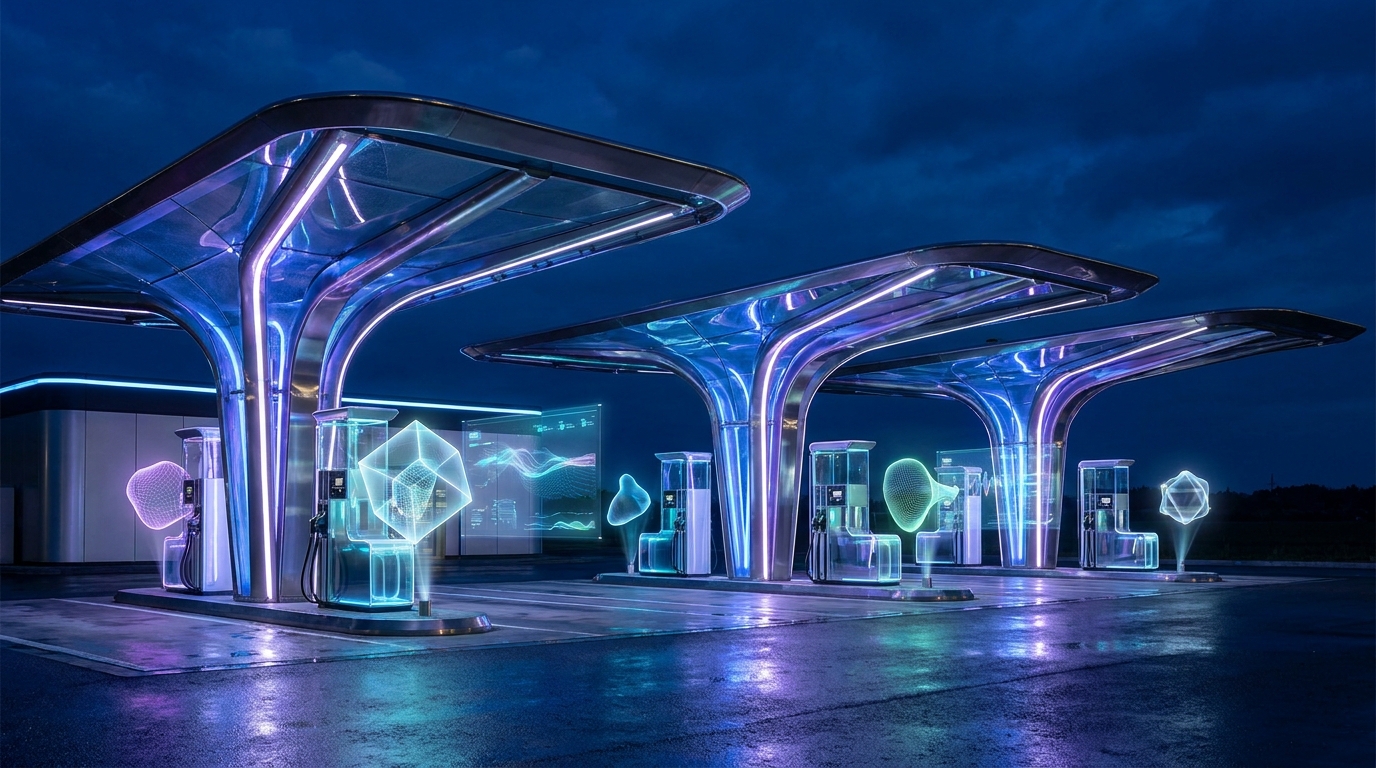
Imagine your wildest gas station scene brought to life with AI, no physical props needed.
Why This Matters for Your Content Creation 💡
For creators, students, and small business owners, these tools are democratizing high-quality content. You no longer need a massive budget or a film degree to produce visually stunning videos. The ability to generate longer, more controlled, and audibly synchronized video, alongside pristine imagery, opens up so many possibilities.
Think about rapid prototyping for visual concepts, creating engaging social media content, or even building virtual product showcases. It removes the traditional barriers of physical resources, allowing your creativity to truly shine. It's about making complex video production accessible to everyone with an idea.
Advertisement
Getting Your References Ready: The Key to Success 🖼️
The secret sauce to a great AI-generated video is excellent reference material. Seedance 2.5 thrives on clear, specific inputs. Think of it like giving a very talented artist a detailed brief.
You'll want to gather images for your car (clean, well-lit, front three-quarter views are best), your desired gas station location, and most importantly, yourself! Creating a 'character sheet' for yourself (and any pets) with various angles and expressions will ensure consistency throughout your video. Pinterest is a great place to start for inspiration, as seen in various 'Nano Banana' prompt collections (like these).
- Your Car: Find or generate a clean, clear image of your dream car. No busy backgrounds!
- Your Location: A gas station, a coastal road, a desert highway – whatever vibe you're going for.
- Your Character Sheet: Full body, headshots (neutral, smiling), profiles, close-ups. Consistency is key!
- Props: If you want those glowing '24' cards, make sure you have clear product shots of them.
The Workflow: From Idea to Viral Video 🛠️
Here’s a quick overview of how you’ll bring it all together. It’s a step-by-step process that ensures Seedance 2.5 has all the information it needs to create your masterpiece.
You'll start by gathering all your visual assets. Then, you'll upload them to Seedance 2.5 in a specific order, pair them with a carefully crafted prompt, and let the AI do its magic. The beauty is that you're essentially directing a virtual film crew with just text and images!
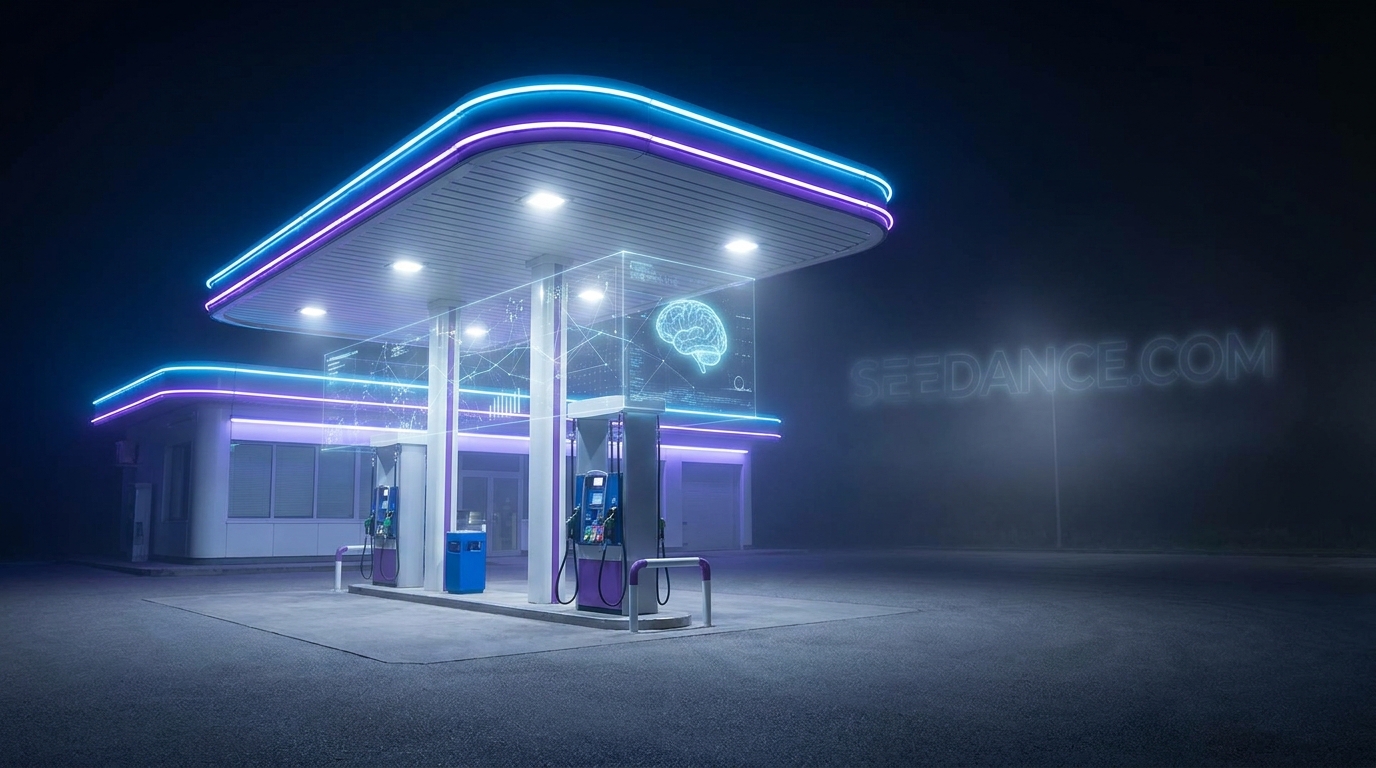
Precise inputs are crucial when working with advanced AI video generation.
Crafting Your Seedance 2.5 Prompt ✍️
The prompt is where you tell Seedance 2.5 exactly what to do with your references. It's a blend of natural language and specific tags that link to your uploaded images and videos. You'll describe the scene, the actions, the mood, and how your references should be used.
For example, you'll specify '@image1' for your character, '@image4' for your car, and '@video1' for the motion you want to copy from an existing trend video. This precise linking ensures the AI understands your vision perfectly. Luma AI offers a fantastic Seedance 2.5 Prompting Guide to help you master this.
Complete step-by-step walkthrough
Original TECH4SSD tutorial and reference media
Tools
- Seedance 2.5 (any platform that offers it, e.g. Luma)
- Nano Banana (image generation)
- Pinterest (references)
Before you begin
- A clear photo set of yourself for a character sheet
- The trend video you want to copy (the motion reference)
- Optional: photos of your pet
1. Watch the result (and download the footage)
This is the clip this guide produces: a daytime Shell station on a coastal road, a lime-green supercar, the glowing 2 then 24 card reveal, and a knight kitten with a sword, all following the original trend's motion and timing. Download it to study the shot order before you generate your own.
2. Save your car and location references
Go to Pinterest and save two things: the car you want and the location you want (a gas station, a coastal road, a desert highway). Clean, well-lit, front three-quarter shots work best. You don't need to own the car: the model only needs a clear reference.
Tip: Pick a daytime location if you want a clean, premium look; the original trend is shot at dusk.
3. No clean car photo? Generate one with Nano Banana
If your saved car photo has busy backgrounds, people or logos, generate a clean studio version with Nano Banana. A single car filling the frame on a plain background gives Seedance the clearest reference.
Exact prompt
Clean studio product photograph, landscape 16:9, the car fills most of the frame: a sleek modern mid-engine hypercar in glossy lime-green with gloss-black carbon-fibre accents, black forged wheels and a rear wing, three-quarter front view on a seamless light-grey studio floor, soft overhead light, perfect reflections. Completely de-badged: no brand logos, no emblems, no text, no license plate. Photoreal, 8K, car-configurator quality.4. Make a character sheet of yourself (and your pet)
Create a character sheet so your face stays the same in every shot: full body front view, neutral and smiling headshots, three-quarter view, side profile, and close-up details (eyes, nose, hair, accessories) on a plain white background. Bringing your pet? Make a sheet for them too, plus a costume sheet if you want the knight look (silver armour, cream cape, sword).
Tip: The more consistent your sheet, the less the model drifts. Keep the same outfit in every panel.
5. Make the "24" cards
The trend's signature beat is two glowing playing cards: the 2 appears alone first, then the 4 fans out beside it. Generate a clean, front-facing product shot of both cards in your own colours so the model gets the numbers right.
Exact prompt
Clean product photograph of TWO playing cards lying side by side, perfectly flat and front-facing, on a dark charcoal studio surface with soft top light. Matte black cards with rounded corners and a thin brushed-silver inner border. LEFT card: a huge glowing number 2 in the centre made of faceted lime-green crystal with a bright inner glow and light bloom, small silver corner index '2' with a tiny star top-left and the same rotated bottom-right. RIGHT card: a huge glowing number 4 in the same lime-green crystal style, small silver corner index '4' with a tiny star top-left and rotated bottom-right. The numbers 2 and 4 must be large, crisp, correct and unmistakable. Photoreal, 8K, macro sharpness. No other text.6. Upload everything to Seedance 2.5
Open any website that gives you access to Seedance 2.5 and choose the reference mode. Upload in this order so the tags in the prompt match: @image1 = your character sheet @image2 = your pet's character sheet @image3 = your pet's knight costume sheet @image4 = the car @image5 = the location @image6 = the 24 cards @video1 = the trend video you want to copy (motion reference)
- Character sheet uploaded as @image1
- Trend video uploaded as @video1
- All 6 images in the right order
7. Paste the prompt, match duration and aspect ratio, generate
Paste the full prompt below. Set the duration to match the trend video (about 22-23 seconds) and set the aspect ratio: 9:16 for Reels and TikTok, or 16:9 to match the original. Then hit generate. If you skip the pet, delete the PET section and @image2/@image3; if you use your own colours, update the CAR and LOCATION descriptions.
Exact prompt
# CINEMATIC "24" SHELL STATION SCENE: IDENTITY, PET, CAR, CARDS AND LOCATION REPLACEMENT

INPUTS:
@video1 = motion / structural / camera / timing reference
@image1 = MAIN CHARACTER identity reference (character sheet)
@image2 = PET identity reference (pet character sheet)
@image3 = PET costume reference: pet as a knight (knight sheet)
@image4 = CAR reference
@image5 = LOCATION reference
@image6 = CARDS reference: the two "24" cards

GLOBAL RULE:
@video1 controls ONLY motion, shot order, timing, camera movement, framing and performance.
Everything you SEE is replaced:
the man → @image1
the kitten → @image2 wearing the outfit from @image3
the crystal car → @image4
the two cards → @image6
the night desert station → @image5 in bright daytime

Treat every reference as a fixed identity token.
Keep each one identical in every shot, from the first frame to the last.


MAIN CHARACTER:

Replace the man completely with @image1.

Maintain @image1's exact:
face,
eyes and eyebrows,
skin tone,
hair,
body proportions,
clothing,
footwear,
and accessories

throughout the entire sequence.

@video1 controls his:
selfie framing,
talking gestures,
head turns,
card raise,
card toss,
leaning pose,
arms crossed,
timing,
and camera relationship.


THE "24" CARDS (CRITICAL):

The two cards must look EXACTLY like @image6:
matte black playing cards,
thin brushed-silver border,
LEFT card = a large glowing number 2,
RIGHT card = a large glowing number 4,
both numbers made of faceted crystal with a bright inner glow,
small silver corner indices with a tiny star.

CARD REVEAL ORDER (follow @video1 exactly, beat by beat):
Beat 1: he raises ONE card only, the "2" card, close to the lens. The 4 card is hidden directly behind it, so ONLY the glowing 2 is visible.
Beat 2: a moment later he slides the second card out from behind the first, fanning them to the right, revealing the glowing 4 next to the 2.
Beat 3: both cards held up together, reading "2 4".
The 2 must ALWAYS appear first, alone. Never show both cards at the same moment they enter the frame.
The numbers face the camera, sharp, correct and unmistakable: the 2 on the left, the 4 on the right.
The crystal glow is visible even in daylight and reflects softly on his fingers.
He drops them away and later tosses them over his shoulder exactly when @video1 does.

Do NOT change the numbers.
Do NOT mirror the numbers.
Do NOT add other cards, letters or symbols.


PET:

Replace the kitten completely with @image2.

Maintain the pet's exact:
fur colour and markings,
eye colour,
face shape,
ear shape,
and size.

The pet wears the knight outfit from @image3:
polished silver engraved plate armour,
flowing cream cape,
long silver sword held upright in both front paws.

The pet stands on its hind legs exactly where the kitten stands in @video1.
Its face stays fully visible and recognisable in every shot.
Its fur moves naturally in the breeze; the cape moves with its steps.

Do NOT turn it into a different animal.
Do NOT change its fur colour or markings.
Do NOT make it cartoonish: it is a real pet in a real, well-fitted costume.


CAR:

Replace the crystal car completely with @image4.

Maintain the car's exact:
body shape,
paint colour,
carbon-fibre accents,
wheels,
rear wing,
headlights,
and proportions.

No brand logos.
No badges.
No license plate text.
No underglow lights.

The car appears behind him at the same moment, position and angle as in @video1.
The paint shows real daylight reflections of the sky, the canopy and the surroundings.


LOCATION:

Replace the night desert gas station with @image5.

Change the time to BRIGHT LATE-MORNING DAYLIGHT:
clear blue sky,
warm natural sunlight from one direction,
real soft shadows on the forecourt under the car, the pet and him,
sun reflections across the car paint.

Keep the station, pumps and canopy in the same position relative to him, the car and the camera as in @video1.
The forecourt is clean and empty: no other cars, no other people.


SHOT ORDER (follow @video1 exactly):

1. Handheld selfie: he talks to the camera with the gas station behind him.
2. He raises the "2" card alone to the lens, then fans the "4" card out from behind it, so the 2 appears first and the 4 second; the crystal numbers glow, sharp and in focus.
3. The cards drop and the car is now parked at the pumps behind him, the knight pet standing beside the front wheel. He talks, glances back at the car, then tosses the cards over his shoulder.
4. Low wide shot of the car, the pet and the station.
5. Slow macro tracking shots across the car's body, front wheel and rear wing, sunlight gliding over the paint.
6. Close-up of the pet raising its sword proudly, eyes to camera.
7. He leans on the car with his arms crossed while the pet walks toward the camera.

FINAL SHOT (the most cinematic moment):
A slow, smooth cinematic push-in on the front of the car, the sun flaring across the lens, shallow depth of field, background softly blurred. Hold the last frame for a beat.


CAMERA AND LOOK:

Shot on a real cinema camera with real lenses.
Ultra-realistic live-action footage, not CGI, not animation.
Premium automotive commercial quality, 8K detail, crisp and clean.
Selfie shots: wide 24mm feel with natural micro handheld movement.
Car and pet shots: 50-85mm feel on smooth gimbal and slider moves, natural bokeh.
Real lens behaviour: gentle flare, natural vignetting, no warping.
Natural daylight colour grade.
Clean, uncluttered background with natural depth of field.

Do NOT add text, subtitles, watermarks or logos other than the station signage and the card details from @image6.
Do NOT add extra people or extra animals.
Do NOT morph faces, fur, the car or the cards between shots.


PRIORITY:
1. Main character = @image1.
2. Cards = @image6: the 2 appears first alone, then the 4 fans out beside it.
3. Pet = @image2 in the @image3 knight outfit.
4. Car = @image4, exact shape and colour.
5. Location = @image5 in bright daytime.
6. Preserve exact @video1 motion, timing and shot order.
7. Cinematic final push-in on the car.
8. Real-camera, 8K, photoreal quality.
Tip: If the cards show "24" all at once, regenerate: the CARD REVEAL ORDER section is what fixes it. If your pet comes out as a different animal, add more clear photos of its face to the pet sheet.
💡 Pro Tip: For the best results, use high-resolution, well-lit reference images with simple backgrounds. The clearer your inputs, the better Seedance 2.5 can interpret your vision!
Key Takeaways
- The AI gas station trend is now accessible without physical props using Seedance 2.5 and Nano Banana.
- Seedance 2.5 offers 30-second coherent video generation with native audio and extensive control via up to 50 reference inputs.
- Nano Banana 2 is crucial for generating or refining high-quality image references, like clean car shots.
- Creating detailed character sheets and gathering clear visual references are key to consistent and realistic AI video outputs.
- These tools democratize complex video production, allowing creators to produce intricate scenes with ease.
Related on Tech4SSD 🔗
- Seedance 2.5: Put Yourself Into the Viral Motion-Transfer Trend (2026)
- How to Recreate Motion-Transfer Videos With Seedance 2.5, No Higgsfield Required (2026)
📩 Want the freshest AI trends every week?
Subscribe to Tech4SSD — practical AI tools and trends, explained for everyone. Free. Subscribe →
Advertisement
Frequently Asked Questions
Do I need a powerful computer to use Seedance 2.5 or Nano Banana?
No! Both Seedance 2.5 (often cloud-based like on Luma AI) and Nano Banana are typically accessed through web browsers, meaning the heavy lifting is done on their servers. You just need a stable internet connection.
Can I use my own music with the generated videos?
Seedance 2.5 offers native audio co-generation, but you can often add your own music in post-production using a simple video editor if you prefer a different soundtrack.
How long does it take to generate a video with Seedance 2.5?
Generation times can vary depending on the complexity of your prompt, the number of references, and server load. It might take a few minutes to several minutes for a full 30-second clip.
Is Nano Banana only for generating bananas?
Despite the name, Nano Banana is a versatile AI image generator capable of creating a wide range of images, from photorealistic objects to stylized art, not just bananas! Its name often appears in prompt engineering contexts for specific aesthetic styles.
Final Word
The AI gas station trend is more than just a viral sensation; it's a peek into the future of content creation. Tools like Seedance 2.5 and Nano Banana are putting professional-grade video and image production into the hands of everyday creators. You no longer need to be a Hollywood director to craft compelling, visually rich stories.
So, go ahead, dream up your ultimate gas station scenario. With these AI tools, the only limit is your imagination. You've got the power to create stunning virtual content, no car or fancy equipment required. Get ready to amaze your audience! ✨
Sources & Further Reading
- Seedance 2.5 Complete Guide | Luma
- Seedance 2.5 Prompting Guide | Luma
- Seedance 2.5 Production Workflows | Luma
- Seedance 2.5: Now Live in Luma
- Seedance 2.5: How To Think In Scenes | Luma
- Turn One Image Into UGC-Style Posts with AI
- Nano Banana 2 - AI Image Generator Online
- Nano Banana — Free Nano Banana Tool Online
- Seedance Review 2026: Features, Pricing, and Limitations
- Nano Banana Pro - AI Image Generator Online
- Forecasting the United States Healthcare Consulting Services Market
- 410 Google Nano Banana Prompts & Images ideas in 2026 | prompts, art prompts, banana
- 29 Nano Banana ideas in 2026 | photo prompts, photoshop tutorial design, fashion prompts
- Идеи на тему «Nano banana» (180) в 2026 г | инфографика, дизайн, дизайн веб-баннера
- PROMPT Nano Banana ChatGPT (bekfiveru) - Profile | Pinterest
AI tools and features change fast — verify current options before relying on them. — Tech4SSD Editorial
Discussion
Have a question or something to add?
Join the discussion on Blogger