Python 3.15 native ARM64 Windows: Hey creators, students, and small-business owners! Get ready for a major upgrade that’s going to supercharge your Windows on Arm experience, especially if you’re rocking a new Copilot+ PC. The upcoming Python 3.15 release is making native ARM64 the default for Windows on Arm, and trust us, this is a big deal. 🚀 No more clunky emulation; we’re talking pure, unadulterated speed for your Python projects!
In this article, we’ll break down exactly what Python 3.15 native ARM64 on Windows means for you. We’ll dive into the performance gains, how it impacts your AI and machine learning workflows, and what you can expect when setting up your development environment on these powerful new machines. You’ll walk away understanding why this shift is a game-changer and how to make the most of it.
Advertisement
Goodbye Emulation, Hello Native Speed! 👋
For a while now, running Python on Windows on Arm devices (like those shiny new Copilot+ PCs) often meant relying on emulation. This is like trying to run a marathon in hiking boots – it works, but it's not ideal. Python 3.15, expected around October 2026, is changing all that. It’s making native ARM64 binaries the *default* for Windows ARM64 users. This means Python will speak the native language of your Arm processor, directly and efficiently.
Why does this matter? Native execution unlocks your device's full potential. You'll see significant improvements in speed, responsiveness, and even battery life. Think faster script execution, quicker data processing, and a smoother overall development experience. It's about getting the most out of your hardware, without any performance bottlenecks holding you back.
Copilot+ PCs: Built for Native Power 💻
The timing couldn't be better. Copilot+ PCs are designed from the ground up with Arm-based Snapdragon X Series processors, featuring dedicated Neural Processing Units (NPUs) that can deliver up to 45 TOPS (Trillions of Operations Per Second) for AI tasks. These machines are beasts when it comes to AI and machine learning workloads.
With Python 3.15 defaulting to native ARM64, your Python-powered AI projects will be able to tap directly into that raw processing power. This isn't just about general speed; it's about making your AI models train faster, your data analyses run quicker, and your overall AI development workflow feel incredibly fluid. It's like upgrading from a bicycle to a rocket ship for your AI ambitions!
PyTorch Gets a Native Boost for AI/ML 🧠
One of the biggest wins for AI/ML enthusiasts is the improved support for frameworks like PyTorch. PyTorch 2.7 for Windows on Arm now offers native builds specifically for Python 3.12 (and will naturally extend to 3.15). This means your machine learning workflows can run natively on ARM64 Windows devices, including your Copilot+ PC.
No more compromises or workarounds to get your AI models running efficiently. This native support is crucial for serious AI development, allowing you to leverage the NPU and GPU capabilities of your Arm device without performance penalties. It's a huge step towards making Windows on Arm a truly production-ready platform for cutting-edge AI.

Native PyTorch builds mean your AI models can now truly fly on Windows on Arm.
Compiler Choices: Clang-cl for the Win! 🏆
Getting Python to perform optimally on ARM64 Windows hasn't been without its challenges. The Python core developers faced some hurdles with Microsoft's Visual C++ (MSVC) compiler when optimizing the Python interpreter for ARM64. The good news? They've found a solution!
For better performance, the Python team has reverted to using clang-cl for compiling Python on ARM64 Windows. This compiler choice has proven to deliver superior results, ensuring that your native Python 3.15 experience is as fast and efficient as possible. It's a technical detail, but it means a smoother ride for you, the end-user.
Advertisement
Package Compatibility: Ready for Action 📦
One common concern with new architectures is package compatibility. Will all your favorite Python libraries work? The good news is that many essential Python packages already support Windows ARM64. You can find pre-compiled 'wheels' (Python's package distribution format) available for versions as far back as 3.11, and sometimes even 3.9.
This means the ecosystem is maturing rapidly. As Python 3.15 becomes the default, expect even broader and more robust support across the Python package landscape. You'll spend less time wrestling with build issues and more time building amazing things. It's all about making your development workflow seamless.
- Widespread Support: Many popular Python packages already offer ARM64 wheels, ensuring compatibility.
- Future-Proofing: As ARM64 becomes the default, expect even more comprehensive package availability and optimization.
Setting Up Your Native Python Environment 🛠️
So, how do you get started with this native goodness on your Copilot+ PC or other Windows on Arm device? It's becoming increasingly straightforward. When Python 3.15 is officially released (expected around October 2026), you'll simply download the native ARM64 installer from Python.org. This will ensure you're running the optimized version.
For developers, tools like Visual Studio 2022 v17.4 and later already provide native ARM64 support for building and debugging applications. This means your entire development pipeline can be optimized for your Arm hardware, from writing code to testing and deployment. Microsoft is actively pushing for native Arm64 application development, and Python is a key part of that strategy. Learn more about adding Arm support to your Windows apps.
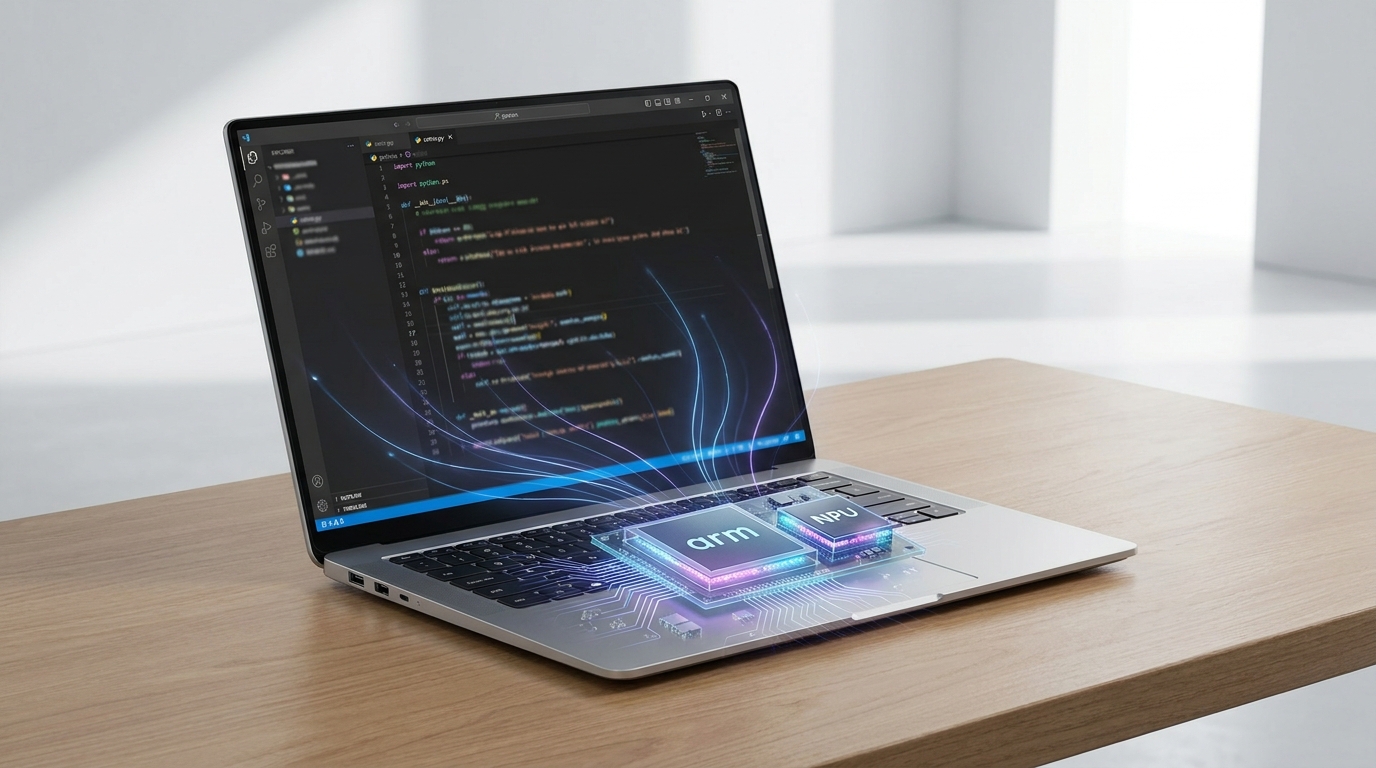
Your Copilot+ PC is ready for a powerful, native Python development experience.
What This Means for You, the Creator 🚀
If you're a student learning Python, a creator building automation scripts, or a small business owner leveraging AI for growth, this shift is incredibly empowering. You'll experience faster processing for data analysis, smoother execution for web development projects, and significantly improved performance for any AI/ML tasks you undertake.
This isn't just about raw speed; it's about efficiency. Your devices will run cooler, consume less power, and offer longer battery life, especially when tackling demanding Python workloads. It solidifies Windows on Arm as a truly viable and powerful platform for modern development, putting cutting-edge performance directly into your hands. You're not just using Python; you're unleashing its full potential on your hardware.
💡 Pro Tip: Always check for ARM64-specific Python installers and package wheels to ensure you're getting native performance on your Windows on Arm device.
Key Takeaways
- Python 3.15 will make native ARM64 the default for Windows on Arm, ditching x64 emulation for superior performance.
- This change will significantly boost AI/ML workloads on Copilot+ PCs, leveraging their dedicated NPUs and Arm processors.
- PyTorch 2.7+ now offers native ARM64 builds, making Windows on Arm a strong platform for AI development.
- The Python team is using clang-cl for better interpreter performance on ARM64 Windows.
- Expect broad package compatibility, with many essential libraries already supporting Windows ARM64.
Related on Tech4SSD 🔗
- Microsoft Execution Containers: Securing Your AI Agents (2026)
- Optimizing LLM API Costs: Strategic Model Routing for Enterprise Developers (2026)
📩 Want the freshest AI trends every week?
Subscribe to Tech4SSD — practical AI tools and trends, explained for everyone. Free. Subscribe →
Advertisement
Frequently Asked Questions
When is Python 3.15 expected to be released?
Python 3.15 is planned for release around October 2026, bringing with it the default native ARM64 support for Windows on Arm.
Will my existing Python projects automatically run faster on Windows on Arm with Python 3.15?
If you install the native ARM64 version of Python 3.15 and use ARM64-compatible packages, yes, your projects should see significant performance improvements compared to running under x64 emulation.
Do I need a Copilot+ PC to benefit from native ARM64 Python?
While Copilot+ PCs are optimized for this, any Windows on Arm device will benefit from native ARM64 Python. Copilot+ PCs will simply offer additional AI acceleration through their NPUs.
Where can I download the native ARM64 Python 3.15 installer?
Once released, you'll be able to download the official ARM64 installer for Python 3.15 directly from the official Python website, python.org.
Final Word
The move to native ARM64 as the default for Python 3.15 on Windows on Arm is more than just a technical update; it's a fundamental shift that empowers you. It means your Copilot+ PC and other Arm devices will no longer just run Python; they'll *excel* at it, especially for demanding AI and machine learning tasks. This is about making your development experience smoother, faster, and more efficient.
So, get ready to unlock new levels of performance and capability. The future of Python development on Windows on Arm is bright, and you're at the forefront of it. Go build something amazing! ✨
Sources & Further Reading
- Changelog — Python 3.15.0 documentation
- Python Release Python 3.15.0 | Python.org
- Using Clang-CL for Better Performance on Windows on ARM - Ideas - Discussions on Python.org
- Python on Arm: 2025 Update | Our Success Stories | Python.org
- What’s new in Python 3.15 — Python 3.15.0 documentation
- Python on Windows ARM64
- Index of /ftp/python/3.15.0/arm64/
- Python 3.15.0 (final) is here! | Python Insider
- Python Release Python 3.15.0rc3 | Python.org
- Mailman 3 [Python-checkins] [3.15] gh-157368: Fix clang-cl version in sys.version on Windows (GH-157369) (#157565) - Python-checkins - python.org
- Arm64EC for Windows 11 apps on Arm | Microsoft Learn
- https://learn.microsoft.com/en-us/windows/arm/overview
- How emulation works on Arm | Microsoft Learn
- Add support Arm devices to your Windows app | Microsoft Learn
AI tools and features change fast — verify current options before relying on them. — Tech4SSD Editorial
Discussion
Have a question or something to add?
Join the discussion on Blogger