Windows Hybrid Intelligence: Ever wondered how your Windows PC could become even smarter, handling AI tasks right on your device while still tapping into the massive power of the cloud? Get ready, because Microsoft is rolling out its new Windows Hybrid Intelligence architecture. This isn't just a fancy term; it's a game-changer for creators, students, and small business owners like you, promising more secure, efficient, and responsive AI experiences. Think of it as the best of both worlds, right at your fingertips. 🤯
In this article, we'll break down exactly what Windows Hybrid Intelligence means for your daily workflows. We'll explore the magic behind local Neural Processing Units (NPUs), how they team up with cloud AI, and the powerful tools Microsoft is giving developers to build the next generation of AI-powered applications. By the end, you'll understand why this shift is so important and how it empowers you to do more with AI, whether you're editing videos, analyzing data, or building your next big idea.
Advertisement
What is Windows Hybrid Intelligence, Anyway? 🤔
Imagine your computer having a super-smart brain that can decide whether to process an AI task right there on your device or send it to a powerful cloud server. That's the core idea behind Windows Hybrid Intelligence. It's Microsoft's vision for a future where AI isn't just in the cloud, but deeply integrated into your Windows PC, using a mix of local processing and cloud capabilities. This means your AI tools can be faster, more private, and work even when you're offline.
This approach is all about flexibility and efficiency. For tasks that need instant responses or deal with sensitive data, your PC's dedicated AI hardware (the NPU) can handle it locally. For tasks requiring massive computing power or vast datasets, your system can seamlessly tap into Azure AI in the cloud. It's a dynamic dance between your device and the cloud, always choosing the best path for the job.
The Power of Local NPUs: Your PC's New Brain 💪
At the heart of this hybrid approach are Neural Processing Units, or NPUs. These are specialized chips designed specifically to accelerate AI workloads. Unlike your CPU (the general-purpose brain) or GPU (great for graphics and parallel processing), an NPU is built from the ground up for the kinds of calculations AI models need. This means faster AI performance, lower power consumption, and less strain on your other hardware.
With an NPU, your Windows PC can run sophisticated AI models directly on your device. Think real-time background blur in video calls, advanced photo editing features, or even intelligent assistants that understand your commands instantly, all without sending your data to the internet. This local processing boosts privacy and makes AI features feel much more responsive and integrated into your everyday tasks. It's a huge step towards making AI feel truly native to your computer.
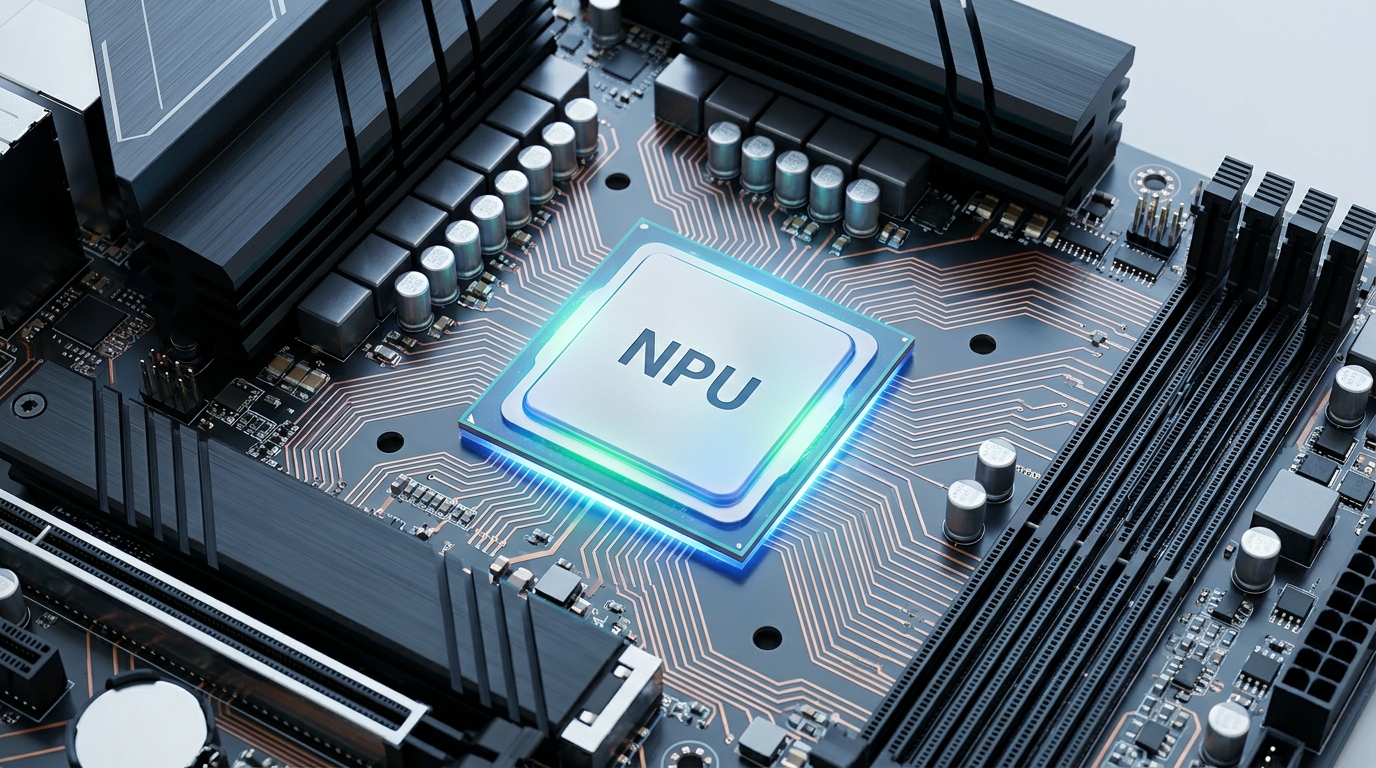
NPUs are specialized chips designed to make your PC's AI tasks faster and more efficient.
Foundry Local: AI Without the Cloud Dependency 🚀
For creators and developers, one of the most exciting pieces of this puzzle is Foundry Local, which is now Generally Available (GA). What does that mean for you? It means you can integrate powerful AI capabilities directly into your applications without needing a constant internet connection or worrying about per-token cloud costs. Foundry Local lets you run AI models on your device, giving you more control and privacy.
This tool is a game-changer for building AI features that need to work offline, process sensitive data locally, or simply be super fast without network latency. Imagine an AI tool that helps you write, design, or analyze, and it just *works* on your laptop, wherever you are. Foundry Local makes that a reality, enabling developers to build apps that leverage local hardware efficiently across various Windows devices.
Windows ML: Optimizing On-Device AI Performance ⚡
Another crucial component is Windows ML (Machine Learning). This framework allows developers to integrate AI models into Windows apps, making sure they run as efficiently as possible on your hardware. With Windows ML 2.0 and the new Windows ML Runtime API, your PC can automatically figure out the best way to run an AI model, whether it's using your NPU, GPU, or CPU.
The beauty of Windows ML is its flexibility. It automatically loads the best execution provider for your hardware, ensuring you get top performance. And if your device doesn't have a dedicated NPU, it gracefully falls back to other hardware, so your AI features still work. This means developers can build AI apps that perform well on a wide range of Windows PCs, from high-end workstations to more modest laptops.
Advertisement
Secure AI Agents with Microsoft Execution Containers (MXC) 🔒
As AI becomes more powerful, especially with the rise of AI agents that can perform tasks autonomously, security is paramount. That's where Microsoft Execution Containers (MXC) come in. These containers are now generally available on Windows and provide a secure, isolated environment for AI agents to run.
Think of MXC as a protective sandbox for your AI agents. It enhances security, manages identities, and makes it easier to control what AI agents can access and do on your system. This is crucial for maintaining privacy and preventing unintended actions, giving you peace of mind as you integrate more AI into your workflows. It’s all about empowering you with AI, safely.
How Windows Prioritizes AI Tasks: The Resilient AI Feature Pattern 🔄
Microsoft has a smart system in place to make sure your AI tasks run smoothly, no matter your hardware. It's called the Resilient AI Feature Pattern. This pattern ensures that AI capabilities are always available and performant by intelligently choosing the best processing method.
Here's how it works, in order of preference:
First, it tries to use Windows AI APIs to leverage your NPU or GPU for the fastest, most optimized experience. If that's not available or suitable, it falls back to Foundry Local, allowing open-source models to run on any Windows hardware. Finally, if local options aren't sufficient or available, it can seamlessly connect to Azure AI in the cloud. This tiered approach guarantees a robust and consistent AI experience for everyone.
- Windows AI APIs: Prioritizes optimized NPU/GPU experiences for peak performance.
- Foundry Local: Leverages open-source models on any Windows hardware when dedicated AI hardware isn't available or preferred.
- Azure AI: Provides a powerful cloud fallback for complex tasks or when local resources are insufficient.
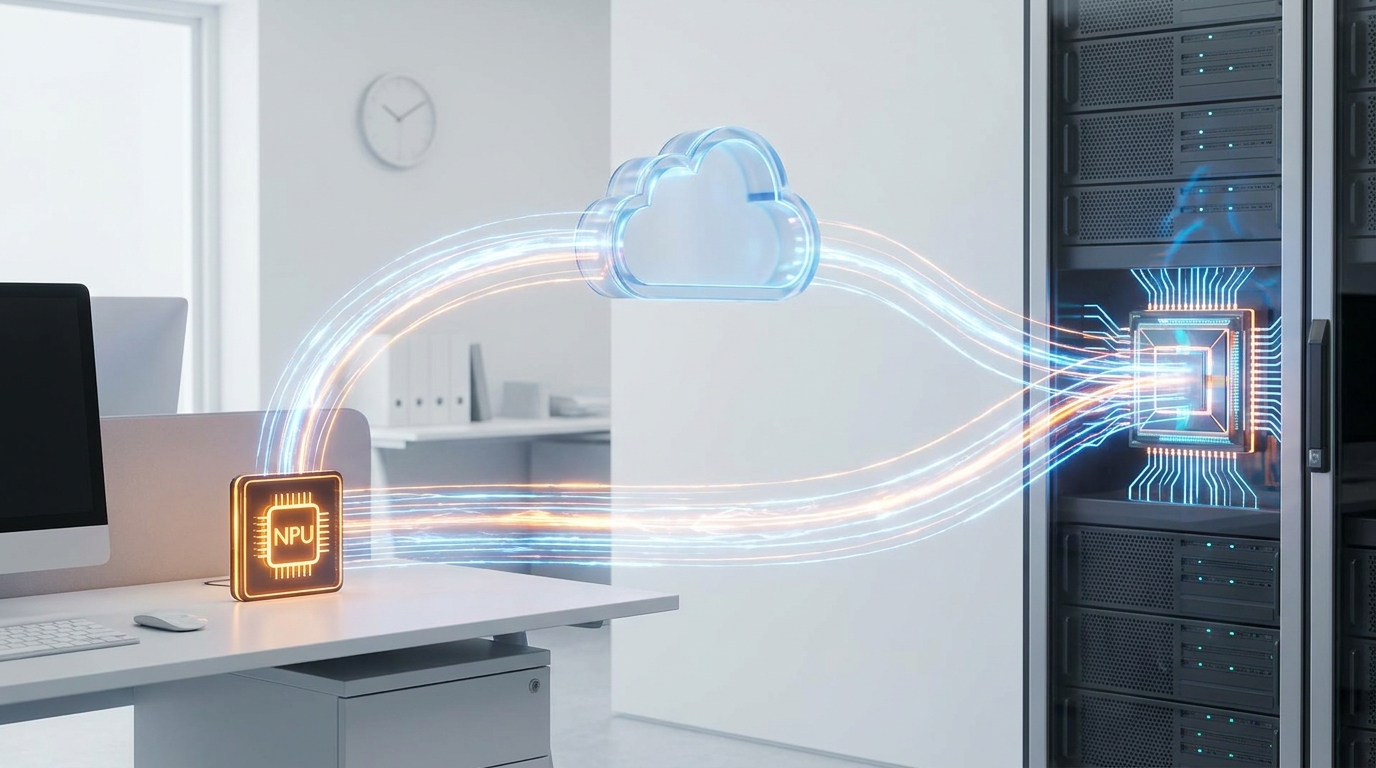
The Resilient AI Feature Pattern ensures your AI tasks always find the best path for execution.
What This Means for You: Creators and Small Businesses 💡
So, why should you care about all this tech talk? Because Windows Hybrid Intelligence opens up a world of new possibilities for how you create, learn, and manage your business. Imagine:
Faster Creative Work: Video editing, graphic design, and music production tools can use local AI for instant effects, smart suggestions, and faster rendering, freeing you from constant cloud uploads and downloads.
Enhanced Privacy: Processing sensitive documents or personal data with AI can happen entirely on your device, keeping your information private and secure.
More Reliable AI: Your AI tools will work better, even without a perfect internet connection, making them more dependable for on-the-go work or in areas with spotty Wi-Fi.
New AI-Powered Apps: Developers can now build a new generation of AI applications that are more integrated, responsive, and tailored to your specific needs, running efficiently on a wider range of hardware. This means more innovative tools for you to discover and use!
💡 Pro Tip: For developers, start experimenting with Foundry Local to build AI features that run directly on Windows devices, reducing cloud costs and latency for your users.
Key Takeaways
- Windows Hybrid Intelligence blends local NPU processing with cloud AI for secure, efficient, and flexible AI experiences.
- NPUs (Neural Processing Units) are dedicated chips in your PC that accelerate AI tasks locally, improving speed and privacy.
- Foundry Local allows developers to integrate AI directly into applications, reducing cloud dependency and network latency.
- Windows ML optimizes on-device AI performance across NPUs, GPUs, and CPUs, ensuring broad hardware compatibility.
- Microsoft Execution Containers (MXC) provide a secure sandbox for AI agents, enhancing security and manageability.
Related on Tech4SSD 🔗
- Evaluating AI Agents for Enterprise Workflows (2026)
- Microsoft's ThinkingBox: Verifying AI Agent Actions Against Real State (2026)
- OpenAI Dots: How to Use Proactive AI Agents for Complex Project Management (2026)
📩 Want the freshest AI trends every week?
Subscribe to Tech4SSD — practical AI tools and trends, explained for everyone. Free. Subscribe →
Advertisement
Frequently Asked Questions
What's the main benefit of Windows Hybrid Intelligence?
The main benefit is getting the best of both worlds: the speed, privacy, and responsiveness of on-device AI (thanks to NPUs) combined with the vast power and scalability of cloud AI. This means more efficient, secure, and versatile AI tools for you.
Do I need a special PC to use Hybrid Intelligence features?
While PCs with NPUs (like Copilot+ PCs) will offer the best performance for local AI, Microsoft's approach is designed to be resilient. Features will still work on other Windows hardware by leveraging GPUs or CPUs, or by falling back to cloud AI. So, you'll still benefit, but an NPU-equipped PC will unlock the full potential.
Is my data safer with local AI processing?
Yes, generally. When AI tasks are processed locally on your device using an NPU or other local hardware, your data doesn't need to leave your computer and travel to the cloud. This significantly enhances privacy and security, especially for sensitive information.
Final Word
Microsoft's push towards Windows Hybrid Intelligence isn't just about adding more AI features; it's about fundamentally changing how AI integrates with your daily computing experience. By smartly blending the power of local NPUs with the vast resources of cloud AI, Windows is becoming a more intelligent, responsive, and secure platform for everyone. For creators, students, and small business owners, this means more powerful tools, greater privacy, and the freedom to innovate without being constantly tethered to the internet.
The future of AI on Windows is here, and it's designed to make you more capable and productive than ever before. Get ready to experience AI that truly works *with* you, right on your device. The possibilities are endless! ✨
Sources & Further Reading
- Building Windows for Hybrid Intelligence - Source EMEA
- https://learn.microsoft.com/en-us/windows/ai/windows-ai-comparison
- Windows AI
- What is Windows ML? | Microsoft Learn
- Foundry Local is now Generally Available | Microsoft Foundry Blog
- What are Windows AI APIs? | Microsoft Learn
- AI Development on Windows: from PyTorch and llama.cpp to Windows ML - Microsoft Foundry on Windows Blog
- Accelerate Edge AI Development with Foundry Local | Microsoft Foundry Blog
- Copilot+ PCs developer guide | Microsoft Learn
- How the NPU is paving the way toward a more intelligent Windows - Source
AI tools and features change fast — verify current options before relying on them. — Tech4SSD Editorial


Discussion
Have a question or something to add?
Join the discussion on Blogger