cinematic AI product ads: Ready to transform your product visuals into scroll-stopping, cinematic masterpieces without hiring a whole production crew? You're in the right place! This guide is all about showing you a game-changing workflow to create stunning cinematic AI product ads using a powerful combination of Promira by TECH4SSD, Luma Labs, and cutting-edge AI video models. Forget endless hours of shooting and editing; we're talking smart, efficient, and seriously impressive.
We'll walk you through every step, from extracting the perfect visual prompt from a reference image to animating your final product into a dynamic, commercial-grade video. By the end, you'll feel completely capable of crafting high-quality marketing content that makes your products shine. Let's dive in! ✨
Advertisement
The Power of Prompt Extraction with Promira 💡
First things first: how do you get that perfect visual style from an ad you love into your AI tools? That's where Promira by TECH4SSD comes in. It's a clever Chrome extension designed to demystify the art of prompt engineering. Instead of guessing what words might have been used to create a stunning image, Promira analyzes it and gives you a detailed prompt.
Think of it as your secret weapon for visual inspiration. You find an ad with the exact lighting, composition, and aesthetic you want, and Promira helps you 'reverse engineer' it. This means you can focus on adapting that style to your own product, rather than starting from scratch with a blank canvas and a lot of head-scratching. It's about working smarter, not harder, to achieve those professional-grade visuals.
- Install Promira: Simply open Google Chrome and add the Promira by TECH4SSD extension. It's your first step to unlocking advanced prompt extraction.
- Find Your Inspiration: Head to Pinterest or your favorite ad gallery. Look for images that nail the camera angle, lighting, and overall commercial vibe you want. Remember, you're not copying the product, just borrowing the visual language.
Crafting Your Perfect Still Image in Luma Labs 🖼️
Once you have your Promira-extracted prompt, Luma Labs becomes your AI workstation. This is where you'll generate the new still image of your product, infused with the aesthetic you just captured. Luma Labs is fantastic for its ability to generate high-quality images and its user-friendly interface, making it perfect for creators and small business owners.
The key here is customization. Your Promira prompt will be a great starting point, but you'll need to tweak it. Replace the original product details, brand names, colors, and environments with specifics for *your* product. This ensures the output is unique to you while retaining that desired cinematic feel. Focus on details like product shape, materials, and how light interacts with them to achieve commercial realism.
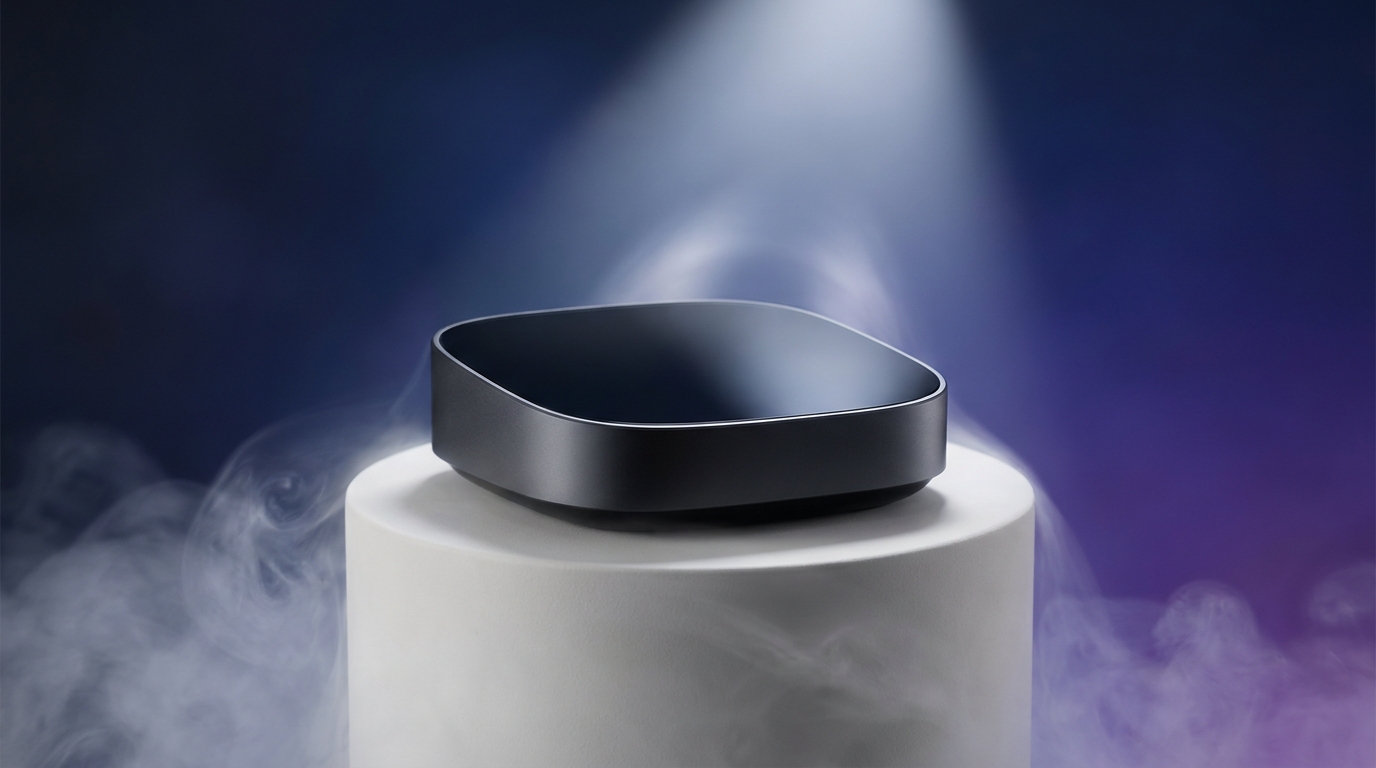
A perfectly crafted still image, ready for animation into a cinematic ad.
Structured Prompting for Cinematic Success ✍️
To get truly consistent and high-quality results, especially for cinematic AI product ads, a structured approach to prompting is essential. Think of it as giving your AI clear, concise directions. For still image generation, we recommend focusing on five core elements. This helps the AI understand your vision without getting confused.
This structured approach isn't just about getting a good image; it's about maintaining consistency. When you move to video generation, having a solid, well-defined base image with a clear prompt helps ensure your product remains recognizable and doesn't 'drift' into something else. It's all about control, even when working with creative AI.
- Product: Be super specific about your product. What is it? What color? What material? What are its key features?
- Shot Type: Define the camera angle and distance. Is it a close-up, a wide shot, a low angle, or a high angle?
- Lighting: Describe the mood. Dramatic, soft, studio, natural, neon? How does it interact with your product?
- Environment: What's the background? Minimalist, futuristic, natural, urban? Keep it relevant to your brand.
- Commercial Finish: Add terms that convey a polished, high-end look. Think 'photorealistic,' 'cinematic,' 'high-resolution,' 'award-winning photography.'
Bringing Your Still to Life with AI Video Models 🎬
You've got your perfect still image, now it's time for the magic: turning it into a dynamic, cinematic ad. This is where AI video models like Gemini Omni Flash or Seedance 2.5 shine. These tools can take your static image and introduce subtle, engaging motion, transforming it into a short, impactful video clip.
The process typically involves using your AI workstation (like Luma Labs) to initiate the video generation. You'll select the image and then choose your preferred video model. The trick here is to provide a motion prompt that describes camera movement and product animation without altering the core design of your product. You want smooth, commercial-grade motion, not wild transformations.
🟦 Gemini Omni Flash
Known for its ability to generate high-quality video with good consistency, Gemini Omni Flash can be a solid choice for adding subtle camera pans, zooms, or product rotations to your still image. It's about enhancing, not distorting, your visual.
🟪 Seedance 2.5
Seedance 2.5 is another powerful contender, offering excellent control over motion and detail preservation. It's particularly good for ensuring your product maintains its integrity while introducing elegant, commercial-style movement. You can learn more about its capabilities in our Seedance 2.5 breakdown.
Advertisement
Refining Your Cinematic AI Product Ads 🔍
Generating AI video is an iterative process. Your first attempt might not be perfect, and that's totally normal! After generating your video, it's crucial to review it carefully. Look for common issues like product deformation (your product changing shape), unwanted text changes, flickering, warped packaging, or unnatural camera movements. The goal is a polished, professional result.
If you spot any of these issues, don't worry. You can often refine your output by adjusting your motion prompt. Sometimes, reducing the intensity of the motion or adding stronger 'preservation' instructions to your prompt can make a big difference. Once you have a clean, compelling video, export it and add any final touches like sound design, branding, or text in your preferred video editor. This workflow lowers the barrier to entry for creating compelling visual content for marketing and product showcases, accelerating development and reducing production costs.
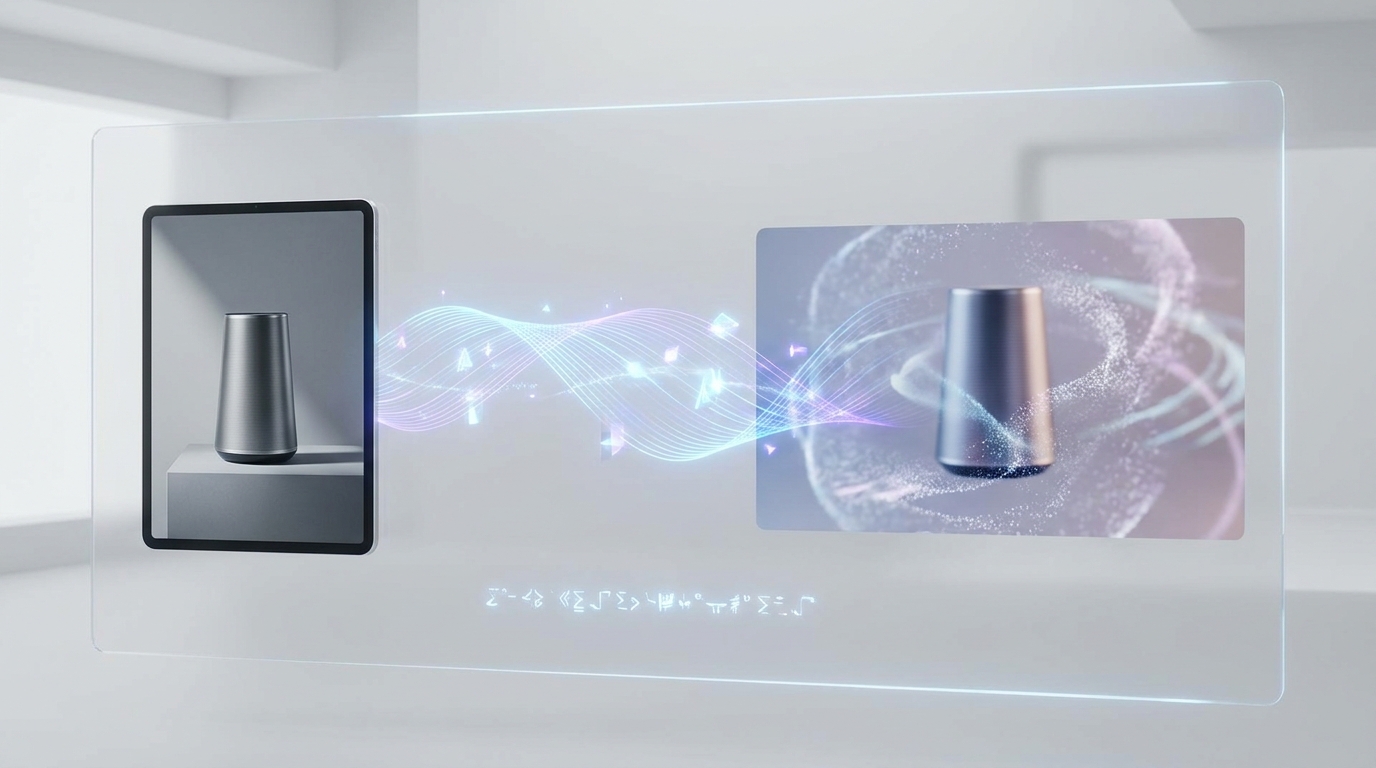
The prompt is the bridge between your vision and the AI's creation.
Why This Workflow Matters for You 🚀
This Promira + Luma Labs workflow isn't just a cool tech trick; it's a practical, efficient method for anyone looking to produce professional-grade cinematic AI product ads. Whether you're a builder, a developer, a student with a side hustle, or a small business owner, this approach empowers you to create high-quality marketing visuals without a massive budget or specialized video production skills.
By leveraging prompt engineering and advanced AI image and video generation, you're not just making ads; you're creating compelling visual stories that resonate with your audience. It's about democratizing high-end content creation, putting powerful tools directly into your hands, and helping your products stand out in a crowded digital world. This is how you accelerate your marketing and showcase your innovations with impact.
Complete step-by-step walkthrough
Original TECH4SSD tutorial and reference media
Tools
- Promira by TECH4SSD
- Google Chrome
- Luma Labs
- Gemini Omni Flash
- Seedance 2.5
Before you begin
- Google Chrome
- Promira by TECH4SSD Chrome extension
- A reference product ad or product image
- Access to Luma Labs or a similar AI image/video workspace
Watch the original Instagram tutorial
1. Install Promira by TECH4SSD
Open Google Chrome and install Promira by TECH4SSD. This extension is the prompt-extraction step in the workflow: instead of manually guessing how a reference image was prompted, you can use Promira to generate a detailed prompt from the image and then edit that prompt for your own product or concept.
Tip: Keep Promira pinned in Chrome so it is easy to access while browsing references.
2. Find a strong reference ad or product image
Go to Pinterest or use any ad/product image you already like. Choose a reference with the visual qualities you want to reproduce: camera angle, lighting, composition, product placement, background, materials, reflections, motion cues, and overall commercial style. The goal is not to copy the brand or product identity; use the image as a visual reference for the creative direction.
Tip: References with one clear hero product and intentional commercial lighting are easier to adapt than busy images with many unrelated objects.
3. Extract the prompt with Promira
Use Promira on the reference image to extract a detailed prompt describing the visual. Copy the generated prompt. Review it before using it: replace the original product, brand-specific details, colors, text, packaging, environment, or camera instructions with the details needed for your own ad.
Tip: Treat the extracted prompt as a starting point. The strongest results usually come from editing it for the exact product, campaign mood, and output you want.
4. Bring the reference and prompt into Luma Labs
Open Luma Labs and use it as the AI workstation for the new visual. Add the reference image if your workflow supports image reference, then paste the Promira-generated prompt after you have customized it. Generate the new still image and review the result for product shape, materials, text legibility, composition, shadows, and commercial realism.
Tip: If the generated product identity drifts, simplify the prompt and emphasize the product description, hero angle, background, and lighting before adding extra cinematic details.
5. Use a cinematic product-ad prompt structure
For the still image, structure the prompt around five things: the product, shot type, lighting, environment, and commercial finish. A reusable structure is provided below.
Exact prompt
Create a premium cinematic commercial product shot of [PRODUCT]. Use [SHOT TYPE / CAMERA ANGLE] with [LENS / DEPTH OF FIELD] and place the product in [ENVIRONMENT / SET]. Use [LIGHTING STYLE], realistic materials, controlled reflections, premium studio-grade shadows, clean product separation, high-end advertising composition, realistic surface detail, polished commercial color grading, and a luxury campaign finish. Keep the product as the clear hero subject. Do not add extra branding, text, labels, or objects unless explicitly requested.6. Turn the finished image into video
Once the still image looks right, use the image-to-video option in your workflow. In the user’s demonstrated workflow this is done by right-clicking the generated image, selecting Create Video, and choosing a video model. The user commonly uses Gemini Omni Flash or Seedance 2.5 for cinematic ad-style motion. Paste a motion prompt that describes camera movement and product animation without changing the underlying product design.
Exact prompt
Animate this product image as a premium cinematic commercial. Preserve the exact product design, proportions, materials, branding placement, composition, and environment from the reference image. Add slow controlled camera movement, subtle parallax, realistic light movement, natural reflections, gentle atmospheric motion, and high-end commercial pacing. Keep the product sharp and visually dominant. Do not redesign, deform, replace, duplicate, or morph the product. Avoid excessive camera shake, fast movement, warped text, or unnecessary scene changes.7. Generate, review, and refine
Generate the video and check the result for product deformation, unwanted text changes, flicker, warped packaging, inconsistent reflections, and unnatural camera movement. If the visual drifts, reduce the amount of motion and make the preservation instructions stronger. Once the result is clean, export the strongest version and finish any final edit, sound design, text, or branding in your normal editor.
- Product stays visually consistent
- Camera motion is smooth
- Text or packaging does not warp
- Lighting feels intentional
- No unwanted extra objects appear
- The final clip still looks like a commercial, not a generic AI animation
8. Get the free Promira extension and prompt command
For the tutorial CTA, tell viewers to comment PROMIRA. Send them the Promira by TECH4SSD Chrome extension link plus the exact prompt command used for the workflow. This keeps the Reel simple while the full tutorial preserves the complete process.
Tip: Use the same keyword across Instagram, TikTok, YouTube Shorts, and your automation so viewers do not have to remember different CTAs.
💡 Pro Tip: Always save your best prompts! A well-crafted prompt for a still image or video motion can be repurposed and tweaked for future projects, saving you valuable time.
Key Takeaways
- Promira by TECH4SSD simplifies prompt engineering by extracting visual descriptions from reference images.
- Luma Labs serves as an AI workstation for generating new, customized still images based on these extracted prompts.
- AI video models like Gemini Omni Flash or Seedance 2.5 animate these stills into cinematic product ads.
- Structured prompting (Product, Shot Type, Lighting, Environment, Commercial Finish) is crucial for consistent, high-quality results.
- This workflow significantly lowers the barrier to entry for creating professional cinematic AI product ads, saving time and resources.
Related on Tech4SSD 🔗
- How to Create a Luxury AI Product Commercial ... - TECH4SSD
- How to Recreate Motion-Transfer Videos With Seedance 2.5 ...
- AI-Powered E-commerce Product Video Script ... - TECH4SSD
📩 Want the freshest AI trends every week?
Subscribe to Tech4SSD — practical AI tools and trends, explained for everyone. Free. Subscribe →
Advertisement
Frequently Asked Questions
Do I need advanced video editing skills for this workflow?
No! This workflow is designed to simplify the creation of cinematic AI product ads. While basic editing for final touches (like adding music or text) is helpful, the core image and video generation is handled by AI, making it accessible even without advanced skills.
Can I use this workflow for any type of product?
Absolutely! The beauty of this workflow is its adaptability. By starting with a reference image that matches the *style* you want, and then customizing the prompt for *your* specific product, you can create cinematic ads for almost anything, from tech gadgets to beauty products.
What if my AI-generated video has glitches or deformations?
That's a common challenge! The best approach is to refine your motion prompt. Try reducing the intensity of the desired motion, or add explicit instructions to 'preserve product integrity' or 'maintain original shape.' It often takes a few iterations to get it just right.
Final Word
You've just unlocked a powerful new way to create stunning cinematic AI product ads. This workflow, combining the prompt-extraction genius of Promira with the image generation prowess of Luma Labs and the animation capabilities of AI video models, puts professional-grade marketing content within your reach. No more struggling with complex software or expensive production teams; you're now equipped to tell your product's story with visual flair.
Embrace these tools, experiment with your prompts, and watch your marketing visuals transform. The future of product advertising is here, and you're at the forefront of it. Go create something amazing! 🌟
Sources & Further Reading
- How to Create Cinematic AI Product Ads With Promira ... - TECH4SSD
- Promira image-to-prompt analyzer · TECH4SSD
- Links, tools and tutorial breakdowns - TECH4SSD
- How to Create a Luxury AI Product Commercial ... - TECH4SSD
- Text-to-Video Prompts: How to Describe a Shot the Model Understands
- Infinite Train Journey: Free AI Video Prompt Template · TECH4SSD
- How To Use References Properly | Luma
- AI Video Generator - Create Cinematic Videos, Images, and More with Luma
- AI-Powered E-commerce Product Video Script ... - TECH4SSD
- How to Recreate Motion-Transfer Videos With Seedance 2.5 ...
AI tools and features change fast — verify current options before relying on them. — Tech4SSD Editorial


Discussion
Have a question or something to add?
Join the discussion on Blogger