GitHub Security Audits: Hey there, fellow creator! 🚀 Ever felt overwhelmed by keeping your GitHub repositories secure and tidy? You're not alone. Manually checking every setting, every branch protection rule, and every workflow for potential vulnerabilities can feel like a full-time job. But what if we told you that you can now automate much of this critical work? That's right, new tools and workflows are making Automating GitHub Security Audits easier and more accessible than ever before.
This post is your friendly guide to understanding and implementing these powerful new solutions. We'll demystify the tech, introduce you to some game-changing tools, and show you how to leverage GitHub's native capabilities to protect your projects, maintain compliance, and sleep a little sounder at night. Ready to level up your security game without the headache? Let's dive in!
Advertisement
Why Automated Security Audits Matter (Now More Than Ever) 🛡️
In today's fast-paced development world, security can't be an afterthought. Every line of code, every new contributor, and every integration introduces potential risks. Manual checks are simply not enough to keep up with evolving threats or ensure consistent compliance across all your repositories, especially as your projects grow.
Automating your GitHub Security Audits means you can catch misconfigurations, identify weak access controls, and flag risky practices *before* they become a problem. Think of it as having a tireless security guard watching over your code 24/7. This proactive approach helps prevent nasty surprises like code injection, privilege escalation, or data leaks, keeping your work safe and sound.
The Power of GitHub Actions for Auditing ⚙️
GitHub Actions are your secret weapon for automation, and they're becoming indispensable for security auditing. These workflows allow you to define custom, automated tasks that run directly within your GitHub repositories. This means you can set up checks that trigger on specific events, like a new pull request, a code push, or even on a scheduled basis.
By leveraging GitHub Actions, you can integrate security checks seamlessly into your existing development lifecycle. No more jumping between different tools or remembering to run manual scripts. Everything happens right where your code lives, making security an integral, effortless part of your workflow. This approach helps you maintain excellent repository hygiene without adding extra friction to your team's process.

GitHub Actions automate security checks, integrating seamlessly into your development workflow.
Essential CLI Tools for Deeper Insights 🔍
While GitHub Actions handle the automation, command-line interface (CLI) tools provide the muscle for deep-dive analysis. These tools are designed to scan your GitHub organizations and repositories, identifying vulnerabilities and compliance issues with precision. They often offer more granular control and detailed reporting than built-in UI features.
These CLI tools are perfect for security teams, lead developers, or anyone who needs to perform comprehensive audits and generate actionable reports. They act as your expert consultants, flagging everything from unpinned actions to overly permissive access settings. Let's look at some key players.
🟦 GitHub Quick Review (ghqr)
From Microsoft, ghqr is a robust CLI tool that dives deep into your GitHub enterprises, organizations, and repositories. It's designed to check for compliance with best practices and security recommendations across a wide range of areas. Think of it as a comprehensive health check for your GitHub environment.
ghqr covers everything from security settings and access control to branch protection rules and how your GitHub Actions are configured. It's an excellent first stop for getting a holistic view of your security posture and identifying areas for improvement.
🟥 postura
postura is a read-only, deterministic tool specifically built to audit a GitHub organization's security posture. What makes it unique is its policy-driven approach: you define your security baseline using Common Expression Language (CEL) expressions in YAML for rules. This means you can customize exactly what 'secure' looks like for your organization.
postura is fantastic for organizations that need to enforce specific compliance standards or have unique security requirements. It provides a clear, auditable way to ensure your GitHub setup aligns with your defined policies.
🟪 gh-action-security-audit
This gh CLI extension is a must-have for anyone serious about GitHub Actions security. It specifically audits workflows across an entire organization, looking for common pitfalls that can lead to vulnerabilities. This includes issues like improper use of `pull_request_target` or `issue_comment` triggers, unpinned actions (which can introduce supply chain risks), and expression injection vulnerabilities.
Given how central GitHub Actions are to modern development, having a dedicated tool to audit them is crucial. It helps you ensure your automated workflows are secure and not inadvertently creating new attack vectors.
GitHub's Native Security Features & Beyond 🚀
Beyond dedicated CLI tools, GitHub itself offers powerful native features to bolster your security. These are often the first line of defense and provide fundamental protection. Understanding and configuring them correctly is key to a strong security posture.
When combined with the auditing tools we've discussed, these native features create a robust, layered security strategy. Don't overlook them – they're designed to work together to keep your code safe.
- GitHub Advanced Security: This suite of tools allows you to create and apply security configurations across multiple repositories, rather than setting them up individually. It includes features like Code scanning, Secret scanning, and Dependabot alerts, helping you protect against a wide range of threats automatically. Learn more about implementing advanced security controls.
- Scorecards: An automated security tool that flags risky supply chain practices. Scorecards run automatically on repository changes and alert developers about issues like script injection attacks, token permissions, and pinned actions directly within the code scanning experience. It's like having an expert peer reviewer for your security practices.
- pipeaudit: While not strictly native, pipeaudit is a versatile tool that audits workflows, branch protection, repository security features, and organization settings across both GitHub organizations and Azure DevOps projects. It includes checks for critical features like secret scanning, push protection, and Dependabot, providing a comprehensive view across different platforms.
Advertisement
Building Your Own Automated Audit Workflow 🏗️
So, how do you put all this together? The beauty is you can start small and build up. A great first step is to identify what you want to audit. Are you concerned about unpinned actions? Stale repositories? Overly broad permissions for outside collaborators? Once you know your priorities, you can choose the right tools and integrate them into a GitHub Actions workflow.
For example, you could create a scheduled GitHub Action that runs `ghqr` weekly, pushing its findings to an issue or a dedicated security dashboard. Or, you could have `gh-action-security-audit` run on every pull request that modifies a workflow file. The possibilities are vast, and you have the power to customize your security strategy to fit your unique needs. Remember, secure use of GitHub Actions is paramount.
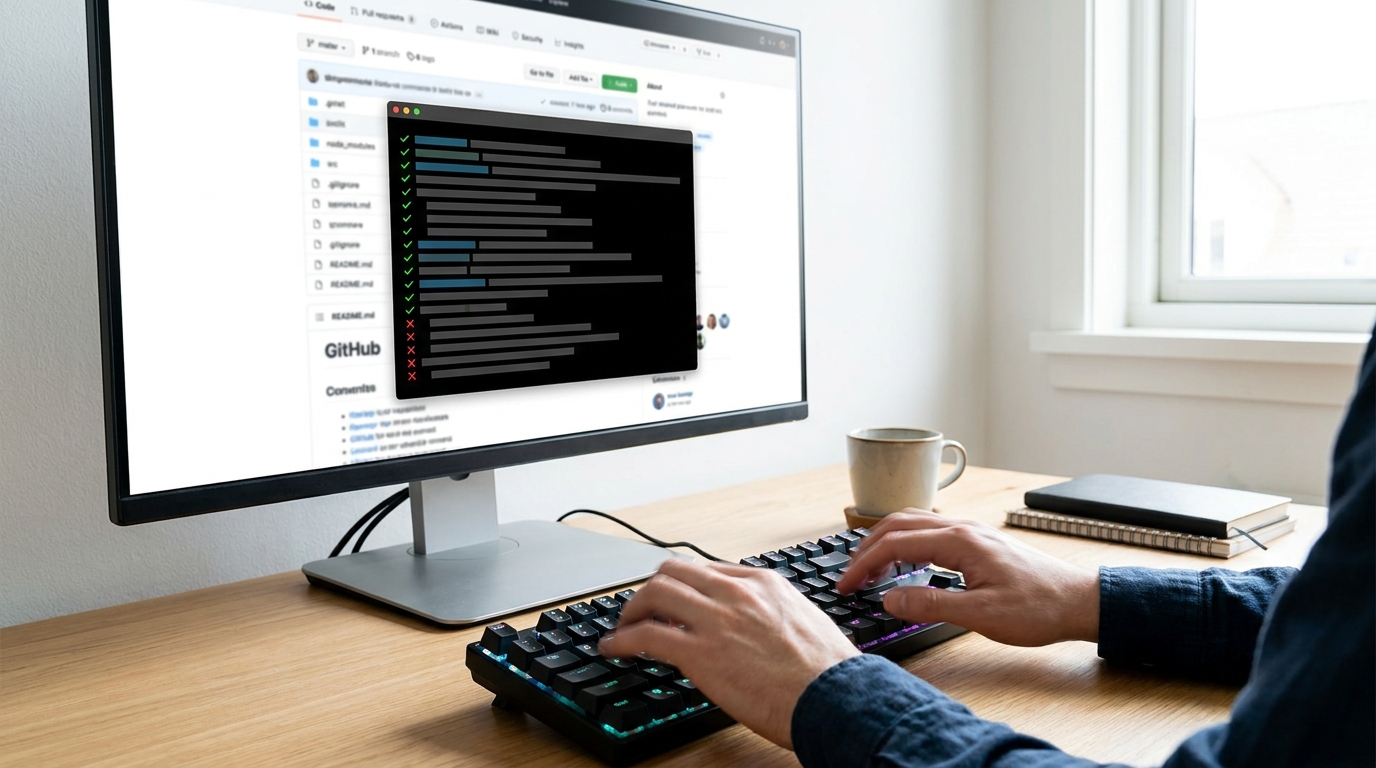
Integrating CLI tools into GitHub Actions helps you build robust, automated security workflows.
Practical Steps: Automating Stale Repo Archiving & Access Reviews ✨
Let's get practical. Two common challenges for organizations are dealing with stale repositories and managing outside collaborator permissions. Both can introduce security risks and clutter. Here's how you can tackle them with automation:
Stale Repository Archiving: You can create a GitHub Action that periodically checks for repositories that haven't been touched in, say, 180 days. If found, the action can then trigger a workflow to archive the repository, move it to a 'graveyard' organization, or even open an issue to prompt a team for review. Tools like gh-audit or Repo Audit Action can be adapted for this purpose.
Outside Collaborator Access Reviews: Managing external access is crucial. A GitHub Action can be set up to list all outside collaborators on a schedule. This list can then be compared against an approved list, or used to open issues for periodic access reviews. If an outside collaborator hasn't been active for a set period, the workflow could flag them for removal or reduced permissions. This ensures that access is always current and appropriate, minimizing potential exposure.
💡 Pro Tip: Start with one critical security check, automate it with a GitHub Action, and then gradually expand your automated audit coverage.
Key Takeaways
- Automated GitHub Security Audits are essential for proactive threat protection and compliance.
- GitHub Actions provide a powerful framework for integrating security checks directly into your development workflows.
- CLI tools like ghqr, postura, and gh-action-security-audit offer deep, customizable analysis of your GitHub environment.
- Leverage GitHub's native Advanced Security features and Scorecards for foundational protection.
- You can automate practical tasks like archiving stale repositories and reviewing outside collaborator access to enhance hygiene.
Related on Tech4SSD 🔗
- Microsoft Execution Containers: Securing Your AI Agents (2026)
- high-risk application features: Uncovering Logic Flaws: How Bug Bounty Hunters Target High-Risk Application Features (2026)
- Scaling Long-Horizon AI Agents: Infrastructure Insights for Creators (2026)
📩 Want the freshest AI trends every week?
Subscribe to Tech4SSD — practical AI tools and trends, explained for everyone. Free. Subscribe →
Advertisement
Frequently Asked Questions
What's the biggest benefit of automating GitHub security audits?
The biggest benefit is proactive threat detection and consistent compliance. You catch issues early, reduce manual effort, and ensure a higher level of security across all your projects without slowing down development.
Do I need to be a security expert to set these up?
Not at all! While some tools offer advanced customization, many GitHub Actions and CLI tools are designed with clear documentation to help you get started. You can begin with basic checks and expand your knowledge as you go. The goal is to make security accessible for everyone.
Can these tools fix issues automatically?
Most of these tools are primarily for *auditing* and *reporting* issues. They tell you what's wrong. Some advanced workflows can be configured to take corrective actions (like archiving a repo), but generally, the idea is to alert you so you can review and decide on the best fix. Always review automated actions carefully!
Final Word
You've now got a powerful arsenal of tools and strategies to supercharge your GitHub security. Automating your audits isn't just about ticking compliance boxes; it's about building a more resilient, trustworthy, and efficient development environment for yourself and your team. By embracing these advancements, you're not just protecting your code; you're protecting your peace of mind.
So go forth, experiment with these tools, and make security an effortless, integrated part of your creative process. Your future self (and your code) will thank you! Happy coding! ✨
Sources & Further Reading
- Protecting against security threats
- microsoft/ghqr
- GitHub Learn
- jackchuka/postura
- rapidfort/gh-action-security-audit
- accuknox/pipeaudit
- Secure use reference - GitHub Docs
- n8group-oss/gh-audit
- Repo Audit Action · Actions · GitHub Marketplace · GitHub
- huggingface/security-workflows
AI tools and features change fast — verify current options before relying on them. — Tech4SSD Editorial
Discussion
Have a question or something to add?
Join the discussion on Blogger