Gemini Robotics ER 2: here is what the official release means in practice. Hey there, future-forward creator! Ever dreamed of building smarter robots, but felt limited by not having a massive robotics lab? Well, get ready to ditch that limitation, because Google's Gemini Robotics ER 2 is here, and it's changing the game for embodied reasoning. This powerful new AI lets you design and test complex robot behaviors, even if your 'robot' is currently just lines of code on your screen. 🤖
In this post, we're going to demystify Gemini Robotics ER 2 and show you exactly how you can start prototyping sophisticated embodied reasoning workflows. We'll cover what makes ER 2 so special, how to leverage its new features, and most importantly, how you can dive in and experiment *without* needing any physical robot hardware. You'll walk away feeling capable and ready to innovate!
Advertisement
What is Embodied Reasoning, Anyway? 🤔
Before we dive into the nitty-gritty of Gemini Robotics ER 2, let's clear up some jargon. "Embodied reasoning" might sound super academic, but it's actually pretty straightforward. Think of it as a robot's ability to understand its physical surroundings, make sense of what it sees and hears, and then plan actions based on that understanding. It's not just about following commands; it's about *perceiving*, *thinking*, and *acting* in the real world.
Imagine a robot in a factory. It needs to not just pick up a box, but understand *where* the box is relative to other objects, *how* to grasp it without dropping it, and *what* to do if an obstacle suddenly appears. That's embodied reasoning in action! Gemini Robotics ER 2 significantly boosts these capabilities, making robots much more intelligent and adaptable.
Meet Gemini Robotics ER 2: Your New AI Co-Pilot 🚀
Google has officially launched Gemini Robotics ER 2 in public preview, and it's a big deal. This isn't just a minor update; it's a leap forward for robotic AI. It comes with two shiny new model endpoints: "gemini-robotics-er-2-preview" and "gemini-robotics-er-2-streaming-preview." These models are designed to give robots superpowers in understanding and interacting with the physical world. Think improved spatial awareness, better video interpretation, and even coordinating multiple robots.
The previous version, Gemini Robotics ER 1.6, is on its way out, scheduled for shutdown by the end of August 2026. So, if you've been dabbling with older versions, now's the perfect time to upgrade and explore the enhanced capabilities of ER 2. These new models accept a rich mix of inputs – text, images, video, and even audio – making them incredibly versatile for complex robotic tasks.
ER 2's Superpowers: What Can It Do? ✨
Gemini Robotics ER 2 isn't just smart; it's *situationally aware*. The core of its power lies in its specialized embodied reasoning capabilities. This means your robot agents can do things like truly understand what they're seeing in a video feed, accurately read instruments (think dials and gauges!), and even understand pointing gestures. It's like giving your robot a brain that can process the world around it with much greater nuance.
Here are some of the key areas where ER 2 truly shines:
The standard "gemini-robotics-er-2-preview" model is built on the powerful Gemini 3.5 Flash. This means it excels at things like spatial reasoning (understanding 3D space), finding specific moments in video, classifying video progress (is the task almost done?), orchestrating multiple robots, and handling multi-step tool use. It's designed for scenarios where a robot needs to think through a sequence of actions.
Then there's the "gemini-robotics-er-2-streaming-preview" model. This one is a game-changer for real-time applications. Optimized for low-latency, it works with Google's Live API to process continuous audio and video input. Imagine a robot that can react instantly to new information, like a sudden change in its environment or a spoken command. That's the power of streaming ER 2!
- Understanding Robot Video Making sense of visual input from a robot's camera, not just identifying objects, but understanding actions and context.
- Instrument Reading Accurately interpreting data from gauges, meters, and other physical instruments.
- Spatial Reasoning Grasping the relationship between objects in 3D space, crucial for navigation and manipulation.
- Multi-Robot Orchestration Coordinating actions and sharing information between several robotic agents for complex tasks.
- Progress & Success Detection Knowing if a task is on track, stalled, or successfully completed, allowing for adaptive behavior.
Prototyping Without a Robot: Your Virtual Lab 💻
Now for the exciting part: you don't need a million-dollar robot arm to start experimenting with Gemini Robotics ER 2! Google has designed these models with developers in mind, making it entirely possible to prototype and test complex embodied reasoning workflows using just code and simulated environments. This is a huge win for creators, students, and small businesses who want to innovate without the hardware barrier.
The key here is that both ER 2 model endpoints accept a wide range of inputs: text, images, video, and audio. This means you can feed them *simulated* sensor data or pre-recorded scenarios and get intelligent responses back. You're essentially building a 'brain' for your robot and testing its decision-making process in a virtual sandbox. Think of it as a flight simulator for robot intelligence!
You'll interact with ER 2 through the Gemini API, which allows you to send prompts and receive responses. These responses can include suggested actions, analyses of situations, or even code snippets for your robot to execute. The models also support function calling, meaning they can trigger specific actions in your simulated environment (or eventually, on a real robot).
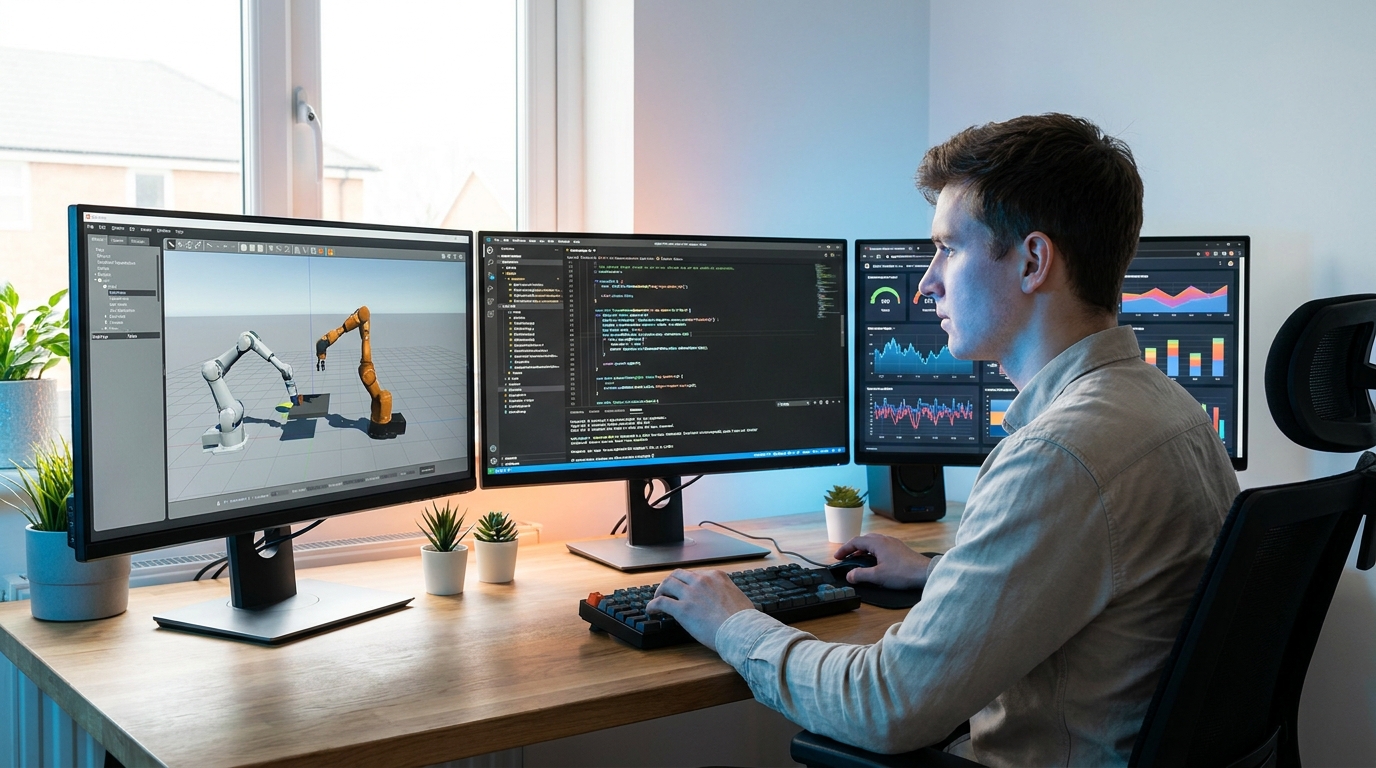
Designing advanced robot behaviors from your desk, no physical robot required.
Advertisement
Your Step-by-Step Guide to a Virtual ER 2 Workflow 🛠️
Ready to get your hands dirty (virtually, of course)? Here's a simplified guide to prototyping an embodied reasoning workflow with Gemini Robotics ER 2, all without needing a physical robot. This approach lets you focus on the AI's intelligence and decision-making.
First, you'll need to set up your development environment. This typically involves getting an API key for the Gemini API and choosing your preferred programming language (Python is a popular choice). You'll then install the necessary client libraries. Google provides excellent documentation to help you get started.
Next, you'll create your 'simulated world.' This could be as simple as a series of images representing different states of an environment, a video clip showing a task, or even just detailed text descriptions. For example, you might have images of a cluttered desk, then an image of a specific object on that desk, and then a video of a hand attempting to grasp it. You're providing the "sensory input" that a real robot would receive.
Crafting Your Prompts & Interpreting Responses 💬
This is where the magic happens! You'll send your simulated inputs to the Gemini Robotics ER 2 model via the API. Your prompt will combine text (your instructions or questions) with the visual/audio data. For example, you might send an image of a workbench and ask, "Identify the screwdriver and suggest the optimal gripping point." Or, you could send a video of an assembly line and ask, "Is the widget correctly installed? If not, what is the error?"
The ER 2 model will then process this information, leveraging its embodied reasoning capabilities. It will analyze the spatial relationships, the actions in the video, or the details in the image. The response you get back will be the robot's 'thought process' or 'action plan.' This could be a textual description of the screwdriver's location, a confidence score for the widget's installation, or even a sequence of steps for a robotic arm to take.
Crucially, ER 2 supports function calling with blocking behavior. This means the AI can suggest specific actions that your *simulated* robot can then 'perform.' You can then feed the results of that simulated action (e.g., a new image of the screwdriver being grasped) back into the model for the next step in the reasoning chain. This iterative process is key to prototyping complex, multi-step tasks.
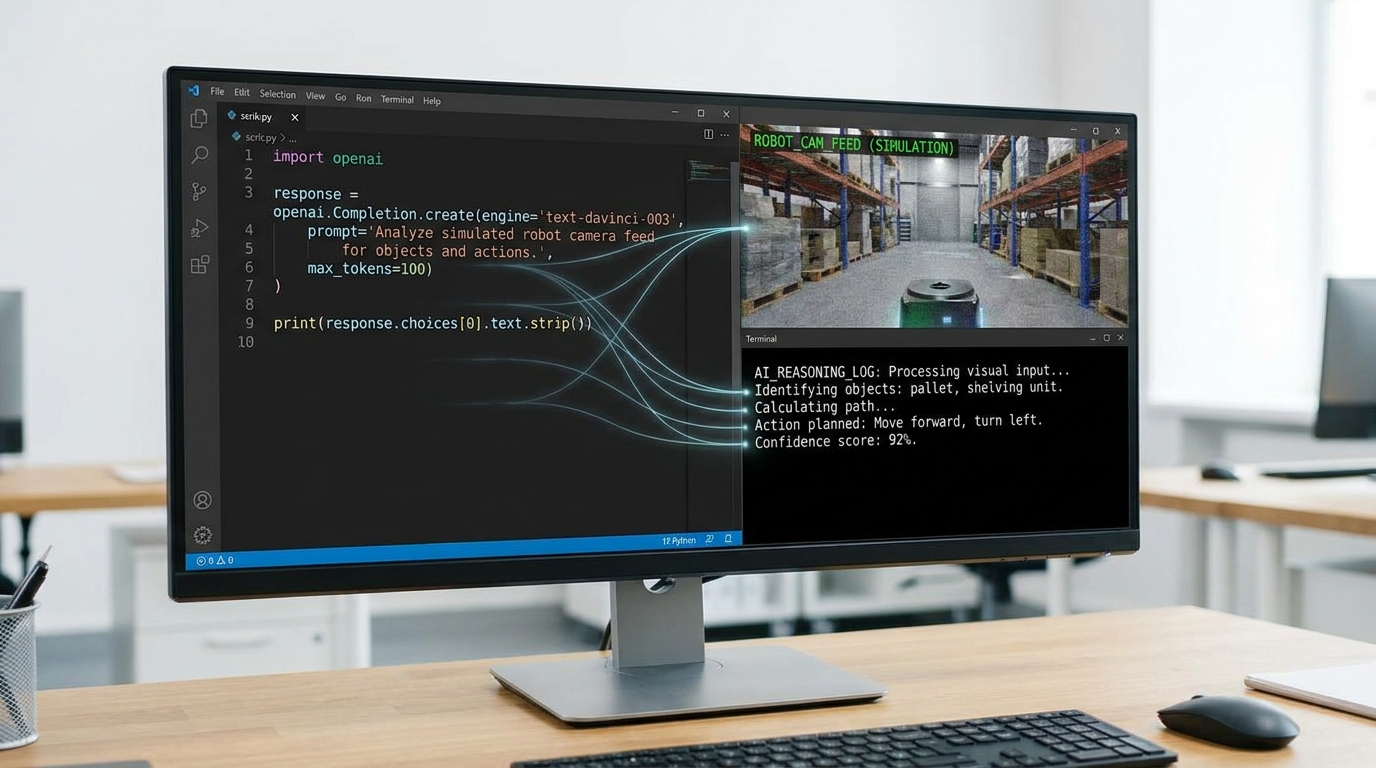
Sending simulated sensor data to ER 2 and interpreting its intelligent responses.
Upgrading from ER 1.6: A Smooth Transition 🔄
If you've been working with Gemini Robotics ER 1.6, it's time to start planning your migration. As mentioned, ER 1.6 is slated for shutdown by the end of August 2026. The good news is that upgrading to ER 2 will unlock significantly more powerful capabilities for your robotic agents.
Google's release notes and documentation provide clear guidance on the transition. While there will be some changes to adapt to, the core principles of interacting with the Gemini API remain consistent. Think of it as moving from a capable sedan to a high-performance sports car – same driving principles, but a much more exhilarating experience!
💡 Pro Tip: Use pre-recorded video clips of real-world scenarios as input to Gemini Robotics ER 2 to simulate complex environmental changes and test your robot's adaptive reasoning.
Key Takeaways
- Gemini Robotics ER 2 is in public preview, offering two powerful new model endpoints for advanced embodied reasoning.
- You can prototype sophisticated robot behaviors and decision-making workflows using ER 2 without needing any physical robot hardware.
- ER 2 excels in spatial reasoning, video understanding, multi-robot orchestration, and real-time streaming capabilities.
- Leverage simulated inputs (images, videos, text) and the Gemini API to test your robot's 'brain' in a virtual environment.
- Existing ER 1.6 users should plan to upgrade to ER 2 before the August 2026 shutdown for enhanced performance.
Related on Tech4SSD 🔗
- No-Code AI Agents: Build Powerful Digital Assistants for Free in 2026
- Beyond Chatbots: Building Your Specialized AI Productivity Stack for 2026
- Freelancers Embrace AI: Your 2026 Guide to Productivity Gains 🚀
📩 Want the freshest AI trends every week?
Subscribe to Tech4SSD — practical AI tools and trends, explained for everyone. Free. Subscribe →
Advertisement
Frequently Asked Questions
Do I need a Google Cloud account to use Gemini Robotics ER 2?
Yes, you'll need a Google Cloud account and access to the Gemini API to use Gemini Robotics ER 2. Check the official Google AI for Developers documentation for setup instructions and pricing details.
What's the main difference between ER 2 'preview' and 'streaming-preview' models?
The 'preview' model is based on Gemini 3.5 Flash and is great for complex, multi-step reasoning tasks. The 'streaming-preview' model is optimized for real-time, low-latency processing of continuous audio and video input, ideal for reactive robot agents.
Can I integrate Gemini Robotics ER 2 with other AI models or tools?
Absolutely! The Gemini API is designed for flexibility. You can integrate ER 2's outputs with other AI models, custom logic, or existing robotic frameworks to build even more sophisticated systems.
Is there a cost associated with using Gemini Robotics ER 2?
Yes, like most advanced AI APIs, there are usage-based costs. Google provides detailed pricing information on their developer site, so you can estimate costs based on your expected usage.
Final Word
The release of Gemini Robotics ER 2 isn't just another tech update; it's an invitation to innovate. By lowering the barrier to entry for advanced robotic AI, Google is empowering a whole new generation of creators, students, and small businesses to explore the future of automation. You now have the tools to design robots that truly understand and interact with their world, even if that world is currently just a simulation on your screen.
So, don't wait for the perfect robot hardware to appear. Start building the intelligence today. Dive into the documentation, experiment with the API, and unleash your creativity. The future of robotics is waiting for you to code it! 💡
Sources & Further Reading
- Gemini Robotics ER | Gemini Generate Content API (Legacy) | Google AI for Developers
- Gemini API | Google AI for Developers
- Release notes | Gemini API | Google AI for Developers
- Robotics with streaming | Gemini API | Google AI for Developers
- Models | Gemini API | Google AI for Developers
- Gemini Developer API pricing | Gemini API | Google AI for Developers
AI tools and features change fast — verify current options before relying on them. — Tech4SSD Editorial
Discussion
Have a question or something to add?
Join the discussion on Blogger