Google Workspace AI privacy: here is what the official release means in practice. Hey there, fellow creator and small business owner! Navigating the world of AI can feel like a superpower, but with great power comes great responsibility—especially when it comes to your data. That's why understanding Google Workspace AI privacy is more crucial than ever. Good news: Google is rolling out some seriously powerful new controls for Gemini Enterprise, making it easier for you to keep your business data safe and sound. 🔒
This isn't just tech talk; it's about giving *you* the reins. We're going to break down these updates, explain what they mean for your small business, and give you a clear, actionable checklist to ensure your AI game is strong and secure. Ready to become a privacy pro? Let's dive in! 👇
Advertisement
Why Google Workspace AI Privacy Matters for Your Business 🛡️
In today's fast-paced digital world, AI tools like Gemini are becoming indispensable. They help with everything from drafting emails to analyzing data, boosting your productivity like never before. But with all that power comes a big question: how is your business's sensitive information handled? For small businesses, data breaches or compliance issues can be devastating.
That's why Google's commitment to enhancing administrative oversight for Gemini within Workspace is such a game-changer. These updates aren't just for big corporations; they empower *you* to define how AI interacts with your company's data, ensuring you maintain control and trust. Think of it as your digital bodyguard for AI operations.
Streamlined Admin Controls for Gemini Enterprise (2026) ⚙️
Get ready for a smoother ride! Google is introducing streamlined administrative controls for Gemini Enterprise right within your familiar Google Workspace Admin console. This means no more digging through obscure settings or complex menus. Everything you need to manage Gemini will be in one centralized, easy-to-use place.
These updates, expected around April 13, 2026, are designed to give you granular control over how Gemini operates across your organization. You'll be able to set policies, manage access, and configure settings with unprecedented ease. This is about making AI work for *your* rules, not the other way around. For more details, you can always check the official What's new in Google Workspace releases.
Ultimately, this translates to less headache for you and more confidence that your AI tools are aligned with your business's privacy and operational standards.
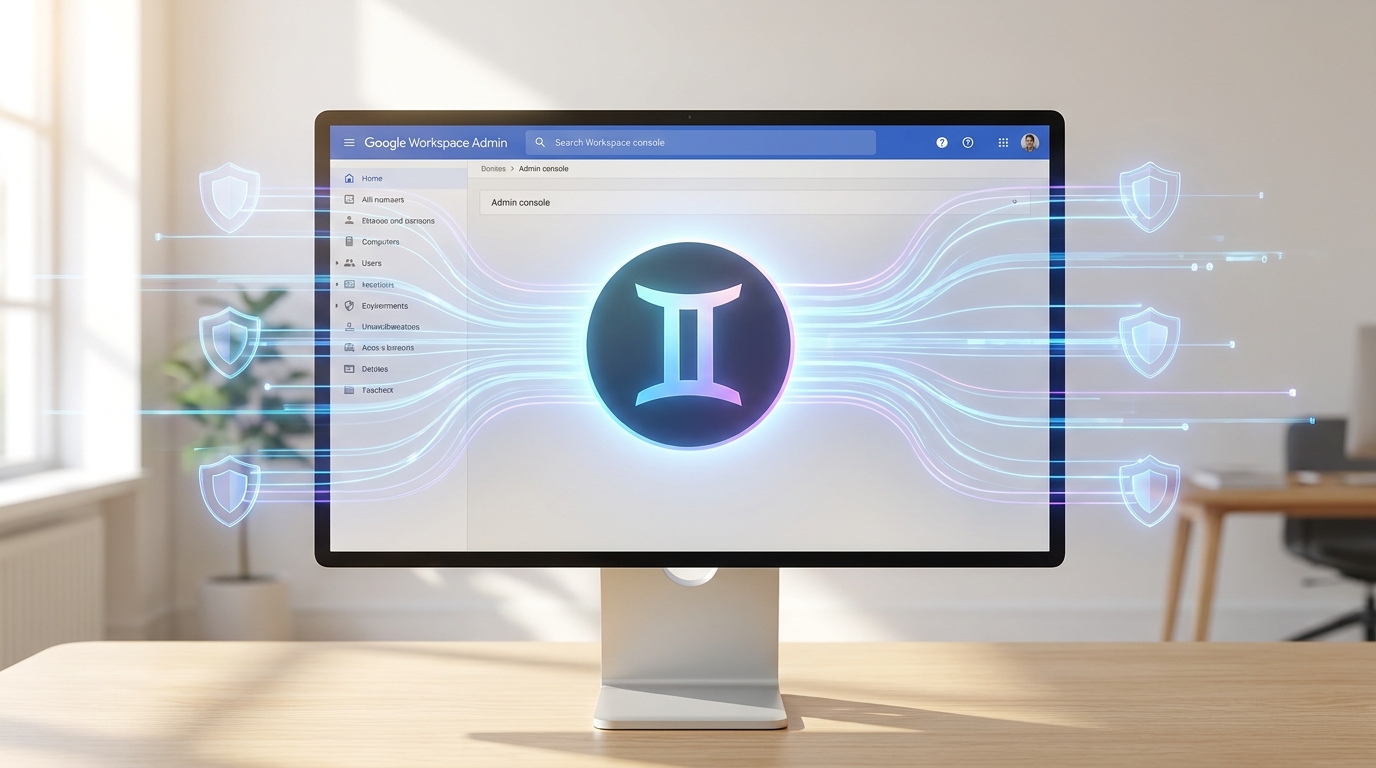
Your new command center for Gemini Enterprise in Google Workspace.
Data Regions Support for the Gemini App (2026) 🌍
Where your data lives matters, especially for compliance and privacy. Google understands this, which is why data regions support for the Gemini app became available around June 29, 2026. This is huge for small businesses operating in different geographical locations or those with specific data residency requirements.
What does this mean for you? You'll have the ability to specify where your Gemini app data is stored. This can be critical for meeting local regulations, improving data latency, and simply giving you peace of mind that your information isn't traveling further than it needs to. It's another layer of control that puts you firmly in charge of your data's journey.
Managing Gemini Conversation History Settings 💬
Ever wondered about those AI conversations your team is having? Now, you'll have direct control over Gemini in Workspace conversation history settings. This update allows administrators to decide whether users can keep or delete their past chats. This isn't about snooping; it's about setting clear policies for data retention and privacy.
You can configure these settings to align with your business's record-keeping policies, compliance needs, or simply to empower your team with more control over their personal AI interactions. It's a thoughtful feature that balances user experience with organizational oversight. Dive deeper into these settings with the Google Workspace Admin Help guide.
This level of control ensures that AI interactions within your Workspace are transparent and manageable, reducing potential risks associated with unmanaged data.
- Admin Control: Decide if users can save or delete Gemini conversation history.
- Compliance Ready: Align chat retention with your business's legal and privacy requirements.
- User Empowerment: Give users the option to manage their own chat data, within your set parameters.
Advertisement
The AI Control Center: Your Data's Gatekeeper (2026) 🔑
Coming around May 4, 2026, the new AI control center is poised to be your ultimate data gatekeeper. This feature will allow for secure management of AI and agent access to your Workspace data. Imagine having a central hub where you dictate exactly which AI tools can see and interact with your sensitive documents, emails, and files.
This is particularly vital for small businesses handling client data, financial information, or proprietary intellectual property. The AI control center ensures that only authorized AI agents can access the necessary data, minimizing risks and maximizing security. It's about building a robust, secure environment for your AI-powered operations.
This tool is designed to prevent unintended data exposure and provide a clear audit trail for AI interactions, giving you peace of mind.
The AI Control Center: securing your Workspace data from unauthorized AI access.
Your Small Business AI Privacy Checklist for Google Workspace ✅
Feeling ready to take charge? Here’s a simple checklist to help your small business leverage these new Google Workspace AI privacy features effectively:
By proactively addressing these points, you're not just reacting to updates; you're building a resilient, privacy-conscious AI strategy for your small business. Remember, a secure AI is a powerful AI!
- Review Admin Console: Familiarize yourself with the new streamlined Gemini Enterprise controls as they roll out in April 2026. Understand what settings are available and how they impact your users.
- Set Data Regions: Once available (June 2026), configure data regions for your Gemini app to meet any geographical data residency requirements or simply to keep data closer to home.
- Define Chat History Policy: Establish clear guidelines for Gemini conversation history. Decide if users can save/delete chats and communicate this policy to your team. Implement the settings in the Admin console.
- Utilize AI Control Center: When the AI control center launches (May 2026), use it to manage and restrict AI and agent access to sensitive Workspace data. Grant access only where absolutely necessary.
- Educate Your Team: Train your employees on your AI usage policies, especially regarding data privacy and the responsible use of Gemini. Knowledge is your best defense!
- Regular Audits: Periodically review your AI privacy settings and policies to ensure they remain relevant and effective as both your business and AI technology evolve.
💡 Pro Tip: Always communicate new AI privacy policies clearly and concisely to your team. Transparency builds trust and ensures compliance!
Key Takeaways
- Google Workspace is rolling out enhanced admin controls for Gemini Enterprise throughout 2026, centralizing AI management.
- New data regions support for the Gemini app allows you to control where your AI data is stored, crucial for compliance.
- Administrators gain the ability to manage Gemini conversation history settings, dictating user control over past chats.
- The upcoming AI control center will provide secure, granular oversight of AI and agent access to your Workspace data.
- Proactive policy setting and team education are key to maximizing Google Workspace AI privacy for your small business.
Related on Tech4SSD 🔗
- Navigating AI Bias: Challenges & Solutions for Creators in 2026
- Freelancers Embrace AI: Your 2026 Guide to Productivity Gains 🚀
- Beyond Chatbots: Building Your Specialized AI Productivity Stack for 2026
📩 Want the freshest AI trends every week?
Subscribe to Tech4SSD — practical AI tools and trends, explained for everyone. Free. Subscribe →
Advertisement
Frequently Asked Questions
Can my Google Workspace admin see my individual Gemini chats?
With the new controls, administrators can manage conversation history settings. This means they can set policies on whether chats are retained or deleted, and potentially access them depending on your organization's specific settings and policies. It's crucial to understand your company's guidelines. You can find more info on the Google Workspace Admin Community.
When will these new Gemini admin controls be available?
Key updates are rolling out throughout 2026. Streamlined admin controls for Gemini Enterprise are expected around April 13, 2026. Data regions support for the Gemini app became available around June 29, 2026, and the AI control center is slated for May 4, 2026.
Do these updates apply to all Google Workspace editions?
These specific updates are primarily for Gemini Enterprise within Google Workspace. While some general AI privacy principles apply across the board, the granular administrative controls and features like the AI control center are geared towards enterprise-level management. Always check your specific Workspace edition's features.
Final Word
You've just walked through the exciting new world of Google Workspace AI privacy, armed with the knowledge to protect your small business's data. These updates from Google are a clear signal: AI is here to stay, and so is the need for robust, user-friendly control. By leveraging these new features, you're not just adopting technology; you're mastering it.
So go forth, confident creator and small business owner! Take control of your AI, secure your data, and let your productivity soar without compromise. Your business, your rules. 🚀
Sources & Further Reading
- Manage Gemini - Google Workspace Admin Community
- What's new in Google Workspace (recent releases) | Getting started | Google Workspace Help
- Can an organization admin view details of an individual's Gemini chat? - Google Workspace Admin Community
- Manage Gemini in Workspace conversation history settings - Google Workspace Admin Help
- Issue with Gemini Personalization and Memory on Google Workspace Business Standard Account - Google Workspace Admin Community
- Google Workspace Help
AI tools and features change fast — verify current options before relying on them. — Tech4SSD Editorial