Computer Use in Gemini 3.5 Flash: here is what the official release means in practice. Ever wished your AI could just… *do* things on your computer, not just talk about them? Well, get ready, because Computer Use in Gemini 3.5 Flash is here to make that a reality! 🚀 Google DeepMind has integrated this powerful capability directly into their latest model, meaning your AI agents can now see, reason, and act across your digital world.
This isn't just a tech upgrade; it's a game-changer for creators, students, and small business owners. We're talking about AI that can truly automate complex tasks, from browsing the web to managing your desktop apps. In this article, we'll break down what this means for you, how these browser agents work, and most importantly, how to test them safely and effectively.
Advertisement
What Exactly is 'Computer Use' in Gemini 3.5 Flash? 💡
Think of it like giving your AI a pair of digital eyes and hands. Before, AI models were great at understanding and generating text or images. Now, with 'Computer Use' as a built-in tool, Gemini 3.5 Flash can actually *interact* with your digital environment. This means it can navigate websites, click buttons, fill out forms, and even use desktop applications, just like a human would.
This isn't some clunky add-on; it's a native capability of the model itself. DeepMind designed it to significantly boost performance for what they call 'agentic tasks' – those multi-step processes where an AI needs to reason, plan, and execute actions. For you, this translates into AI agents that are far more capable and less prone to getting stuck.
How Browser Agents Work Their Magic ✨
One of the most exciting applications of 'Computer Use' is the rise of browser agents. Imagine an AI that can autonomously research competitor pricing, fill out complex grant applications, or even manage your social media scheduling across different platforms. That's the power we're talking about.
These agents operate by 'seeing' your browser window (or mobile screen, or desktop interface), understanding the visual layout, and then deciding on the best course of action. They don't just follow pre-programmed scripts; they reason through problems, adapt to changes, and execute tasks dynamically. This capability is available to developers through the Gemini API and the Gemini Enterprise Agent Platform, opening up a world of custom automation possibilities for businesses of all sizes.
For instance, a browser agent could be tasked with monitoring news sites for specific keywords, summarizing the findings, and then posting a curated update to your team's communication channel – all without you lifting a finger after the initial setup. It's about taking the repetitive, time-consuming digital grunt work off your plate.
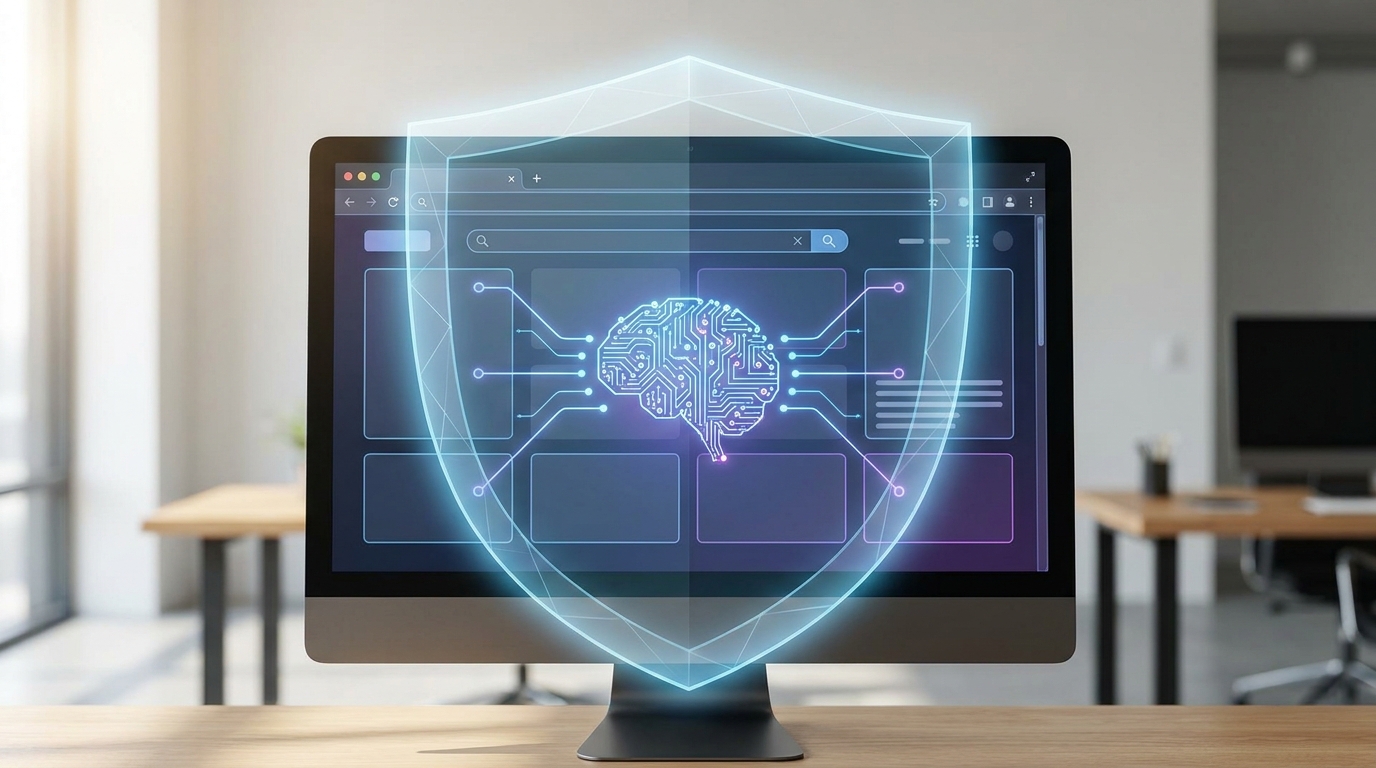
Gemini 3.5 Flash agents can 'see' and interact with digital interfaces, from browsers to desktop apps.
Building Your Own Smart Agents: What Developers Need to Know 🛠️
If you're a developer or a tech-savvy creator, this is where things get really interesting. The integration of 'Computer Use' means you can now build custom agents that can interact across browser, mobile, and desktop environments. This isn't just about simple clicks; it's about building sophisticated AI assistants that can handle complex, multi-platform workflows.
DeepMind provides the tools through their Gemini API and the Gemini Enterprise Agent Platform. This allows you to define tasks, set parameters, and then let the Gemini 3.5 Flash model take the reins. The focus is on enabling agents that can 'see, reason, and take action,' making them incredibly versatile for enterprise automation and knowledge work.
Think about automating software testing across different operating systems, or creating an AI assistant that can seamlessly transfer data between a web CRM and a local spreadsheet program. The potential for streamlining operations and boosting productivity is immense.
Safety First: Testing Your AI Agents Securely 🔒
Giving an AI the ability to interact with your computer is powerful, but it also means safety is paramount. DeepMind understands this, and they've built in several measures to keep things secure. For developers, this means being mindful during the agent design and testing phases.
One key aspect is targeted adversarial training. This helps the AI learn to identify and resist malicious instructions or unexpected scenarios. Additionally, for enterprise users, there are optional safeguard systems that can be implemented. These include user confirmation for critical actions and detection for indirect prompt injection – basically, making sure the AI isn't tricked into doing something it shouldn't.
When you're testing your own agents, start small. Isolate them in sandboxed environments, provide limited permissions, and monitor their actions closely. Think of it like training a new employee: you wouldn't give them the keys to the kingdom on day one! Gradually increase complexity and access as you build confidence in the agent's reliability and safety.
- Start in a Sandbox: Always test your AI agents in isolated environments that can't impact critical systems or data.
- Limit Permissions: Grant your agents only the minimum necessary access to perform their designated tasks. Less access means less risk.
- Monitor Closely: Observe your agent's behavior during testing. Look for unexpected actions or deviations from its intended purpose.
Advertisement
Introducing Gemini 3.5 Flash Cyber: Your AI Security Guardian 🛡️
Beyond general computer use, DeepMind has also rolled out a specialized model: Gemini 3.5 Flash Cyber. This isn't just any AI; it's a lightweight cybersecurity model built on the same powerful 3.5 Flash foundation, but fine-tuned specifically for finding, validating, and patching vulnerabilities. Think of it as an expert digital detective for your code.
This model is designed to be incredibly cost-efficient and highly capable, especially when it comes to scanning massive codebases and analyzing countless codepaths. For small businesses and developers, this could mean a significant boost in your ability to proactively identify and fix security flaws before they become major problems. Currently, 3.5 Flash Cyber is available to governments and trusted partners via CodeMender in a limited-access pilot program, but its potential for broader use is clear.
Having an AI that can efficiently hunt for bugs and suggest fixes is a huge leap forward for digital security. It frees up human security experts to focus on more complex, strategic threats, while the AI handles the heavy lifting of routine vulnerability management.

Gemini 3.5 Flash Cyber acts as a digital guardian, efficiently finding and patching vulnerabilities.
The Broader Picture: What Else Did DeepMind Release? 🌐
While 'Computer Use' and 3.5 Flash Cyber are big news for digital environments, DeepMind also made strides in the physical world. They released Gemini Robotics-ER 1.6, a significant upgrade to their reasoning-first model for robots. This enhances spatial reasoning and multi-view understanding, meaning robots can now understand and interact with their physical surroundings even better.
This might seem like a different topic, but it highlights a consistent theme: DeepMind is pushing the boundaries of AI's ability to interact with and understand both digital and physical environments. For you, this means a future where AI isn't just a tool on your screen, but a capable assistant that can help across all facets of your work and life, whether it's automating online tasks or even assisting with physical processes.
These advancements signal a significant leap in AI's ability to interact with and secure digital and physical environments. It's about empowering you with more capable, versatile, and secure AI tools.
💡 Pro Tip: When building AI agents with 'Computer Use', always start with clear, specific objectives. Break down complex tasks into smaller, manageable steps for your agent to follow, and iterate frequently.
Key Takeaways
- Gemini 3.5 Flash now has 'Computer Use' built-in, allowing AI agents to interact directly with browsers, mobile apps, and desktop environments. 💻
- This enables advanced automation for enterprise tasks and knowledge work, letting AI agents 'see, reason, and act' across digital interfaces. 🚀
- DeepMind introduced Gemini 3.5 Flash Cyber, a specialized AI model for efficient vulnerability detection and patching in cybersecurity. 🛡️
- Safety measures like adversarial training and optional enterprise safeguards are in place to ensure secure agent operation. Always test agents in sandboxed environments. ✅
Related on Tech4SSD 🔗
- No-Code AI Agents: Build Powerful Digital Assistants for Free in 2026
- Beyond Chatbots: Building Your Specialized AI Productivity Stack for 2026
📩 Want the freshest AI trends every week?
Subscribe to Tech4SSD — practical AI tools and trends, explained for everyone. Free. Subscribe →
Advertisement
Frequently Asked Questions
What's the main difference with Gemini 3.5 Flash's 'Computer Use'?
The biggest difference is that the AI can now natively interact with digital interfaces – like browsers, mobile apps, and desktop programs – not just process information. It can 'see' what's on screen and take action, making it much more capable for automation.
Can I use Gemini 3.5 Flash Cyber for my small business?
Currently, Gemini 3.5 Flash Cyber is in a limited-access pilot program for governments and trusted partners via CodeMender. While not broadly available yet, its development signals a future where advanced AI cybersecurity tools will become more accessible.
How do I ensure my AI agent doesn't do something unintended?
Safety is key! Always test your agents in isolated, sandboxed environments. Start with minimal permissions and gradually increase them as you gain confidence. DeepMind also includes adversarial training and optional enterprise safeguards for added security.
Is 'Computer Use' only for complex enterprise tasks?
While it's a huge win for enterprise automation, the underlying capability empowers developers to build custom agents for a wide range of tasks. This means creators, students, and small business owners can leverage it for everything from automated research to streamlining their daily digital workflows.
Final Word
The integration of 'Computer Use' into Gemini 3.5 Flash is more than just a technical update; it's a fundamental shift in how AI can assist us. It moves AI from being a conversational partner to an active participant in our digital lives, capable of performing complex, multi-step tasks across various platforms. This opens up incredible opportunities for efficiency, innovation, and problem-solving.
As creators, students, and small business owners, understanding and safely experimenting with these new agentic capabilities will be crucial. The future of AI is active, adaptive, and ready to help you achieve more than ever before. Get ready to build some truly smart assistants! 🌟
Sources & Further Reading
- Introducing computer use in Gemini 3.5 Flash
- Introducing Gemini 3.5 Flash Cyber — Google DeepMind
- Gemini Robotics ER 1.6: Enhanced Embodied Reasoning — Google DeepMind
- News — Google DeepMind
- Google DeepMind & DOE Partner on Genesis: AI for Science — Google DeepMind
- Gemini Robotics 2 brings whole body intelligence to robots — Google DeepMind
AI tools and features change fast — verify current options before relying on them. — Tech4SSD Editorial
Discussion
Have a question or something to add?
Join the discussion on Blogger