AI coding agents: here is what the official release means in practice. Ever wished you could pit different AI brains against each other to solve your coding challenges? 🧠 Good news: GitHub's Agent HQ just made that a reality for Copilot Pro+ and Enterprise users! This isn't just about getting code suggestions; it's about strategically evaluating AI coding agents like GitHub Copilot, Anthropic's Claude, and OpenAI's Codex side-by-side, right in your workflow. It's a game-changer for how you build.
No more guessing which AI is best for a specific task. Now, you can see them in action, compare their approaches, and pick the perfect digital assistant for every line of code. We're breaking down what this multi-agent future means for you, how to leverage it, and which agents are pulling ahead (and which might need a bit more polish!). Let's dive in. 👇
Advertisement
The Multi-Agent Revolution in GitHub Agent HQ 🚀
Imagine having a team of expert coders, each with a slightly different specialty, all ready to tackle your project simultaneously. That's the power GitHub has unlocked with its latest update to Agent HQ. As of February 4, 2026, Copilot Pro+ and Copilot Enterprise users can now run multiple AI coding agents, including GitHub Copilot, Anthropic's Claude, and OpenAI's Codex, directly within GitHub, GitHub Mobile, and Visual Studio Code. This isn't just a convenience; it's a fundamental shift in how you interact with AI in your development workflow.
This integration means less context switching and more focused development. You can assign a task, and instead of just one AI chiming in, you get a chorus of suggestions. This allows for a deeper exploration of architectural guardrails, logical pressure testing, and pragmatic implementation strategies. It’s like having a built-in peer review system, but with AI. GitHub calls it "Pick your agent" for a reason – you're in control, choosing the best AI for the job. You can read more about it on The GitHub Blog.
Meet the Contenders: Copilot, Claude, and Codex 🥊
With GitHub Agent HQ, you're not just getting one AI; you're getting a lineup. Each of these AI coding agents brings its own strengths to the table, and understanding those differences is key to maximizing your productivity. Let's get to know the players.
This multi-agent setup is a huge step forward for developers. It means you can leverage the specific strengths of each model, rather than being limited to a single approach. Think of it as building your own AI dream team, tailored to your project's needs.
🟦 GitHub Copilot: Your Trusted Co-Pilot
GitHub Copilot has been a staple for many developers, offering real-time code suggestions, autocompletion, and even entire function generation. It's deeply integrated into the developer experience and often seen as the baseline for AI-assisted coding. For many, Copilot is the familiar, reliable workhorse that keeps the code flowing smoothly.
🟥 Anthropic's Claude: The Agentic Powerhouse
Anthropic's Claude, particularly its Opus 4.8 version (released May 28, 2026), is making waves for its strong performance in agentic tasks and professional work. Claude Opus 4.8 is highlighted for features like "dynamic workflows" for Claude Code, which suggests it's designed to handle more complex, multi-step coding challenges. It's positioned as a powerful option for those needing an AI that can reason through problems with greater depth. You can learn more about its capabilities on Anthropic's website.
🟪 OpenAI Codex: The Original Code Whisperer
OpenAI's Codex was one of the pioneers in AI code generation, demonstrating impressive capabilities in understanding and generating human-like code. While it laid much of the groundwork for today's AI coding tools, its integration into Agent HQ has come with some reported challenges. It's a powerful model, but its current implementation might require a bit more careful handling.
Why Multi-Agent Comparison Matters for Your Team 💡
This isn't just a cool new feature; it's a strategic advantage. The ability to compare how different AI coding agents approach the same problem allows your team to make informed decisions. No more blindly accepting the first suggestion. Now, you can explore trade-offs, understand different logical paths, and ensure your code aligns with your project's specific requirements and architectural guardrails.
Think about it: one AI might be great for boilerplate code, while another excels at complex algorithm generation. By seeing them side-by-side, you can quickly identify which agent provides the most efficient, secure, or elegant solution for a given context. This reduces guesswork and elevates the quality of your output, ultimately saving time and resources. It's about empowering your developers to become more effective problem-solvers, not just code generators.
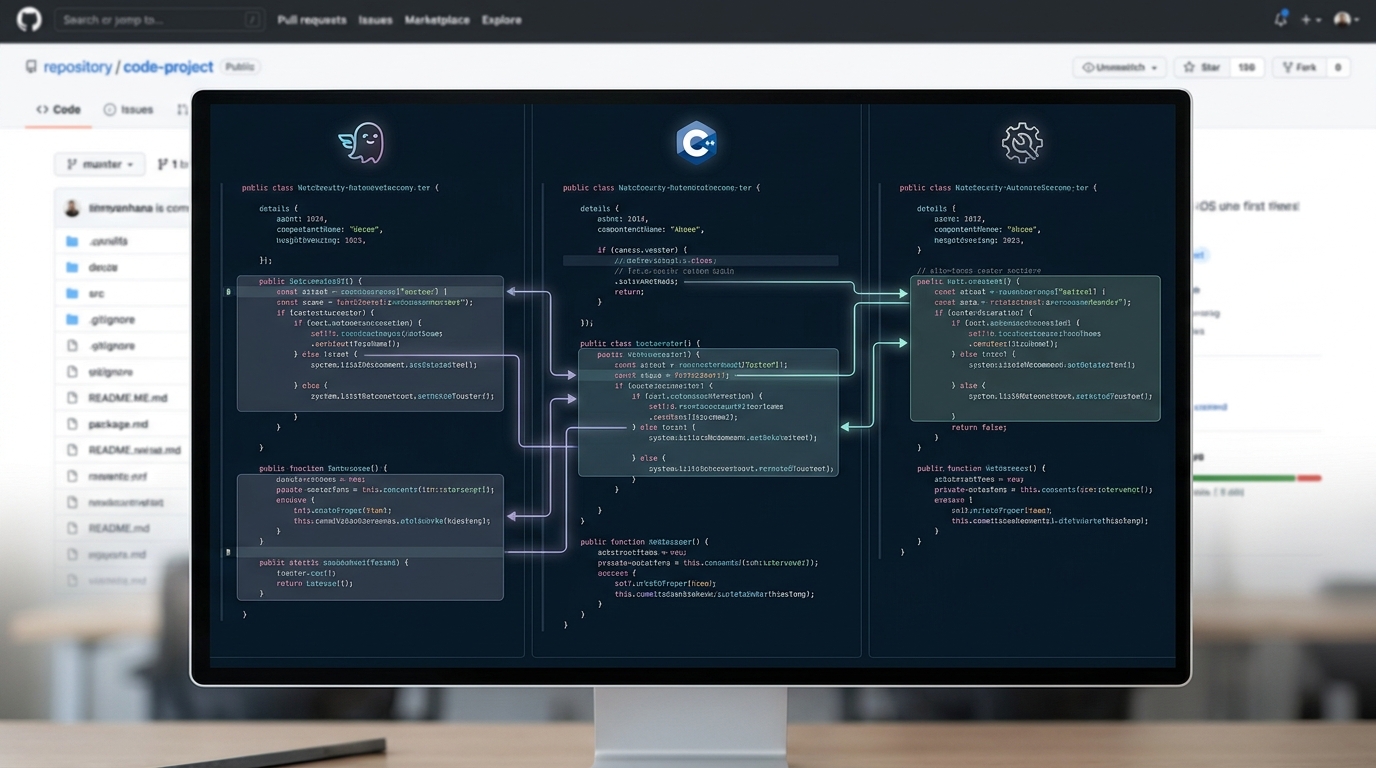
See multiple AI coding agents at work, comparing solutions side-by-side.
The Good, The Bad, and The Buggy: User Experiences 🧐
While the promise of multi-agent AI is exciting, real-world usage always brings out the nuances. Early feedback from the public preview of Claude and Codex in Agent HQ has been a mixed bag, highlighting both the incredible potential and the areas still needing refinement. This is crucial for you to understand as you evaluate these tools for your team.
It's a reminder that even advanced AI is a tool, and like any tool, it has its quirks. Understanding these experiences helps you set realistic expectations and develop strategies to mitigate potential issues, ensuring your team can still harness the power of AI effectively.
- Claude Opus 4.8 shines: Users are reporting strong performance from Anthropic's Claude Opus 4.8, especially in complex coding tasks and agentic workflows. Its ability to handle "dynamic workflows" suggests it's well-suited for more intricate problem-solving scenarios, making it a powerful ally for professional development.
- Codex challenges: OpenAI's Codex has faced some hurdles. Users have reported issues like the insertion of '\r\n' characters that prevent code from building, perceived inefficiency compared to GitHub Copilot, and difficulties with agent mode access levels. These challenges suggest that while Codex has foundational power, its current integration might require more careful validation of its output. You can find discussions on these issues in the OpenAI Developer Community.
- Copilot's consistency: GitHub Copilot generally maintains its reputation as a reliable and efficient coding assistant, often serving as the benchmark against which other agents are measured in terms of practical utility and seamless integration.
Advertisement
How to Evaluate AI Coding Agents for Your Team 📊
Choosing the right AI coding agents isn't a one-size-fits-all decision. It depends on your team's specific needs, tech stack, and workflow. With Agent HQ, you now have the perfect sandbox to conduct your own evaluations. Here’s a framework to help you assess which agents (or combination of agents) will best serve your team.
Remember, the goal isn't to replace your developers, but to empower them. The right AI coding agents can act as force multipliers, freeing up your team to focus on higher-level problem-solving and innovation.
| Evaluation Metric | What to Look For | Why it Matters |
|---|---|---|
| Code Quality & Correctness | Minimal bugs, adherence to best practices, robust solutions. | Directly impacts project stability and reduces debugging time. |
| Efficiency & Speed | How quickly and accurately the AI generates usable code. | Boosts developer productivity and accelerates project timelines. |
| Contextual Understanding | Ability to understand your existing codebase and project goals. | Ensures generated code integrates seamlessly and makes sense. |
| Architectural Alignment | Does the AI's output fit your team's design patterns and standards? | Maintains code consistency and avoids technical debt. |
| Ease of Use & Integration | How smoothly it fits into your IDE and workflow. | Reduces friction for developers and encourages adoption. |
| Problem-Solving Depth | Can it handle complex logic or just simple boilerplate? | Determines its utility for challenging tasks vs. routine coding. |
Practical Tips for Integrating Multi-Agent AI 🛠️
Bringing multiple AI coding agents into your development environment requires a thoughtful approach. It's not just about turning them on; it's about strategically deploying them to enhance, not hinder, your team's output. Here are some practical tips to get you started and make the most of this powerful new capability.
By following these tips, you can transform the multi-agent landscape from a potential source of confusion into a streamlined, highly efficient coding powerhouse for your team.

Unlock new levels of productivity by strategically integrating AI coding agents.
The Future is Multi-Agent: What's Next? 🔮
The integration of Claude and Codex into GitHub Agent HQ is more than just a product update; it's a clear signal of where AI-assisted development is headed. We're moving beyond single-agent solutions to a future where developers can orchestrate a symphony of AI tools, each contributing its unique strengths to the coding process. This shift promises to reduce context switching, improve code quality, and significantly boost efficiency.
As these AI coding agents evolve, we can expect even more specialized capabilities, better integration, and perhaps even AI agents that can learn and adapt to your team's specific coding style over time. The goal is to create an intelligent, adaptive development environment that anticipates your needs and empowers you to build faster and better. It's an exciting time to be a developer!
💡 Pro Tip: When evaluating AI coding agents, don't just look at their raw output. Pay attention to their 'reasoning' or how they arrive at a solution. This helps you understand their strengths and weaknesses for different problem types.
Key Takeaways
- GitHub Agent HQ now allows Copilot Pro+ and Enterprise users to run multiple AI coding agents (Copilot, Claude, Codex) simultaneously for comparison.
- This multi-agent capability enables developers to evaluate different AI approaches to the same problem, explore trade-offs, and improve code quality.
- Anthropic's Claude Opus 4.8 is noted for strong performance in agentic and professional coding tasks, while OpenAI's Codex has reported issues like unwanted character insertion.
- Effective evaluation involves assessing code quality, efficiency, contextual understanding, and architectural alignment to select the best agents for your team.
- The future of AI-assisted development is multi-agent, promising reduced context switching and enhanced developer productivity.
Related on Tech4SSD 🔗
- No-Code AI Agents: Build Powerful Digital Assistants for Free in 2026
- Open-Weight AI Models in 2026: Your Guide to Unlocked Power 🚀
📩 Want the freshest AI trends every week?
Subscribe to Tech4SSD — practical AI tools and trends, explained for everyone. Free. Subscribe →
Advertisement
Frequently Asked Questions
Who can access multi-agent capabilities in GitHub Agent HQ?
Currently, the multi-agent features, including Claude and Codex, are available in public preview for GitHub Copilot Pro+ and Copilot Enterprise users.
Can I use Claude and Codex outside of GitHub Agent HQ?
Yes, Claude and Codex are available as standalone models from Anthropic and OpenAI, respectively. However, the unique multi-agent comparison and integration within your developer workflow is specific to GitHub Agent HQ.
What are the main benefits of using multiple AI coding agents?
The primary benefits include the ability to compare different AI approaches, explore various solutions, reduce context switching, improve code quality, and enhance overall developer efficiency by leveraging each agent's specific strengths.
Are there any known issues with the new integrations?
Yes, some users have reported challenges with OpenAI's Codex, such as the insertion of unwanted '\r\n' characters and perceived inefficiency compared to GitHub Copilot. Anthropic's Claude Opus 4.8, however, has received positive feedback for its performance.
Final Word
The landscape of AI-assisted coding is evolving rapidly, and GitHub's Agent HQ is at the forefront of this transformation. By bringing multiple AI coding agents like Copilot, Claude, and Codex into a single, cohesive environment, GitHub is empowering developers with unprecedented choice and analytical power. This isn't just about getting code faster; it's about getting better code, more thoughtfully, and with a deeper understanding of the possibilities.
As you embark on this multi-agent journey, remember that these tools are designed to augment your skills, not replace them. Experiment, compare, and integrate them strategically. The future of coding is collaborative, intelligent, and incredibly exciting. Go build something amazing! ✨
Sources & Further Reading
- Pick your agent: Use Claude and Codex on Agent HQ - The GitHub Blog
- Introducing Claude Opus 4.8 \ Anthropic
- Challenges With Codex - Comparison with GitHub Copilot and Cursor - Codex - OpenAI Developer Community
- Claude and Codex are now available in public preview on GitHub - GitHub Changelog
AI tools and features change fast — verify current options before relying on them. — Tech4SSD Editorial