
Ever wish you had more hours in the day? ⏰ Good news! By 2026, AI productivity tools are making that dream a reality for everyone. Whether you're a busy professional, a student juggling deadlines, or a small business owner wearing a dozen hats, these smart assistants are here to help you reclaim your time. We're talking serious time savings, potentially 10 to 20 hours *each week*.
Forget complex tech or massive budgets. We're breaking down how accessible, powerful AI is stepping up to streamline your tasks, boost your creativity, and free you up for what truly matters. Ready to supercharge your workflow? Let's dive in!
Advertisement
The Big Promise: 10+ Hours Back in Your Week! 🚀
It's not hype. The biggest takeaway for 2026 is that AI isn't just for big corporations anymore. It's for *you*. These new AI productivity tools are specifically designed to tackle the everyday time-sinks. Think less time on repetitive tasks, more time on innovation and growth.
How do they do it? Simple: machine learning for smart adaptations, predictive analytics to anticipate your needs, and automation to get things done without you lifting a finger. And the best part? Many of these powerful tools offer free plans or cost about as much as your favorite streaming service. Accessibility is key here!

Imagine AI handling the busywork. That's 2026 productivity.
Your AI Sidekicks: From Content to Calendars 🤖
AI tools are getting smarter and more specialized. They're no longer just fancy chatbots. Now, they're integrating directly into your existing apps and workflows. This means less jumping between tools and more seamless assistance right where you need it.
From summarizing mountains of information to helping you remember key details, these tools are built to make you feel like you have an extra brain (a very efficient one!). Let’s look at some shining examples that are already changing the game.
🟦 Microsoft CoPilot
Think of CoPilot as your ultimate office assistant, embedded directly into Microsoft 365 apps. It can draft emails, summarize long documents, create presentations from scratch, and even help analyze data in Excel. It learns your style and preferences, making your work faster and more consistent. It’s like having a super-smart colleague always ready to help. (Source: Alai Blog)
🟥 Notion AI
If you use Notion for notes, docs, or project management, Notion AI takes it to the next level. It can brainstorm ideas, write blog posts, summarize meeting notes, correct grammar, and even help you structure complex projects. It's a creative partner that understands context within your Notion workspace.
Want to turn bullet points into a full report? Notion AI can do that. Need to extract action items from a transcript? No problem. It's a huge time-saver for anyone managing information or content.
🟪 Littlebird
Littlebird focuses on making your digital life less cluttered. It’s excellent at summarizing lengthy articles, extracting key takeaways from documents, and helping you recall information you’ve previously seen. It acts like an intelligent filter, ensuring you only spend time on what’s truly important. Perfect for students, researchers, and anyone drowning in digital info.
Specialized AI for Every Niche 🛠️
The beauty of 2026's AI landscape is the explosion of specialized tools. You don't need a generalist AI to do everything (though some are great!). Instead, you can pick and choose tools that excel at your specific pain points.
This targeted approach means even bigger time savings for specific tasks. Let's explore a few areas where AI is making a massive difference.
Content Creation & Design: From Hours to Minutes ✍️
For creators and small businesses, content is king, but it's also a huge time suck. AI is revolutionizing this. Tasks that used to take hours of graphic design or copywriting can now be done in minutes. No more staring at a blank page!
Whether you need to whip up social media graphics, write compelling ad copy, or even generate video scripts, there’s an AI for that. These tools democratize creativity, putting professional-level output within reach for everyone. For example, some graphic design tasks that once took 3-4 hours can now be completed in 10-20 minutes with AI assistance. That's HUGE!
- AI Writers Generate blog posts, social media captions, email newsletters, and ad copy in seconds. They can even adapt to your brand's voice.
- AI Graphic Tools Create stunning visuals, remove backgrounds, enhance images, and even generate unique illustrations from text prompts. Perfect for marketing materials or social media.
- AI Video Editors Automatically cut footage, add captions, generate voiceovers, and create short-form video content with minimal effort.
Advertisement
Sales, Admin, & Scheduling: The Unsung Heroes 📊
Let's be real: sales administration, email management, and scheduling are essential but often tedious. AI is tackling these behind-the-scenes tasks head-on, freeing up sales teams and individuals to focus on connecting with people rather than managing spreadsheets and calendars.
Imagine an AI that pre-qualifies leads, drafts follow-up emails, or finds the perfect meeting time across multiple busy schedules. This isn't science fiction; it's 2026 reality. These tools are often budget-friendly, making them perfect for small teams looking to scale efficiently.
- Sales AI Automate lead scoring, personalize outreach messages, summarize customer interactions, and even predict sales trends.
- Email & Calendar AI Prioritize your inbox, draft replies, schedule meetings with smart suggestions, and automatically block out focus time based on your habits. (Personal AI Agents Are Finally Here are making this even more seamless!)
- Project Management AI Help with task allocation, progress tracking, identifying bottlenecks, and even suggesting optimal timelines for complex projects.
Free & Low-Cost AI: Power for the People 💰
One of the coolest things about the current wave of AI productivity tools is their accessibility. You don't need a corporate budget to tap into serious power. Many top-tier tools offer robust free versions that are perfect for individual creators or small startups.
And for those that do charge, the monthly fees are often incredibly reasonable, making AI a no-brainer investment for saving dozens of hours a month. This means advanced capabilities are no longer locked behind a paywall, democratizing efficiency for everyone.
It's about getting more done with less, without breaking the bank. So, if you've been hesitant to try AI because of cost, now's the time to jump in!
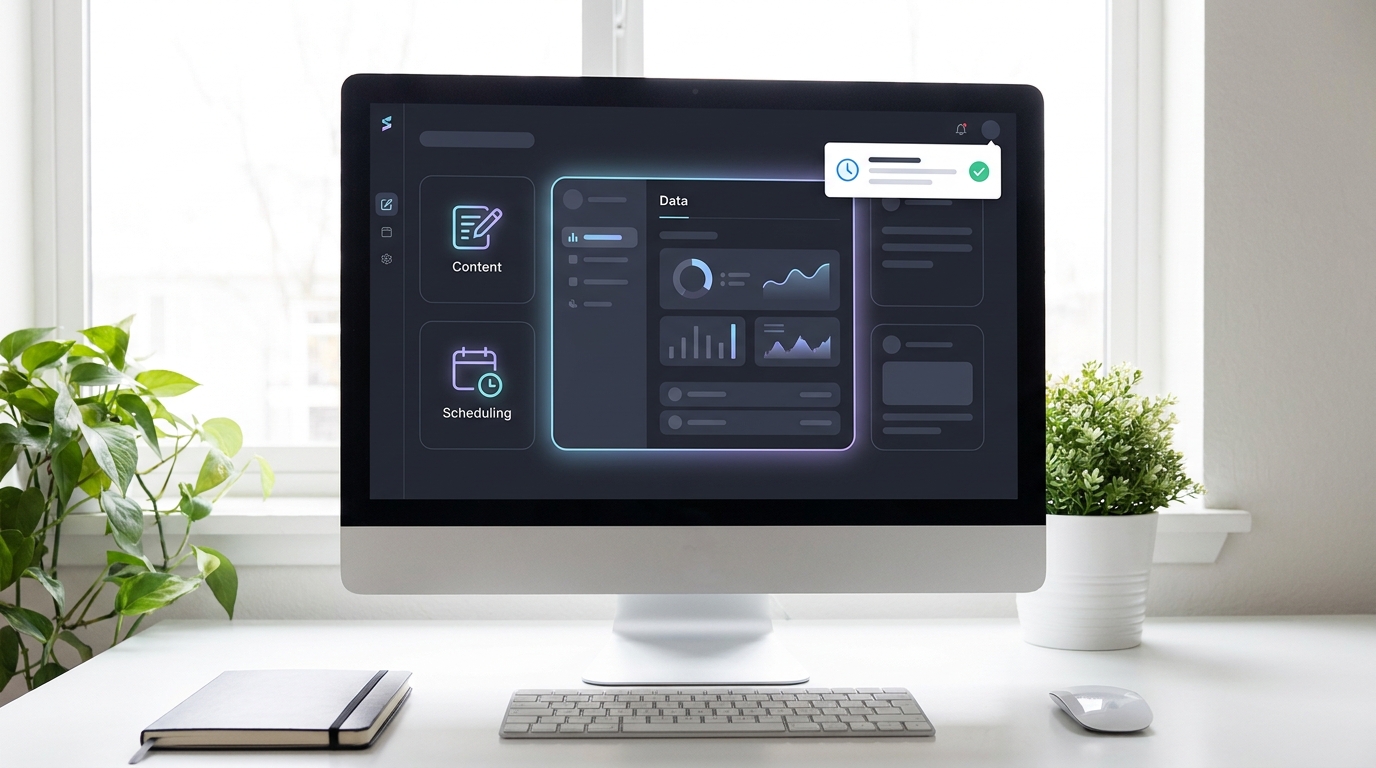
Powerful AI tools don't need to be expensive. Many offer free tiers or low costs.
💡 Pro Tip: Start small! Pick one repetitive task that drains your energy and find an AI tool specifically designed to automate it. Even 30 minutes saved daily adds up fast!
Key Takeaways
- AI productivity tools in 2026 can save you 10-20 hours weekly by automating tasks and providing smart assistance.
- Tools like Microsoft CoPilot, Notion AI, and Littlebird integrate into existing workflows for seamless support.
- Specialized AI helps with content creation, sales admin, and scheduling, turning long tasks into quick wins.
- Many powerful AI tools are available for free or at very low costs, making them accessible to everyone.
- Focus on applying AI to your biggest time-sinks to see the most significant benefits.
Related on Tech4SSD 🔗
- Personal AI Agents Are Finally Here: Microsoft Scout vs Gemini Spark vs Meta Hatch
- ChatGPT Now Lives Inside Your Spreadsheet and Builds Formulas While You Watch
- Claude Opus 4.8 vs GPT-5.5 vs Gemini 3.5: Which AI Should You Actually Use? (June 2026)
📩 Want the freshest AI trends every week?
Subscribe to Tech4SSD — practical AI tools and trends, explained for everyone. Free. Subscribe →
Advertisement
Frequently Asked Questions
Are AI productivity tools hard to learn?
Not at all! Most modern AI tools are designed with user-friendly interfaces. Many integrate directly into apps you already use, making the learning curve very gentle. You don't need to be a tech expert to use them.
How much do these AI tools typically cost?
Costs vary, but many offer robust free plans. Paid versions often start around $5-$20 per month, comparable to a streaming service. There are options for every budget, even free ones that can save you significant time.
Can AI really save me 10+ hours a week?
Absolutely! By automating repetitive tasks like email drafting, content generation, data summary, and scheduling, AI can free up significant chunks of your week. It might start with a few hours, but as you integrate more tools, those savings stack up quickly.
Are these AI tools secure for my data?
Reputable AI tools prioritize data security and privacy. Always check the privacy policy and terms of service for any tool you consider. For sensitive data, look for enterprise-grade solutions or tools with strong encryption and compliance certifications.
Final Word
The landscape of AI productivity tools in 2026 is an exciting one. It’s no longer about just doing things faster, but about doing things smarter, with less effort, and more creativity. The promise of gaining 10, 15, even 20 hours back in your week isn't a fantasy; it's a tangible reality made possible by accessible, powerful AI.
So, stop wishing for more time and start *creating* it. Explore these tools, find what works for you, and watch your productivity soar. Your future, more efficient self will thank you! ✨
AI tools and features change fast — verify current options before relying on them. — Tech4SSD Editorial
Discussion
Have a question or something to add?
Join the discussion on Blogger