Imagine making something one time — then selling it over and over while you sleep. No inventory, no shipping, no restocking. That's the dream of digital products, and in 2026 AI just deleted the one excuse that stopped most people: "I can't design." 🚀 Templates, printables, and mini e-books — built with AI, sold on autopilot on Etsy or Gumroad.
Real talk: this is "passive-ish," not magic. You build smart up front, then the catalog keeps earning. Let's set up your first product the right way.
What You'll Need 🎯
- An AI chat tool — ChatGPT, Claude, or Gemini for ideas, copy, and writing whole e-books. Free tier is plenty.
- An AI design tool — Canva (free) for templates and printables, or any AI image tool for art and graphics.
- A free storefront — Etsy or Gumroad. Both are free to open; you only pay small fees when you actually sell.
Step 1: Pick a Product That Actually Sells 🛍️
Don't overthink this — proven product types win. Think planners and printables, Notion or Canva templates, prompt packs, and short mini e-books. People buy these every single day because they solve a small problem fast.
💡 Pro Tip: Start with one product in one niche. "A meal-prep planner for busy parents" beats "planners for everyone" every time.
Step 2: Validate Demand in 5 Minutes 🔎
Before you build anything, check that people are already buying. Search your product idea on Etsy and Gumroad and look at the top sellers — review counts and "1,000+ sold" badges are your proof. If shops are clearly moving units, demand is real.
Competition isn't scary — it's confirmation. An empty search result usually means no money there, not an untapped goldmine.

Proven sellers with hundreds of sales tell you exactly what buyers already want.
Step 3: Create the Product With AI ✨
Now hand the heavy lifting to AI. Ask your chat tool to outline and write the content, then drop it into Canva to design the pages. Here's a starter prompt to get a full product brief in seconds:
"Act as a digital product creator. Outline a printable weekly meal-prep planner for busy parents. Include section names, what each page contains, and the exact text to put on every page. Keep it clean, practical, and beginner-friendly."
Take that outline into Canva, pick a free template that matches the vibe, paste the text, and export as a PDF. Mini e-book? Same flow — AI writes the chapters, Canva makes it look pro.
Step 4: List It So It Gets Found 📝
A great product nobody can find earns $0. Ask your AI tool to write a keyword-rich title, a benefit-driven description, and a list of tags for your storefront. Then make clean mockups in Canva so shoppers can see what they're getting.
💡 Pro Tip: Tell the AI to "write this in plain, friendly language a tired shopper would actually read." Skip the salesy fluff — clarity sells.
Step 5: Automate Delivery & Drive a Little Traffic 🤖
This is the "autopilot" part. Etsy and Gumroad deliver your file automatically the second someone pays — no work from you. To get those first buyers, post free pins on Pinterest and short clips on TikTok or Reels showing your product in action.
A handful of pins can quietly send traffic for months. Set it up once, then let it run while you build product number two.
Stack It Into Real Income 💰
One product is a test. A catalog is a business. The magic of digital products is that they compound — every new listing adds another income stream without touching the others.
- Stack products — turn one winning planner into a whole series (meal-prep, budget, fitness, study).
- Bundle them — sell five printables together at a higher price than any single one.
- Add upsells — offer a "premium pack" or editable version for buyers who want more.
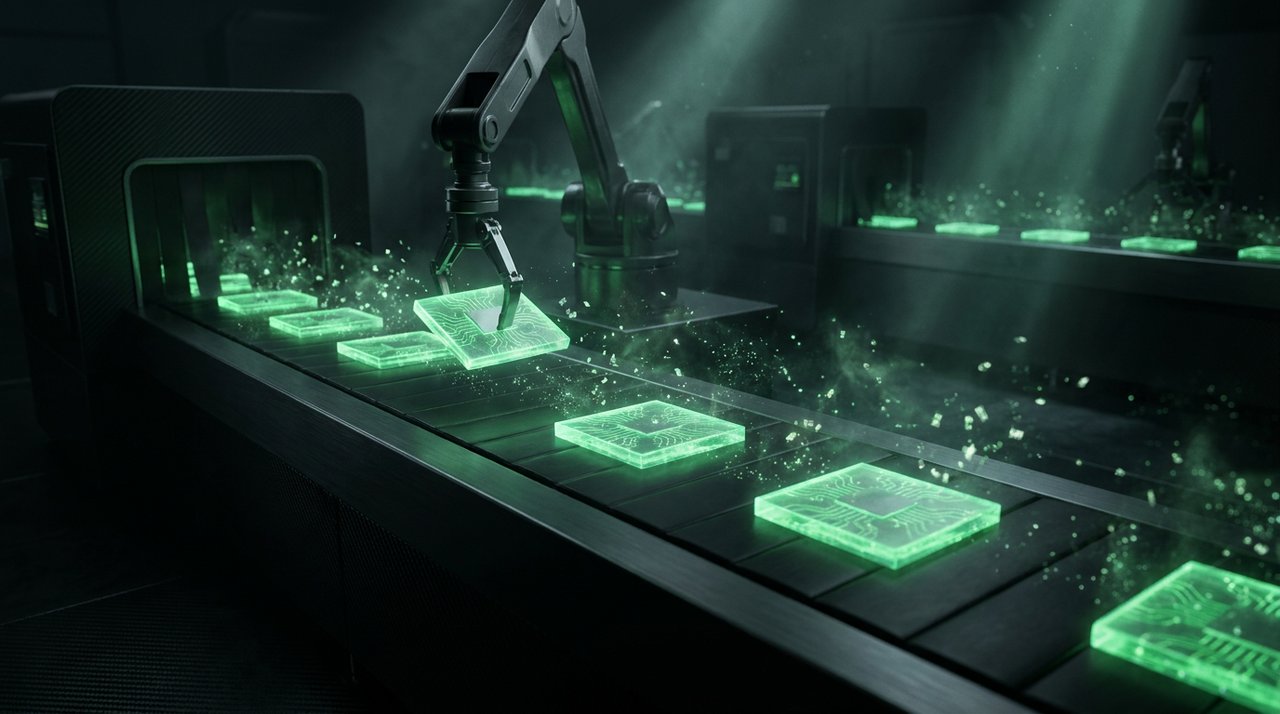
Each new product stacks onto the last — your catalog compounds over time.
Key Takeaways
- Digital products are "make once, sell forever" — AI removes the design and writing barrier.
- Start with one proven product type in one tight niche, then validate demand on Etsy or Gumroad first.
- Let AI write the content and Canva handle the design — no skills required.
- Storefronts deliver files automatically; a few Pinterest pins and short clips drive traffic for free.
- Stack, bundle, and upsell — a catalog compounds in a way a single product never will.
Frequently Asked Questions
Is this really passive income?
It's "passive-ish." The selling and delivery are fully automatic, but you still have to build good products and do a little marketing up front. Once that's done, the same product can sell for years with almost no extra work.
What sells best?
Practical, problem-solving products win: planners, printables, Notion and Canva templates, prompt packs, and short mini e-books. The tighter the niche, the easier it is to stand out and get found.
Is it free to start?
Yes. AI chat tools and Canva have free tiers, and opening an Etsy or Gumroad shop is free. You only pay small fees when you actually make a sale — so your upfront cost can be $0.
Will marketplaces allow AI-made products?
Generally yes, as long as the product is genuinely useful and the listing is honest. Policies vary and change, though, so always check the AI-content rules on Etsy or Gumroad before you list.
Final Word
Digital products used to mean you needed design chops, writing skills, and a lot of patience. Now AI handles the hard parts, free tools handle the rest, and your storefront handles the selling. The barrier to "make once, sell forever" has never been lower. 💪
Pick one product, build it this week, and list it. Your first sale notification hits different — go earn it. 🔥
📩 Want a fresh AI money-maker like this every week?
Subscribe to Tech4SSD — practical AI tools and creator guides, explained for everyone. Free. Subscribe →
"Autopilot" still needs good products and marketing — results vary; check each marketplace's AI-content policy — Tech4SSD Editorial
Discussion
Have a question or something to add?
Join the discussion on Blogger