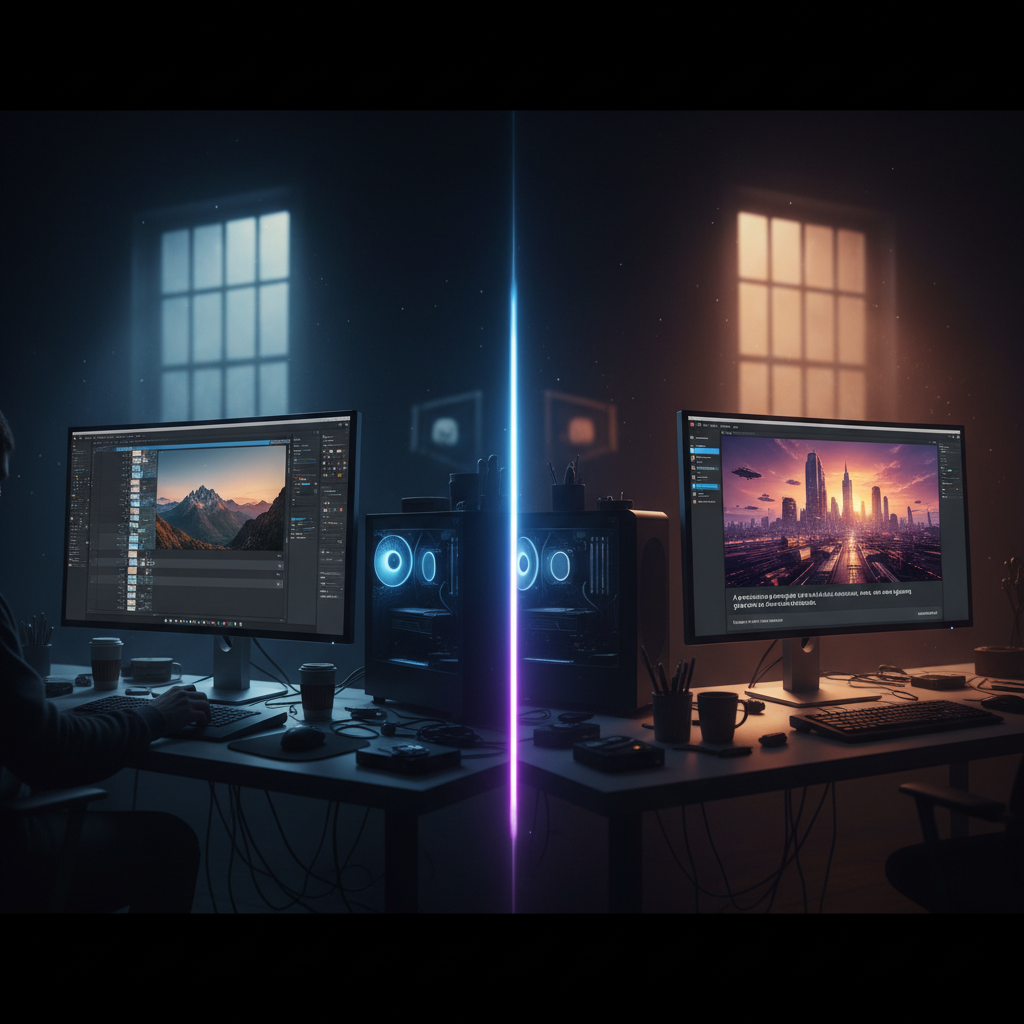
Generated with AI by Tech4SSD
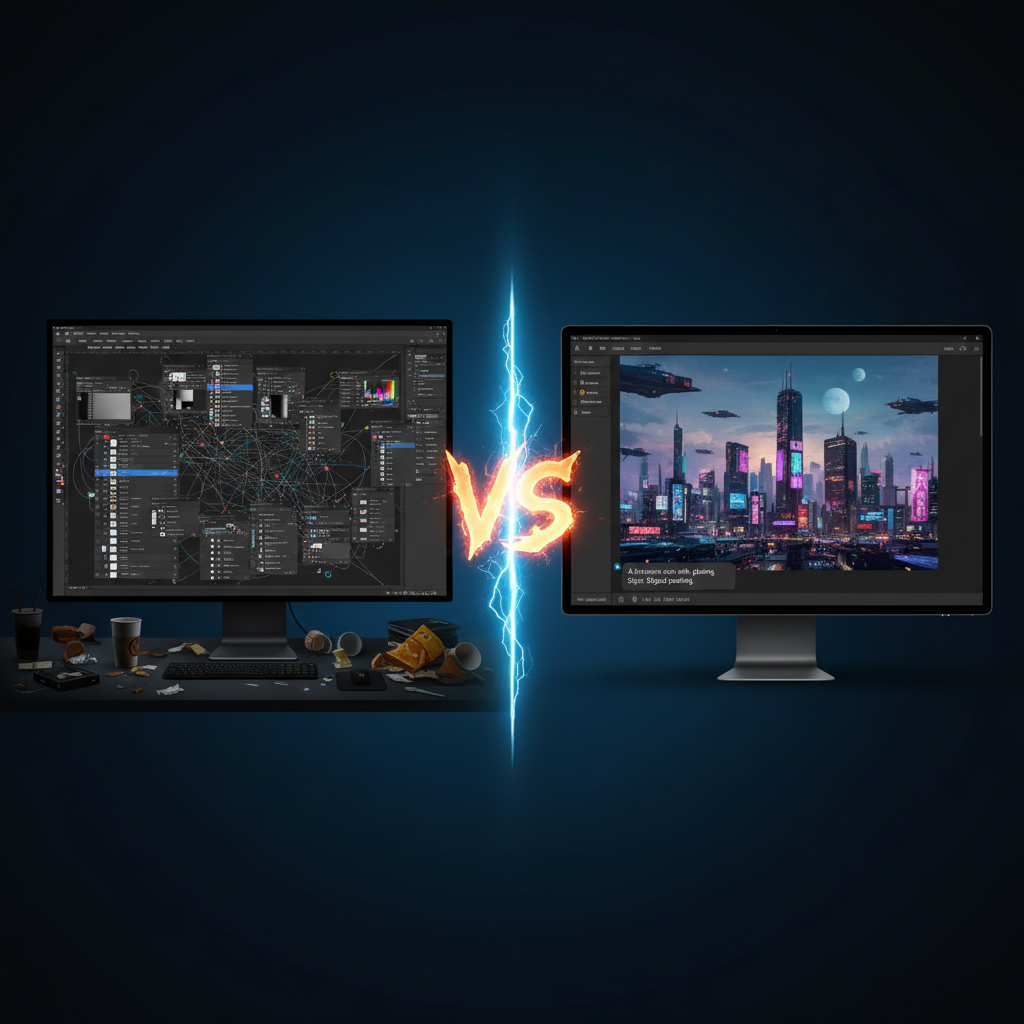
Twelve months ago, creating a professional-quality image meant hours in Photoshop or Lightroom — layers, masks, curves, frequency separation, dodge and burn, skills that took years to master. Today, you can describe the exact image you want in a single prompt and get a result in 30 seconds that matches or exceeds what manual editing could produce. This is not hyperbole. This is what is actually happening in 2026.
The gap between AI-generated images and manually edited photographs has narrowed to the point where most viewers cannot distinguish between them. For creators, marketers, small businesses, and anyone who needs visual content at scale, the implications are massive and immediate.
Three Things Converged in 2026

Generated with AI by Tech4SSD
1. Free image generation reached professional quality. Google Gemini, Flux, Ideogram, and Leonardo AI all produce outputs that rival what paid tools like Midjourney offered as recently as last year. You no longer need a subscription to access professional-grade AI image generation.
2. Meta prompting gave creators precise control. The technique of specifying camera body, lens, aperture, lighting setup, and material properties in your prompt produces cinema-grade results consistently. This turned AI image generation from a slot machine into a precision tool.
3. Face fidelity improved dramatically. You can now generate images featuring real people that preserve their actual facial features with high accuracy. This makes AI-generated content usable for personal branding, social media, and marketing where the subject's identity matters.
Who Is Most Affected
Photo editing in 60 seconds, not 60 minutes
Daily AI breakdowns + tool reviews from Tech4SSD. Free.
Social Media Creators
Previously outsourced graphic design or spent hours creating visuals. Now generate scroll-stopping content in seconds. The volume advantage alone is transformative.
Small Businesses
Used to pay photographers for product shots, hire designers for marketing materials, and license stock photos. All three expenses can now be reduced or eliminated.
Marketing Teams
Needed weeks to produce visual campaigns. Now iterate on concepts in real-time, test variations instantly, and produce more creative options in a single afternoon than previously possible in a month.
Freelance Editors
The mid-tier retouching market is compressing rapidly. Basic photo editing, background replacement, color grading, and compositing are all now achievable through prompts.
What This Does NOT Replace
High-end commercial photography for luxury brands, editorial fashion shoots, fine art photography, and photojournalism all still require human expertise, creative vision, and the irreplaceable quality of capturing real moments. AI generates convincing images, but it does not replace the artistic judgment, client collaboration, and physical presence that define professional photography at the highest level.
The layer being automated is the technical execution between a creative idea and a finished image. The conception, the vision, the storytelling — these remain fundamentally human skills that AI amplifies rather than replaces.
AI is not replacing creativity. It is replacing the technical execution layer that sat between a creative idea and a finished image. The creators who embrace this shift will produce more content, at higher quality, in less time than those who resist it.
The Four AI Editors Actually Worth Using in 2026
Not every editor calling itself "AI-powered" deserves the label. After testing dozens of tools across portraits, product shots, landscapes, and event photography, four stand out as production-ready. Here is how they stack up.
Photoshop AI — The Generative Heavyweight
Adobe's Generative Fill is the closest thing to a magic wand the industry has ever shipped. Lasso a power line, type "remove," and it is gone — with reconstructed sky that respects clouds, gradient, and grain. Generative Expand pushes a vertical phone shot into a wide-format banner without re-shooting. The 2026 update added Reference Image, so you can match an editorial style across a brand's entire library by feeding it one hero shot.
Lightroom AI — The Volume Workhorse
Wedding photographers culling 3,000 frames care about one thing: speed without sacrificing taste. Lightroom's AI Masking (sky, subject, background, eyes, teeth, lips, hair) plus Denoise turns a 6-hour edit into 90 minutes. The new Adaptive Presets apply different recipes to faces vs landscapes inside the same image, automatically.
Topaz Photo AI — The Rescue Tool
Topaz is the editor you reach for when the image is technically broken. Underexposed concert shot at ISO 12800? It rebuilds detail without the wax-figure smoothing artifacts of older denoisers. Blurry handheld telephoto frame? Sharpen AI distinguishes motion blur, focus miss, and softness. For event photographers and journalists, Topaz routinely saves shots that traditional editing could not.
Pixelmator Pro AI — The Indie Powerhouse
For solo creators on Mac, Pixelmator Pro delivers 80% of Photoshop's AI feature set at a one-time $49.99. ML Super Resolution upscales 1x to 3x without halos. ML Enhance reads exposure, white balance, and contrast in one click and is correct often enough that you only override the result on tricky scenes. No subscription. No Creative Cloud nag.
Two Sample Workflows That Used to Take Hours
WORKFLOW 1
Product Shot for an Online Store
Old way (45–90 min): Studio setup, lighting tweaks, manual masking around the product, shadow reconstruction, multiple color comps.
2026 way (4 min): Phone shot on a white sheet → Photoshop AI Remove Background → Generative Fill new backdrop ("marble pedestal, soft window light") → Lightroom AI for color and shadow polish. Done.
WORKFLOW 2
Portrait Retouching for a Personal Brand
Old way (60–120 min): Frequency separation, dodge and burn, manual skin retouching, eye sharpening, hair selection.
2026 way (6 min): Lightroom AI Mask → Subject → adjust skin texture preset → Eyes mask for clarity → Teeth mask for whitening → export. Topaz Photo AI for final sharpening pass if needed.
When Traditional Photoshop Still Wins
AI is not a complete replacement — and pretending it is will burn you on the wrong job. There are four scenarios where traditional, layer-based, pixel-level Photoshop work still outperforms AI:
- Precision compositing for advertising and editorial. When a single hair strand crossing a clean background matters, manual masking with refined edge selection beats any AI prompt. Luxury brands and high-end editorial still demand this level of control.
- Brand consistency across hundreds of assets. AI tools hallucinate small details that drift over a long campaign — slightly different fabric grain, slightly different lighting falloff. A locked Photoshop action with calibrated curves is still more predictable.
- Court-admissible or journalism-grade edits. Generative edits create new pixels that did not exist in the original capture. For evidence photography, scientific imaging, or news, that disqualifies AI generative tools entirely.
- Print-grade CMYK and PDF/X-4 pipelines. AI editors still output sRGB JPEGs by default. For offset printing, packaging, and large-format work, you need true Photoshop with ICC profile management and spot color separation.
The smart move in 2026 is not to abandon Photoshop — it is to know which 80% of your work AI handles in minutes, so you can spend the remaining 20% doing the precision craft that still earns premium rates.
Keep Reading
Frequently Asked Questions
Is AI photo editing actually replacing professional photographers in 2026?
No — it is replacing the editing layer, not the photographer. Capturing real moments, directing clients, and composing scenes are still human skills. What AI replaces is the technical post-production work that used to take hours per image.
Which AI photo editor is best for beginners?
Pixelmator Pro on Mac or Lightroom Mobile on phone. Both offer one-click AI enhancements that produce strong results without prompt engineering or layer-based editing knowledge.
Can AI-edited photos be detected as fake?
Forensic tools can flag generative edits via metadata and pixel-level analysis, but to the human eye, modern AI-edited photos are indistinguishable from manually edited ones. For most commercial uses — social media, marketing, product shots — this distinction does not matter.
Do I still need Photoshop in 2026?
If you do client work for premium brands, editorial, packaging, or print — yes. If you produce social content, product shots, or personal branding — probably not. A combination of Lightroom AI plus a free generator like Nano Banana Pro covers 90% of creator needs at a fraction of the cost.
Want more AI insights?
Follow Tech4SSD for daily tutorials. Subscribe at tech4ssd.beehiiv.com
Discussion
Have a question or something to add?
Join the discussion on Blogger