
Generated with AI by Tech4SSD
OpenClaw just hit 100,000 GitHub stars — making it one of the fastest-growing open-source projects in history. But unlike ChatGPT or Claude, OpenClaw is not a chatbot you talk to. It is an autonomous AI agent that actually performs tasks on your computer. You tell it what needs to happen, and it does it.
The difference between a chatbot and an agent is the difference between asking someone for directions and having a driver take you there. OpenClaw is the driver. It reads files, writes code, manages your inbox, deploys applications, processes data, and automates multi-step workflows — all from a single natural language instruction.
What Makes OpenClaw Different

Generated with AI by Tech4SSD
Every major AI company has released a chatbot. You type, it responds, you copy-paste the result somewhere else. OpenClaw breaks this pattern entirely. When you tell OpenClaw to "organize my Downloads folder by file type, rename everything with today's date, and delete anything older than 30 days" — it actually does it. Files move. Names change. Old files disappear. No copy-pasting required.
Under the hood, OpenClaw uses a planning architecture where it breaks your instruction into discrete steps, executes each one in a sandboxed environment, verifies the result, and moves to the next step. If something fails, it retries with a different approach. This autonomous loop is what separates agents from assistants.
The tool is completely open-source under the Apache 2.0 license, meaning you can run it locally, modify it, and deploy it within your organization without any licensing fees. China has been holding public events to encourage mass adoption, and developer communities on LinkedIn, Reddit, and X are calling it the most significant open-source AI tool of 2026.
5 Real Use Cases That Save Hours Every Week
1. Automated File Management
Point OpenClaw at any folder and describe how you want it organized. It reads file names, contents, and metadata to sort everything into logical categories. We tested it on a chaotic Downloads folder with 2,000+ files — it organized everything in under 3 minutes, creating proper folder structures and renaming files consistently.
2. Email Automation
Connect OpenClaw to your email via API and it can draft responses based on templates, flag important messages, create follow-up sequences, and even sort your inbox by priority. One developer reported saving 45 minutes per day on email management alone.
3. Code Deployment Pipelines
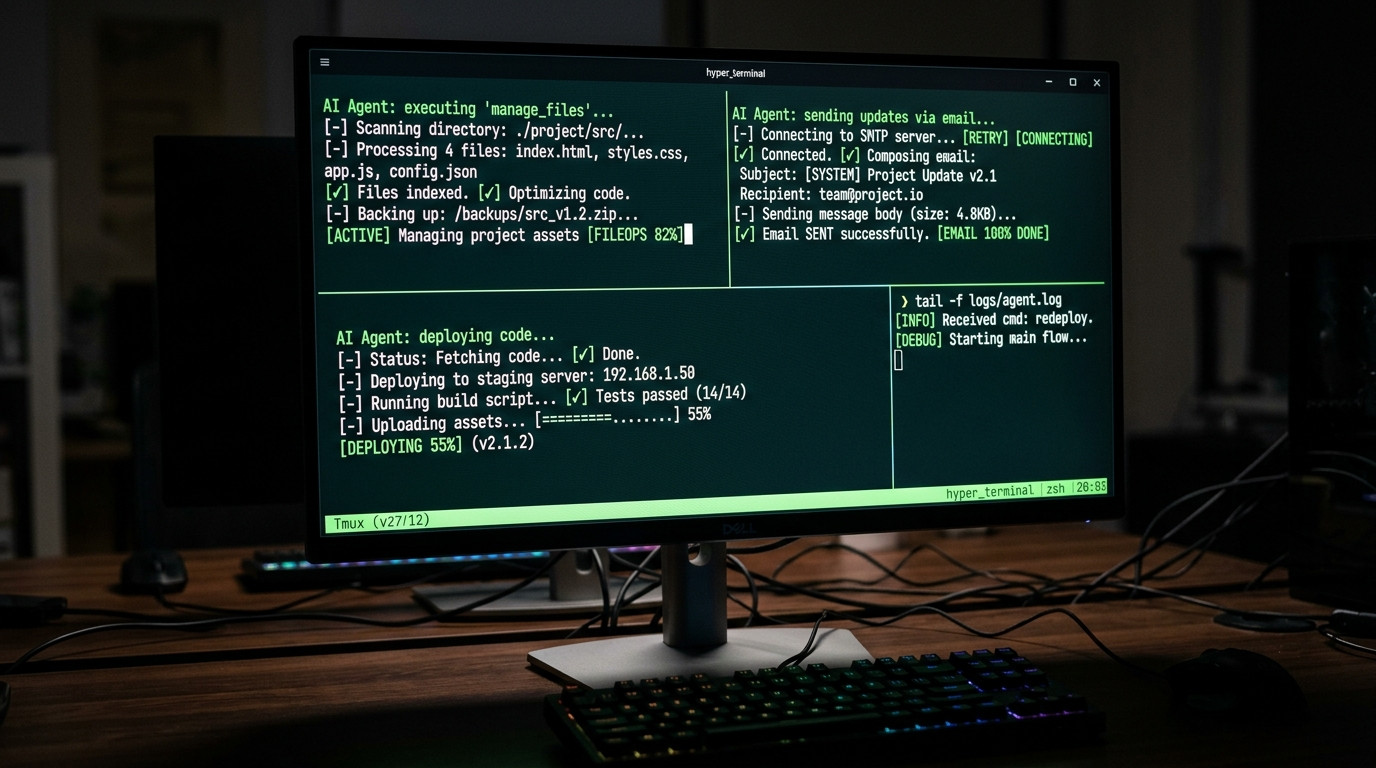
Tell OpenClaw to "push the latest changes to GitHub, run the test suite, fix any failing tests, and deploy to production if everything passes." It handles the entire CI/CD pipeline autonomously, including debugging failing tests and creating pull requests with explanations of what it changed.
Generated with AI by Tech4SSD
4. Data Processing and Analysis
Feed OpenClaw a messy CSV file and ask for a clean report. It handles data cleaning, deduplication, analysis, chart generation, and report formatting. We gave it a 50,000-row sales dataset and asked for quarterly insights — it produced a polished summary with visualizations in under 5 minutes.
5. Multi-Service API Integration
Need to pull data from Notion, transform it, and push it to Google Sheets? OpenClaw handles API authentication, data extraction, transformation, and insertion without you writing a single line of integration code. This alone can replace tools like Zapier for many workflows.
💡 Enjoying this article?
Get more AI deep-dives daily. Subscribe to Tech4SSD →
How to Install (3 Commands)
pip install openclaw
openclaw init
openclaw start
That is genuinely all it takes. Three commands and you have an autonomous AI agent running on your machine. It supports Mac, Windows, and Linux. The init command configures your system permissions and API keys, and start launches the agent with a web interface where you can give it instructions.
Pro Tip: Start with low-risk tasks like file organization before graduating to email or code deployment. This builds your trust in the agent and helps you understand its capabilities and limitations.
OpenClaw vs The Competition
The Bottom Line
OpenClaw represents a fundamental shift in how we interact with AI. The chatbot era was about getting answers. The agent era is about getting things done. If you spend time on repetitive computer tasks — file management, email, data processing, code deployment — OpenClaw can save you hours every single week.
The 100K GitHub stars in record time tell you everything about where the industry is heading. AI agents that take action, not just give advice, are the next major paradigm. And OpenClaw is leading the charge — for free.
Have you tried OpenClaw? What tasks did you automate first? Drop a comment below! ⚡
FREE NEWSLETTER
Want to Stay Ahead of AI?
Join thousands of creators. Daily AI tools, tutorials, and tips.
Subscribe to Tech4SSD Newsletter →No spam. Unsubscribe anytime.
Discussion
Have a question or something to add?
Join the discussion on Blogger